How to Give an AI Agent Read-Only Access to Your Didit Account
Add read_only=true to the Didit MCP URL. The server lists only read tools and refuses writes. To restore changes, reconnect without the parameter and remove X-MCP-Readonly: true if sent.
 Alberto RosasCo-founder and CEO
Contents
In this guide
Jump to the part you need.
Read-only access suits teams that want an AI assistant to read a Didit account without the power to change it: reporting, support triage, analytics. You add read_only=true to the Didit MCP server URL, sign in with Didit as usual, and the server lists only read tools. The MCP server is free on every plan and the sandbox is free. The caveat: read-only applies to that one connection.
Last updated: November 26, 2026. Prices checked against the live Didit price feed on November 26, 2026.
Claude setup for the Didit MCP server · ChatGPT setup for the Didit MCP server · MCP setup for every client
Add Didit to Claude opens the standard connector. For read-only access, use Settings → Connectors → Add custom connector and paste https://mcp.didit.me/mcp?read_only=true.
The standard Claude connector link pre-fills https://mcp.didit.me/mcp. The Didit directory plugin in ChatGPT supports write actions. For read-only access, paste https://mcp.didit.me/mcp?read_only=true into Claude’s custom connector or ChatGPT’s custom MCP server dialog.
Read-only MCP access at a glance
| Setting | Value to use | What it changes |
|---|---|---|
| Server URL | https://mcp.didit.me/mcp?read_only=true | Lists only read tools; the server refuses every call that would create, change or delete |
| URL with toolsets | https://mcp.didit.me/mcp?toolsets=core,reports&read_only=true | Lists the read tools from the selected toolsets that your role may use |
| Header alternative | X-MCP-Readonly: true | Same effect when the client cannot keep a query string; either the URL or the header turns read-only on |
| Write helper | didit_tool_call_write | Not offered on a read-only connection |
| To allow changes again | Reconnect without the read_only URL parameter, and remove X-MCP-Readonly: true if your client sends it | To allow changes again, reconnect without the read_only URL parameter and remove X-MCP-Readonly: true if your client sends it. Your role permissions still apply. |
| Price | Free on every plan | The Didit MCP server has no price; sandbox testing is free |
Start free in the sandbox at business.didit.me, no sales call. For developers, connect Didit to an AI assistant through the Didit MCP server, and check unit prices on the pricing page.
What a read-only connection actually does
Our MCP server enables read-only mode from the server URL or the request header. Two things change when it is on.
The connection lists only tools that read. Anything that creates, changes or deletes is left out of the list the model sees.
The server refuses every write call anyway. The refusal happens on the server for every call, so it holds even if your client remembers a tool from an earlier connection and offers it again. You do not depend on the model choosing well, and you do not depend on a confirmation dialog.
Two more behaviours to know:
- Toolsets decide what is listed, not what may run. A tool outside your selection still runs when the model calls it by name, with the same role permissions as always. Read-only is the exception: a write tool is refused even by name.
- Selecting toolsets or enabling read-only mode does not grant permissions. Your Didit console role still applies, and a tool your role lacks answers with a
missing_scopeerror naming the permission.
Read-only limits changes, not what the agent can read
Read-only protects against changes. It says nothing about what the assistant can see. The organizations you approve during sign-in and the role of the account you sign in with govern that. Approve one organization and the assistant reads that one only. Approve several and it reads across all of them, with your role permissions in each. A signed-in MCP connection acts as you; an agent that runs with no person present connects with an application API key and acts as that one application.
Prerequisites
- A Didit account with access to the organizations the assistant should read. You sign in at business.didit.me.
- An MCP client that accepts a remote HTTP server URL: Claude, ChatGPT as a custom MCP server, Cursor, VS Code, Codex, Windsurf or Zed.
- The role permission behind each read tool you expect to use. Read-only does not add permissions.
- Nothing else for an interactive connection. Sign-in is OAuth 2.1 with PKCE, so there is no API key to create. An agent that runs with no person present is a separate case: it connects with an application API key and acts as that one application.
Steps to connect a read-only Didit MCP connection
- Decide how much of the catalog to load. With no parameter the server lists every tool your role may use, which for the whole Didit catalog is tens of thousands of tokens on every request, roughly 50,000 to 115,000 depending on the tokenizer. Some clients also cap how many tools they accept. If the assistant only reports, the documented read-only short list is enough: the docs put it at about 20 tools, less than a tenth of that token cost.
- Copy the read-only URL. Plain read-only:
Read-only with a shorter list:https://mcp.didit.me/mcp?read_only=true
Addhttps://mcp.didit.me/mcp?toolsets=core,reports&read_only=truecorefor the short list most work starts from, and a toolset such asreports,casesortransactionsfor the area the agent reads. This is the URL you paste in every client below. - Add the server in your client with that full URL. In Claude web: Settings, Connectors, Add custom connector, name it Didit, paste the read-only URL. In Claude Code:
In Cursor, inclaude mcp add --transport http didit-ro "https://mcp.didit.me/mcp?read_only=true"~/.cursor/mcp.jsonor.cursor/mcp.json:
Keep any servers you already have inside{ "mcpServers": { "didit-ro": { "url": "https://mcp.didit.me/mcp?toolsets=core,reports&read_only=true" } } }mcpServers. In VS Code the key isservers, notmcpServers. In ChatGPT, open Plugins, choose Add, then Add custom MCP server, set the name and paste the read-only URL as the Server URL with OAuth as authentication. If Add custom MCP server is missing, your plan or workspace does not allow custom MCP servers yet; on a Business or Enterprise workspace, ask an admin to enable them. The Didit plugin from the directory is not a substitute here, because it allows write actions. Quoting: in a shell, wrap the URL in quotes so the shell does not parse the&; in a JSON config the URL is always a quoted string. - Sign in with Didit in the browser and approve the permissions. Pick only the organizations the assistant should read. Both scopes,
didit:managementanddidit:verification, can be approved; read-only limits what the connection can do with them. - If your client cannot keep a query string, send the header
X-MCP-Readonly: trueinstead. Read-only is on when either the URL or the header asks for it. You do not need both. - Check the tool list. Check the configured URL or header and reconnect to refresh the tool list. Then ask the assistant to call
didit_context_getto confirm read access. If a write tool still appears, check which Didit connection the assistant is using. - Record how to allow changes again. To allow changes again, reconnect without the
read_onlyURL parameter and removeX-MCP-Readonly: trueif your client sends it. Your role permissions still apply.

What you should see when it works
A read-only connection still gets the discovery path. Ask the assistant to call didit_context_get, which every connection receives and which needs no application id. It returns every organization and application you can reach, nested, plus the default organization and application when there is only one.
When a connection lists only part of the catalog, the server adds helpers that stay inside read-only:
didit_tool_searchfinds tools by what you want to do, and each match says whether the tool reads, writes or is destructive.didit_tool_describereturns the full description and input schema of up to five tools.didit_tool_call_readruns a read-only tool that is not in the list, and refuses a tool that changes data.
The fourth helper, didit_tool_call_write, is not offered on a read-only connection at all. A call through didit_tool_call_read is checked exactly like a direct call, so the read-only rule applies to it too.
A typical first prompt that stays inside the boundary: ask for the sessions waiting in the review queue and a summary of their warnings, or ask for the analytics for a date window. Both are read tools. The MCP tool returns the endpoint's JSON, which the assistant can summarize in chat.

Inputs and outputs
| Item | Where it goes | What comes back |
|---|---|---|
read_only=true | Server URL, or the X-MCP-Readonly: true header | A tool list with read tools only, and a server-side refusal for any write call |
toolsets=core,reports | Server URL, comma separated | Lists the read tools from the selected toolsets that your role may use. Unknown names are ignored and reported back to the model |
| Organization approval | The OAuth consent screen | Access limited to the organizations you approve at sign-in |
application_id | Optional argument on most tools, alongside organization_id | Selects the application a tool works inside; didit_context_get returns the applications with their ids |
limit, offset | Arguments on list tools | One page at a time, plus count so the agent knows there is more |
| Prompt | The chat | The MCP tool returns the endpoint's JSON, which the assistant can summarize in chat |
Failure cases and how to recover
| What you see | Why | Fix |
|---|---|---|
| A write tool appears in the client list | Some clients may still display a write tool from an earlier connection | Check the configured URL or header and reconnect to refresh the tool list. Then ask the assistant to call didit_context_get to confirm read access. If a write tool still appears, check which Didit connection the assistant is using |
| A write call fails with a refusal you did not expect | The connection is read-only, by URL or by header | To allow changes again, reconnect without the read_only URL parameter and remove X-MCP-Readonly: true if your client sends it. Your role permissions still apply |
| The assistant still changes data | The agent may have used a different connection, or the request may have reached Didit with neither read-only setting enabled. | Identify the Didit connection the agent used. Check that its full server URL includes read_only=true or that the client sends X-MCP-Readonly: true on every MCP request. |
A tool answers with missing_scope | Your role in that organization lacks the permission the tool needs | Ask an owner or admin for the permission. Read-only never grants one |
| The tool list is longer than expected | No toolsets in the URL, so every read tool your role may use is listed | Add toolsets=core or another short list |
| The server says it ignored a toolset name | The name is not in the catalog | Nothing is broken. The server tells the model which valid names exist |
| Sign-in loops or fails | The OAuth session may not be active in the same browser | Sign in to the Didit Business Console in the same browser, then reconnect |
| The connector dialog opens empty | A link lost its query string | Paste the full URL and set the name by hand |
Paid steps, free steps and where a human stays in the loop
The connection is free. The Didit MCP server has no price on any plan, and the sandbox is free and unlimited. Read tools do not create billable checks either. Billable standalone checks count as writes, so a read-only connection cannot start one.
That means the cost question is about the other connection, the one without read_only. Published unit prices apply there, per completed check, paid from prepaid credit:
- Full ID check (KYC): $0.33 = ID document $0.15 + passive liveness $0.10 + face match 1:1 $0.05 + device and IP analysis $0.03.
- AML screening: $0.20 per check.
- Business verification (KYB): registry retrieval priced by country and data tier from $2.00 per company, plus person AML at $0.20 per officer or UBO and a linked full ID check at $0.33 per person.
- Wallet screening: $0.15 per screening, inside Transaction Monitoring.
Worked cost example. Suppose customers complete 1,000 full ID checks (KYC) in a month. At list price: 1,000 x $0.33 = $330.00 of usage charges before any plan credit is applied. On Growth, with 4% off every Didit price: 1,000 x $0.3168 = $316.80. On Scale, with 10% off: 1,000 x $0.297 = $297.00. For a registry retrieval priced at $2.00, two owners' person AML checks and linked full ID checks bring the list-price total to $3.06: $2.00 + (2 x $0.20) + (2 x $0.33) = $2.00 + $0.40 + $0.66. The read-only MCP connection that reads all of this adds $0.00.
Where a human stays in the loop. A read-only connection is the boundary you set when you do not want the agent acting on its own. For the reporting and review work it enables, the human step is the review itself: the agent reads the queue, the warnings and the analytics, and a person makes the decision. Clients also ask you to confirm write and destructive calls before they run, and that confirmation stays useful for every connection that is not read-only.

Sources
- Didit docs: MCP toolsets and read-only mode
- Didit docs: MCP server overview
- Didit docs: MCP tools reference
- Didit docs: MCP authentication and roles
- Didit docs: connect Claude
- Didit docs: connect ChatGPT
- Didit docs: connect Cursor
- Didit docs: connect VS Code and Copilot
- Didit MCP server page
- Didit pricing page and pricing in the docs, read November 26, 2026
- Model Context Protocol specification
Next step: create a free organization at business.didit.me, connect the read-only URL in your assistant, and ask it to call didit_context_get. Sandbox testing is free and there is no sales call.
Try it
Try this in the sandbox
Run the check this guide describes, free.
The product this post is about, taken from its topic. Run it free in the sandbox.
Author
Alberto Rosas
Co-founder and CEO

Keep reading
Other guides in the same topic.
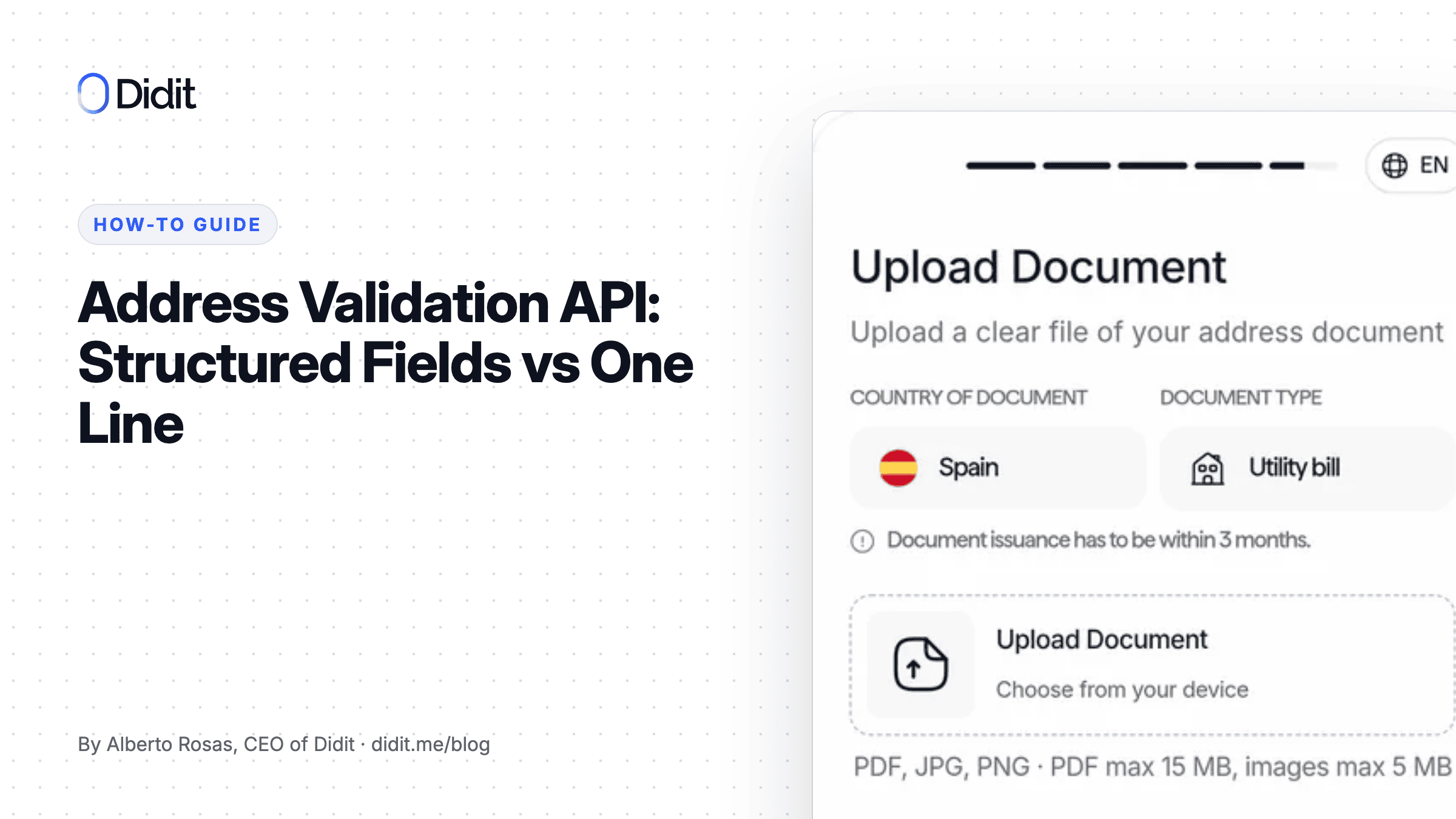 Address Validation API: Structured Fields vs One Line
Send an address to <code>POST /v3/address-validation/</code> on one line or as structured fields, never both, with the country in ISO 3166-1. Results show the match level and cost $0.10 per validated address.
Alberto RosasNov 26, 2026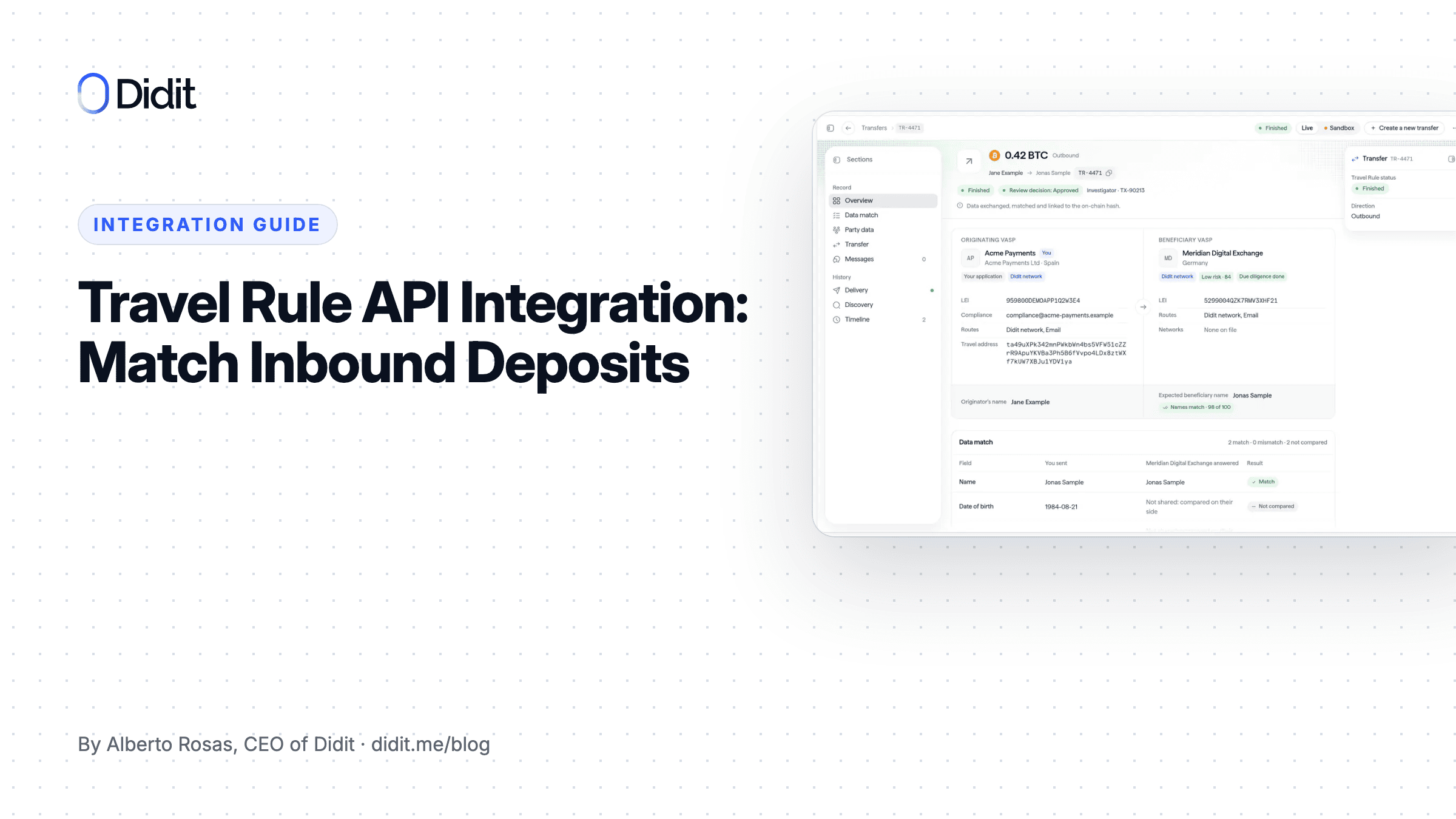 Travel Rule API Integration: Match Inbound Deposits
The unmatched deposits endpoint shares filters with the transfers list: direction, status, rail (INTERNAL, TRP, GTR, TRUST, VERIFYVASP, SYGNA, EMAIL, TEST_VASP), kind, currency, dates and counterparty UUID.
Alberto RosasNov 26, 2026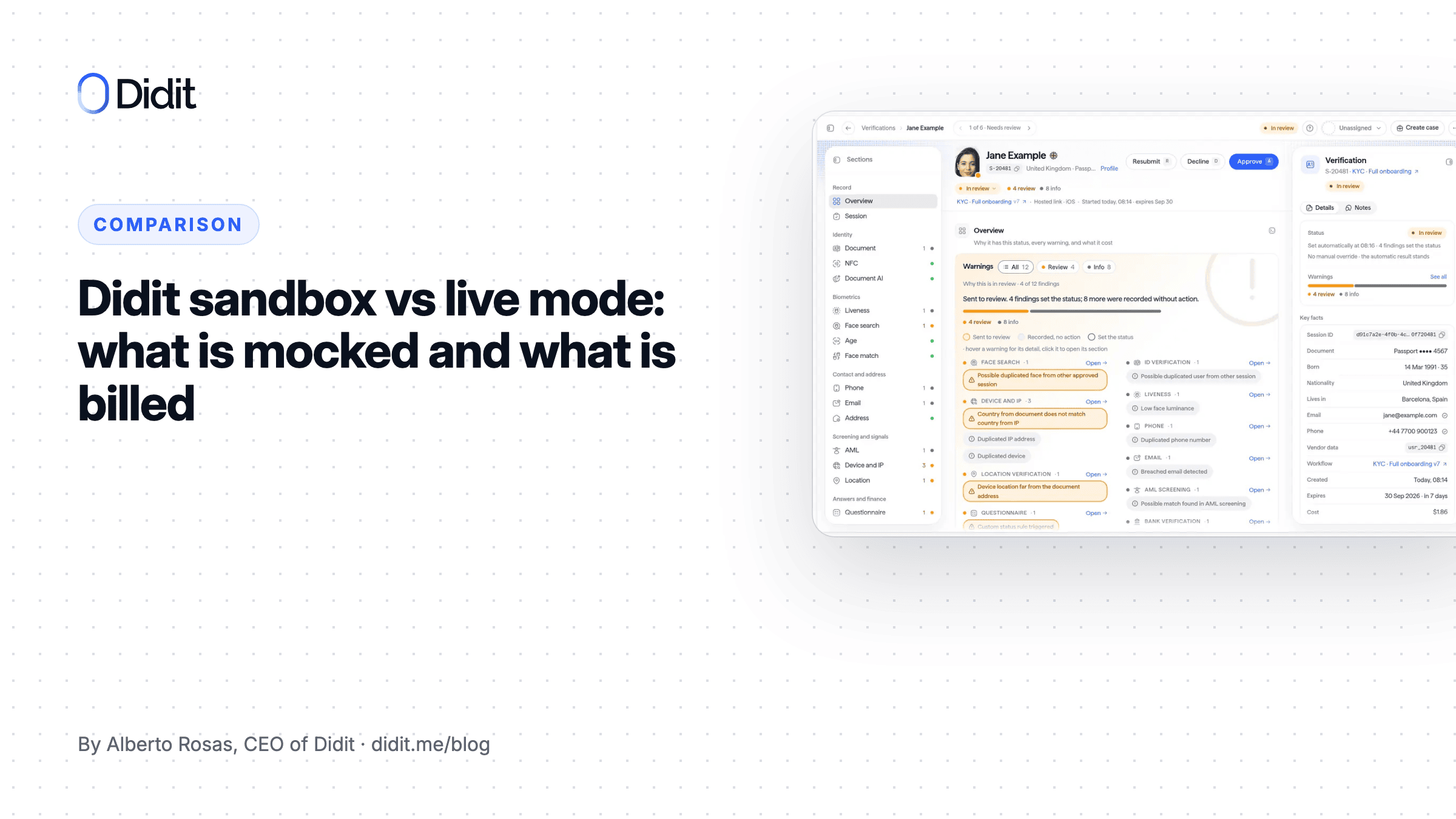 Didit sandbox vs live mode: what is mocked and what is billed
Didit sandbox is free, mocks providers, stores real captures, and allows 500 session creates per app every 24 hours. Live mode calls real providers. A completed full KYC check lists at $0.33.
Alberto RosasNov 26, 2026Questions
Frequently asked questions
How do I make a Didit MCP connection read-only?
Add read_only=true to the server URL, so it becomes https://mcp.didit.me/mcp?read_only=true, then sign in with Didit. The connection lists only read tools and the server refuses every call that would create, change or delete something. You can combine it with toolsets, for example ?toolsets=core,reports&read_only=true.
Does read_only=true hold if the client still shows a write tool?
Yes. Some clients may still display a write tool from an earlier connection, and a read-only connection refuses the call server-side. Check the configured URL or header and reconnect to refresh the tool list, then ask the assistant to call didit_context_get to confirm read access. If a write tool still appears, check which Didit connection the assistant is using.
What is the header alternative to read_only=true?
Send X-MCP-Readonly: true on the connection. Read-only is on when either the URL or the header asks for it, so the header is enough on its own and you do not need both. Use it when your client cannot store a query string in the server URL.
Which tools does a read-only connection list?
Only tools that read. Without a toolsets parameter the server lists every read tool your role may use; the hosted catalog has 233 tools, of which 113 read, 85 write and 35 destructive. Add toolsets and the list shrinks to the read tools from the selected toolsets that your role may use. The docs put the documented read-only short list at about 20 tools, less than a tenth of the token cost of the full catalog.
Is didit_tool_call_write available on a read-only connection?
No. The server adds four helpers when a connection lists only part of the catalog, and didit_tool_call_write is not offered on a read-only connection. didit_tool_search, didit_tool_describe and didit_tool_call_read remain, and didit_tool_call_read refuses any tool that changes data.
How do I let the agent make changes again?
To allow changes again, reconnect without the read_only URL parameter and remove X-MCP-Readonly: true if your client sends it. Your role permissions still apply, so the agent can do only what the account that signed in is allowed to do. A client that still sends the read-only header stays read-only until you remove it.
Does a read-only connection cost anything?
No. The Didit MCP server is free on every plan, and billable standalone checks count as writes, so a read-only connection cannot start one. Billable checks completed through another connection or your API integration are charged separately.
Does read-only mode change my role permissions?
No. Selecting toolsets or enabling read-only mode does not grant permissions. Your Didit console role still applies, and a tool your role lacks returns a missing_scope error naming the permission an owner or admin has to grant.
Can a read-only agent create a verification session or a verification link?
No. Session creation is a write tool, so the server refuses it on a read-only connection. Use a connection without read_only, or your backend with the API, when you want to create a new session and generate its verification link.
Does read-only work in Claude and ChatGPT?
Yes, wherever you can set the server URL. In Claude, go to Settings → Connectors → Add custom connector and paste https://mcp.didit.me/mcp?read_only=true as the server URL. In ChatGPT, add the read-only URL as a custom MCP server with OAuth authentication; the directory plugin allows write actions, so it is not the read-only path. Cursor, VS Code and Codex take the same URL in their configuration.
What happens if the toolsets name I enter is wrong?
The connection still works. The server tells the model which name it ignored and which names are valid. An unknown name cannot widen access, because a name decides what is listed, not what may run, and read-only is enforced on every call.
Compliance built in
Audited, certified and attested.
We hold the certifications and build each country's rules into your flows, so you can launch anywhere without worrying. Security and Compliance center
- Regulation encoded into your flows
Tell us what you do and where. Didit lists the rules that apply to you, with sources, and builds the checks each country needs into one workflow.
- Ready for AMLR
Every requirement of the new EU anti-money laundering rules, from checking customers to human review, is already covered by a Didit check.
- Tested in Spain's Treasury sandbox
Spain's Treasury published its supervised sandbox report on Didit's NFC plus active liveness onboarding; SEPBLAC took part and valued the added measures positively.
- Audited, not self-declared
iBeta Level 1 and Level 2. Liveness tested under ISO/IEC 30107-3.
Your obligations · 3 regions
 SOC 2 Type 2
 ISO 27001
 iBeta Level 1 and Level 2
 EU regulator attestation
 FSM youth protection
 GDPR
 EBA remote onboarding
 MiCA compatible
 FIDO Alliance member
- AMLREU AML Regulation ready
Integration · Didit MCP
Run Didit from your own AI agent
Connect Didit to Claude, Cursor, VS Code or ChatGPT and just ask in plain words. Your agent can do anything you can do in the console, with the same permissions you have.
 Add to Claude
 ChatGPT
 Cursor
- Build workflowsDescribe the checks you need. The agent creates and publishes the flow.
- Run investigationsAsk why a session was declined, review cases, search people and companies.
- Change rulesCreate payment rules, test them on past data and switch them on.
- Pull reportsAsk for numbers, exports or the audit log.
Didit Academy