Investigator
AI KYC review
Investigator reviews every item waiting for a person. That means KYC and KYB verifications, AML monitoring hits, transaction alerts and cases. It reads the record, writes a cited report and suggests a decision. You control when it can decide. It runs on Growth and up.
AI review for KYC, KYB, AML, transactions and cases
Reviewing Cases as a Team · 3 min · YouTube
Queues
What does Investigator review?
Five review queues, not only KYC. Each one has its own trigger, its own team policy and its own autonomy level.
Person verifications
A verification session that a rule could not settle, so it waits for a reviewer.
Starts when the session moves to In review
What it reads
- The ID, liveness and face match results
- The AML screening result
- Linked sessions for the same person
What you get back
- Approve, decline, ask for a resubmission, or escalate
- For a watchlist match, same person, not the same person, or unclear
Business verifications
A business verification, with the company, its owners and its officers, waiting for a reviewer.
Starts when the session moves to In review
What it reads
- The company registry result
- Beneficial owners and officers
- Company documents and AML screening
What you get back
- Approve, decline, ask for a resubmission, or escalate
- Evidence that cites the registry, the people and the documents
Ongoing AML monitoring hits
A new watchlist match on a user or business you already onboarded.
Starts when a new hit arrives
What it reads
- The new hit and the list entry
- The verified identity on file
- The session the hit belongs to
What you get back
- For each hit, same person, not the same person, or unclear
- Sanctions matches always go to a person
Transaction alerts
A payment or crypto transfer that a rule held for an analyst. Above your amount cap, a person always decides.
Starts when the transaction moves to In review
What it reads
- The rules that fired and the score
- The parties and the linked profile
- Linked transactions
What you get back
- Approve, decline, or mark the transaction as awaiting the user
- The reasons behind it, in a short summary
Cases
A case is the file where your team investigates one user or one business. Escalated cases and cases waiting for a second reviewer always stay with a person.
Starts when the case is opened or reopened
What it reads
- The case detail
- Linked sessions
- Linked transactions and other cases
What you get back
- A recommendation, with a confidence level and cited evidence
- Next steps, such as opening a linked record
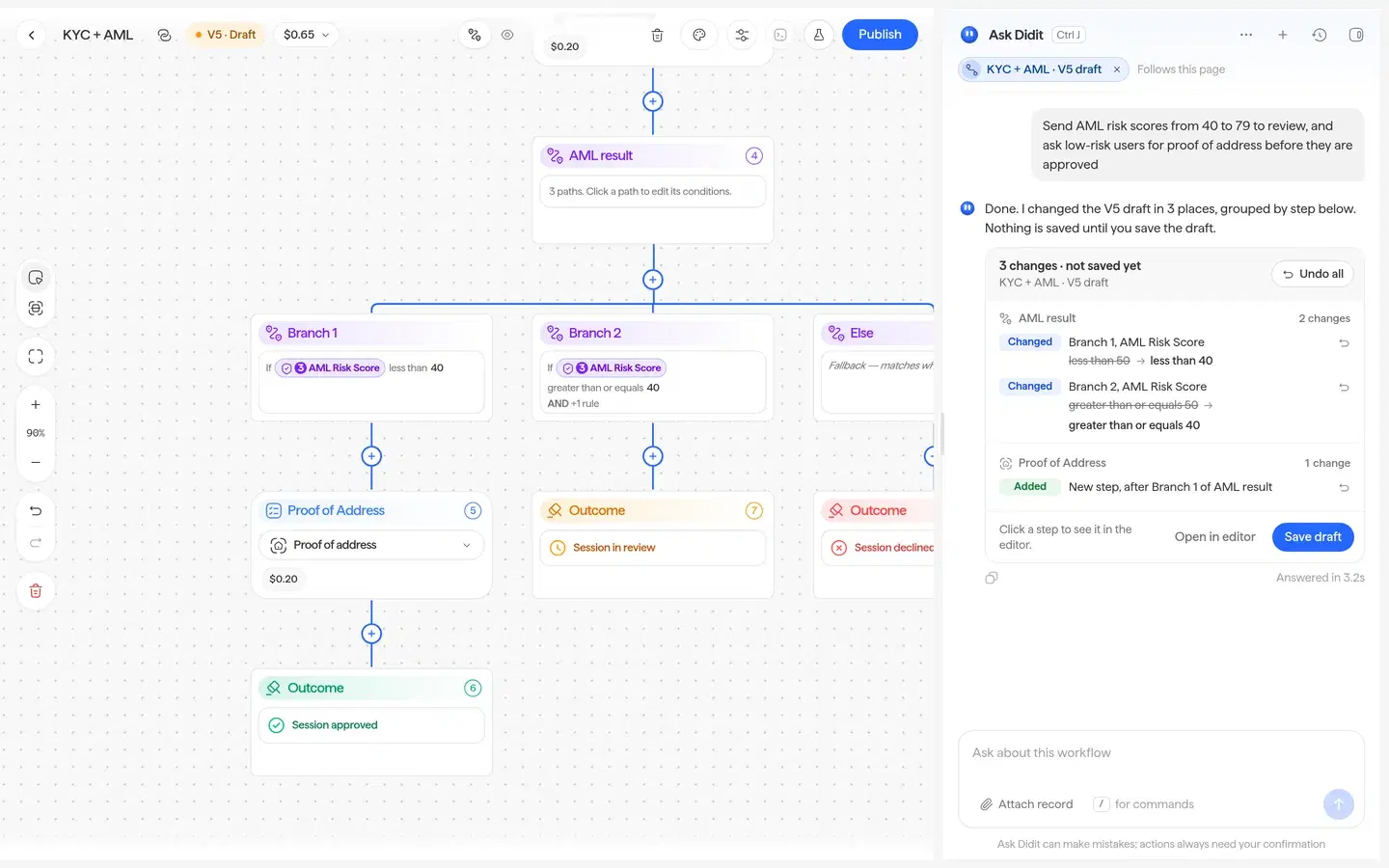
Each card shows one sample review. Every queue has its own team policy and its own autonomy level. If your team decides an item first, Investigator closes its run without a decision.
How it works
How a review goes, step by step
An item waits, Investigator reads it under your team policy and writes a report, and a person decides.
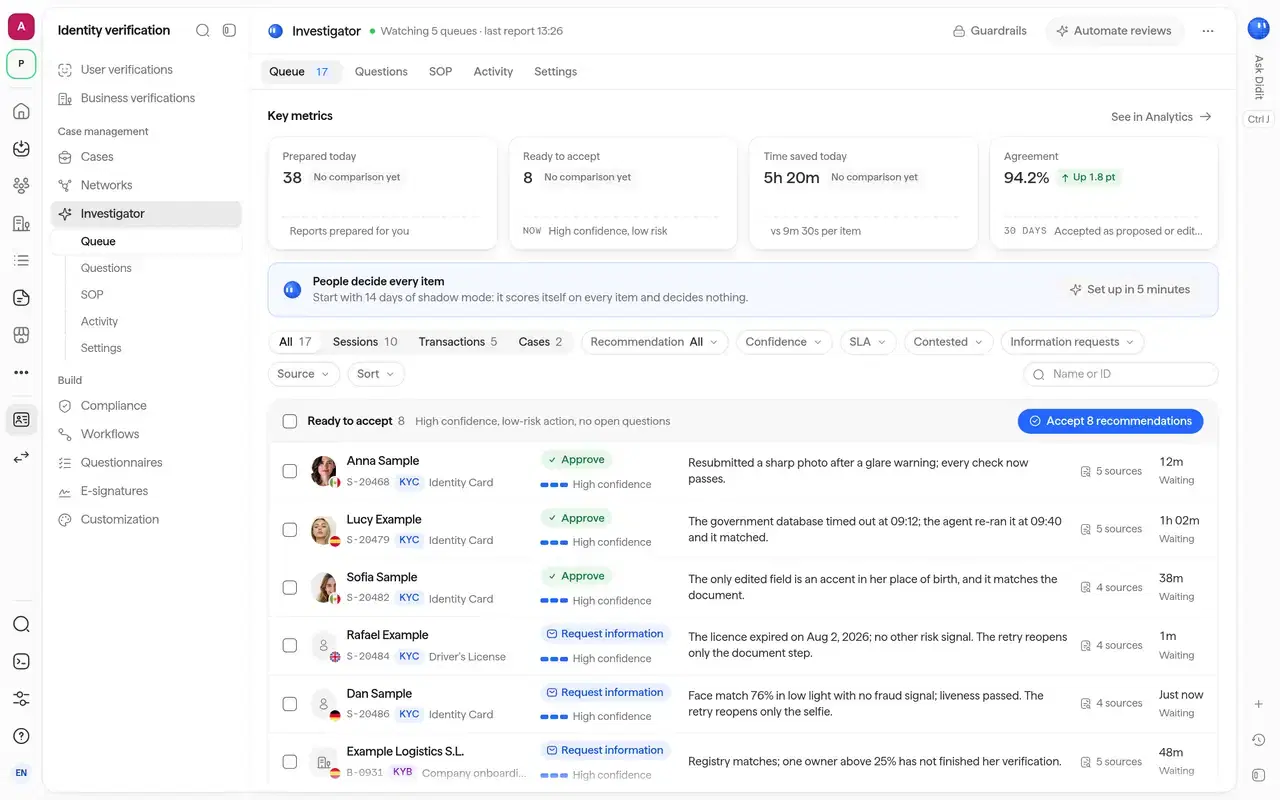 An item waits
A person or business verification or a transaction moves to In review, a new AML hit arrives, or a case is opened.
What you get back · In review · Nothing changes for your team yet.- Private details come out
Didit removes media, links and internal identifiers, and masks protected characteristics.
What you get back · A record with private details removed. - It reads the record
The same data your reviewers see. It can open linked sessions, transactions and cases, and it reads them against that queue's team policy.
What you get back · What I checked, the list of everything it read, in order. - It writes the report
A recommendation, a confidence level, and evidence that cites where each point came from.
What you get back · Report ready · It cannot change data. It only writes its report. - A person decides
Your reviewer accepts, edits or overrides. Only in auto modes can it decide on its own, within your limits.
What you get back · Approved · Your usual webhooks fire.
Accepting applies the decision through the item's normal path, so your usual webhooks fire. A webhook is a message Didit sends to your server when a result is ready. An escalation opens a linked case, the file where your team investigates the item. Sample data.
Pricing
How much does Investigator cost?
One price per finished review, on Growth and up. Growth and Scale take 4% and 10% off list prices.
Charged once per item, only when the application is live and the report is accepted, edited and accepted, or Investigator decides on its own.
The full ID check covers the ID document, passive liveness, face match and device and IP analysis. Plan discounts apply to both.
A monthly spend limit is optional. At the limit, new items reach reviewers without a report.
Investigator runs on Growth and up.
Investigator is new and is not yet enabled for every organization. Ask Didit to turn it on.
Questions
Frequently asked questions
What is Investigator?
What does it review?
Does it decide on its own?
What is shadow mode?
Can it clear a sanctions match?
What data does the model see?
How do I check its work?
Will it file SARs for me?
How much does it cost?
Which plan do I need?
Does it work with transaction monitoring?
How is it different from Copilot?
Can Investigator trial its recommendations before it decides anything?
Compliance built in
Audited, certified and attested.
We hold the certifications and build each country's rules into your flows, so you can launch anywhere without worrying. Security and Compliance center
- Regulation encoded into your flows
Tell us what you do and where. Didit lists the rules that apply to you, with sources, and builds the checks each country needs into one workflow.
- Ready for AMLR
Every requirement of the new EU anti-money laundering rules, from checking customers to human review, is already covered by a Didit check.
- Trusted by EU regulators
After a year of supervised testing, EU financial regulators confirmed that verifying with Didit is safer than checking an ID in person.
- Audited, not self-declared
iBeta Level 1 and Level 2. Liveness tested under ISO/IEC 30107-3.
Your obligations · 3 regions
 SOC 2 Type 2
 ISO 27001
 iBeta Level 1 and Level 2
 EU regulator attestation
 FSM youth protection
 GDPR
 EBA remote onboarding
 MiCA compatible
 FIDO Alliance member
- AMLREU AML Regulation ready
Integration · Didit MCP
Run Didit from your own AI agent
Connect Didit to Claude, Cursor, VS Code or ChatGPT and just ask in plain words. Your agent can do anything you can do in the console, with the same permissions you have.
 Add to Claude
 ChatGPT
 Cursor
- Build workflowsDescribe the checks you need. The agent creates and publishes the flow.
- Run investigationsAsk why a session was declined, review cases, search people and companies.
- Change rulesCreate payment rules, test them on past data and switch them on.
- Pull reportsAsk for numbers, exports or the audit log.
Didit Academy
Learn Didit, one short video at a time


Start free
Start in shadow mode.
Setup and shadow mode are free. It runs on Growth and up.
$0.20 per finished review. Plan discounts apply.