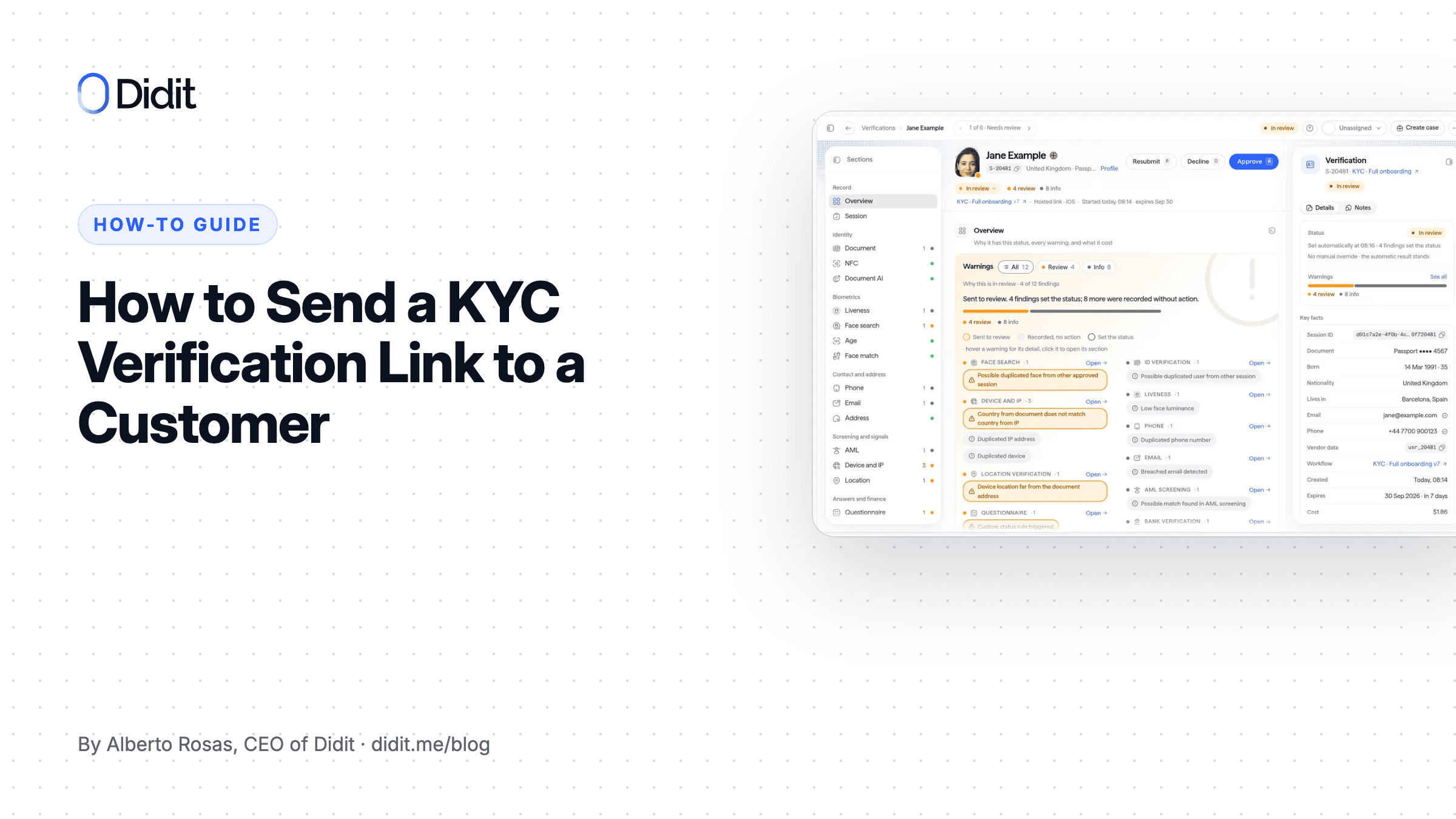
How to Send a KYC Verification Link to a Customer
Two ways to send a KYC link: no-code in the Didit Business Console, or one POST to https://verification.didit.me/v3/session/. The console gives a hosted URL and QR code; the API returns the URL and a session ID.
 Alberto RosasCo-founder and CEO
Contents
In this guide
Jump to the part you need.
Create a Didit session and send the customer its unique, secure verification URL by email, SMS or in-app message. Use the Business Console for manual requests and QR codes, or the API for automated onboarding. We charge $0.33 at list price per completed full KYC check. Each link is tied to one session and follows that session's expiration setting.
Last updated: November 26, 2026. Prices checked against the live Didit price feed on November 26, 2026.
| Route | Where you do it | What you need | What you get back | Best for |
|---|---|---|---|---|
| No-code | Business Console, Verifications, then + Create Verification | A published workflow and a console login | Hosted URL and a QR code | Manual verification requests, support teams, branch counters and in-person sign-up |
| API | One POST to https://verification.didit.me/v3/session/ | An API key and the workflow_id | session_id, session_number, status Not Started, url | Your own signup flow, CRM or partner portal creating a link per customer |
Start free in the sandbox at business.didit.me, no sales call needed. If you build with an AI assistant, connect Didit through the MCP server.
What a verification link does, and which route to pick
A verification link opens the workflow you configured, for one session and one customer. It is the hosted route of User Verification. We host the interface, run the checks you configured and record the result in the session. You do not build the screens or host the data capture.
Pick the console route when a person on your team starts verifications by hand: a support ticket, a high-value applicant, or a shop counter where the customer scans a QR code with their own phone. Pick the API route when your signup flow, CRM or partner portal should create a link per customer with nobody clicking. Both routes use the Orchestrated Workflows path: the workflow holds the logic, and the link carries a session into it.

Prerequisites before you create a link
- A Didit account and an application. Sandbox testing is free and unlimited on every plan.
- A published workflow with a
workflow_id. Build it once in the workflow builder, either from a template in Simple Mode or as a graph in Advanced Mode. Sessions always reference the specific published version, so editing a draft does not change links you already sent. - An API key, for the API route only. In the console open Developers, then API keys. New keys start with
sk_test_for a sandbox application orsk_live_for a live one. Treat the key as a server-side secret and never ship it in a browser or mobile bundle. - A webhook destination if you want results pushed to your system instead of read from the console. There is no wildcard, so list the events you want, starting with
status.updated. - A callback URL only if you want the browser returned to your site when the customer finishes. When your application has allowed domains configured, an HTTP or HTTPS callback must match an allowed origin by scheme, host and port, otherwise creation fails with
400oncallback. Custom URL schemes such asmyapp://are always accepted. If the session omits the callback, the workflow default applies when eligible.
Method 1: create and send a link with no code
- Sign in to the Didit Business Console and select the application you want in the top dropdown.
- Open Verifications in the left sidebar.
- Click + Create Verification.
- Select the
workflow_idthe session should run, meaning the published workflow you built. - Optionally enter
vendor_data, for example the customer ID from your own system. This is what maps the verification back to that customer, and we use it for duplicate detection across sessions. - A unique URL and a QR code are generated instantly. Copy the link, send it to the customer's email, or let them scan the QR code on their own device.
Creating the session carries no charge. Billing is per completed check, so nothing is billed until checks run.
Method 2: create and send a link with the API
- Store your key as an environment variable such as
DIDIT_API_KEY, holding the sandbox key while you build and the live key only when you go live. The verification API uses thex-api-keyheader, not an OAuth bearer token. - Take the
workflow_idfrom the published workflow. - Send one
POSTrequest with the body shown below.
curl --request POST \
     --url https://verification.didit.me/v3/session/ \
     --header "x-api-key: $DIDIT_API_KEY" \
     --header "Content-Type: application/json" \
     --data '{
       "workflow_id": "550e8400-e29b-41d4-a716-446655440000",
       "vendor_data": "your_internal_user_id_123",
       "callback": "https://myapp.com/return"
     }'
The response returns the session and the link:
{
  "session_id": "11111111-2222-3333-4444-555555555555",
  "session_number": 1234,
  "vendor_data": "your_internal_user_id_123",
  "status": "Not Started",
  "workflow_id": "550e8400-e29b-41d4-a716-446655440000",
  "callback": "https://myapp.com/return",
  "url": "https://verify.didit.me/session/abcdef123456"
}
Send the returned url to the customer. Use session_id to look up the decision and vendor_data to match the session to your customer record.
The callback field controls where the browser goes after the customer finishes. In Create Session, callback is where the hosted flow redirects the browser, with ?verificationSessionId= and status= appended. It is not the webhook endpoint. The webhook is a separate destination you configure, and that is what delivers server-side status updates and decisions to your system. callback_method accepts initiator, completer or both; use both if the callback sometimes fails to fire.
In the sandbox every check is mocked, so you can run this call end to end without spending credit or waiting on a real customer. Full API details are in the Create Session reference.
Expected output and what your customer experiences
On your side the session starts at Not Started. It moves to In Progress when the customer opens the link, then through the automated checks to Approved, Declined or In Review, or to Abandoned if the customer starts and runs out of time. Each move can arrive as a status.updated webhook. The documented session webhook can include decision for Approved, Declined, In Review or Abandoned.
On the customer side the link opens a hosted page on verify.didit.me that asks for the steps your workflow contains: document capture, passive liveness, face match, and anything else you added, such as proof of address, phone or email verification, or AML screening running behind the scenes. The flow is available in 54 languages and defaults to browser language detection.

Inputs and outputs
| Field | Required | What it does |
|---|---|---|
workflow_id | Yes | The published workflow to run. A KYC workflow creates a user verification session; a KYB workflow creates a business session from the same endpoint. |
vendor_data | No, strongly recommended | Your stable identifier for the customer. Binds the session to your record and feeds duplicate detection. |
callback | No | Where the browser returns after the flow. When allowed domains are configured, an HTTP or HTTPS callback must match an allowed origin by scheme, host and port. Custom URL schemes are accepted. Omitted, the workflow default applies when eligible. |
session_expiration_time | No | Seconds this link stays valid, from 3600 to 2419200. Overrides the workflow setting for this session only. |
language | No | ISO 639-1 code for the verification interface. |
session_id (returned) | Output | The handle you use for decisions, status updates and support. |
url (returned) | Output | The verification link, in the form https://verify.didit.me/session/... |
status (returned) | Output | Not Started for a fresh session. |
The Create Session reference documents the remaining fields, including callback_method, contact_details, expected_details, tags and metadata.
Failure cases and how to recover
| Response | Meaning | Fix |
|---|---|---|
401 | The x-api-key header is wrong, malformed, revoked or expired | Re-fetch the key through the account login flow, or use a key that has not expired |
403 | No x-api-key header, a scoped key without access to this resource, or a call from an address outside the key's IP list | Add the missing header, use a key with the required scope from Developers then API keys, or call from an IP address allowed for that key |
400 on callback | An HTTP or HTTPS callback does not match an allowed origin by scheme, host and port. Custom URL schemes such as myapp:// are always accepted and do not trigger this error. | Move the callback onto an allowed origin, or add the origin to the allowed domains |
400 on session_expiration_time | The value is outside 3600 to 2419200 seconds, or not a whole number | Send a whole number inside the range |
429 | Rate limit | The response includes a wait field in seconds. Back off, then retry |
At the session level, the two failures that matter are Expired and Abandoned. Expired means the link timed out before the customer ever opened it. Abandoned means they started and did not finish inside the window. For an Expired session, create a new session and send its URL. For an Abandoned session, a reviewer can request resubmission. Set session_expiration_time when creating a session if it needs a longer window.
If webhooks seem to be missing, work through this in order. Check that the destination subscribes to status.updated. Validate X-Timestamp within 300 seconds and verify the HMAC. We recommend X-Signature-V2, which signs sorted, Unicode-preserved canonical JSON. If you use X-Signature, verify the exact raw request bytes. The webhooks guide lists every event type and header.
Sharing the link over each channel
A sample message for a workflow that requires a photo ID. Replace [url] with that session's URL and [date] with the session's actual expiration date:
Hi [name], we need to verify your identity to finish setting up your account. Open this link on your phone or computer: [url]. Have a photo ID ready. The link expires on [date].
- Email. Send the returned
urlfrom your own email system, or send the link to the customer's email from the Business Console when you create the session there.contact_detailspre-fills email or phone steps and can optionally enable notification emails. The verification emails we send during a verification, including codes, links and status updates, are free. Emails you send through the Messages product cost $0.02 each. - SMS or WhatsApp. Use your own provider, or the Messages product: an SMS costs the carrier price plus $0.02 per segment, and WhatsApp costs Meta's price plus $0.004 a message, or $0.004 alone when you send from your own WhatsApp Business account. Phone verification codes are billed separately, carrier price plus $0.02.
- In-app message or chat widget. Paste the same URL. Nothing about the link depends on the channel you use.
- Iframe. If you want the flow embedded in a page instead of a redirect, we document the InContext iframe, an embedded option where a backend is optional.
- QR code. The console route generates one next to the URL. This is the in-person case: the customer scans with their own phone and completes the flow on their own device.
When a link is the wrong tool
A link is one session. If you need a single reusable entry URL that many customers can open, read the Unilinks documentation instead. If you want the flow embedded inside your own page with programmatic control, the web SDK overview documents the embedding and redirect methods.
What you pay, and where a human has to look
Creating a session carries no charge, and verification billing is per completed check, from prepaid credit. Plans and the cost estimator are on didit.me/pricing. A full KYC check is $0.33 and always contains three parts: ID document verification at $0.15, biometrics at $0.15 (passive liveness $0.10 plus face match 1:1 $0.05), and device and IP analysis at $0.03.
List-price example for 500 completed full KYC checks in one month.
- 500 x $0.15 for ID document verification = $75.00
- 500 x $0.10 for passive liveness = $50.00
- 500 x $0.05 for face match 1:1 = $25.00
- 500 x $0.03 for device and IP analysis = $15.00
- Total: 500 x $0.33 = $165.00
Add AML screening at $0.20 per check and the same 500 customers cost 500 x $0.53 = $265.00 on the compliance bundle.
For 500 completed full KYC checks without AML, usage is $158.40 on Growth and $148.50 on Scale before applying monthly plan credit.
- Growth: $99.00 a month subscription, $115.00 of monthly credit included, 4% off every Didit price, so 500 x $0.3168 = $158.40.
- Scale: $299.00 a month subscription, $350.00 of monthly credit included, 10% off every Didit price, so 500 x $0.297 = $148.50.
On monthly billing, this example costs $142.40 on Growth ($99.00 subscription + $43.40 in usage above the $115.00 credit) and $299.00 on Scale ($299.00 subscription, with all $148.50 in usage covered by the $350.00 credit). Usage is paid from the month's plan credit first, then from top-ups, and unused monthly credit does not roll over.
The $10.00 of monthly credit sits on the Free plan and goes to the first organization created with an eligible work email for a company domain. Phone verification codes are excluded from it. It covers 30 full KYC checks: 30 x $0.33 = $9.90, and 31 would be $10.23.

The review boundary matters more than the price for planning. If the session reaches In Review, a reviewer can open it in the Business Console to approve, decline or request resubmission. Budget for that queue, and do not send a link for a case your team cannot staff a decision for.
The other boundary is duplicates. Resending the same URL does not create a new session or add a verification charge. Your delivery channel may charge for the message. Creating a second session for a customer who already finished one is a second billable verification when its checks complete, which is exactly why vendor_data exists: it gives duplicate detection something to match on.

Sources
- Didit documentation: Verification Links, hosted KYC URLs and QR codes
- Didit documentation: Create Session API
- Didit documentation: API authentication and key recovery
- Didit documentation: Webhooks, event types and HMAC signing
- Didit documentation: Verification statuses and session lifecycle
- Didit documentation: Workflow builder
- Didit documentation: Web SDKs, iframe, redirect and WebView
- Didit documentation: Unilinks
- Didit User Verification product page
- Didit MCP server
- Didit pricing page and the live price feed, read November 26, 2026
- Didit documentation: Pricing and billing rules
Next step: open the Didit Business Console, create a sandbox application, publish a workflow and send yourself the first verification link. Sandbox testing is free and unlimited, and there is no sales call in the way.
Try it
Try this in the sandbox
Run the check this guide describes, free.
The product this post is about, taken from its topic. Run it free in the sandbox.
Author
Alberto Rosas
Co-founder and CEO

Keep reading
Other guides in the same topic.
 Didit Pricing Plans: Free vs Growth vs Scale vs Enterprise in 2026
Full KYC is $0.33 a check at list on Free, $0.3168 on Growth ($99/mo) and $0.297 on Scale ($299/mo). Monthly credit buys 30, 363 and 1,178 whole checks. Enterprise is a custom annual contract from $15,000 a year.
Alberto RosasNov 26, 2026 How to Detect Duplicate Accounts With Device Fingerprinting (2026)
Device and IP analysis runs inside every Didit session at $0.03 per check. Read the device analysis results on the decision and act on a confirmed duplicate, a possible duplicate or a blocklisted fingerprint.
Alberto RosasNov 26, 2026 How to Require Step-Up Verification Before Payouts and Withdrawals
Set a payout threshold and check each withdrawal with Didit. If verification is required, send the user to verify and release the payout only after your backend confirms approval.
Alberto RosasNov 26, 2026Questions
Frequently asked questions
How do I send a KYC verification link to a customer?
Create one Didit session for that customer and send the returned URL. The no-code route is Verifications, then + Create Verification in the Business Console, which gives you a URL and a QR code. The API route is a single POST to https://verification.didit.me/v3/session/ with your x-api-key and workflow_id, which returns a url in the form https://verify.didit.me/session/... and a status of Not Started.
Can I send a KYC verification link without writing code?
Yes. The Business Console generates the link and a QR code with no development work, and you can paste the URL into email, SMS, a chat widget or a support ticket. We host the verification interface, so there is no front end to build. The checks come from the workflow you published in the console.
What is the API endpoint for creating a KYC verification link?
It is POST https://verification.didit.me/v3/session/ on the verification host, authenticated with the x-api-key header. The required body field is workflow_id. The same endpoint serves KYC and KYB: the workflow type decides whether a user verification session or a business verification session is created.
What does the Create Session call return?
It returns a JSON object with session_id, session_number, vendor_data, status, workflow_id, callback and url. The url is the link you send to the customer. A new session starts at Not Started.
How long does a KYC verification link stay valid?
The link follows the session's expiration setting, which comes from the workflow or from session_expiration_time when you pass it for a single session. That field accepts a whole number of seconds between 3600 and 2419200, so from one hour up to four weeks. A session whose window ends before the customer opens the link becomes Expired.
Can I use one KYC link for several customers?
Create a separate session for each customer so each result maps to the intended customer record. A standard Didit verification URL identifies one session. Use Unilinks when you need one reusable entry URL for multiple customers.
How do I get the result after the customer finishes?
Subscribe a webhook destination to status.updated and we post the status change. The documented session webhook can include decision for Approved, Declined, In Review or Abandoned. You can also read the decision directly with GET /v3/session/{session_id}/decision/. Verify the HMAC signature on every webhook before you trust the payload.
What does the status Not Started mean?
A new session starts at Not Started. It moves to In Progress when the customer opens the link or to Expired if the window ends first. From In Progress it can reach Approved, Declined or In Review, or Abandoned when the customer starts and does not finish in time.
What happens if the customer never opens the link?
If the customer never opens a Didit verification link before its deadline, the session becomes Expired. A session with no completed checks incurs no verification charge. To try again, create a fresh session and send its URL.
Does sending a verification link cost anything?
Creating the session carries no charge, and billing is per completed check: a full KYC check is $0.33, made of ID verification $0.15, passive liveness $0.10, face match 1:1 $0.05 and device and IP analysis $0.03. The verification emails we send are free, while delivery through the Messages product is billed separately. The Free plan gives $10.00 of monthly credit to the first organization created with an eligible work email for a company domain.
Can Didit email the link to the customer for me?
You can email the link to the customer directly from the Business Console when you create the session there. If you create the session through the API, one option is to send the returned url through your own email system. contact_details pre-fills email or phone steps and can optionally enable notification emails. The verification emails we send during a verification are free, and emails you send through the Messages product cost $0.02 each.
Can I embed the flow instead of sending a link?
Yes. The InContext iframe is an embedded option where a backend is optional, the JavaScript SDK gives full control inside React, Vue, Angular, Next.js or plain JavaScript, and the redirect method works across devices. The web SDK overview documents all three. Share the hosted URL when you want customers to complete verification on a separate page with no frontend work.
Compliance built in
Audited, certified and attested.
We hold the certifications and build each country's rules into your flows, so you can launch anywhere without worrying. Security and Compliance center
- Regulation encoded into your flows
Tell us what you do and where. Didit lists the rules that apply to you, with sources, and builds the checks each country needs into one workflow.
- Ready for AMLR
Every requirement of the new EU anti-money laundering rules, from checking customers to human review, is already covered by a Didit check.
- Tested in Spain's Treasury sandbox
Spain's Treasury published its supervised sandbox report on Didit's NFC plus active liveness onboarding; SEPBLAC took part and valued the added measures positively.
- Audited, not self-declared
iBeta Level 1 and Level 2. Liveness tested under ISO/IEC 30107-3.
Your obligations · 3 regions
 SOC 2 Type 2
 ISO 27001
 iBeta Level 1 and Level 2
 EU regulator attestation
 FSM youth protection
 GDPR
 EBA remote onboarding
 MiCA compatible
 FIDO Alliance member
- AMLREU AML Regulation ready
Integration · Didit MCP
Run Didit from your own AI agent
Connect Didit to Claude, Cursor, VS Code or ChatGPT and just ask in plain words. Your agent can do anything you can do in the console, with the same permissions you have.
 Add to Claude
 ChatGPT
 Cursor
- Build workflowsDescribe the checks you need. The agent creates and publishes the flow.
- Run investigationsAsk why a session was declined, review cases, search people and companies.
- Change rulesCreate payment rules, test them on past data and switch them on.
- Pull reportsAsk for numbers, exports or the audit log.
Didit Academy