Automate KYC in Make with Didit: 2026 Integration Guide
Call the Didit REST API from an HTTP request module in Make, receive results on a signed Didit webhook, and route on the exact decision status. Didit KYC is $0.33 per completed check; sandbox tests are free.
 Alberto RosasCo-founder and CEO
Contents
In this guide
Jump to the part you need.
This guide fits teams that already run Make scenarios and want Didit identity checks inside them. We do not document a native Make app, so the working route is an HTTP request module calling the Didit REST API for sessions plus a Didit webhook for results. A full KYC check costs $0.33, and sandbox testing is free. The main caveat: you own webhook verification and retry-safe routing inside your own scenario. Didit serves 4,000+ companies.
Last updated: November 26, 2026. Prices checked against the live Didit price feed on November 26, 2026.
| Item | Detail |
|---|---|
| Connection route | An HTTP request module calls the Didit REST API for sessions, and a Didit webhook delivers results |
| Session creation | POST https://verification.didit.me/v3/session/ |
| Result retrieval | GET https://verification.didit.me/v3/session/{session_id}/decision/ |
| Event trigger | status.updated webhook, verified with HMAC-SHA256 over sorted, Unicode-preserving canonical JSON |
| Sandbox | Free and unlimited on every plan, with an sk_test_ key and a sandbox_scenario |
| Didit price | $0.33 per completed full KYC check, $0.20 per AML screening |
| Make price | Separate from Didit. Read your Make plan and your measured scenario usage |
| Main caveat | We have not confirmed a native Make app, so you own the HTTP and signature logic |
What the two Make scenarios do
Build two scenarios. The first starts from your onboarding trigger, for example a new form submission or a new CRM record, and creates the Didit session. The second starts from the inbound webhook, verifies it, fetches the decision, and routes the outcome. Splitting them is easier to test, because the webhook can arrive long after the creation run has finished, and a retried delivery can arrive twice.
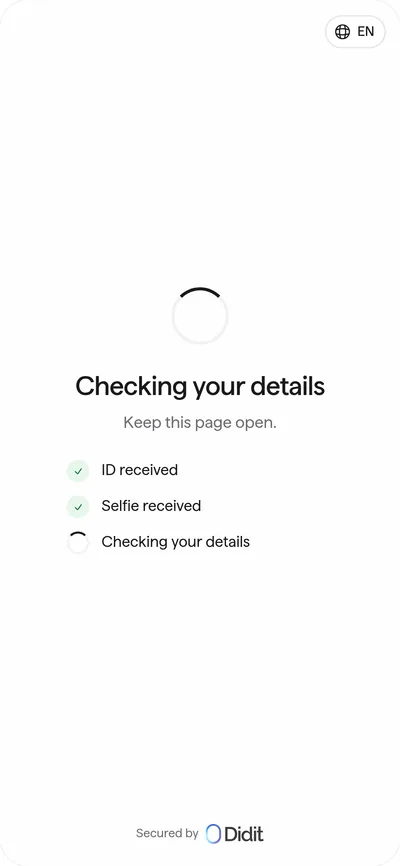
The create call returns session_id, url, and status. Store the session ID on the same record as your internal customer ID. Send the hosted url through your email, CRM, or messaging module. Didit owns the session, the exact status strings, and the decision record. Make owns the orchestration and your own state.
How Didit connects to Make
The route this guide uses is the Didit REST API for sessions and a Didit webhook for results. Both are public and documented. The Create Session API starts a session, the Retrieve Session API returns the full decision, and the webhooks guide covers signing and delivery. The integration prompt gives a coding agent the same recipe.
The Didit MCP server at https://mcp.didit.me/mcp is a separate documented option for an AI assistant, free on every plan. It is not a Make connector. Setup is in the MCP documentation.
Prerequisites
| Requirement | Where to get it | Plan, client, or permission note |
|---|---|---|
| Didit account | business.didit.me | The Free plan includes $10 of monthly credit for the first organization created with an eligible work email for a company domain. Unused credit expires at the end of the plan month. Sandbox testing is free and unlimited. |
| Dedicated API key for Make | Business Console, Developers, API keys | Create a new key for Make instead of reusing the Primary key, and start with the sandbox application. New keys start with sk_live_ or sk_test_. |
| Workflow ID | Business Console, Workflows | The create call needs the workflow UUID as workflow_id. The workflow type decides whether a session is KYC or KYB. |
| Make account | Your Make workspace | A scenario that can use an HTTP request module and a custom webhook. |
| Webhook signing secret | Didit webhook destination | Verify X-Signature-V2 by computing HMAC-SHA256 over the sorted, Unicode-preserving canonical JSON with the destination signing secret. The raw-byte instruction applies to X-Signature only. |
| Callback (optional) | Didit application settings | You do not need a callback to receive results. When the application has allowed domains configured, an HTTP or HTTPS callback must match a configured origin by scheme, host, and port. Custom URL schemes are accepted separately. |
| Key permissions | Developers, API keys | Session creation access plus the read:sessions privilege for the decision call. |
Step by step: automate KYC in Make with Didit
Add an HTTP request module in Make wherever this guide calls the Didit API. The Didit side uses the exact endpoints and field names from our documentation.
- Create a dedicated key in the sandbox application. Sign in to the Didit Business Console, select the application, open Developers, then API keys, and create a new key for Make. Copy it once and keep it server side. The API authentication guide shows the header format, the key prefixes, and what a 401 or 403 means.
- Copy the workflow UUID. Open Workflows, pick the flow Make should launch, and copy its UUID. You will paste it into the create call as
workflow_id. - Build the creation scenario. Start it from your onboarding trigger, then add an HTTP request module. Set the method to
POST, the URL tohttps://verification.didit.me/v3/session/, and add the headersx-api-keyandContent-Type: application/json. Use this minimal body:
The response returns{"workflow_id":"<WORKFLOW_UUID>","vendor_data":"crm-8842","metadata":{"source":"make"}}session_id,url, andstatus, which starts atNot Started. - Store the session and send the link. Map
session_idandvendor_dataonto your customer record, then mapurlinto the email, CRM, or messaging module that reaches the user. Keep the session ID on the record: it is the key for the decision call and for your audit trail. Addcallbackonly if you want the hosted flow to redirect the user back to your own page, and keep it on a configured origin. - Build the result scenario from the inbound webhook. Create a custom webhook in the second Make scenario and copy the address it gives you. If Make can verify Didit's original request, set the Didit destination URL to the Make webhook and verify the signature and timestamp as the first step after the trigger. Otherwise, set the destination URL to the verifier. Have the verifier validate Didit's signature and timestamp before forwarding the event, and have Make authenticate the forwarded request as its first step after the trigger, rejecting any request that fails before writing to the inbox or routing. In Didit, subscribe the destination to
status.updatedand copy the destination signing secret too. Apply the signature and timestamp checks below to whichever endpoint receives Didit's original request. Recompute the HMAC over Didit's canonical JSON and compare it in constant time againstX-Signature-V2using the current secret, or againstX-Signature-V2-Previoususing the previous secret during rotation. Require a matching signature and a freshX-Timestamp, rejecting any request whose absolute difference from now exceeds 300 seconds. ForX-Signature, compute the HMAC over the exact raw body bytes. - Filter and deduplicate after verification. Keep the event subscription on the Didit destination, then add a filter in Make for the event types you handle. Use
event_idas an idempotency key so a retried delivery does not run your branch twice. Write the verified event to a durable inbox first, return 2xx once that write succeeds, and do the slow work afterwards. - Fetch the decision and route. Add an HTTP request module with the method
GET, the URLhttps://verification.didit.me/v3/session/<SESSION_ID>/decision/, and thex-api-keyheader. Branch onsession_kindbefore reading feature arrays: KYC sessions returnuser, KYB sessions returnbusiness. Process updates serially persession_id. Fetch the current decision inside that serialized step, route from its status rather than the event payload alone, and compare it with the last decision you applied, so overlapping runs cannot write out of order. Apply the state change once, and give downstream side effects such as welcome messages their own idempotency keys. SendApproveddown your access path,Declinedto a rejection path,In Reviewto a compliance queue, andAbandonedto a reminder. The verification statuses guide is the single source of truth for every string.
Sample record and field mapping
This table takes one sample record from a CRM trigger and follows it through both scenarios. Match field names character for character, including the case of every status string.
| Make side | Didit field or event | Sample value | Use it for |
|---|---|---|---|
| Internal customer ID | vendor_data | crm-8842 | vendor_data is the stable identifier Make matches to the CRM record. Didit uses it to bind the session to a user entity and to detect duplicates across sessions. |
| Workflow UUID | workflow_id | <WORKFLOW_UUID> | Tells Didit which flow to run. KYC and KYB use the same create endpoint. |
| Scenario context | metadata | {"source":"make","tier":"pro"} | Optional JSON object, echoed back in responses and webhooks. |
| Return URL, optional | callback | https://app.example.com/return | Redirects the user after completion. Only needed if you use your own return page. |
| Session ID | session_id | The UUID from the create response | The key for the decision call, the join back to crm-8842, and your audit trail. |
| Hosted link | url | The URL from the create response | The link your email or CRM module sends to the user. |
| Event id | event_id | The UUID on the webhook | Idempotency key so a retried delivery is processed once. |
| Webhook type | status.updated | status.updated | The event family your destination subscribes to and Make filters on. |
| Status | status | Approved | The exact lifecycle string. Branch on it after the decision call. |
| Signature header | X-Signature-V2 | HMAC-SHA256 over canonical JSON | Verify it with the destination secret before you trust the payload. |
| Previous signature | X-Signature-V2-Previous | Sent for 24 hours after rotation | Accept a match on either header while a rotated secret is deployed. |
| Timestamp header | X-Timestamp | Unix epoch seconds | Require an absolute difference of at most 300 seconds. |
| ID data | id_verifications[] | Document data and warnings | The document result for a KYC session. |
| Liveness | liveness_checks[] | Results from the configured liveness step | Passive or active liveness, whichever the workflow runs. |
| Face match | face_matches[] | One to one comparison | The face match result for the session. |
| AML | aml_screenings[] | Hits and matched lists | AML screening results when the workflow runs that check. |

Keep the session ID, the decision status, and the decision timestamp on the customer record for routing. Store verified events in a durable inbox keyed uniquely by event_id, and return 2xx only after the inbox write succeeds or after you confirm the ID is already stored. Process pending events with retryable state, and mark each one complete after routing succeeds. Keep full decision payloads and document data out of general purpose messages and logs. The customer gets a link and a status, not a document image or a list of AML hits.
Status routing in Make
| Didit status | Make action | Why |
|---|---|---|
Not Started | Wait, and send the hosted link only if it has not gone out yet. Do not start a second session. | The session exists but the user has not opened the flow. |
In Progress | Wait. Reserve any reminder for your team's configured timing. | The user is inside the flow and no decision exists yet. |
Approved | Update the CRM, then grant access according to your onboarding policy, and send a welcome message. | When your onboarding policy accepts the decision, activate the account only if needed. Track the welcome message separately and retry it with the same idempotency key until it succeeds. Mark routing complete after both actions succeed. |
Declined | Flag the record, notify the user, and open a compliance task if the failure is reviewable. | One or more checks failed. |
In Review | Create a task for a reviewer and alert the review queue. | Automated checks raised warnings that need a person. |
Abandoned | Send a reminder with a fresh link. | The user started but did not finish in time. |
Expired | Create a new session and send a new link. | The user never opened the link before it expired. |
Kyc Expired | Start a re-verification flow. | A previously approved document passed its expiry date. |
Resubmitted | Wait for the next status event and keep the record open. | The user was asked to redo specific steps. |
Awaiting User | Wait for the parties to finish. KYB only. | A business session is waiting on key people. |
A reviewer can set a session to Approved, and the decision response records that as an override. Do not treat Approved as proof that every check passed automatically. If the difference matters for your access decision, read decision_trace.decided_by and status_override.overridden_at in the decision response before you act.

Test with sandbox data
Sandbox testing is free and unlimited. Every check is mocked, so both scenarios run without real documents or billing. Use the sandbox key, not the live key.
- Switch the
x-api-keyheader in both scenarios to thesk_test_key of the sandbox application. - List the sandbox scenarios so you can pick a deterministic outcome:
curl https://verification.didit.me/v1/sandbox/scenarios/ -H "x-api-key: <SANDBOX_KEY>" - Choose an approval scenario and add its slug as
sandbox_scenarioin the create body. The scenario expands its bundled values ontocontact_detailsandexpected_details. - Run the creation scenario, open the
urlit returns, and complete the hosted flow with the supplied test data. A session created through the API starts atNot Started, so nothing is decided until the user finishes the flow. - Check the result scenario: the signed
status.updatedevent arrives, the signature and timestamp checks pass, and the decision call returns the expected status and feature arrays. Confirm the expected branch ran exactly once. - Repeat with a decline scenario and confirm the decline branch runs instead, with warnings in the decision object.
Expected success: the create call returns session_id and a hosted url. After you complete the hosted flow, the webhook arrives with webhook_type set to status.updated and the status of the scenario you armed, which is Approved for an approval scenario. The decision call then returns the full decision object with feature arrays for the checks that ran in that workflow. Fields for checks that did not run can be absent or null. A decline scenario returns Declined with warnings.
| Error | Likely cause | Fix |
|---|---|---|
| 401 | The x-api-key header is wrong, malformed, revoked, or expired. | Check the x-api-key value in Developers, API keys. If the key was revoked or expired, replace it with a valid key for the same application. Use a sandbox key for sandbox sessions. |
| 403 | The key is missing, lacks read:sessions, or is called from an address outside its IP list. | Use a key with the needed access and check the key's IP restrictions. |
| 404 on the decision call | The session ID is wrong, it belongs to another application, or the request falls outside the workflow or status scope the key can read. | Store session_id from the create response and keep the same application. |
400 on callback | The optional callback is not on one of the application's allowed domains. | Add the origin in the application, or omit the callback and rely on the webhook. Custom URL schemes are accepted separately. |
| 429 | Rate limit. | Read the wait field in the response and back off before retrying. |
| Webhook signature mismatch | The body was parsed before verification, the secret is wrong, or the request is stale. | Recompute the HMAC over Didit's canonical JSON and compare it in constant time against X-Signature-V2 with the current secret, or against X-Signature-V2-Previous with the previous secret during rotation. Require a matching signature and a fresh X-Timestamp. For X-Signature, compute the HMAC over the exact raw body bytes. |
Disconnect Didit from Make
Remove the result route first. Delete the webhook destination in Didit so no new events are sent to Make. Turn off or delete both Make scenarios. Then revoke only the dedicated key you created for Make in Developers, API keys, and leave the Primary key and any other keys alone so shared integrations keep working. Rotating a key invalidates every scenario that uses it until you paste the new value. Keep the sessions you need for audit before you remove access.
Cost of both ends
Didit charges per completed check from prepaid credit. Make costs are separate: read your Make plan and your measured scenario usage in your Make account, because a scenario that runs repeatedly uses more of your plan than the number of sessions suggests. We publish Didit prices in the price list and the pricing docs, and Make's prices are not part of that feed.
| Item | Price | Unit |
|---|---|---|
| Full KYC check | $0.33 | completed check |
| AML screening | $0.20 | check |
Suppose 2,000 users complete a full KYC check in a month and 500 of them also get AML screening.
- 2,000 x $0.33 = $660.00 for KYC.
- 500 x $0.20 = $100.00 for AML.
- List-price usage = $660.00 + $100.00 = $760.00.
On the monthly Growth plan the 4% discount applies to Didit prices: 2,000 x $0.3168 = $633.60 and 500 x $0.192 = $96.00, so discounted usage is $633.60 + $96.00 = $729.60. With the full $115.00 monthly credit available, the Didit side of the month is $729.60 - $115.00 + $99.00 = $713.60 before any Make charges. Make costs are billed separately by Make.
MCP server for AI assistants
The Didit MCP server is free on every plan and runs at https://mcp.didit.me/mcp with OAuth sign-in. Our hosted MCP server is free and uses OAuth sign-in. It is not the route for a Make scenario. Setup for each client is in the MCP documentation.

Sources
- Didit docs: Create Session API
- Didit docs: Retrieve Session API
- Didit docs: Webhooks
- Didit docs: Verification statuses
- Didit docs: Sandbox testing
- Didit docs: API authentication
- Didit pricing
- Didit pricing JSON
- Didit docs: Pricing
- Didit MCP server
- Didit integration prompt
Start in the sandbox at business.didit.me. Create one session from the creation scenario, open the returned URL, and complete the hosted flow with the supplied test data. Confirm the signed event reaches Make, and confirm the expected branch runs exactly once. No sales call is required.
Try it
Try this in the sandbox
Run the check this guide describes, free.
The product this post is about, taken from its topic. Run it free in the sandbox.
Author
Alberto Rosas
Co-founder and CEO

Keep reading
Other guides in the same topic.
 Connect Didit to Gemini Agents Over MCP
The Didit MCP server is free on every plan and offers three routes: hosted Streamable HTTP with OAuth, hosted Streamable HTTP with an application API key, and self-hosted stdio. Completed checks are paid from credit.
Alberto RosasNov 26, 2026 Best Free and Pay-As-You-Go KYC Software 2026: 8 Ranked
Didit offers eligible teams $10 in monthly credit and charges $0.33 per full KYC check. Compare eight vendors on published rates, monthly minimums and contract terms.
Alberto RosasNov 26, 2026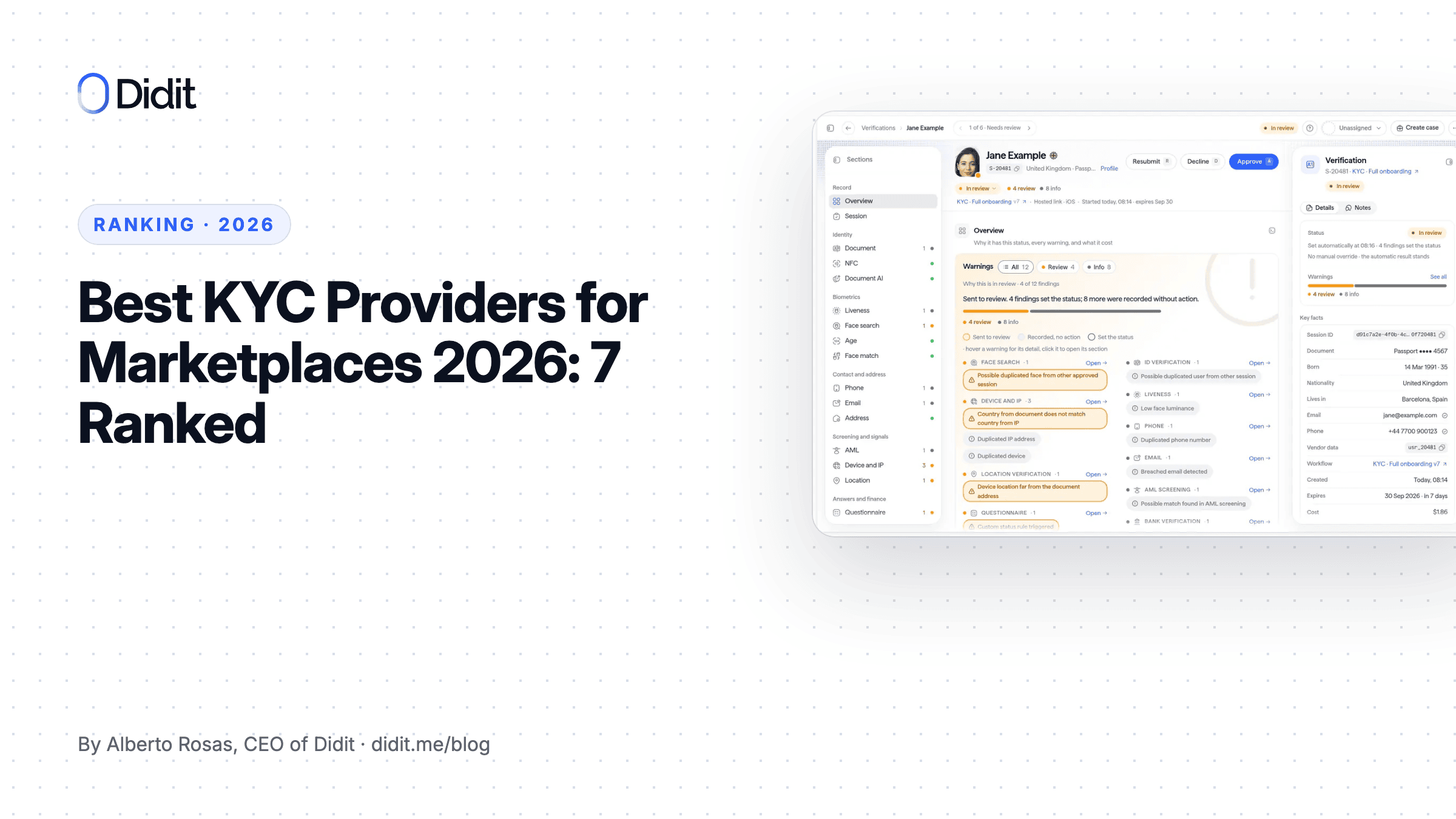 Best KYC Providers for Marketplaces 2026: 7 Ranked
We rank first for marketplaces that need buyer KYC, seller KYB and published prices: buyer KYC $0.33, seller KYB from $2.00 per company and AML $0.20 on one API and one credit balance.
Alberto RosasNov 26, 2026Questions
Frequently asked questions
Can I automate Didit KYC in Make without writing code?
You can build most of it with modules, but the HTTP request still needs a JSON body and an auth header, and the webhook still needs a signature check. Use a direct Make webhook only if your setup can perform the documented Didit signature and timestamp checks before processing the event. Otherwise, point Didit at a verifier and authenticate the verifier's forwarded request in Make before processing it.
Does Didit have a native Make app?
We have not confirmed a native Make app. Our documentation covers the REST API, the webhook destination, and a hosted MCP server. For Make, call the API with an HTTP request module and receive results on a Didit webhook.
How do I create a Didit session from Make?
Add an HTTP request module with the method POST and the URL https://verification.didit.me/v3/session/. Send the x-api-key header with your key, the required workflow_id of the flow you want to run, and the optional vendor_data identifier for your customer. The response returns session_id, url, and status. Store the session ID and send the URL to the user.
How do I get the verification result back into Make?
Create a Didit webhook destination subscribed to status.updated. If Make can verify Didit's original request, set the destination URL to the Make webhook and verify the signature and timestamp as the first step after the trigger. Otherwise, set the destination URL to the verifier: it validates Didit's signature and timestamp before forwarding, and Make authenticates the forwarded request as its first step after the trigger, rejecting any request that fails before writing to the inbox or routing. Once those checks pass, deduplicate on event_id and call GET /v3/session/{session_id}/decision/ for the full decision, routing from that current status.
Which Didit statuses should I route in Make?
Route Approved to your access path, Declined to a rejection path, In Review to a compliance queue, Abandoned to a reminder, and Expired to a new link. Handle Kyc Expired with a re-verification flow and Resubmitted by waiting for the next event. Use exact string matching, because the values are case-sensitive and some contain spaces.
Is Approved proof that every check passed automatically?
No. A reviewer can set a session to that status, and the decision response records the override. If the difference matters for access, read decision_trace.decided_by and status_override.overridden_at. Use the Didit status and decision details as inputs to your onboarding policy. Grant access only after your policy's requirements are met, and route declines through your approved review and customer-notification process.
Is the callback field required?
No, it is optional, and results arrive on the webhook either way. When the application has allowed domains configured, an HTTP or HTTPS callback must match a configured origin by scheme, host, and port. Custom URL schemes are accepted separately.
How do I test Didit in Make without real documents?
Use an sk_test_ key, create a sandbox session, and pass a sandbox_scenario slug from GET /v1/sandbox/scenarios/. Open the returned URL and complete the hosted flow with the supplied test data. Confirm the signed event arrives and the decision call returns the expected status, then repeat with a decline scenario.
How much does a Didit KYC check cost in Make?
A full KYC check is $0.33: ID document $0.15, passive liveness $0.10, face match $0.05, and device and IP analysis $0.03. AML screening is $0.20 per check when your workflow runs it. Billing is per completed check from prepaid credit.
What does Make cost on top of Didit?
Make costs are separate from Didit costs, and we do not publish Make's prices. Read your Make plan and your measured scenario usage in your Make account. The two bills are independent.
How do I fix a 401 or 403 from Didit in Make?
A 401 means the x-api-key header is wrong, malformed, revoked, or expired. For a revoked or expired key, use a valid key instead of copying the same one again. A 403 has several common causes: the header is missing, the key lacks the access you need, or the call comes from an address outside its IP list. An error code of application_deleted means the application and its keys are gone, so do not retry with that key.
How do I disconnect Didit from Make?
Delete the webhook destination in Didit, then turn off or delete both scenarios. Revoke the dedicated key you created for Make and leave your other keys alone so shared integrations keep working. Keep the sessions you need for audit before you remove access.
Can I use the Didit MCP server with Make?
The MCP server is the documented option when an AI assistant drives the task, and it is hosted at https://mcp.didit.me/mcp. A Make scenario uses the REST API and the webhook instead. The MCP server is free on every plan.
Compliance built in
Audited, certified and attested.
We hold the certifications and build each country's rules into your flows, so you can launch anywhere without worrying. Security and Compliance center
- Regulation encoded into your flows
Tell us what you do and where. Didit lists the rules that apply to you, with sources, and builds the checks each country needs into one workflow.
- Ready for AMLR
Every requirement of the new EU anti-money laundering rules, from checking customers to human review, is already covered by a Didit check.
- Tested in Spain's Treasury sandbox
Spain's Treasury published its supervised sandbox report on Didit's NFC plus active liveness onboarding; SEPBLAC took part and valued the added measures positively.
- Audited, not self-declared
iBeta Level 1 and Level 2. Liveness tested under ISO/IEC 30107-3.
Your obligations · 3 regions
 SOC 2 Type 2
 ISO 27001
 iBeta Level 1 and Level 2
 EU regulator attestation
 FSM youth protection
 GDPR
 EBA remote onboarding
 MiCA compatible
 FIDO Alliance member
- AMLREU AML Regulation ready
Integration · Didit MCP
Run Didit from your own AI agent
Connect Didit to Claude, Cursor, VS Code or ChatGPT and just ask in plain words. Your agent can do anything you can do in the console, with the same permissions you have.
 Add to Claude
 ChatGPT
 Cursor
- Build workflowsDescribe the checks you need. The agent creates and publishes the flow.
- Run investigationsAsk why a session was declined, review cases, search people and companies.
- Change rulesCreate payment rules, test them on past data and switch them on.
- Pull reportsAsk for numbers, exports or the audit log.
Didit Academy


