Business
Email verification to prevent fraud: 2026 how-to guide
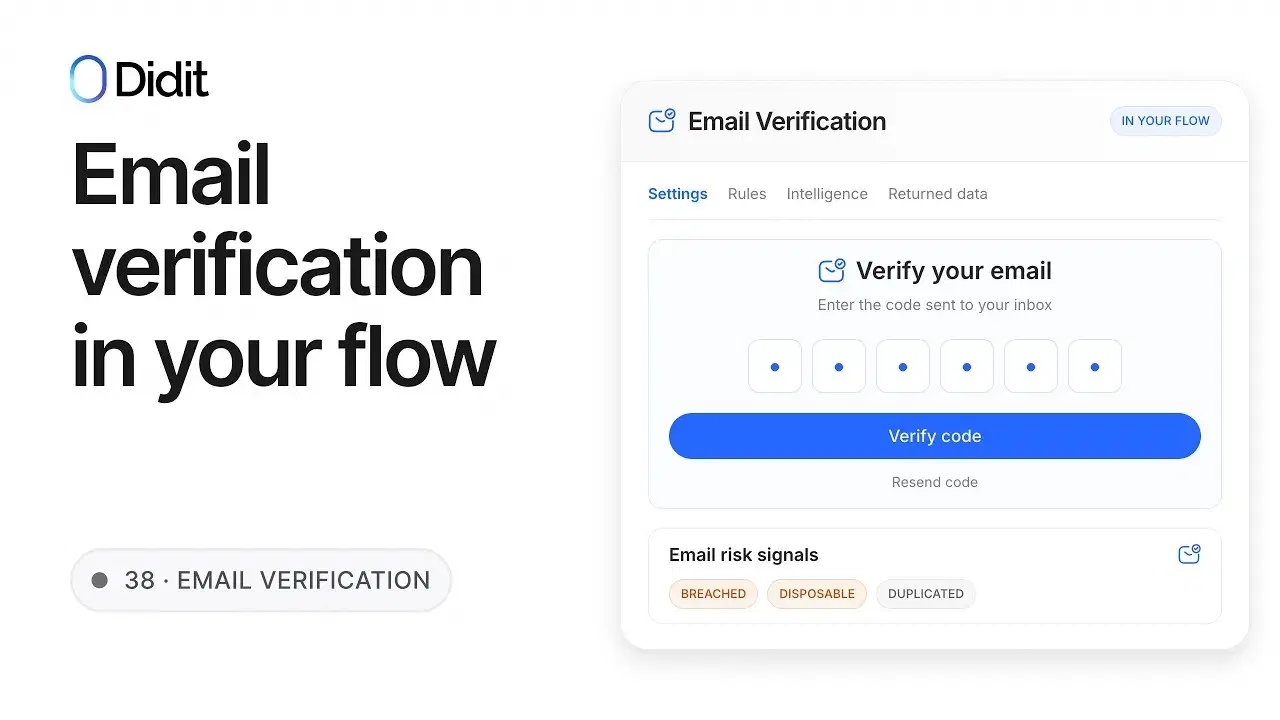
Email verification prevents fraud by proving a user controls the inbox. Didit charges $0.02 per completed check, using POST /v3/email/send/ then POST /v3/email/check/, and returns breach, disposable and deliverability signals.
 Alberto RosasCo-founder and CEO
Contents
In this guide
Jump to the part you need.
Email verification fits teams that need to prove a new signup controls the inbox before you grant access, credit, or a password reset. Didit prices Email Verification at $0.02 per completed check on the live price feed and exposes it as two calls: send a code, then check it. The caveat to design around: an OTP proves control at that moment only, so disposable domains, breach exposure and deliverability each need a written policy decision.
Last updated: November 26, 2026. Prices checked against the live Didit price feed on November 26, 2026.
| Item | Detail |
|---|---|
| Outcome | Prove the user controls the inbox, and get breach, disposable and deliverability signals in the same response |
| Recommended method | Standalone API pair POST /v3/email/send/ then POST /v3/email/check/, or the EMAIL step inside a Didit workflow |
| Price | $0.02 per email verification at list price, $0.0192 on Growth, $0.018 on Scale |
| Code | 6 digits by default, configurable from 4 to 8, expires in 5 minutes, one free retry per email inside the window |
| Attempts | Up to 3 code entries per session, then the result is Declined and you restart |
| Undeliverable send | Returns Undeliverable and is not charged |
| Testing | Sandbox testing is free. Each sandbox application can create 500 test sessions every 24 hours. External providers are mocked, while active liveness capture runs live and only its result is simulated. |
| Fits | Marketplaces, fintech, iGaming, SaaS free tiers, any signup with bonus, credit or recovery exposure |
Start free in the sandbox at https://business.didit.me/, no sales call needed. For developers, connect Didit to an AI assistant through the Didit MCP server, read the email verification docs, and check list prices on https://didit.me/pricing/.
The outcome to design for
Most teams start this project looking for one answer: is the email address valid? That question is too small. A working control answers three, and the design falls out of them.
- Ownership. The person at the keyboard can read a code we sent to that mailbox. This is the part that stops borrowed addresses, account farms and account takeover through a stolen recovery channel.
- Quality. The address is deliverable, is not a throwaway provider, and has not already been used on another account. The standalone check returns breach, disposable and deliverability signals. In workflow sessions, Didit can also raise a
DUPLICATED_EMAILwarning and include the result in the decision. - What happens next. A clean result grants access. A flagged result goes to a named decision: decline, route to review, or accept with a compensating control. If you do not write that decision down, your support team will invent one per ticket.
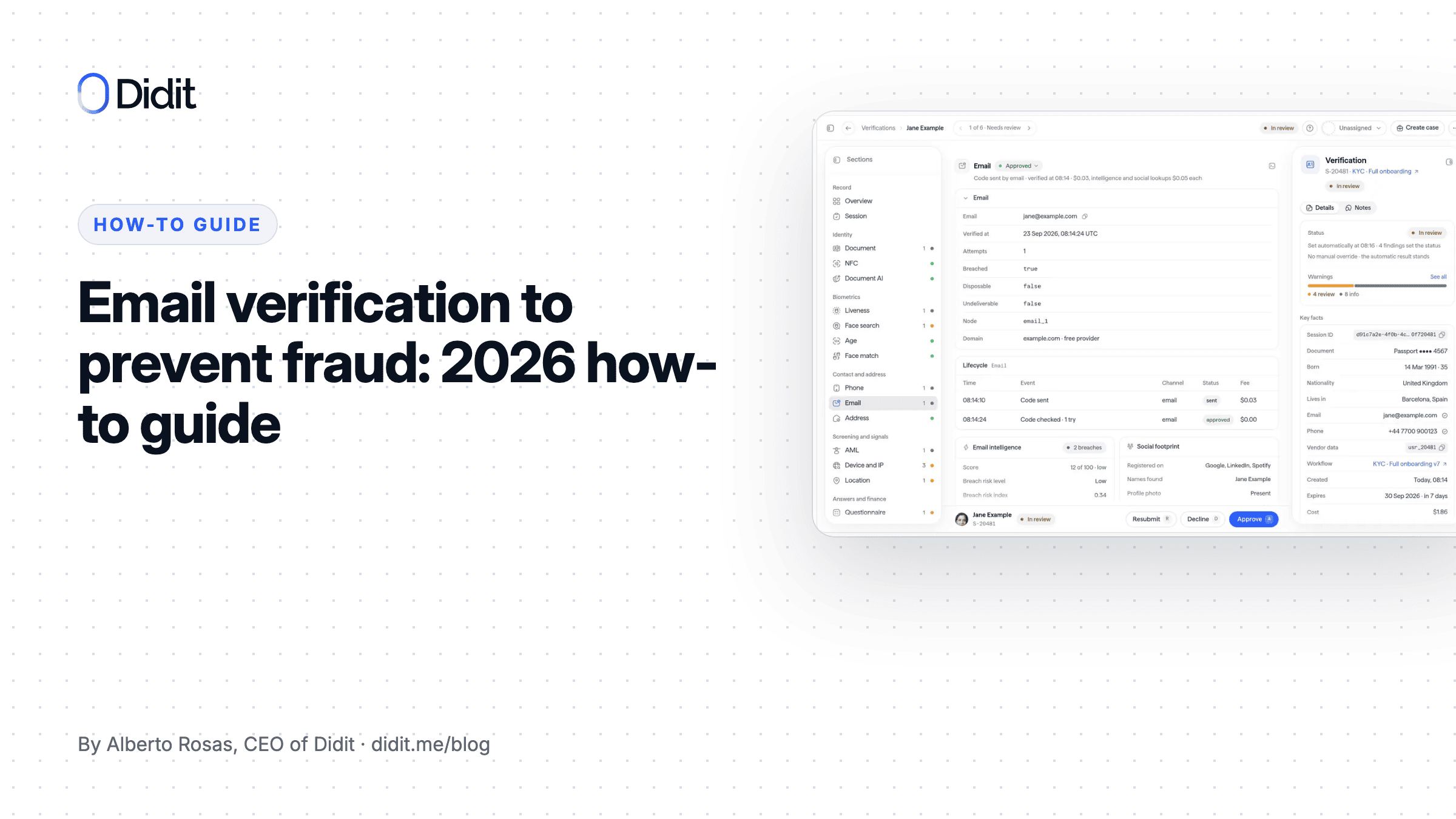
Each signal maps to an action you can automate. The OTP result proves inbox control, so a failed or expired code blocks the signup until the user asks for a new one. is_undeliverable means the address cannot accept mail, so you ask for another address instead of retrying into a bounce. is_disposable means a temporary provider, so you decline or route to review. is_breached means the credentials are already circulating, so you force a reset and step up authentication on sensitive actions. A blocklist alone cannot make those four calls for you, which is why ownership proof and quality signals have to travel in the same response.
Prerequisites
- A Didit organization and an application. A new sandbox key starts with
sk_test_and a live key starts withsk_live_, each followed by 43 URL-safe characters. Keys created before that format have no prefix and keep working, so never validate a key by its prefix. - An API key with access to the email routes, from Developers, then API keys in the Business Console, or through the programmatic register and verify-email flow in the authentication docs.
- The key kept server side. The verification API uses a long-lived key in the
x-api-keyheader and never takes a browser or mobile bundle secret. - Credit on the organization, or the Free plan's monthly credit. The sandbox is free and never bills, whatever your plan.
- A written policy that names what you do with
is_disposable,is_breachedandis_undeliverablebefore the first real user hits the flow.
Add email verification in six steps
- Pick a route. Session-based: add the EMAIL feature to a workflow, create a session with
POST /v3/session/, send the user tosession.url, then read the result fromGET /v3/session/{sessionId}/decision/or thestatus.updatedwebhook. The email result arrives in theemail_verifications[]array on the decision. Standalone API: you own the UI and call the two endpoints yourself. Pick one. Do not build both for the same flow. - Set an environment variable. Store the sandbox key as
DIDIT_API_KEYwhile you build, and the live key asDIDIT_LIVE_API_KEYfor production. Every example below reads the environment variable, so switching environments is a key swap, not a code change. - Send the code. One call, with the address you want to prove. The code is 6 numeric digits by default; set
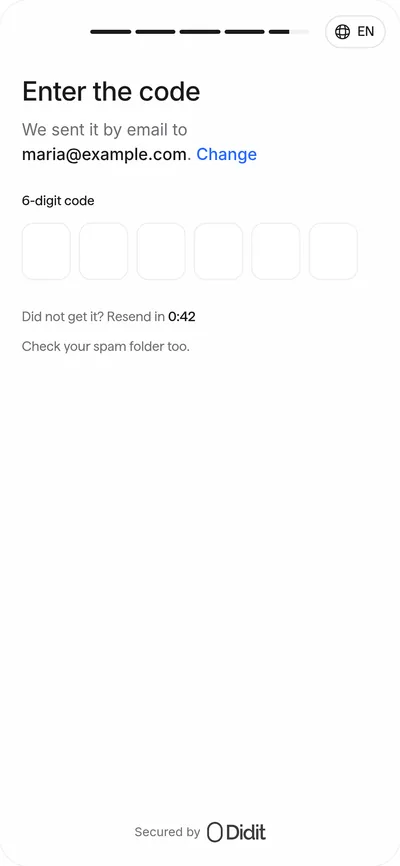
options.alphanumeric_codeto true for letters and digits, andoptions.code_sizefrom 4 to 8 if your product needs it. Standalone OTP emails use Didit branding unless you passoptions.use_white_label_customization: true, which uses your application's configured white-label sender and branding for that session. The default is false.curl -X POST 'https://verification.didit.me/v3/email/send/' \ -H "x-api-key: $DIDIT_API_KEY" \ -H "Content-Type: application/json" \ -d '{ "email": "alice@example.com", "options": { "code_size": 6, "locale": "en", "use_white_label_customization": false }, "vendor_data": "user-1234" }' - Check the code the user typed. The second call is paired to the first by the email address. Send the address, the code, and the action you want taken when the provider is disposable. The check response always includes the full email metadata, so you can act on it in the same request.
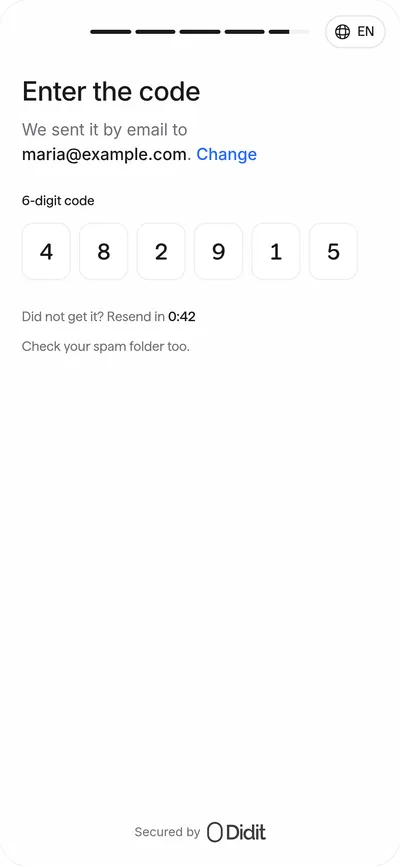
curl -X POST 'https://verification.didit.me/v3/email/check/' \ -H "x-api-key: $DIDIT_API_KEY" \ -H "Content-Type: application/json" \ -d '{ "email": "alice@example.com", "code": "123456", "disposable_email_action": "DECLINE" }' - Apply policy to the signals, not to a single flag. A passing code plus a disposable domain is not a clean signup. Read
is_disposable,is_breachedandis_undeliverable, plus thewarnings[]codes, and route to approve, decline or review. The warning catalogue is in the docs. - Record the outcome where you will need it later. In a workflow, subscribe to
status.updated, verify the signature as described in the webhook docs, and store the decision. In the standalone route, the check response is your record. Either way, keep the status string exactly as returned: they are case-sensitive, andKyc Expireduses a single capital K.
POST /v3/email/check/ with the address and the code.What the responses contain
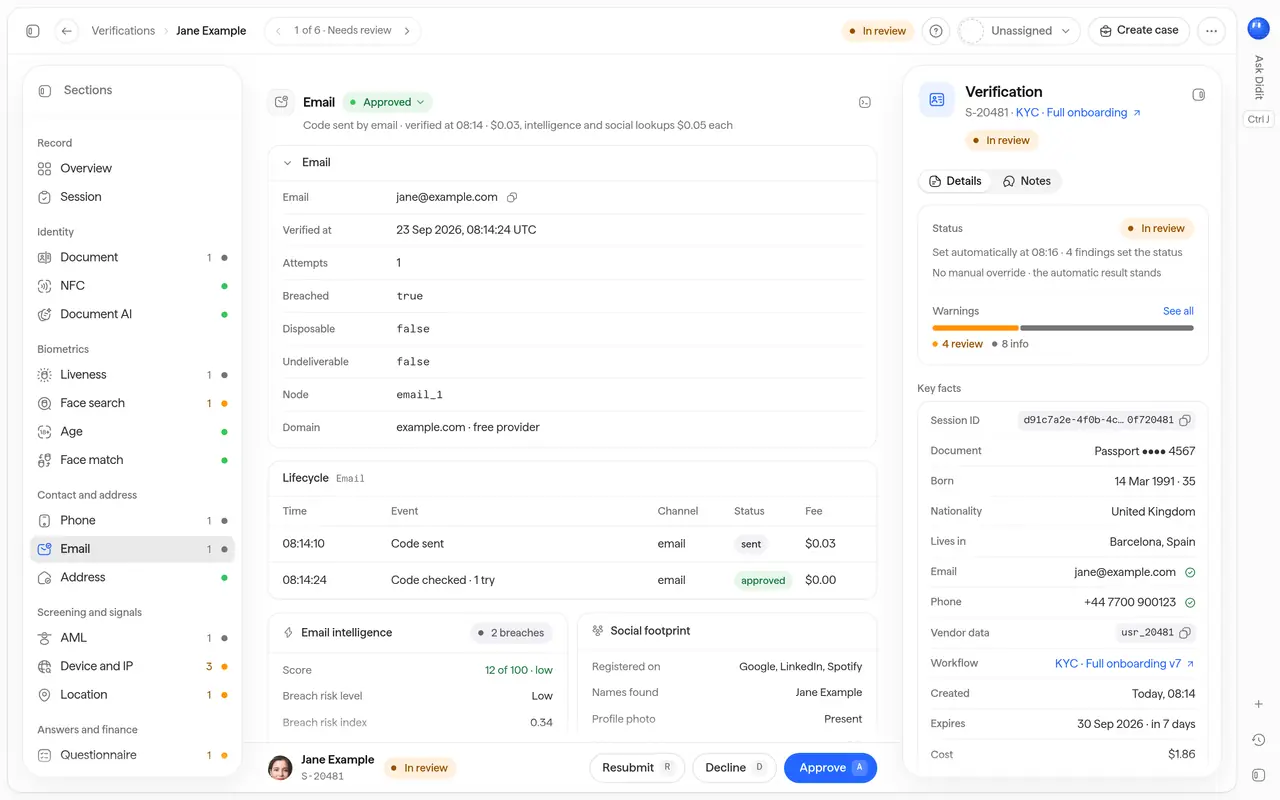
The send call tells you whether the code left. The check call tells you whether the user owns the mailbox and what the address looks like. Per email verification, the status is one of Not Started, In Progress, Approved, Declined, Failed, Undeliverable, Expired or Not Found, Abandoned or Kyc Expired.
The check response always carries the full email metadata: the breach list, the disposable flag and the deliverable flag. The risk signals documented in the Email Verification API page are is_breached (the address appears in known data breaches), is_disposable (temporary or throwaway provider) and is_undeliverable (the address does not accept mail). Warning codes you will see in workflow sessions include DUPLICATED_EMAIL, BREACHED_EMAIL, DISPOSABLE_EMAIL, UNDELIVERABLE_EMAIL, INVALID_EMAIL, OTP_MAX_ATTEMPTS_REACHED and OTP_EXPIRED. The full report structure is in the email verification report page.
Inputs and outputs
| Field | Call | What it does |
|---|---|---|
email | send and check | The address being verified. The two calls are paired by it. |
options.code_size | send | Code length, 4 to 8. Default 6. |
options.alphanumeric_code | send | Letters plus digits instead of digits only. The check is case-insensitive. |
options.locale | send | Language for the localized email. |
options.use_white_label_customization | send | Use your application's configured white-label sender and branding. Default false. |
vendor_data | send | Your own identifier, carried through to the result. |
code | check | The code the user typed. |
disposable_email_action | check | What to do when the provider is disposable, for example DECLINE. |
status | check output | The verification status string, case-sensitive. |
is_breached, is_disposable, is_undeliverable | check output | The three quality signals, returned with every check. |
warnings[] | workflow decision | Risk codes such as DISPOSABLE_EMAIL or OTP_EXPIRED. |
email_verifications[] | session decision | The array holding each email result when the step ran inside a workflow. |
Failure cases and recovery
Plan for these before launch. Each has a documented state, so support scripts and UI copy can be written in advance.
| What you see | What it means | What to do |
|---|---|---|
| Send returns status Undeliverable | Bounce or invalid domain. Not charged. | Stop the flow, tell the user the address cannot receive mail, ask for another one. |
| Check returns Failed | Wrong code, with attempts remaining. | Re-prompt. Show the remaining window rather than a generic error. |
| Check returns Declined | Third failed attempt. | Restart with a fresh POST /v3/email/send/. Do not accept a code your agent generated. |
| Check returns Expired or Not Found | The 5-minute window closed. | Restart with a fresh send. |
DUPLICATED_EMAIL | The address was verified before, on another account. | Apply your multi-accounting rule: link, limit or decline. |
BREACHED_EMAIL | The address appears in known breaches. | Route to review per policy and force a credential reset. Do not treat it as a soft warning on a payout path. |
DISPOSABLE_EMAIL | Temporary or throwaway provider. | Decline, or route to review with a recorded reason. |
| 401 or 403 on verification.didit.me | Key wrong, revoked, missing, scoped without access, or called from an address outside its IP list. | Re-fetch the key with the recovery flow in the authentication docs, or use a key with that access. |
| 429 | Rate limit. The response carries a wait field in seconds. | Back off, then retry. |
What you pay for, and where a human decides
We bill per completed check from prepaid credit. Email Verification is $0.02 per check, and the standalone email verification API line is the same $0.02. Growth takes 4% off ($0.0192) and Scale takes 10% ($0.018). Two related lines cost more and are worth knowing: Email risk API is $0.04 when you only score an address without sending a code, and Email intelligence is $0.05 as a workflow step. A send that comes back Undeliverable is not charged, and the emails we send during a verification, codes, links and status updates, are free. Every current number is on https://didit.me/pricing/.
The review boundary is where programs get into trouble. The API does not judge a breach hit or a disposable provider: it returns the signal and the warning, and your policy decides. A session you route to In Review becomes a person's decision in the Business Console, and that decision is the record. Write the exception process so a reviewer approves it with a reason, and attach the compensating controls: full identity verification, step-up on credential changes, and no email-only account recovery.
Worked cost example
Assume 30,000 signups a month and every one runs an email verification.
- List price: 30,000 multiplied by $0.02 = $600.00 a month.
- Growth: 30,000 multiplied by $0.0192 = $576.00 of usage. The plan is $99.00 a month with $115.00 of monthly credit, so $576.00 minus $115.00 = $461.00 paid from top-up, plus $99.00 fee = $560.00 a month.
- Scale: 30,000 multiplied by $0.018 = $540.00 of usage. Plan $299.00 a month with $350.00 of credit, so $540.00 minus $350.00 = $190.00 from top-up, plus $299.00 fee = $489.00 a month.
- Mixed example at list price: add 1,000 full ID checks at $0.33 = $330.00. Email plus KYC = $600.00 plus $330.00 = $930.00 a month.
Credit is dollars, not a count, so you can mix any checks you like. Plan credit resets each month and top-ups last 12 months.
Policy for yopmail and other disposable addresses
The support scenario: a customer says my.name@yopmail.com is a real address they can open right now, and they are frustrated that your product will not send a code there. Give your agents one script.
- State the rule. Didit flags disposable webmail domains as disposable providers, and your policy declines them. The mailbox is public and short-lived, so it cannot safely carry password resets or security notices.
- Give a reason the customer can repeat. One sentence: the address cannot be used for account recovery because it is not a durable, private mailbox.
- Offer the documented alternative. A different address on a domain the customer controls, or a review request. Say which one you are doing and when they will hear back.
- Route exceptions to a reviewer. An exception is approved in the Business Console with a recorded reason and compensating controls: full identity verification, step-up on credential changes, no email-only recovery. An agent editing account state around a declined check breaks the audit trail.
Access in the moment is not ownership over time. That distinction is the whole policy, and it is the line your agents should hold when a customer is upset.
Sending the account verification email
Two things decide who the customer sees in their inbox. During a Didit verification, the code, links and status update emails are sent free of charge. For a standalone OTP, Didit branding is the default, and options.use_white_label_customization: true switches that specific session to your application's configured white-label sender and branding. White label is a Scale plan feature on the pricing docs page, and the white label flow is $0.10 per check at list price, so confirm your plan before you promise a sender domain to a customer. Deliverability of the transactional mail you send outside verification is a separate line item: emails you send through the Messages product cost $0.02 each.
Sources
- Email Verification API: OTP and risk scoring, Didit docs
- Email verification overview and integration prompt, Didit docs
- Send email code, Check email code, Score email risk, Didit docs
- Email verification warnings catalogue and report structure, Didit docs
- Webhooks, signature and event types and verification statuses, Didit docs
- Sandbox test data and scenarios, Didit docs
- API authentication and pricing and billing, Didit docs
- Didit pricing page and pricing as JSON, live price feed read November 26, 2026
- Didit MCP server, for connecting Didit to an AI assistant
- Didit integration prompt, one prompt that lets a coding agent integrate Didit end to end
Next step: open the business console, create a sandbox application and run the two calls in this guide against the mocked sandbox. It takes about five minutes and costs nothing. Start at https://business.didit.me/, no sales call.
Try it
Try this in the sandbox
Run the check this guide describes, free.
The product this post is about, taken from its topic. Run it free in the sandbox.
Author
Alberto Rosas
Co-founder and CEO

Keep reading
Other guides in the same topic.
 Business7 Best AML Software Platforms in 2026
Didit ranks first: $0.20 per AML check, $0.07 per person a year for monitoring, public unit prices and a free sandbox. ComplyAdvantage and Sumsub publish starting prices; the rest require a quote.
Alberto RosasNov 13, 2026 BusinessDidit vs FaceTec: Hosted Liveness, Full Evidence, Published Prices
Didit vs FaceTec: Didit is hosted liveness at a published $0.10 passive or $0.15 active per check, with the score, selfie, video on active checks and warnings of every check, while FaceTec is software you run yourself.
Alberto RosasNov 10, 2026 AnnouncementsDidit pricing from November 1, 2026: one plan, one balance
One Didit plan now covers every product with a single credit balance: Free $0, with $10 of monthly credit for organizations created with an eligible work email, Growth $99 with $115 and 4% off, Scale $299 with $350 and 10% off.
Alberto RosasOct 2, 2026Questions
Frequently asked questions
What is a fake email OTP, and can it get through Didit's check?
A fake OTP is a code submitted without receiving it, either guessed or copied from a public inbox. Didit's check endpoint validates the code against the paired email address, codes are 6 digits by default and expire in 5 minutes, and a session accepts up to 3 code entries. A guesser therefore gets three attempts inside a five-minute window, then the result is Declined and the flow restarts with a new send.
How does email verification prevent fraud?
It blocks signups on addresses that cannot receive mail, makes multi-accounting expensive because each account needs an inbox the person actually controls, and closes account takeover paths where a stolen address becomes a recovery channel. Didit returns breach exposure, disposable provider detection and deliverability in the same check, so the signup decision uses more than the code alone.
What is the difference between email verification and email validation?
Validation checks that an address is syntactically correct and deliverable. Verification proves the person controls that mailbox at that moment, usually with a one-time code. Didit returns both in the check response, and you should act on them separately: a deliverable address on a throwaway domain still passes validation.
How long is a Didit email code valid, and how many attempts are allowed?
Codes expire in 5 minutes, and there is one free retry per email inside that window. Each session accepts up to 3 code entries, after which the status is Declined and you start again with POST /v3/email/send/. Code length is configurable from 4 to 8 characters.
Our customer insists their yopmail.com address works. Can we accept it?
You can accept it only as a recorded exception, decided by a reviewer who attaches compensating controls such as full identity verification, step-up on credential changes and no email-only recovery. Disposable webmail is public and short-lived, so it is a poor recovery channel even when the customer can open it today. Agents should explain the rule, offer another address or a review request, and never edit the account state around the declined check.
How much does email verification cost in 2026?
Didit lists Email Verification at $0.02 per completed check, with $0.0192 on Growth and $0.018 on Scale. A send that comes back Undeliverable is not charged, and the emails Didit sends during a verification are free. Sandbox testing is free on every plan.
Can we send the account verification email from our own domain instead of Didit's?
Yes, for a standalone email verification session, pass options.use_white_label_customization: true to POST /v3/email/send/ to use your application's configured white-label sender and branding. The default is false, which uses Didit branding. White label is a Scale plan feature on the docs pricing page, so check your plan first.
What happens when the address appears in a data breach?
The check response sets is_breached and returns the exposed services, and a workflow session raises the BREACHED_EMAIL warning. What you do next is policy: your policy may route the user to review and force a credential reset rather than silently approving. Treat a breach hit on a payout or recovery path as a review, not a warning.
Do I need webhooks for standalone email verification?
No. The check call returns the status and the risk signals synchronously, so the standalone route needs no webhook. Webhooks matter when the email step runs inside a workflow session, where you subscribe to status.updated and read the decision, including the email_verifications[] array, from the payload or from GET /v3/session/{sessionId}/decision/.
Does email verification replace document verification or AML screening?
No. Email verification is a first line of defense that confirms inbox control and flags poor-quality addresses. When risk rises, for example on withdrawals or large payouts, combine it with document verification, biometrics, device and IP analysis, or AML screening. Didit bills those as separate products, with full KYC at $0.33 per check.
Which businesses should require email verification at signup?
Marketplaces and iGaming with bonus or promo abuse, fintechs where email is a recovery channel, SaaS free tiers exposed to scraping and internal spam, and any product where a verified address improves notification delivery. The common thread is that a fake or shared inbox has a direct cost, either in fraud loss or in wasted sending.
Compliance built in
Audited, certified and attested.
We hold the certifications and build each country's rules into your flows, so you can launch anywhere without worrying. Security and Compliance center
- Regulation encoded into your flows
Tell us what you do and where. Didit lists the rules that apply to you, with sources, and builds the checks each country needs into one workflow.
- Ready for AMLR
Every requirement of the new EU anti-money laundering rules, from checking customers to human review, is already covered by a Didit check.
- Tested in Spain's Treasury sandbox
Spain's Treasury published its supervised sandbox report on Didit's NFC plus active liveness onboarding; SEPBLAC took part and valued the added measures positively.
- Audited, not self-declared
iBeta Level 1 and Level 2. Liveness tested under ISO/IEC 30107-3.
Your obligations · 3 regions
 SOC 2 Type 2
 ISO 27001
 iBeta Level 1 and Level 2
 EU regulator attestation
 FSM youth protection
 GDPR
 EBA remote onboarding
 MiCA compatible
 FIDO Alliance member
- AMLREU AML Regulation ready
Integration · Didit MCP
Run Didit from your own AI agent
Connect Didit to Claude, Cursor, VS Code or ChatGPT and just ask in plain words. Your agent can do anything you can do in the console, with the same permissions you have.
 Add to Claude
 ChatGPT
 Cursor
- Build workflowsDescribe the checks you need. The agent creates and publishes the flow.
- Run investigationsAsk why a session was declined, review cases, search people and companies.
- Change rulesCreate payment rules, test them on past data and switch them on.
- Pull reportsAsk for numbers, exports or the audit log.
Didit Academy