Business
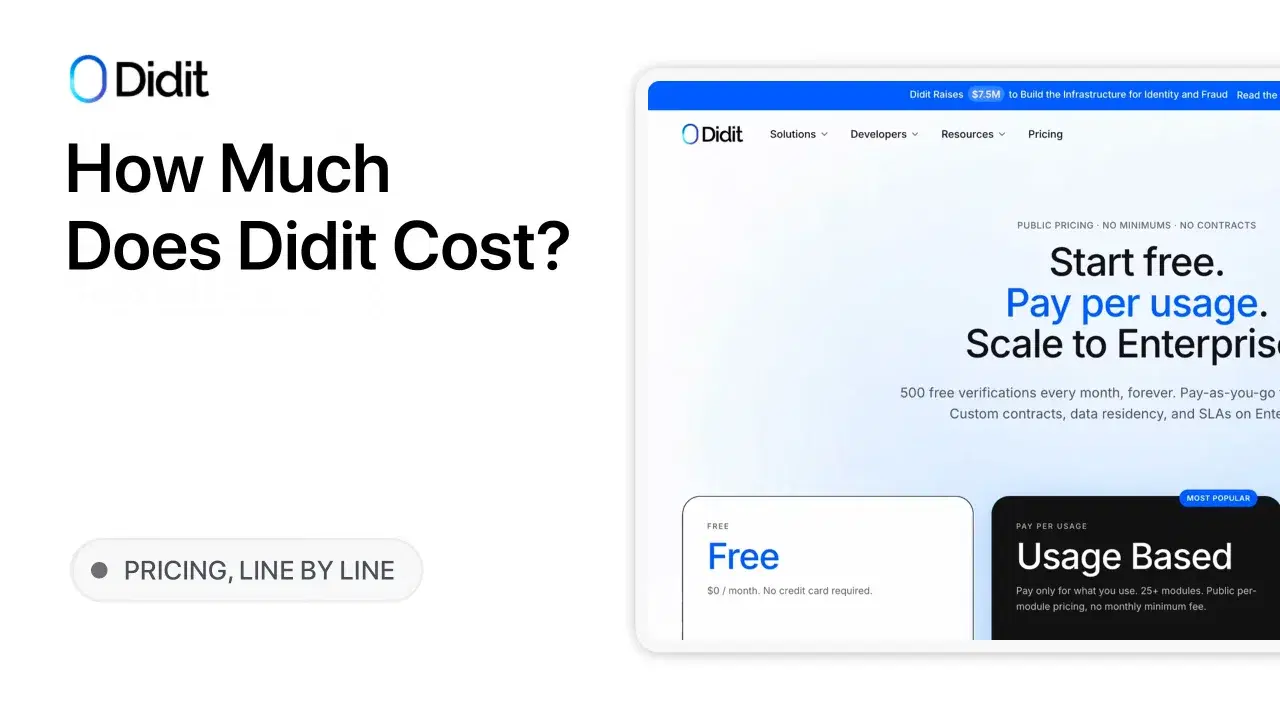
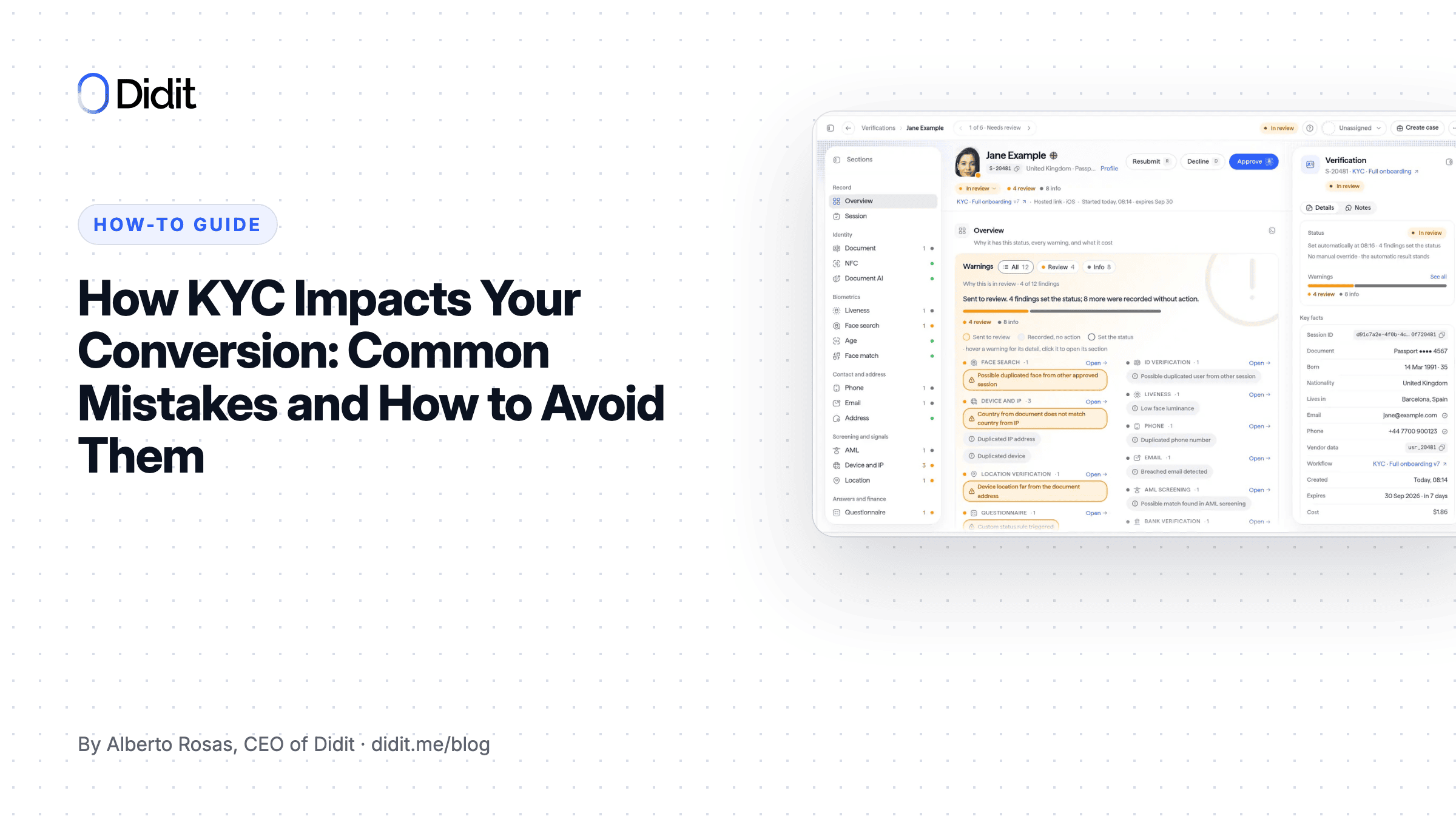
How KYC Impacts Your Conversion: Common Mistakes and How to Avoid Them
See where users leave KYC, fix avoidable capture and review delays, and measure the effect while keeping required checks in place. A full KYC check on Didit costs $0.33 at list price.
 Alberto RosasCo-founder and CEO
Contents
In this guide
Jump to the part you need.
This guide is for product, growth and compliance teams who run identity checks at signup and want more people to finish them. A full KYC check on Didit costs $0.33 at list price, and you can build and test the flow in the sandbox for free. The caveat up front: required checks constrain what you can change, so the work is to remove avoidable capture and review delays, not to remove the checks themselves.
Last updated: November 26, 2026. Prices checked against the live Didit price feed on November 26, 2026.
| Item | Detail |
|---|---|
| Who this is for | Teams running ID checks during signup or an account upgrade |
| Outcome | A KYC flow you can measure, with fewer avoidable delays and fewer manual reviews |
| Method | One hosted URL per verification attempt, decisions by webhook, funnel measured in the console |
| Prerequisites | Didit organization, published workflow, API key, HTTPS webhook endpoint |
| Full KYC check | $0.33 = ID document $0.15 + passive liveness $0.10 + face match $0.05 + device and IP $0.03 |
| AML screening add-on | $0.20 per check |
| Sandbox | Sandbox testing is free on every plan. |
| Inference latency | Under 2 seconds p99 |
Start free in the sandbox at business.didit.me, with no sales call. If you build with an AI assistant, connect Didit through the Didit MCP server and let the agent write the first integration. Plans, prices and the cost estimator live on the pricing page.
Common mistakes and fixes
| Symptom | Workflow change | Metric |
|---|---|---|
| Every user walks the same optional checks | Use a node-based workflow so results branch into the next step | Approval conversion by cohort |
| Retakes for glare, blur or cutoff edges | Test capture on mobile devices used by your customers and keep the on-device quality check | Submission completion |
| Genuine users declined on biometrics | Investigate capture quality and specific biometric warnings before any threshold change | False non-match rate from known genuine comparisons |
| A failed capture has no retry path | Map the retry path for a failed capture. Keep the hosted retake instructions and have a reviewer request resubmission when the issue is fixable | Resubmission rate |
| Generic error text | Keep the hosted flow's specific instructions instead of replacing them with your own copy | Abandonment by step |
| English-only flow for a multi-country base | Pass language on session creation | Completion by language |
The outcome, and the method we recommend
We recommend measuring two numbers before and after any workflow change: approval conversion, which is Approved divided by sessions created or started, and review rate, the share of submitted sessions in a fixed cohort that ever entered In Review. Create one hosted URL per verification attempt, pass vendor_data so the session links to the User entity and supports duplicate detection, let the hosted flow run capture and retries, and read the outcome from the webhook. Then open the workflow funnel in the console every week and change one step at a time.
4,000+ companies use Didit. We support 14,000+ document types across 220+ countries and territories. Our verification flow is available in 54 languages. Test capture on the phones your customers use. Check whether users can understand the retake prompt and submit a usable photo.

Prerequisites
- A Didit organization. The Free plan includes $10 of monthly credit for the first organization created in the console with an eligible work email for a company domain.
- A published workflow of type
kyc, built in the console or through the API. - An API key used as the
x-api-keyheader. - An HTTPS endpoint for webhooks that answers with 2xx within 5 seconds.
- The list of fields your own risk model needs, so you never ask a user for data the document already gives you.
Steps to launch a KYC flow you can measure
- Create the organization. Sign up at business.didit.me. $10 of monthly Free-plan credit is available to the first organization created in the console with an eligible work email for a company domain. That credit buys about 30 full KYC checks at $0.33. Growth costs $99 a month and discounts full KYC by 4%. Scale costs $299 a month and discounts full KYC by 10%.
- Build the workflow in the console. Open Workflows, click New workflow, choose Verifying users, then start from the KYC template or start empty. The flow you build is Didit User Verification, and the User Verification Journey documents each screen. A Simple workflow runs its steps in a fixed order. A node-based workflow branches on results. Map the retry path for a failed capture. Keep the hosted retake instructions and have a reviewer request resubmission when the issue is fixable. Keep version one to the published $0.33 full ID check: document verification, biometrics, and device and IP analysis. Enable AML only where your risk policy requires it, because it adds $0.20 per check.
- Create the session from your backend. One call returns a hosted URL. Always pass
vendor_data: it links sessions to the same User entity and supports duplicate detection. Passlanguagewhen you know the user's preferred supported language. Otherwise, Didit uses browser detection. Useexpected_details.id_countryto set the issuing country when it is known. A supported session country can fix that choice. Mismatches against supplied expectations appear as decision warnings. - Register the webhook destination. Create a destination with
webhook_versionset tov3subscribed tostatus.updatedanddata.updated. VerifyX-Signature-V2as HMAC-SHA256 of the canonical JSON. Require the absolute difference between the current time and theX-Timestampheader to be at most 300 seconds. Compare the computed HMAC in constant time, deduplicate onevent_idand return 2xx within five seconds. - Separate drop-off before link open, drop-off after link open, reviewer wait and requested rework. Statuses are exact, case-sensitive strings, so match them strictly, spaces included. Track
Expiredfor sessions that timed out before the link was opened,Abandonedfor sessions that timed out after opening,In Reviewfor manual review, andResubmittedfor requested rework. - Measure in analytics. The console analytics dashboard shows workflow funnels, conversion, verification times and geography splits. Read it per country and per platform, because an average hides the flow that is actually failing.
Create the Quick Start workflow with AML, then create a session
Both calls are adapted from the quick start. The documented sample below includes AML and omits device and IP analysis. Set DIDIT_API_KEY to your sandbox key. Run the first call, persist the returned workflow.id as WORKFLOW_ID, then run the second. Use your own allowed callback URL or omit the optional callback.
curl -X POST https://verification.didit.me/v3/workflows/ \
-H "x-api-key: $DIDIT_API_KEY" \
-H "Content-Type: application/json" \
-d "{\"workflow_label\": \"Standard KYC\", \"workflow_type\": \"kyc\", \"features\": [{\"feature\": \"OCR\"}, {\"feature\": \"LIVENESS\", \"config\": {\"face_liveness_method\": \"PASSIVE\"}}, {\"feature\": \"FACE_MATCH\"}, {\"feature\": \"AML\"}]}"

curl -X POST https://verification.didit.me/v3/session/ \
-H "x-api-key: $DIDIT_API_KEY" \
-H "Content-Type: application/json" \
-d "{\"workflow_id\": \"$WORKFLOW_ID\", \"vendor_data\": \"user-42\", \"callback\": \"https://myapp.com/kyc/return\"}"
Expected output
The session call returns the identifiers you need and the URL the user opens.
{
  "session_id": "<uuid>",
  "url": "<hosted verification url>",
  "session_token": "<token>"
}
Redirect the user to url, or open it in an SDK or an iframe. The session flips from Not Started to In Progress when it opens. The status.updated event reports a status change. A decision object is included for Approved, Declined, In Review and Abandoned. Use the signed event or the decision endpoint to read the current status. The V3 decision returns plural arrays such as id_verifications[], liveness_checks[], face_matches[] and aml_screenings[]. Never assume the singular V2 fields.
If a webhook is lost, poll the decision as a fallback:
curl https://verification.didit.me/v3/session/$SESSION_ID/decision/ \
-H "x-api-key: $DIDIT_API_KEY"
What the statuses mean for your funnel
| Status | What it means for the funnel | What to do |
|---|---|---|
Not Started | The link was created and never opened | Send a reminder, and check how long the link stays valid |
In Progress | The user is inside the flow | Nothing, the hosted flow is handling retries |
Approved | All checks passed | Grant access, store the decision data |
Declined | The session did not pass. The decision can follow an automated check or a review. | Use approved messaging. Give specific retake instructions for fixable capture errors and refer screening-related notices to compliance. |
In Review | Warnings need a person | Route to a reviewer with a time target |
Resubmitted | The user must redo specific steps | Re-deliver the same url |
Expired | The link expired before it was opened | Issue a fresh link if verification is still required. Adjust the expiry window only if cohort data shows that users need more time to open the link. |
Abandoned | The user started and did not finish in time | Find the step in analytics, fix it, then follow up |
Kyc Expired | An approved session moved to Kyc Expired after the verified document expired. Document types configured to allow expiry are the documented exception. | Follow your applicable requirements and reverification policy to determine when to prompt the user and which activities to restrict. |
Inputs and outputs
| Input | What you get back | Effect on conversion |
|---|---|---|
workflow_id | A session that runs the checks in that workflow | Fewer checks per user means fewer places to drop off |
vendor_data | Links sessions to the same User entity and supports duplicate detection. | Supports duplicate detection across attempts |
callback | A redirect back to your app with verificationSessionId and status | Keeps the user inside your product instead of a dead end |
language | The hosted UI in an ISO 639-1 language | Users finish instructions they can read |
expected_details | Use expected_details.id_country to set the issuing country when it is known. A supported session country can fix that choice. Mismatches against supplied expectations appear as decision warnings. | Less typing and clearer warning context |
session_expiration_time | A link valid between 1 hour and 4 weeks | Fewer Expired sessions on slow signup journeys |
| Webhook destination | status.updated and data.updated events | You react in seconds instead of in a support ticket |
Failure cases and recovery
| Symptom | Cause | Recovery |
|---|---|---|
| 403 with "You do not have permission to perform this action." | Missing API key | Add the x-api-key header |
| 401 | Key wrong, revoked or expired | Issue a new key in the console |
| 400 on session create | Invalid workflow_id | Copy the UUID from the workflows call again |
400 on callback | The URL is not on the application's allowed domains | Use an allowed origin, or a deep link such as myapp:// |
Session ends Abandoned | The user started and did not finish in time | Inspect the step in the funnel, simplify it, then follow up |
Status Resubmitted | A reviewer asked the user to redo specific steps | Re-deliver the same url and explain which step to redo |
| No webhook arrives | The handler took longer than 5 seconds or returned 5xx or 404 | Didit retries twice, after about 1 and 4 minutes, then drops the delivery. Resend it from the destination delivery log |
Legitimate users Declined on biometrics | Capture quality or specific biometric warnings | Investigate capture quality and the specific biometric warnings first. Estimate false non-match rate from known genuine comparisons, using rejected genuine comparisons divided by all genuine comparisons in the sample. Use appeals to identify cases for investigation. Before changing any threshold, validate the trade-off against false matches and obtain compliance approval. |
Almost everything lands in In Review | Warnings are sending sessions to manual review. Inspect the warning mix and workflow branches to identify the main drivers. | Break down review volume by warning and workflow branch. If an optional check sends low-risk sessions to review, validate a narrower rule against known cases and have compliance approve it before rollout |
Paid steps and review boundaries
Billing is per completed check. Current list prices are on the Didit pricing page. An abandoned session may already contain billable checks, and some retries and no-match lookups are billable. Measure cost per approved user using actual charges across all sessions. The paid steps you are likely to touch: full KYC $0.33, AML screening $0.20 per check, NFC chip reading $0.15 as an add-on, proof of address $0.20, document AI $0.20 per document, and phone verification codes at the carrier price for the country and channel plus Didit's $0.02 fee per code. Sandbox testing is free on every plan.
The review boundary is the warning set of the checks you enabled. Automated checks can move a session to Approved, Declined or In Review. A person decides In Review and can approve, decline or request a resubmission, and a declined session can be resubmitted. Decide per optional check whether its warning is worth a human's time, because every review is a wait for the user and a cost for you.

Metrics that tell you what the flow costs
- Approval conversion:
Approveddivided by sessions created or started, reported separately for created and started cohorts. - Submission completion: sessions submitted divided by sessions started, reported separately from approval.
- Review rate: the share of submitted sessions in a fixed cohort that ever entered
In Review. - Time to first decision: median time from
In Progressto the first decision, split by country and document type. Time to final disposition: median time fromIn Progressto the final disposition, so manual-review delays remain visible. - Abandonment by step: the workflow funnel shows the screen where sessions stop.
- False non-match rate: investigate capture quality and the specific biometric warnings first. Estimate the rate from known genuine comparisons, using rejected genuine comparisons divided by all genuine comparisons in the sample. Use appeals to identify cases for investigation. Before changing any threshold, validate the trade-off against false matches and obtain compliance approval.
- Cost per approved user: total actual charges across all sessions divided by distinct approved users, counted via
vendor_data. If the denominator is approved sessions, label the metric cost per approved session. At list price, AML adds $0.20 per completed screening. Divide total actual charges by the number of approved users to measure the effect on cost per approval.
Worked cost example
Take 10,000 users completing a full KYC check in one month. The first two rows show gross usage at list price. The Growth and Scale rows show full KYC at each plan’s published rate, with the monthly fee added and included credit applied.
- Full KYC at list price: 0.15 + 0.10 + 0.05 + 0.03 = $0.33 per check. 10,000 x 0.33 = $3,300 gross usage before any credits or discounts.
- With AML on every check: 0.33 + 0.20 = $0.53 per check. 10,000 x 0.53 = $5,300 gross usage before any credits or discounts.
- Growth: 10,000 × $0.3168 = $3,168 in usage. $3,168 − $115 included credit + $99 monthly fee = $3,152 before tax. This is the plan fee plus usage beyond the included credit; top-ups are purchased separately.
- Scale: 10,000 × $0.297 = $2,970 in usage. $2,970 − $350 included credit + $299 monthly fee = $2,919 before tax. This is the plan fee plus usage beyond the included credit; top-ups are purchased separately.
- The $10 of monthly Free-plan credit is available to the first organization created in the console with an eligible work email for a company domain. It covers 10 / 0.33 = about 30 full KYC checks.
Billing is per completed check. An abandoned session may already contain billable checks, and some retries and no-match lookups are billable. Measure cost per approved user using actual charges across all sessions.

Worked funnel example
The table below is illustrative. It shows two comparable signup cohorts with the same 14-day observation window. Report link opens, submissions, manual reviews and approvals as separate counts.
| Step | Baseline count | Baseline rate | After change | After rate |
|---|---|---|---|---|
| Created sessions | 1,000 | 100% | 1,000 | 100% |
| Link opens | 800 | 80% of created | 820 | 82% of created |
| Submissions | 600 | 75% of opens | 700 | 85.4% of opens |
Entered In Review | 120 | 20% of submissions | 140 | 20% of submissions |
Approved | 480 | 48% approval conversion | 560 | 56% approval conversion |
In this illustrative example, submission completion and approval conversion rise, while review rate stays flat at 20%. Link opens are context only. The rate changes are illustrative and are not attributed to the retake change.
Sandbox QA checklist
| Scenario | What to trigger | Expected outcome |
|---|---|---|
| Failed capture and guided retake | Photograph a document with glare, blur or a cutoff edge | The on-device check prompts a retake before submission, and the session stays In Progress |
| Reviewer-requested resubmission | Request a resubmission in the console | Status becomes Resubmitted, the payload includes resubmit_info, and you re-deliver the same url |
| Expired unopened link | Create a session and wait past its expiry without opening it | Status becomes Expired; issue a fresh link if verification is still required |
| Authenticated webhook | Trigger a sandbox status change that makes Didit deliver a signed event | Your endpoint accepts a valid signature and rejects a tampered payload |
Sources
- Didit pricing page, prices and plans.
- Didit pricing as JSON, live price feed read November 26, 2026.
- Didit docs: Identity Verification Pricing, billing rules and credits.
- Didit docs: Quick Start, workflow, session, webhook and failure modes.
- Didit User Verification, the product page for the user verification flow.
- Didit docs: User Verification Journey, the screen-by-screen walkthrough.
- Didit docs: Create Session API, request fields including
vendor_dataandlanguage. - Didit docs: Verification Statuses, the exact status strings and transitions.
- Didit docs: Webhooks, signature verification and retry behaviour.
- Didit docs: Analytics Dashboard, conversion and workflow funnels.
- Didit docs: ID Verification Warnings, the messages a user can act on.
- Didit docs: Integration Prompt, the end-to-end recipe for an agent.
- Didit MCP server, hosted MCP connection and OAuth setup.
Next step: create a free organization in the sandbox at business.didit.me, run the two calls above, and watch the first sessions move through the funnel. No sales call, and the sandbox stays free when your live credit runs out.
Try it
Try this in the sandbox
Run the check this guide describes, free.
The product this post is about, taken from its topic. Run it free in the sandbox.
Author
Alberto Rosas
Co-founder and CEO

Keep reading
Other guides in the same topic.
 Business7 Best AML Software Platforms in 2026
Didit ranks first: $0.20 per AML check, $0.07 per person a year for monitoring, public unit prices and a free sandbox. ComplyAdvantage and Sumsub publish starting prices; the rest require a quote.
Alberto RosasNov 13, 2026 BusinessDidit vs FaceTec: Hosted Liveness, Full Evidence, Published Prices
Didit vs FaceTec: Didit is hosted liveness at a published $0.10 passive or $0.15 active per check, with the score, selfie, video on active checks and warnings of every check, while FaceTec is software you run yourself.
Alberto RosasNov 10, 2026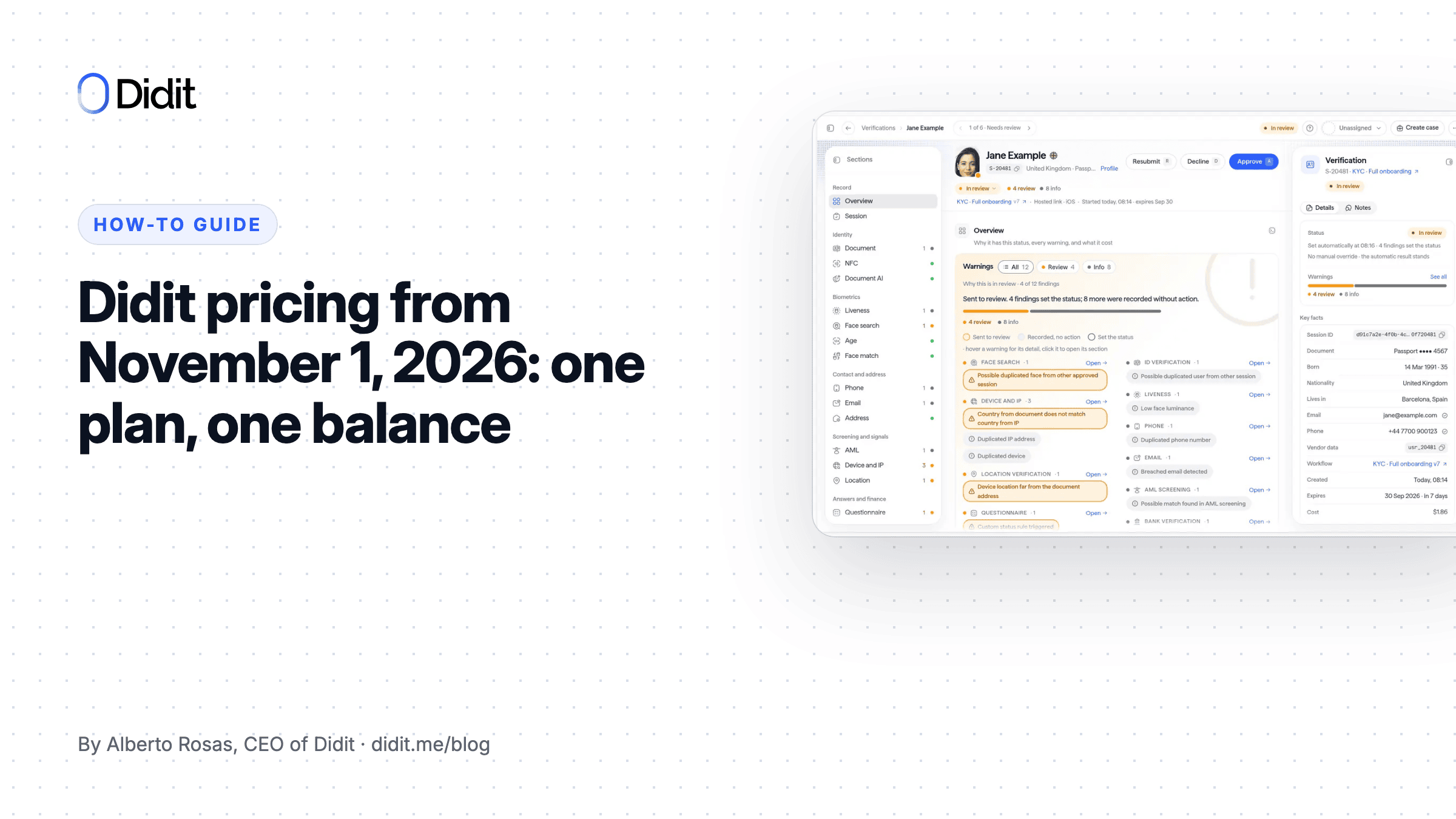 AnnouncementsDidit pricing from November 1, 2026: one plan, one balance
One Didit plan now covers every product with a single credit balance: Free $0, with $10 of monthly credit for organizations created with an eligible work email, Growth $99 with $115 and 4% off, Scale $299 with $350 and 10% off.
Alberto RosasOct 2, 2026Questions
Frequently asked questions
What is a typical conversion improvement with a digital banking platform?
Estimate KYC uplift from your own banking funnel. Compare submission and approval conversion before and after one workflow change, using the same observation window. Break out review rate and time to decision by country and channel. Measure your own baseline: approval conversion, median time to verify, and the share of submitted sessions in In Review.
Does KYC lower conversion?
KYC adds steps where users can leave. Test whether clearer instructions and guided retakes improve submission completion while keeping the required checks in place. Billing is per completed check, and an abandoned session may already contain billable checks, so measure cost per approved user from actual charges.
What is a good KYC completion rate?
There is no universal benchmark. Benchmarks are comparable only when the denominator, observation window and audience mix are comparable. Track yours per country, per document type and per platform, then compare month over month. The trend after a change is the number that matters.
How much does a KYC check cost on Didit?
Full KYC is $0.33 per completed check: ID document $0.15, passive liveness $0.10, face match 1:1 $0.05 and device and IP analysis $0.03. AML screening adds $0.20. Growth costs $99 a month and discounts full KYC by 4%. Scale costs $299 a month and discounts full KYC by 10%.
How long does a Didit verification take?
Inference runs under 2 seconds p99. That is not the total time a user spends: capture, retries and any review wait add time. Track median time from In Progress to a decision separately from inference latency.
What is the difference between Declined and In Review?
Declined means the session did not pass. The decision can follow an automated check or a review. In Review means the checks raised warnings that a person has to decide on. Keep the warning set narrow enough for your team to clear the queue quickly.
Why do users abandon a KYC flow?
Use funnel data to locate the drop-off before proposing a remedy. The status Abandoned tells you the user started and did not finish, and the workflow funnel shows the step. Retake prompts, specific error text and a fallback path for fixable capture errors are the first things to check.
Can I test a KYC flow before paying?
Yes. Sandbox testing is free on every plan. Programmatic registration returns sandbox and live API keys. Use the sandbox key for testing, then switch to the live key once your organization has credit and you are ready to go live.
How do I reduce false rejections in face matching?
Investigate capture quality and the specific biometric warnings first. Estimate false non-match rate from known genuine comparisons, using rejected genuine comparisons divided by all genuine comparisons in the sample. Use appeals to identify cases for investigation. Before changing any threshold, validate the trade-off against false matches and obtain compliance approval.
Can Didit run inside an AI assistant or coding agent?
Connect a compatible AI assistant to the hosted Didit MCP server using OAuth. For a coding agent implementing the KYC flow, use the published Didit integration prompt. See the MCP setup page and the integration prompt.
Is KYC required for every user at signup?
Whether you must verify a customer at signup depends on the jurisdiction, product and activity. Applicable rules may prescribe minimum checks and when to perform them. Confirm the required checks and timing with your compliance team before changing the flow.
How many companies use Didit?
4,000+ companies use Didit. Didit covers 220+ countries and 14,000+ document types. Inference runs under 2 seconds p99, and the verification UI is available in 54 languages.
Compliance built in
Audited, certified and attested.
We hold the certifications and build each country's rules into your flows, so you can launch anywhere without worrying. Security and Compliance center
- Regulation encoded into your flows
Tell us what you do and where. Didit lists the rules that apply to you, with sources, and builds the checks each country needs into one workflow.
- Ready for AMLR
Every requirement of the new EU anti-money laundering rules, from checking customers to human review, is already covered by a Didit check.
- Tested in Spain's Treasury sandbox
Spain's Treasury published its supervised sandbox report on Didit's NFC plus active liveness onboarding; SEPBLAC took part and valued the added measures positively.
- Audited, not self-declared
iBeta Level 1 and Level 2. Liveness tested under ISO/IEC 30107-3.
Your obligations · 3 regions
 SOC 2 Type 2
 ISO 27001
 iBeta Level 1 and Level 2
 EU regulator attestation
 FSM youth protection
 GDPR
 EBA remote onboarding
 MiCA compatible
 FIDO Alliance member
- AMLREU AML Regulation ready
Integration · Didit MCP
Run Didit from your own AI agent
Connect Didit to Claude, Cursor, VS Code or ChatGPT and just ask in plain words. Your agent can do anything you can do in the console, with the same permissions you have.
 Add to Claude
 ChatGPT
 Cursor
- Build workflowsDescribe the checks you need. The agent creates and publishes the flow.
- Run investigationsAsk why a session was declined, review cases, search people and companies.
- Change rulesCreate payment rules, test them on past data and switch them on.
- Pull reportsAsk for numbers, exports or the audit log.
Didit Academy