WebView · Fallback
Didit verification in a mobile WebView
A WebView is a browser window inside a mobile app. Use it only when your platform has no native SDK. It runs the web flow, so it cannot read NFC chips.
npx expo install react-native-webview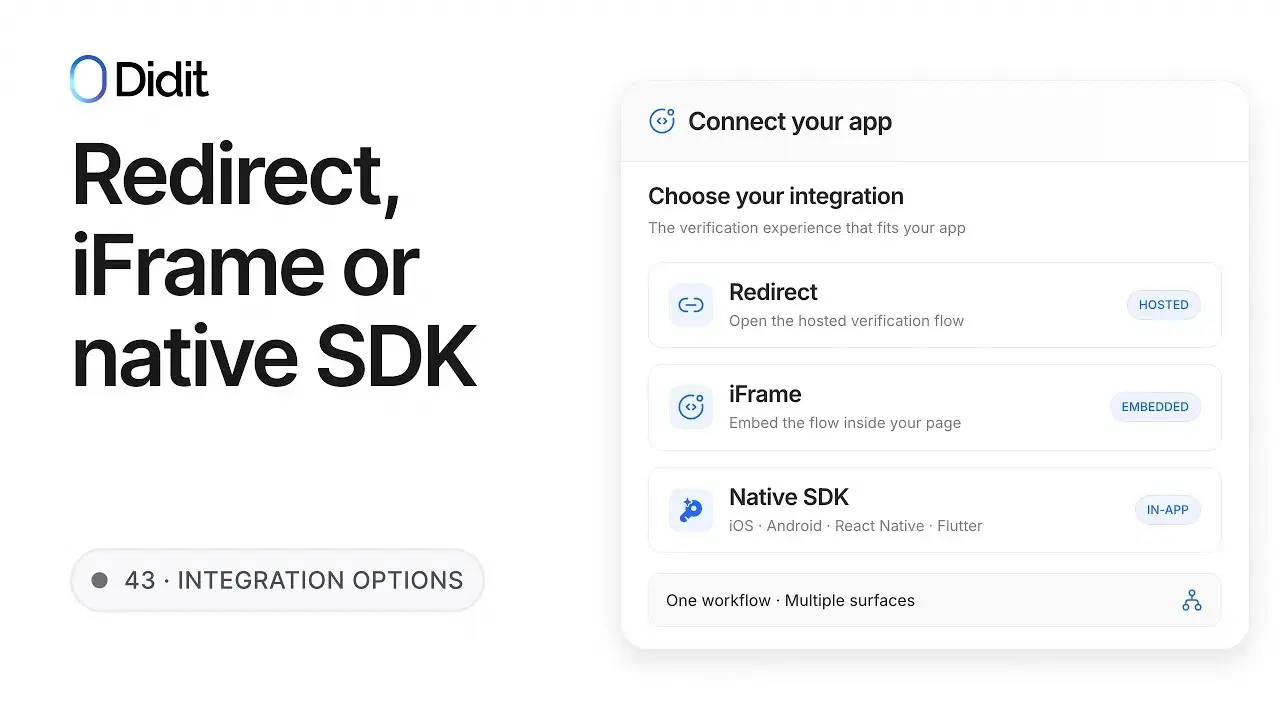
KYC Integration Options: Redirect Link vs iFrame vs Native SDK · 3 min · YouTube
When
When to use a WebView
Only in three cases. On iOS, Android, React Native and Flutter, use the native SDK.
| Platform | Use this | WebView |
|---|---|---|
iOS | Not recommended | |
Android | Not recommended | |
React Native | Not recommended | |
Flutter | Not recommended | |
Other platforms | No native SDK | Use a WebView as the fallback |
A native SDK reads NFC chips, tunes the camera and uses the biometrics of the phone. A WebView loses all three. NFC means reading the chip in a passport or ID card with the phone.
Setup
Five settings the WebView needs
The flow uses the camera, so the WebView must allow media and JavaScript.
| Setting | Why |
|---|---|
User agent | Required. Set a generic mobile user agent, so the camera and the screens work. |
mediaPlaybackRequiresUserGesture | Set it to false, so the camera can start on its own. |
allowsInlineMediaPlayback | Stops fullscreen video on iOS. |
javaScriptEnabled | Required. The flow needs JavaScript. |
domStorageEnabled | Session storage on Android. |
The user agent from the docs
Mozilla/5.0 (Linux; Android 10; Mobile) AppleWebKit/537.36 (KHTML, like Gecko) Chrome/120.0.0.0 Mobile Safari/537.36curl -X POST https://verification.didit.me/v3/session/ \ -H "x-api-key: $DIDIT_API_KEY" \ -H "Content-Type: application/json" \ -d '{ "workflow_id": "your-workflow-id", "vendor_data": "user-123", "callback": "https://yourapp.com/callback", "callback_method": "both" }'
Load the url from the create session response. Never build it from session_token by hand. The camera permission must also be granted in the phone settings.
Callback
Catch the callback
When the user finishes, the WebView goes to your callback URL with two values.
verificationSessionIdThe ID of the session.statusApproved, Declined or In Review.callback_methodSet it to both if the callback does not fire. It sends the redirect to both sides of a flow that moves between devices.myapp://verification-complete opens your app as a deep link.The WebView lands on
https://yourapp.com/callback?verificationSessionId=abc123&status=ApprovedYour app watches the navigation and closes the WebView when the URL starts with your callback. The result in the URL is for your screen only. The signed decision reaches your server by webhook.
Questions
Questions about the WebView
Should I use a WebView or a native SDK?
Does NFC work in a WebView?
Why is the camera not working in my WebView?
Why does the callback not fire?
Which URL do I load in the WebView?
Which WebView packages do the examples use?
Can I use a custom URL scheme as the callback?
Why does the WebView show a white screen?
How does my backend get the full verification result?
Compliance built in
Audited, certified and attested.
We hold the certifications and build each country's rules into your flows, so you can launch anywhere without worrying. Security and Compliance center
- Regulation encoded into your flows
Tell us what you do and where. Didit lists the rules that apply to you, with sources, and builds the checks each country needs into one workflow.
- Ready for AMLR
Every requirement of the new EU anti-money laundering rules, from checking customers to human review, is already covered by a Didit check.
- Trusted by EU regulators
After a year of supervised testing, EU financial regulators confirmed that verifying with Didit is safer than checking an ID in person.
- Audited, not self-declared
iBeta Level 1 and Level 2. Liveness tested under ISO/IEC 30107-3.
Your obligations · 3 regions
 SOC 2 Type 2
 ISO 27001
 iBeta Level 1 and Level 2
 EU regulator attestation
 FSM youth protection
 GDPR
 EBA remote onboarding
 MiCA compatible
 FIDO Alliance member
- AMLREU AML Regulation ready
Integration · Didit MCP
Run Didit from your own AI agent
Connect Didit to Claude, Cursor, VS Code or ChatGPT and just ask in plain words. Your agent can do anything you can do in the console, with the same permissions you have.
 Add to Claude
 ChatGPT
 Cursor
- Build workflowsDescribe the checks you need. The agent creates and publishes the flow.
- Run investigationsAsk why a session was declined, review cases, search people and companies.
- Change rulesCreate payment rules, test them on past data and switch them on.
- Pull reportsAsk for numbers, exports or the audit log.
Didit Academy
Learn Didit, one short video at a time


Start
Start with the native SDK
Create an account and get your sandbox key. Use a WebView only if no native SDK fits.
Free sandbox. Credit applies to work-email sign-ups.