
01 · Users who stop halfway
- A blurry photoA real user, one retake away from finishing.
- A link that expiredThe link ran out before they came back.
- A flow left halfwayThey closed the app, and nobody followed up.
Agents
One agent with two jobs, working inside your rules. Reviews: the Investigator agent reads the items waiting for your team and explains each decision. Follow-ups: it brings back users who stop verifying for a reason they can fix. Your team keeps the final say.
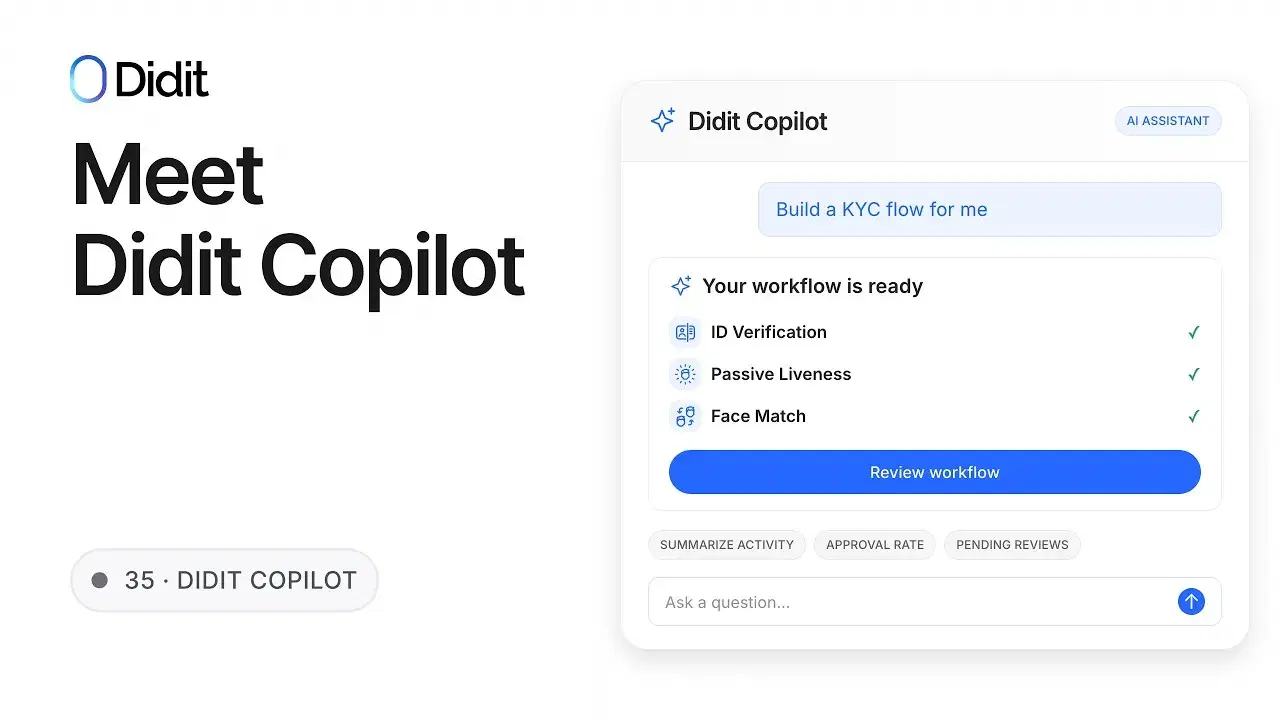
Didit Copilot · 5 min · YouTube
Why it matters
Users get stuck on a blurry photo, and nobody follows up. Review queues fill up until a reviewer has time to read them.
01 · Users who stop halfway
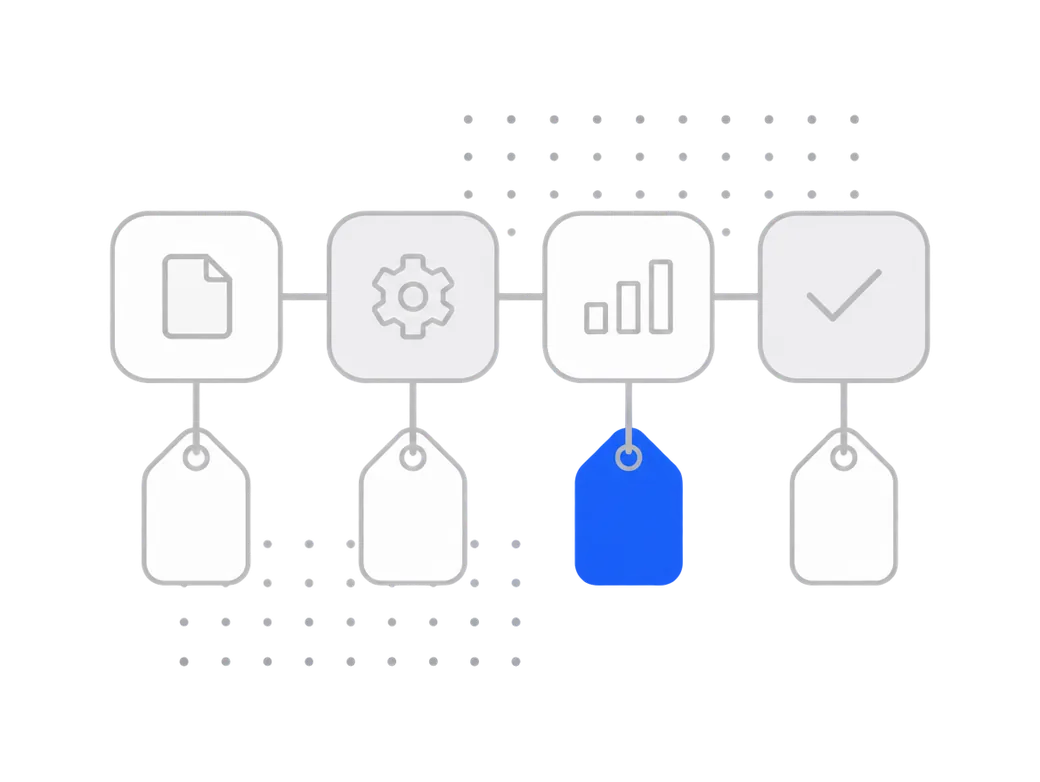
02 · Items waiting for a reviewer
Most users who stop are not fraudsters. And every item in a queue waits until a reviewer reads it.
The agents
Each job has its own page with the full detail, controls and price.
The Investigator agent reviews each item in your queues and writes the report a reviewer would write.
You getA cited report with a suggested decision
On Growth and up. Setup is free, and so is shadow mode, a trial where it writes reports without acting.
Emma stopped at the selfie step
Lucas was declined for a blurry photo
Emma's link expired before she finished
The Investigator agent follows up with people who stopped a verification for a reason they can fix.
You getPeople back in the flow with a fresh link
On Growth and up. Each message from $0.004.
How it works
They work at the two points where a flow usually waits for someone. Steps 1 and 2 are follow-ups. Steps 3 and 4 are reviews.

They leave the flow, or a check fails for a reason they can fix, such as a blurry photo.
It sends a tip for that reason and a fresh link, by email, SMS or WhatsApp. Then the user finishes the flow.
A KYC or KYB verification, an AML monitoring hit, a transaction alert or a case needs a reviewer.
Didit first removes media, links and internal identifiers, and masks protected characteristics. Then Investigator reads the record.
A reviewer accepts, edits or overrides each report. When you allow it, Investigator decides within your policy. Shadow mode is a free trial of 7, 14 or 30 days where it only writes reports and is scored against your team.
You stay in control
Agents take the routine work. Decisions that need a reviewer stay with your team.
Each review queue gets one of four levels.
Agreement is how often its reports match your team's decisions. Auto needs agreement with your team to meet the threshold over at least 20 decisions in 90 days. You set the threshold to 80, 85, 90 (the default) or 95 percent.
Investigator reviews under your team policy. Each change is kept as a version. To move a queue up, you first run a backtest, a test run on your past decisions.
VersionedBacktest firstA guardrail is a rule the agent cannot break. It never clears a sanctions match, never files a regulatory report and never decides on protected characteristics.
Cannot be switched offTipping off means warning someone they are under suspicion. Fraud, AML, sanctions and PEP reasons are never sent automatically. A PEP is a politically exposed person.
Neutral status messagePricing
The Investigator agent charges one price per finished review. Follow-ups have no agent fee, so you pay only for each message.
Plan discounts apply to the $0.20. Growth and Scale take 4% and 10% off, so $0.192 on Growth and $0.18 on Scale.
The carrier's fee and WhatsApp's fee are passed on at cost. Your plan discount applies only to the Didit fee.
Items your team decided elsewhere are free. One SMS segment holds 160 characters, or 70 with emoji or characters outside the basic SMS alphabet.
Both agents run on Growth and up. Every plan uses the same balance
Questions
Compliance built in
We hold the certifications and build each country's rules into your flows, so you can launch anywhere without worrying. Security and Compliance center
Tell us what you do and where. Didit lists the rules that apply to you, with sources, and builds the checks each country needs into one workflow.
Every requirement of the new EU anti-money laundering rules, from checking customers to human review, is already covered by a Didit check.
After a year of supervised testing, EU financial regulators confirmed that verifying with Didit is safer than checking an ID in person.
iBeta Level 1 and Level 2. Liveness tested under ISO/IEC 30107-3.
Your obligations · 3 regions
 SOC 2 Type 2
 ISO 27001
 iBeta Level 1 and Level 2
 EU regulator attestation
 FSM youth protection
 GDPR
 EBA remote onboarding
 MiCA compatible
 FIDO Alliance member
Integration · Didit MCP
Connect Didit to Claude, Cursor, VS Code or ChatGPT and just ask in plain words. Your agent can do anything you can do in the console, with the same permissions you have.
Didit Academy
Start free
You can start free, but reviews and follow-ups need Growth, and reviews do not run on sandbox data. Reviews start in shadow mode.
Reviews are $0.20 per finished review. Follow-ups have no agent fee.
 Add to Claude
 ChatGPT
 Cursor


