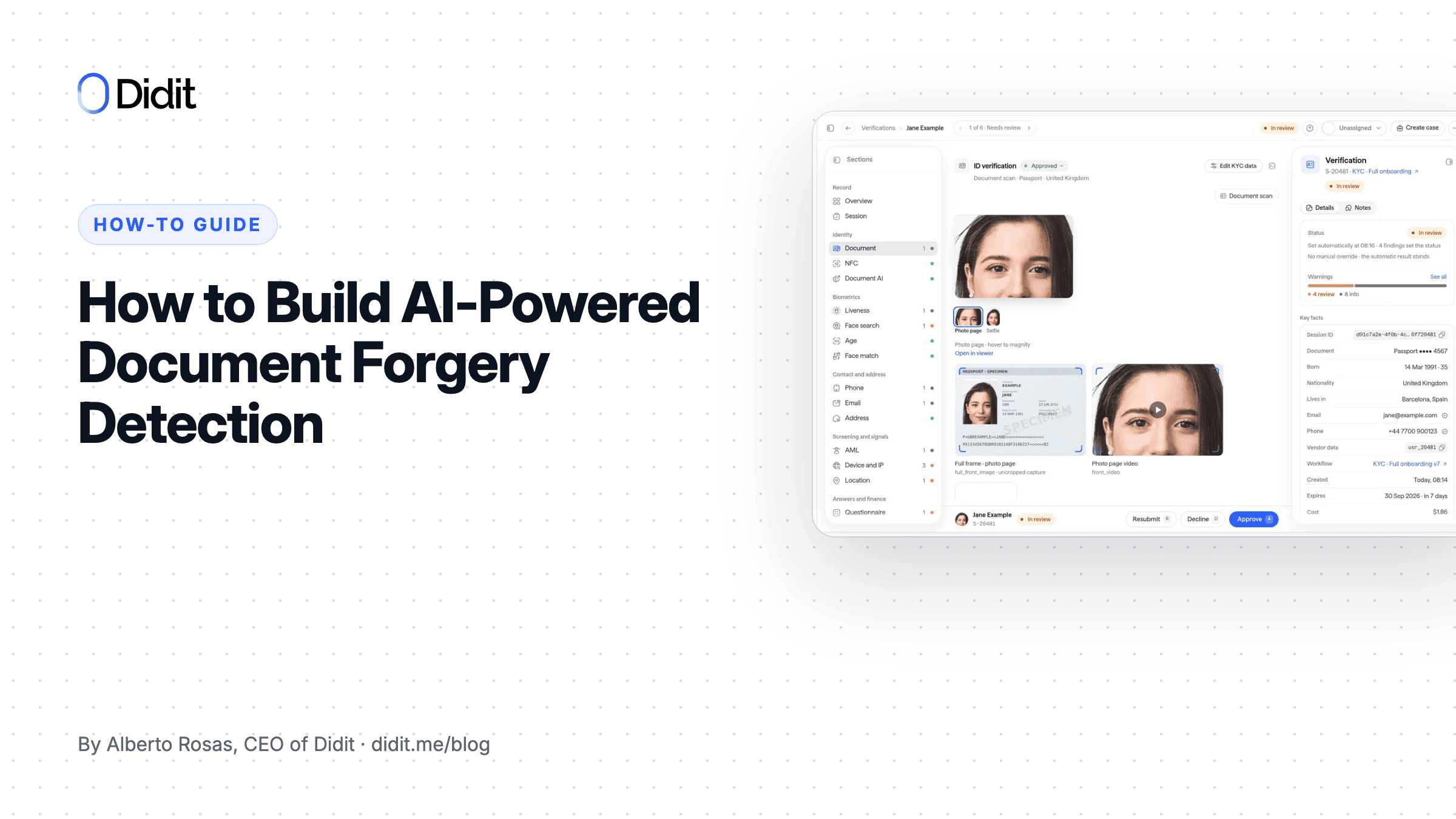
How to Build AI-Powered Document Forgery Detection
AI document forgery detection scores a document image and its data for tampering, then returns Approved, In Review or Declined. Didit charges $0.15 per ID document in a workflow and $0.20 on the standalone API.
 Alberto RosasCo-founder and CEO
Contents
In this guide
Jump to the part you need.
This guide is for developers and fraud teams who must catch forged or altered documents before an account is approved. It shows how to run AI document forgery detection on Didit: $0.15 per identity document in a workflow, $0.20 on the standalone API, $0.20 per document on Document AI. If standalone document liveness produces no usable score, send the document to review unless another warning already requires a decline.
Last updated: November 26, 2026. Prices checked against the live Didit price feed on November 26, 2026.
| What you are checking | Didit feature | Price | Scope |
|---|---|---|---|
| Passport, ID card, driver licence, residence permit | ID Verification | $0.15 in a workflow, $0.20 on the standalone API | 14,000+ document types, 220+ countries, 54 capture languages |
| Bank statement, payslip, invoice, proof of funds | Document AI | $0.20 per document | Fields you define, tampering check, optional name match |
| ePassport or eID chip | NFC reading | $0.15 add-on | Chip data compared with the printed data |
| The person holding the document | Passive Liveness $0.10 plus Face Match 1:1 $0.05 | $0.15 together | Live person check and portrait comparison |
| Full onboarding check | KYC bundle | $0.33 | ID $0.15 + passive liveness $0.10 + face match $0.05 + device and IP $0.03 |
Start free in the sandbox at business.didit.me, with no sales call. For developers, connect Didit to an AI assistant through the MCP server.
What finished work looks like
The standalone ID endpoint classifies the document, reads its fields and checks for inconsistencies and signs of tampering. Read id_verification.status and id_verification.warnings to decide whether the document step can proceed, needs review or must stop. Apply your separate account approval policy after the required checks finish.
We run identity and fraud checks for 4,000+ companies on one open API. For document work you touch three surfaces: the ID Verification feature, NFC when a chip is present, and Document AI. Use Document AI for supported PDFs and images such as bank statements, payslips, invoices and tax documents when you need custom field extraction and manipulation checks.
What AI document forgery detection checks for
Forgery rarely means printing a whole document from scratch. Examples include altered fields, portrait replacement and fabricated documents. Each one leaves different traces, and a detection flow looks for those traces, then combines them.
Image forensics
These checks read the digital properties of the file rather than its content. Error level analysis looks for regions that were compressed at a different rate from the rest of the image. Metadata comparison looks at creation dates, software strings and camera models. Lighting consistency looks at whether shadows and highlights point the same way. Copy-move detection finds regions pasted from another part of the same image. A clean print can pass a human reviewer while the file still carries inconsistent noise across a replaced field.
Presentation and document liveness
Document liveness screens the ID image for presentation risks. With perform_document_liveness=true, which is the default, the standalone endpoint reports SCREEN_CAPTURE_DETECTED, PRINTED_COPY_DETECTED and PORTRAIT_MANIPULATION_DETECTED for screen replays, printed copies and portrait manipulation. Separately, the standalone endpoint treats PUBLIC_DOCUMENT_IMAGE_DETECTED and SPECIMEN_DOCUMENT_DETECTED as hard-decline warnings of their own.
Data cross-validation
We decode the MRZ and any barcodes, validate dates, number formats and MRZ check digits, and compare the visual zone with the MRZ. Set inconsistent_data_action for conflicting data and invalid_mrz_action for an invalid MRZ. NO_ACTION leaves that warning non-declining. Other warnings can still cause a decline.
Text and language checks
Pixel analysis covers the image. Text analysis covers what the document says: font size, style or spacing that changes mid-field, naming conventions that do not fit the issuing country, and conflicts between fields inside the document. INCONSISTENT_DATA flags conflicting document data. On the standalone API, inconsistent_data_action controls whether the warning triggers a decline.
Advanced forgery: what still gets through
Depending on the document design, features such as microprint, security inks, optically variable elements and ghost images can help distinguish a genuine document from a reproduction. A reproduction can blur fine print, and a low-resolution or heavily compressed capture can hide the same detail on a genuine document.
For a supported chip-bearing document, add NFC reading to a verification session on a compatible mobile device. It checks issuer signatures and compares chip data with OCR for $0.15 per check. There is no standalone NFC endpoint. If the session reports NFC_DATA_DOES_NOT_MATCH_OCR, stop the flow. See the NFC verification reference.
The models behind the scores
Detection models are trained on labelled sets of genuine and forged documents, then asked to classify new ones. The model family generally follows the input: convolutional networks for layout, texture and print artifacts; sequence models for text fields and character strings where order matters; simpler classifiers when the input is a small set of engineered features rather than raw pixels. Evaluate against examples from newer editing and generation methods because performance can change as those methods change.
Prerequisites
- A Didit organization. The first eligible Free organization created with a work email for a company domain receives $10 of monthly credit. Sandbox testing is free and unlimited.
- An API key from the Business Console.
- Images that are uncropped, with all four corners of the document visible. Accepted extensions are tiff, jpg, jpeg, png, webp and pdf, up to 5 MB per file.
- The back image for two-sided documents such as ID cards and driver licences.
- A manual review process for
In Reviewresults. - curl, or any HTTP client, for the first call.
Choose your route before you start
For a hosted capture, create a workflow and read id_verifications[] from the session decision. If you already have images, call the standalone endpoint and read id_verification from its response. Use the warning reference for the route you choose. The ID Verification product page covers both routes.
The session decision carries the result in an array, one entry per document collected:
{
  "id_verifications": [
    { "status": "Approved", "warnings": [] }
  ]
}
Step by step
If you chose hosted capture, create a workflow and add the
ID_VERIFICATIONfeature, in the Business Console or withPOST /v3/workflows/. The canonical feature enum isID_VERIFICATION, withOCRas the legacy name. A workflow that says nothing about methods stays document capture only.If you chose hosted capture, create the session. Copy an API key from the console first, because every call sends it in the
x-api-keyheader. Open the returnedsession.urlfor the user, or mount the Web or Mobile SDK.curl -X POST 'https://verification.didit.me/v3/session/' \ -H 'x-api-key: YOUR_API_KEY' \ -H 'Content-Type: application/json' \ -d '{ "workflow_id": "YOUR_WORKFLOW_ID", "vendor_data": "user-123", "callback": "https://yourapp.com/post-kyc" }'If you chose the standalone route, call the endpoint with your two images. This is a documented example for a two-sided ID, including the action parameters that decide whether a risk declines or passes. With
save_api_request=true, the call is stored as a session you can fetch later.curl -X POST 'https://verification.didit.me/v3/id-verification/' \ -H 'x-api-key: YOUR_API_KEY' \ -F 'front_image=@./id_front.jpg' \ -F 'back_image=@./id_back.jpg' \ -F 'perform_document_liveness=true' \ -F 'expiration_date_not_detected_action=DECLINE' \ -F 'invalid_mrz_action=DECLINE' \ -F 'inconsistent_data_action=DECLINE' \ -F 'save_api_request=true' \ -F 'vendor_data=user-123'
The analysis step, where the image is classified, read with OCR and scored for tampering before any data is returned. Read the decision. On the hosted route, call
GET /v3/session/{sessionId}/decision/or subscribe to thesession.status.updatedwebhook. On the standalone route, readid_verification.statusandid_verification.warningsfrom a successful response.Branch on
statusandwarnings[], never on the HTTP code alone. A processed document can return HTTP 200 withApproved,DeclinedorIn Review. A document that cannot be processed at all returns HTTP 400 with{"error": "COULD_NOT_RECOGNIZE_DOCUMENT"}.Use Document AI for supported PDFs and images such as bank statements, payslips, invoices and tax documents when you need custom field extraction and manipulation checks. Document AI takes one file and a JSON array of up to 30 field definitions, returns typed values, decodes supported QR codes and barcodes, and flags suspected manipulation.
curl -X POST https://verification.didit.me/v3/document-ai/ \
  -H "x-api-key: $DIDIT_API_KEY" \
  -F "document=@./bank-statement.pdf" \
  -F 'fields=[{"key":"account_holder","name":"Account holder","instruction":"Full name of the account holder","type":"text","required":true,"is_full_name":true},{"key":"balance","name":"Closing balance","instruction":"Closing balance as a number","type":"number","required":true}]' \
  -F "expected_first_name=Jane" \
  -F "expected_last_name=Doe"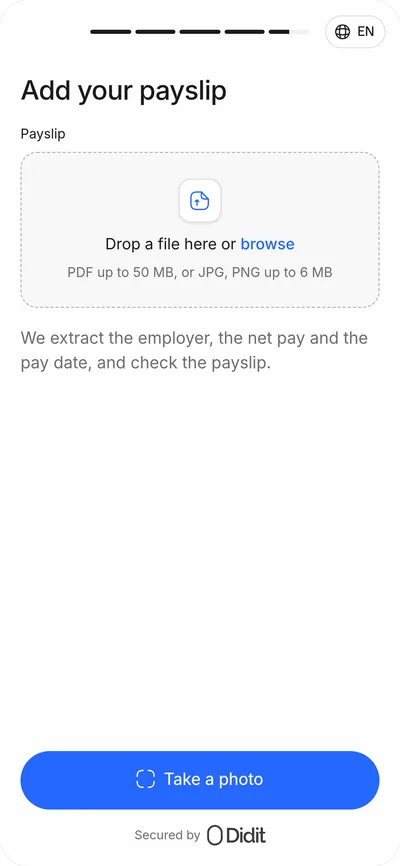
Use Document AI for supported PDFs and images such as bank statements, payslips, invoices and tax documents when you need custom field extraction and manipulation checks. Route the result. An
Approveddocument decision continues to the next step in your flow, aDeclinedone stops it with the reason shown to the user, andIn Reviewgoes to a person with the evidence attached.
Expected output
The standalone call returns the extracted holder fields, the parsed MRZ, the decoded barcodes, the cropped images and the warning list. Trimmed to the fields you act on, here is a partial response:
{
  "request_id": "...",
  "id_verification": { "status": "Approved", "warnings": [] }
}
INCONSISTENT_DATA in that warning list flags conflicting document data. On the standalone API, inconsistent_data_action controls whether the warning triggers a decline.
Document AI returns a different shape: document_ai.status, document_ai.extracted_data keyed by your own field keys with null for anything not found, and document_ai.detected_codes with the code type, page number and decoded payload for supported codes, which may be null. When you send an expected person or company name and Document AI extracts a name, it returns name_match_score from 0 to 100. Otherwise the score is null. Below the configurable default threshold of 80, it raises DOCUMENT_AI_NAME_MISMATCH. The default action is NO_ACTION.
Inputs
| Parameter | Type | What it does |
|---|---|---|
front_image | file, required | Front of the document, uncropped, all four corners visible, 5 MB maximum |
back_image | file, required for dual-sided documents | Back of ID cards and driver licences |
perform_document_liveness | boolean, default true | Screens for screen replays, printed copies and portrait manipulation |
minimum_age | number | Raises MIN_AGE_NOT_REACHED when the holder is younger |
expiration_date_not_detected_action | DECLINE or NO_ACTION | What to do when no expiry date is found |
invalid_mrz_action | DECLINE or NO_ACTION | What to do when MRZ check digits fail |
inconsistent_data_action | DECLINE or NO_ACTION | Controls whether INCONSISTENT_DATA, which flags conflicting document data, triggers a decline |
preferred_characters | string, e.g. latin | Preferred script for extracted names |
save_api_request | boolean, default true | Persists the call as a session in the console and emits a webhook |
vendor_data | string | Your user reference sent with the request |
Outputs
| Field | Meaning |
|---|---|
status | Approved, In Review or Declined. Fraud and hard failures always decline. |
warnings[] | The risk codes found, for example DOCUMENT_EXPIRED, SCREEN_CAPTURE_DETECTED and PRINTED_COPY_DETECTED |
full_name, document_number, date_of_birth, expiration_date | Extracted holder fields for comparison with what the user typed |
mrz, barcodes | Decoded machine-readable zone and barcode payloads, used for the cross-checks |
portrait_image, front_document_image, back_document_image | With save_api_request=true, the saved call returns available document and portrait images as short-lived media URLs. With false, the call is not saved as a session |
request_id | A real session id when save_api_request is true, so you can fetch the decision later |
Three risk groups are configurable per request through invalid_mrz_action, inconsistent_data_action and expiration_date_not_detected_action. Documented hard-decline warnings apply regardless of those settings. DOCUMENT_LIVENESS_NOT_COMPUTED sends an otherwise approved result to review. Warnings such as POSSIBLE_DUPLICATED_USER are informational.
Failure cases, billing and recovery
| Case | HTTP outcome and document status | Billing | Next action |
|---|---|---|---|
| Bad request | HTTP 400 with multipart validation errors, raised by a missing back_image on a dual-sided document, a file over 5 MB or an unsupported extension | Not billed, nothing processed | Fix the request and resend |
| Document cannot be processed | HTTP 400 with COULD_NOT_RECOGNIZE_DOCUMENT | Not billed | Ask for a new capture with all corners visible and no screen glare |
| Processed decline | HTTP 200 with status set to Declined because a hard-decline warning fired or a configurable warning resolved to DECLINE | One credit | Show the first warning's long_description to the user and stop the flow |
| Inconclusive liveness | With perform_document_liveness=true, a missing score returns HTTP 200 with DOCUMENT_LIVENESS_NOT_COMPUTED and In Review unless another warning already requires Declined | One credit | Route In Review to manual review and treat the document as unchecked. If document liveness is disabled, the check is skipped |
| Completed approval | HTTP 200 with status: "Approved" and no declining warning | One credit | Continue to the next step in your flow |
| Insufficient balance | HTTP 403, raised before any image processing | Not billed | Add prepaid credit and retry |
Document AI malformed fields | HTTP 400 when fields is sent as bracket-style keys or anything other than a JSON array string | Not billed | Fix the JSON array and resend. Nothing was extracted |
In hosted workflows, route any In Review result to a reviewer.

Document AI defaults for a statement
These default risk actions also apply to the hosted Document AI workflow step.
| Risk | Parameter | Default action |
|---|---|---|
DOCUMENT_AI_SUSPECTED_MANIPULATION | document_ai_document_tampering_action | DECLINE |
DOCUMENT_AI_UNREADABLE_DOCUMENT | document_ai_unreadable_document_action | REVIEW |
DOCUMENT_AI_MISSING_REQUIRED_FIELDS | document_ai_missing_required_fields_action | REVIEW |
DOCUMENT_AI_UNSUPPORTED_FILE | document_ai_unsupported_file_action | REVIEW |
DOCUMENT_AI_NAME_MISMATCH | document_ai_name_mismatch_action | NO_ACTION |
The strictest triggered action decides document_ai.status, and every triggered risk is listed in document_ai.warnings. A name mismatch on its own therefore leaves the document approved under the default policy.
Paid steps and review boundaries
Each standalone ID Verification response with HTTP 200 consumes one credit at $0.20, paid from plan credit or top-up balance, even when the same document is submitted again. The same check inside a workflow is $0.15. A 403 costs nothing, because the call stops before processing. On Document AI, a malformed fields value returns 400 before any extraction runs, so nothing is billed. Current numbers are on the Didit price list.
The human boundary is a policy you write down, not a score you trust. Under your team's policy an Approved document decision can continue automatically and a Declined one stops the flow. Every In Review result goes to a person with the evidence attached, including the case where the forgery check could not compute a score.
Worked cost example
A lender onboards 10,000 users a month and asks every one of them for an ID document plus a selfie, then asks a subset of 500 for a bank statement as proof of funds. All 10,000 go through the full KYC bundle on a session workflow at $0.33. The 500 statements go through Document AI at $0.20 each.
- KYC: 10,000 x $0.33 = $3,300.00
- Document AI: 500 x $0.20 = $100.00
- Total at list price: $3,400.00 a month
For 10,000 completed standalone ID Verification calls, the document-only cost is 10,000 x $0.20 = $2,000.00. For 10,000 workflow ID document checks, the document-only cost is 10,000 x $0.15 = $1,500.00.
The Scale example counts completed billable checks. Scale discounts both checks in this example by 10%. The full KYC check drops from $0.33 to $0.297, and Document AI drops from $0.20 to $0.18 per document. The same month is 10,000 x $0.297 = $2,970.00 plus 500 x $0.18 = $90.00, or $3,060.00 of Scale usage before the plan fee and monthly credit.
AI video forgery detection for onboarding
For onboarding, document liveness checks the submitted ID image for screen replays, printed copies and portrait manipulation. Passive liveness checks the person presenting the ID, and face match compares that person with the ID portrait. The checks described here cover ID and selfie capture.
Sources
- Didit docs: ID Verification overview
- Didit docs: ID Verification API reference
- Didit docs: ID Verification methods
- Didit docs: Document AI API
- Didit docs: NFC verification
- Didit docs: Database Validation
- Didit docs: Data models
- Didit ID Verification product page
- Didit pricing and pricing.json, read November 26, 2026
- Didit integration prompt
- Didit MCP server
The next step is one sandbox call. Create an organization at business.didit.me, copy an API key, and send one document to POST /v3/id-verification/. Sandbox testing is free and unlimited, and nothing in this guide needs a sales call.
Try it
Try this in the sandbox
Run the check this guide describes, free.
The product this post is about, taken from its topic. Run it free in the sandbox.
Author
Alberto Rosas
Co-founder and CEO

Keep reading
Other guides in the same topic.
 What Is the Purpose of FICA in South Africa? 2026 Guide
FICA is South Africa's anti-money laundering law. It creates the Financial Intelligence Centre and requires accountable institutions to identify and verify clients, screen for PEP and sanctions risk and report suspicious.
Alberto RosasNov 26, 2026 Sixth Money Laundering Directive (6AMLD): What Changed and Which Rules Apply
6AMLD is Directive (EU) 2018/1673: Member States must criminalise laundering, widen predicate offences and set a four-year penalty floor. It adds no new due diligence duties for firms.
Alberto RosasNov 26, 2026 Automated Sanctions Screening: Canada, the Entity List and Embargoes
Automated sanctions screening matches people and companies against lists such as Canada's autonomous sanctions made under SEMA and JVCFOA and the OFAC SDN List, and returns candidate hits scored for identity confidence and.
Alberto RosasNov 26, 2026Questions
Frequently asked questions
What models are used in AI document forgery detection?
Detection stacks generally mix three model families, chosen by input. Convolutional neural networks handle layout, texture and print artifacts in the document image, and sequence models handle text fields and character strings where order matters, such as the MRZ. Simpler classifiers such as support vector machines handle small engineered feature sets.
How does AI-powered document forgery detection actually work?
The system extracts features from the document image, compares them with what a genuine document of that type and issuer should look like, and scores the deviations. In a Didit call the image is classified automatically, read with OCR, its MRZ and barcodes are decoded, and the zones are cross-checked against each other. The response is a status plus a warnings[] array naming each risk found.
What is the difference between document verification and document forgery detection?
Document verification reads an ID and checks its authenticity. Forgery detection is the part that looks for alterations, fabricated documents or suspicious copies. To check whether the presenter matches the ID portrait, add passive liveness and face match.
How accurate is AI document forgery detection?
Accuracy depends on the forgery type, the image quality and the checks in use, and no single figure transfers between them. Evaluate in the sandbox with labelled examples of the document types you actually see, split by image quality and capture device. Measure false accepts, false rejects and review rates separately for each document type, then set your thresholds against those numbers.
Can AI detect deepfake documents and AI-generated IDs?
Generated and edited regions can leave traces in pixel statistics, lighting direction and the edges of a replaced area, and those traces are what a detector looks for. On the standalone endpoint the signals you can read are PORTRAIT_MANIPULATION_DETECTED, SCREEN_CAPTURE_DETECTED, PRINTED_COPY_DETECTED, INCONSISTENT_DATA and COULD_NOT_DETECT_DOCUMENT_TYPE. These warning codes describe the risks the check found. Use labelled, representative samples to measure how often the check catches AI-generated IDs in your own flow.
How much does AI document forgery detection cost?
On Didit, an ID document check is $0.15 inside a workflow and $0.20 on the standalone ID verification API. Document AI for statements, payslips and invoices is $0.20 per document. The full KYC bundle, which adds passive liveness, face match and device and IP analysis, is $0.33 per completed check.
Does automated forgery detection replace manual review?
It handles the clear cases and leaves the rest to a person. Under your policy an Approved document decision can continue automatically and a Declined one stops the flow, while every In Review result goes to a reviewer with the evidence attached. Never auto-approve an In Review result.
What image quality does forgery detection need?
Send uncropped images with all four corners of the document visible, because the service aligns and crops the document itself. Accepted formats are tiff, jpg, jpeg, png, webp and pdf, up to 5 MB per file. Two-sided documents need the back image as well.
Can I detect forgery on a PDF bank statement, not just an ID?
Yes. Use Document AI for supported PDFs and images such as bank statements, payslips, invoices and tax documents when you need custom field extraction and manipulation checks. It runs a tampering check on the file, alongside extracting the fields you define and decoding any supported QR codes or barcodes. When you send an expected person or company name and Document AI extracts a name, it returns name_match_score from 0 to 100, and otherwise the score is null. Below the configurable default threshold of 80 it raises DOCUMENT_AI_NAME_MISMATCH, and the default action is NO_ACTION.
What happens if the forgery check cannot compute a score?
With perform_document_liveness=true, a missing score returns HTTP 200 with DOCUMENT_LIVENESS_NOT_COMPUTED and In Review unless another warning already requires Declined. Route In Review to manual review, because a check that did not run is not evidence that the document is genuine. If document liveness is disabled, the check is skipped.
Compliance built in
Audited, certified and attested.
We hold the certifications and build each country's rules into your flows, so you can launch anywhere without worrying. Security and Compliance center
- Regulation encoded into your flows
Tell us what you do and where. Didit lists the rules that apply to you, with sources, and builds the checks each country needs into one workflow.
- Ready for AMLR
Every requirement of the new EU anti-money laundering rules, from checking customers to human review, is already covered by a Didit check.
- Tested in Spain's Treasury sandbox
Spain's Treasury published its supervised sandbox report on Didit's NFC plus active liveness onboarding; SEPBLAC took part and valued the added measures positively.
- Audited, not self-declared
iBeta Level 1 and Level 2. Liveness tested under ISO/IEC 30107-3.
Your obligations · 3 regions
 SOC 2 Type 2
 ISO 27001
 iBeta Level 1 and Level 2
 EU regulator attestation
 FSM youth protection
 GDPR
 EBA remote onboarding
 MiCA compatible
 FIDO Alliance member
- AMLREU AML Regulation ready
Integration · Didit MCP
Run Didit from your own AI agent
Connect Didit to Claude, Cursor, VS Code or ChatGPT and just ask in plain words. Your agent can do anything you can do in the console, with the same permissions you have.
 Add to Claude
 ChatGPT
 Cursor
- Build workflowsDescribe the checks you need. The agent creates and publishes the flow.
- Run investigationsAsk why a session was declined, review cases, search people and companies.
- Change rulesCreate payment rules, test them on past data and switch them on.
- Pull reportsAsk for numbers, exports or the audit log.
Didit Academy