Mastering Android NFC eID: Advanced Error Handling & Fallback Workflows
Integrating NFC eID verification into Android apps is complex, requiring robust error handling and intelligent fallback strategies. This post explores common challenges like NFC availability and user interaction, offering.
 Alejandro RosasCo-founder and CTO
Contents
In this guide
Jump to the part you need.
NFC eID Integration ComplexityIntegrating NFC eID verification on Android demands meticulous attention to device capabilities, user interaction, and potential errors, making robust error handling crucial for a smooth user journey.
The Need for Intelligent FallbacksWhen NFC eID fails, providing seamless fallback options, such as alternative document scanning or manual input, is vital to prevent user abandonment and maintain conversion rates.
Optimizing User ExperienceClear, real-time feedback and guided instructions are key to navigating users through NFC eID processes, especially during error states or when transitioning to fallback methods.
Didit's Streamlined SolutionDidit's AI-native Android SDK and Orchestrated Workflows offer a comprehensive, modular solution for NFC eID, integrating advanced error handling and customizable fallback paths, including ID Verification and Liveness, to ensure high success rates and a superior user experience.
The Intricacies of Android NFC eID Verification
NFC (Near Field Communication) eID verification offers a powerful way to authenticate identities with a high degree of security and data integrity, leveraging embedded chips in passports and national ID cards. For Android developers, integrating this technology presents a unique set of challenges, from hardware compatibility to intricate protocol handling and user experience design. While the Didit Android SDK simplifies much of this, understanding the underlying complexities is crucial for building resilient applications.
The primary benefit of NFC verification is the ability to read cryptographically secured data directly from an ePassport or eID, providing a higher assurance level than image-based ID verification alone. This process typically involves establishing a secure channel after an initial optical scan (OCR) of the document's Machine Readable Zone (MRZ). If the device supports NFC and the document is NFC-enabled, the app can then prompt the user to tap their document, extracting data like name, date of birth, and even biometric data (e.g., facial image) directly from the chip.
However, this advanced capability introduces potential points of failure. Not all Android devices have NFC capabilities, and even those that do might have it disabled. Users might struggle with proper document placement or holding the device steady enough for a successful read. Furthermore, the eID document itself might not be NFC-enabled, or its chip could be damaged. Each of these scenarios requires careful consideration in the application's design, demanding advanced error handling and intelligent fallback workflows to ensure a positive user experience and successful verification.
Common Error Scenarios and Robust Handling Strategies
Effective error handling is paramount for any successful NFC eID integration. Without it, users can become frustrated and abandon the verification process. Here are common error scenarios and strategies for addressing them:
1. NFC Hardware Unavailable or Disabled
This is a fundamental check. The Didit Android SDK will automatically detect NFC capability, but your application should also be prepared for this. If NFC is not present, the eID flow cannot proceed. If it's present but disabled, the user should be prompted to enable it.
- Strategy: Check for NFC hardware presence and state early in the verification flow. If unavailable, immediately present an alternative verification path. If disabled, provide a clear system prompt for the user to enable NFC.
- User Feedback: "Your device does not support NFC, or it is disabled. Please proceed with alternative verification." or "Please enable NFC in your device settings to continue."
2. NFC Tag Read Errors (Poor Connection, Timeouts)
Users often struggle with the correct placement and duration for an NFC tap. This can lead to partial reads, timeouts, or no detection at all. The document might be moved too quickly, or the signal might be obstructed.
- Strategy: Provide visual and auditory cues for proper placement. Implement retry mechanisms with clear on-screen instructions. Use a progress indicator to show the user that the system is actively trying to read.
- User Feedback: "Hold your document steady against the back of your phone." or "NFC read failed. Please try again, ensuring your document remains still."
3. Document-Specific NFC Issues (Not eID-enabled, Damaged Chip)
Some ID documents may not have an NFC chip, or the chip may be damaged or expired. Attempting to read these documents via NFC will inevitably fail.
- Strategy: After a few failed NFC attempts, the system should intelligently suggest alternative verification methods. This can be triggered by a specific error code from the SDK or a timeout on the NFC reading stage.
- User Feedback: "We're having trouble reading the chip. Your document might not be NFC-enabled, or the chip may be damaged. Please proceed with image-based verification."
Designing Intelligent Fallback Workflows
A robust verification system doesn't just handle errors; it anticipates them and provides seamless alternatives. This is where intelligent fallback workflows, powered by Didit's modular architecture, become invaluable.
1. Seamless Transition to ID Verification (OCR)
The most common and effective fallback for failed NFC eID is to revert to image-based ID Verification using OCR. Since the initial step often involves scanning the MRZ anyway, the system can leverage this data to guide the user to capture high-quality images of the front and back of their document.
- Implementation: If NFC fails after multiple attempts, the workflow automatically transitions to a standard Didit ID Verification flow, prompting the user for document image capture and potentially a liveness check.
- User Experience: The transition should be clear but not alarming. "NFC verification could not be completed. We will now proceed with image-based document verification."
2. Incorporating Liveness Detection
When moving to an image-based fallback, it's crucial to maintain a high level of security. Integrating Didit's Passive & Active Liveness detection ensures that the person presenting the document is a real, living individual, mitigating the risk of deepfakes and presentation attacks.
- Implementation: As part of the fallback workflow, after ID document capture, a liveness check is automatically triggered. This adds an essential layer of biometric security.
- Benefit: Maintains the integrity of the verification process even when the most secure NFC method is unavailable.
3. Combining with Other Verification Methods
Depending on the use case, fallbacks can also include other Didit products. For instance, if a user cannot complete ID verification, a workflow might fall back to Phone & Email Verification combined with database checks or Proof of Address.
- Example: For age-restricted services, if NFC eID fails, the system could attempt ID Verification. If that also encounters issues, it could then use Didit's Age Estimation as a privacy-preserving alternative or a secondary document check.
- Flexibility: Didit's Orchestrated Workflows allow you to define these complex, multi-layered fallback paths directly in the Business Console without code changes.
How Didit Helps
Didit is engineered to simplify the complexities of identity verification, including advanced scenarios like NFC eID with robust error handling and fallback mechanisms. Our AI-native, developer-first platform provides the tools you need to build highly resilient and user-friendly verification flows.
With Didit's Android SDK, you gain access to a comprehensive suite of identity verification capabilities, including NFC Verification for ePassports/eIDs, ID Verification (OCR, MRZ, barcodes), and Passive & Active Liveness. The SDK is designed to automatically handle many common NFC interaction errors, guiding users with clear prompts and real-time feedback.
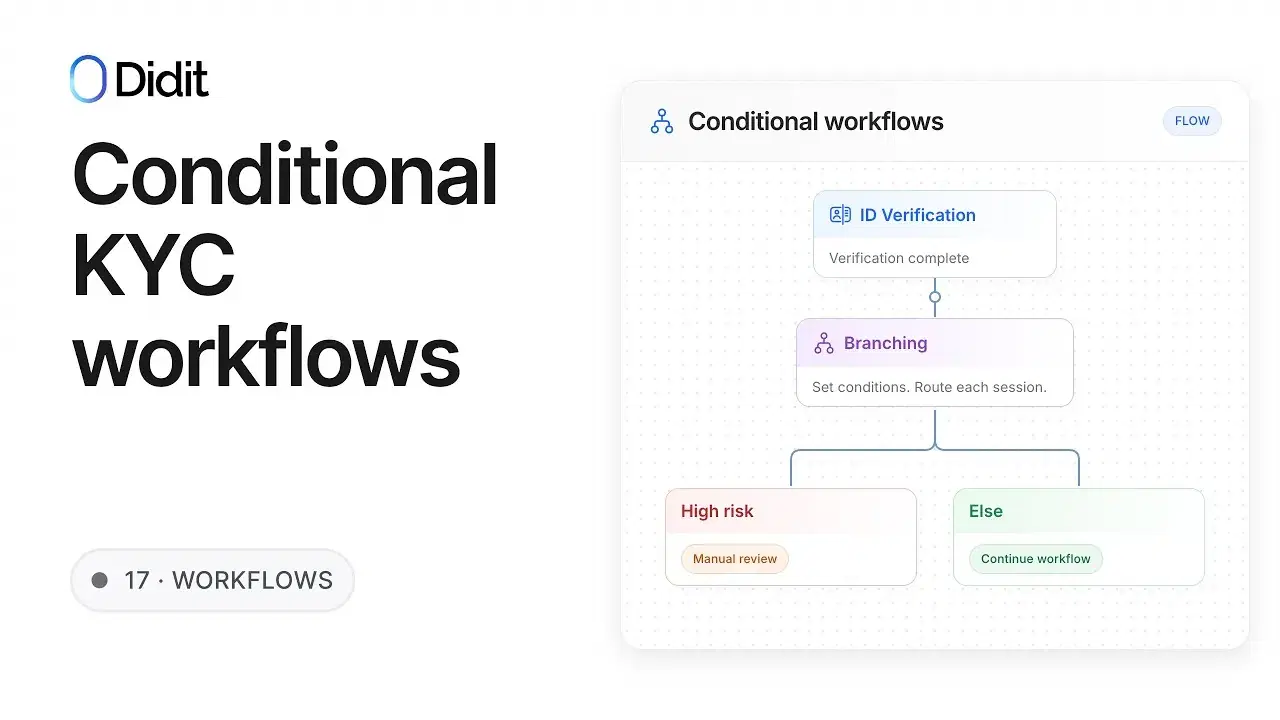
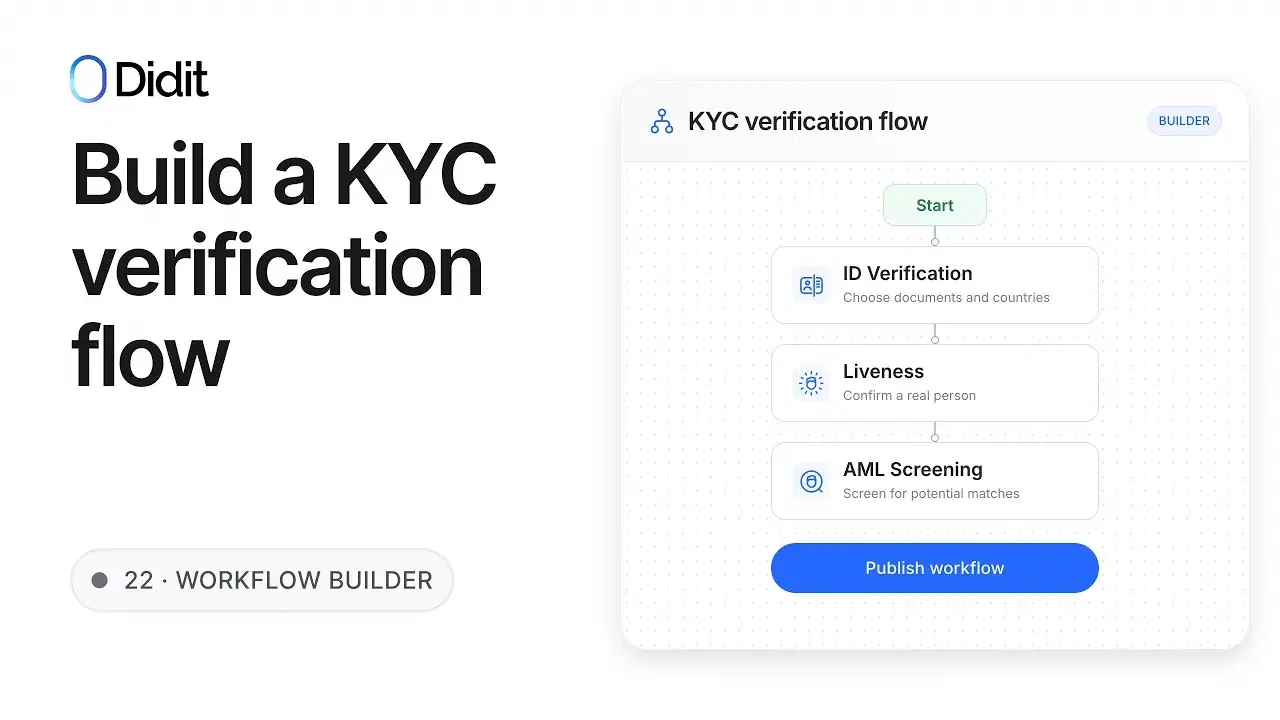
Our modular architecture truly shines in designing fallback workflows. Using Didit's Orchestrated Workflows in the Business Console, you can visually build multi-step verification journeys. Define your primary NFC eID path, and then easily add conditional nodes that automatically trigger alternative verification steps, such as OCR-based ID Verification, 1:1 Face Match, or even Age Estimation, if NFC fails. This no-code approach allows you to iterate and optimize your verification logic rapidly, ensuring high conversion rates even in challenging scenarios.
Didit's commitment to a developer-first experience means you get an instant sandbox, public documentation, and clean APIs. Plus, with Didit's Core KYC and a pay-per-successful check model with no setup fees, you can implement advanced identity verification solutions without prohibitive upfront costs.
Ready to Get Started?
Ready to see Didit in action? Get a free demo today.
Start verifying identities for free with Didit's free tier.
Try it
Try this in the sandbox
Run the check this guide describes, free.
The product this post is about, taken from its topic. Run it free in the sandbox.
Author
Alejandro Rosas
Co-founder and CTO

Keep reading
Other guides in the same topic.
 What Is the Purpose of FICA in South Africa? 2026 Guide
FICA is South Africa's anti-money laundering law. It creates the Financial Intelligence Centre and requires accountable institutions to identify and verify clients, screen for PEP and sanctions risk and report suspicious.
Alberto RosasNov 26, 2026 Sixth Money Laundering Directive (6AMLD): What Changed and Which Rules Apply
6AMLD is Directive (EU) 2018/1673: Member States must criminalise laundering, widen predicate offences and set a four-year penalty floor. It adds no new due diligence duties for firms.
Alberto RosasNov 26, 2026 Automated Sanctions Screening: Canada, the Entity List and Embargoes
Automated sanctions screening matches people and companies against lists such as Canada's autonomous sanctions made under SEMA and JVCFOA and the OFAC SDN List, and returns candidate hits scored for identity confidence and.
Alberto RosasNov 26, 2026Questions
Blog questions
Who writes the Didit blog?
Which topics does the blog cover?
Is the blog available in my language?
Where do I find product updates?
Are these posts legal advice?
How do I find posts on one topic?
Are posts dated?
Do posts link to the docs?
Is the blog the same as the docs?
Compliance built in
Audited, certified and attested.
We hold the certifications and build each country's rules into your flows, so you can launch anywhere without worrying. Security and Compliance center
- Regulation encoded into your flows
Tell us what you do and where. Didit lists the rules that apply to you, with sources, and builds the checks each country needs into one workflow.
- Ready for AMLR
Every requirement of the new EU anti-money laundering rules, from checking customers to human review, is already covered by a Didit check.
- Tested in Spain's Treasury sandbox
Spain's Treasury published its supervised sandbox report on Didit's NFC plus active liveness onboarding; SEPBLAC took part and valued the added measures positively.
- Audited, not self-declared
iBeta Level 1 and Level 2. Liveness tested under ISO/IEC 30107-3.
Your obligations · 3 regions
 SOC 2 Type 2
 ISO 27001
 iBeta Level 1 and Level 2
 EU regulator attestation
 FSM youth protection
 GDPR
 EBA remote onboarding
 MiCA compatible
 FIDO Alliance member
- AMLREU AML Regulation ready
Integration · Didit MCP
Run Didit from your own AI agent
Connect Didit to Claude, Cursor, VS Code or ChatGPT and just ask in plain words. Your agent can do anything you can do in the console, with the same permissions you have.
 Add to Claude
 ChatGPT
 Cursor
- Build workflowsDescribe the checks you need. The agent creates and publishes the flow.
- Run investigationsAsk why a session was declined, review cases, search people and companies.
- Change rulesCreate payment rules, test them on past data and switch them on.
- Pull reportsAsk for numbers, exports or the audit log.
Didit Academy