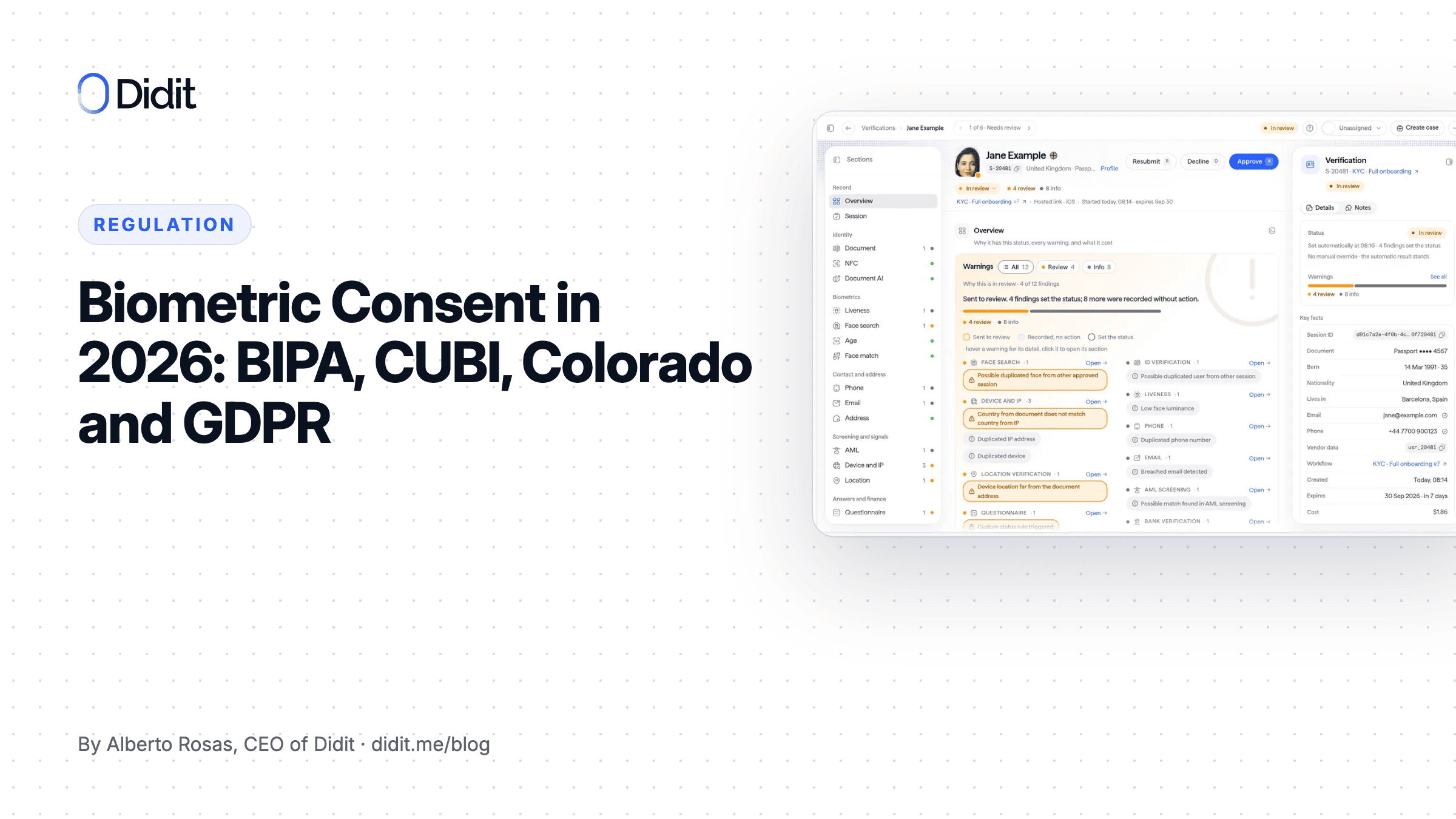
Biometric Consent in 2026: BIPA, CUBI, Colorado and GDPR
Illinois, Texas and Colorado require consent in the situations covered by their statutes. In the EU, biometric processing requires an applicable Article 9 condition, which may include explicit consent.
 Alberto RosasCo-founder and CEO
Contents
In this guide
Jump to the part you need.
Biometric consent is the notice and the explicit yes a company needs before it captures a face. Illinois, Texas and Colorado require it where their statutes apply. In the EU, biometric processing needs an Article 9 condition, such as explicit consent. We show the notice before the first face capture and record the answer on the session. The full ID check costs $0.33, with no separate price line for the step. Your wording and legal basis stay yours.
Last updated: November 26, 2026. Prices checked against the live Didit price feed on November 26, 2026.
| Question | Short answer |
|---|---|
| Who is subject | Private entities covered by the Illinois, Texas or Colorado statutes when they capture a biometric identifier. In the EU, a controller that processes biometric data for unique identification and needs an Article 9(2) condition, which may be explicit consent. |
| Where | Illinois, Texas and Colorado. GDPR also follows you if you offer services to people in the EU, under Article 3(2). |
| From when | Illinois 3 October 2008. Texas 1 September 2009. Colorado 1 July 2023. GDPR 25 May 2018. |
| What Didit does | Shows a consent step before the first face capture, then records required, trigger, status and given_at on the session decision, with mode changes in the audit log. |
| What it costs | No separate line in the published price list. The verification that follows is a full ID check at $0.33: ID $0.15, passive liveness $0.10, face match 1:1 $0.05, device and IP analysis $0.03. |
| Main caveat | We are a processor. We show the step and record the answer. We do not decide whether your notice, your legal basis or your flow meets the law that applies to you. |
You can test the consent step without a sales call: start free in the sandbox at business.didit.me, or connect Didit to an AI assistant through the MCP server. The step runs in the hosted flow, the Web SDK, a WebView or native SDK 4.10.0 or later. It ships inside User Verification, and every unit price sits on didit.me/pricing.
What biometric consent means in the law
In the EU, biometric data is special category data. Article 4(14) of the GDPR defines it as personal data resulting from specific technical processing of physical, physiological or behavioural characteristics that allow or confirm unique identification. Processing it is prohibited unless one of the Article 9(2) conditions applies, and explicit consent is the first of them, not the only route. Where the condition you rely on is consent, Article 7(1) adds the part that matters in practice: the controller must be able to demonstrate that the person consented. If you cannot produce the record later, you may be unable to demonstrate that consent was given.
Illinois runs a standalone statute. The Biometric Information Privacy Act, 740 ILCS 14/15(b), requires a private entity to inform the person in writing that biometric identifiers will be collected, state the specific purpose and the length of retention, and receive a written release before collection. Section 15(a) requires a public written policy with a retention schedule and destruction guidelines. Section 15(e) requires destruction when the initial purpose is satisfied or within three years of the last interaction, whichever comes first. Section 15(c) bans selling or profiting from the data, and 15(d) sets a reasonable standard of care. Section 14/20 gives a private right of action with statutory damages of $1,000 per negligent violation and $5,000 per intentional or reckless violation, which is why this one statute drives most of the compliance work in the field.
Texas is shorter but still explicit. Section 503.001(b) of the Texas Business and Commerce Code requires a person who captures a biometric identifier for a commercial purpose to inform the individual and obtain consent before capture. Destruction must happen within a reasonable time and no later than one year after the purpose expires. Enforcement runs through the Attorney General, with civil penalties up to $25,000 per violation.
Colorado folds biometric identifiers into sensitive data. Section 6-1-1702 of the Colorado Revised Statutes, part of the Colorado Privacy Act, requires consent before a controller collects sensitive data, and biometric identifiers are in that category. Consent has to be a clear, affirmative act, and the controller has to keep the record.
Who is subject, where, and from when
| Instrument | Who is subject | Where | In force from | Required before the first capture |
|---|---|---|---|---|
| GDPR, Article 9(2)(a) with Article 7(1) | Controllers that process special category data, including biometric data used for unique identification, with processors bound by Article 28 | EU and EEA, plus non-EU organisations offering services to people in the EU | 25 May 2018 | An applicable Article 9(2) condition, which may be explicit consent, and, where it is consent, evidence that it was given |
| Illinois BIPA, 740 ILCS 14/15 | Private entities in possession of biometric identifiers or biometric information of Illinois residents | Illinois | 3 October 2008 | Written notice of purpose and retention plus a written release, and a public retention policy under 15(a) |
| Texas CUBI, Tex. Bus. and Com. Code 503.001 | Any person who captures a biometric identifier for a commercial purpose | Texas | 1 September 2009 | Notice to the individual and consent before capture, plus destruction within one year of the purpose ending |
| Colorado Privacy Act, C.R.S. 6-1-1702 | Controllers that conduct business in Colorado and process sensitive data | Colorado | 1 July 2023 | Consent before collecting sensitive data, which includes biometric identifiers |
These are the commencement dates for private entities generally. Whether a specific flow falls inside a statute depends on facts: where the person is, which document they hold, what you compute from the capture. This article is informational. It describes the rules at a high level and what the product does, it is not legal advice, and your counsel should confirm the applicable legal basis and the retention duties that follow from it.
When the Didit consent step appears
We show the step when two things are true. The workflow captures a face: a Liveness, Face Match or Age Estimation step, the front-camera selfie the ID Verification step takes, or full-session video. And the application's consent mode asks for it. The mode lives in the console under the application's Settings, Data and privacy, Biometric consent, and every change is recorded in the audit log.
- Auto, the default: the step appears only where a trigger applies, and everyone else sees the standard one-line notice.
- Always: every person whose face is captured sees the step, wherever they are, and the decision records trigger
forced. - Never: we never show the step. Where state law requires consent you collect it yourself before the selfie and keep the record.
The step appears before the first face capture. When only the ID document shows a covered state, it appears right after the ID capture and before the selfie, and no face geometry is computed from the ID images until the person agrees. We check the requirement when the person opens the flow and again at each step until it applies. Once a session requires consent, it keeps requiring it.

| Trigger | When it applies |
|---|---|
declared_state | You declared a covered state when creating the session, with user_state or a US address in expected_details. |
ip_state | The person's IP is located in Illinois, Texas or Colorado. |
ip_unknown | The person looks to be in the US but the state cannot be told: a US IP with no state, or no location while your details or the document place them in the US. |
document_issuer | The identity document read at ID capture was issued by a covered state. |
forced | The application's mode is Always. |
customer_collected | You sent consent you had already collected when creating the session. |
VPNs, proxies and hosting networks do not trigger the step on their own. Someone in a covered state behind a VPN that exits elsewhere, holding an ID no covered state issued, is not asked. Use Always mode, or send user_state, if you need to cover that case.

Obligations next to Didit capability
Didit has 4,000+ companies. The table separates what each law asks for, what we do, and what stays on your side of the contract.
| Obligation | What Didit does | What stays with you |
|---|---|---|
| Tell the person what is collected, why, and for how long (BIPA 15(b), GDPR Articles 13 and 14) | Shows a consent step before the first face capture, driven by your workflow | Writing the notice text, keeping it current, and versioning it |
| Get consent before capture (BIPA 15(b), CUBI 503.001(b), C.R.S. 6-1-1702, GDPR Article 9(2)(a)) | Asks before the first face capture in the hosted flow, the Web SDK and native SDK 4.10.0 or later, and does not compute face geometry from ID images before agreement when only the document shows a covered state | Choosing Auto, Always or Never, and collecting consent yourself in Never mode |
| Demonstrate that consent was given (GDPR Article 7(1)) | Records required, trigger, status, given_at and reason on the session decision, and logs mode changes in the audit log | Linking that record to the exact notice version the person saw |
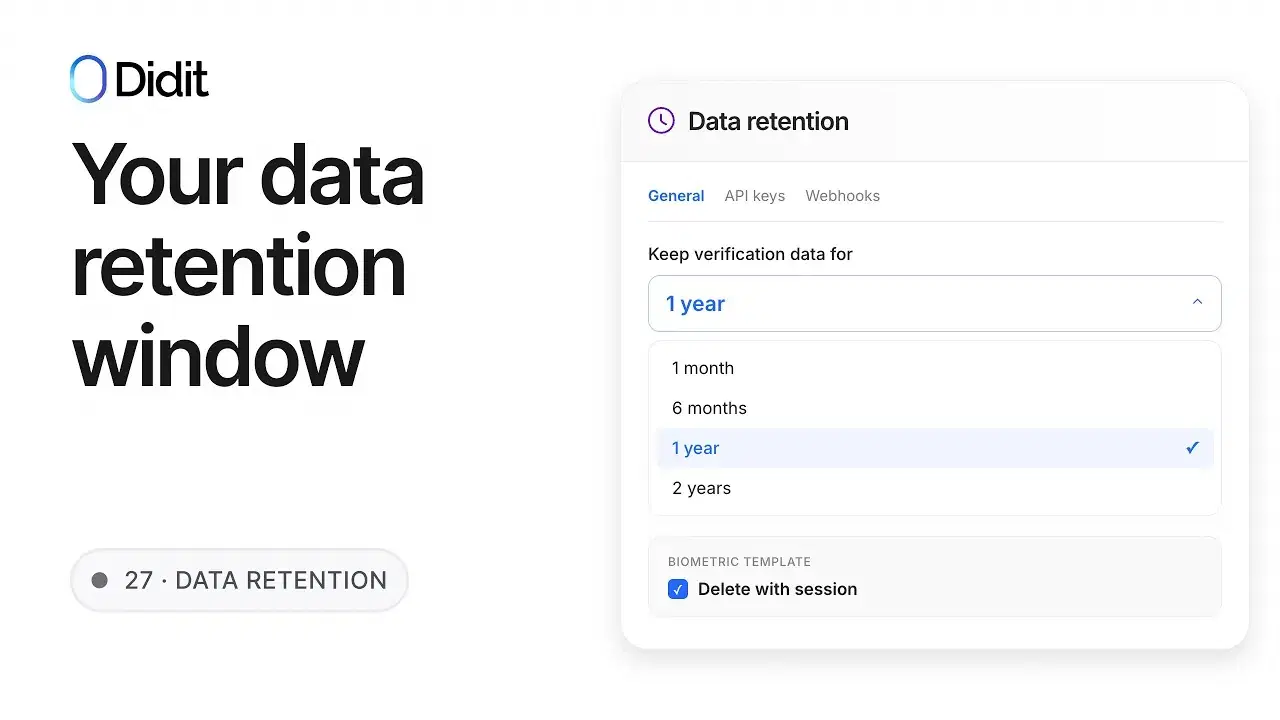
| Publish retention and destruction rules (BIPA 15(a) and 15(e), CUBI destruction rule) | Retention window from 1 month to 10 years in Business Console, App Settings, Data retention; per-session expiry returned in the decision | The published policy text and the written schedule behind it |
| Erasure on request (GDPR Article 17) | Delete Session with deletion_instruction set to privacy_erasure purges the session and any retained biometric template for that person | Handling the request, logging your instruction id, and replying to the person |
| Limit onward disclosure (BIPA 15(c) and 15(d), CUBI 503.001(c)) | We act as processor. Retained templates are tenant-scoped and, per the docs, never used for model training or cross-customer fraud processing | Your vendor contracts and the disclosure section of the notice |
| Cover the people your triggers miss | Always mode, user_state on session creation, and native SDK 4.10.0 or later | Deciding which mode fits your risk, and testing it |
What the record looks like in the API
You can declare the state on Create Session, and you can send consent you already collected. Both are optional fields on POST https://verification.didit.me/v3/session/. An unrecognised user_state returns 400, and given_at cannot be in the future.
curl -X POST https://verification.didit.me/v3/session/ -H 'x-api-key: YOUR_API_KEY' -H 'Content-Type: application/json' -d '{"workflow_id":"YOUR_WORKFLOW_ID","vendor_data":"user-42","user_state":"US-IL","biometric_consent":{"given_at":"2026-10-13T09:12:00Z","text_version":"consent-v3"}}'When the session required consent and an older SDK captured a face, Retrieve Session returns the block below. We never record consent that was not given.
"biometric_consent": {
  "required": true,
  "trigger": "ip_state",
  "status": "pending",
  "given_at": null,
  "reason": "BIOMETRIC_CONSENT_UNSUPPORTED_SDK"
}
For an erasure request, the Delete Session call below removes the session and purges any retained template for that person. Credits already consumed by the verification are not refunded.
curl -X DELETE https://verification.didit.me/v3/session/<SESSION_ID>/delete/ -H 'x-api-key: YOUR_API_KEY' -H 'Content-Type: application/json' -d '{"deletion_instruction":"privacy_erasure","instruction_id":"dsar-2026-0142"}'Worked cost example
A US fintech verifies 25,000 new users in one month, and 30 percent of them, 7,500 people, resolve to a covered state so the consent step is shown. It also re-authenticates 10,000 existing users with biometric authentication.
- Full ID check: 25,000 x $0.33 = $8,250.00
- Consent step: 7,500 x $0.00 = $0.00, because there is no separate line in the published price list
- Biometric Authentication: 10,000 x $0.10 = $1,000.00
- Total at list price: $8,250.00 + $0.00 + $1,000.00 = $9,250.00
On the Scale plan, every Didit price carries a 10 percent discount:
- Full ID check: 25,000 x $0.297 = $7,425.00
- Biometric Authentication: 10,000 x $0.09 = $900.00
- Usage: $7,425.00 + $900.00 = $8,325.00
- Plus the $299.00 monthly fee: $8,325.00 + $299.00 = $8,624.00
The consent step changes no line in either sum. What it changes is the evidence you hold: for the 7,500 covered sessions the consent record is returned in the session decision, so you can show when consent was asked and what the person answered. Plan credit and top-up rules are on didit.me/pricing.
Exceptions and open questions
Location edge cases. The step is asked on clear evidence of a covered state, or when the person is placed in the US without a state. A VPN that exits outside Illinois, Texas or Colorado defeats the IP trigger. Declaring user_state or switching to Always closes that gap; both are your decision.
Older native apps. Native SDKs released before 4.10.0 do not know the consent step, so we never ask them for it and the verification runs as before. Those sessions carry BIOMETRIC_CONSENT_UNSUPPORTED_SDK in the decision. If you verify people in Illinois, Texas or Colorado in a native app, upgrade. The SDK overview is at docs.didit.me.
Is a selfie a biometric identifier? Under the GDPR, a photograph becomes biometric data only when it is processed with specific technical means that allow unique identification, and Article 4(14) sets that test. US state definitions differ from each other and have been amended over time, and the treatment of a face template derived from a photo compared with the photo itself is a question for counsel in each state. We do not give legal advice, and neither should a vendor page.
EU consent versus other Article 9 conditions. Explicit consent is one route, not the only one. Some controllers rely on another Article 9(2) condition, and biometric data is not automatically subject to a universal consent requirement under GDPR. If you rely on consent, Article 7(3) gives the person the right to withdraw it, and your flow has to make that possible. We record the consent answer; withdrawal handling is your process.
Employees and applicants. Consent is hardest to rely on where there is a power imbalance, which is why employment flows often need a different basis. The same consent step can be shown, but the analysis is not the same as for a customer.
Children. Verify with counsel whether your service needs parental consent under the law that applies, and whether a selfie flow is appropriate for minors at all.
Retention templates. A retained biometric template is biometric data. It is not anonymous, not transient, and not deleted with the session. Enable retention only where your controller instruction and privacy notice cover it, and set a finite period. The controls are described on data retention and in the Biometric Templates API.
Implementation checklist
- Decide your legal basis and the notice text with counsel, then version it, for example
consent-v3. - Choose the consent mode in the console: Auto where you mainly serve US flows, Always if you want the step everywhere.
- Send
user_stateon Create Session whenever you already know where the person lives. - Send
biometric_consentonly when you genuinely collected consent before the session, with the matchingtext_version. - Upgrade native apps to SDK 4.10.0 or later, and check that the version is reported.
- Read
biometric_consentfrom the decision and store it with the notice version, not just the boolean. - Sort decisions where
statusispendingandreasonisBIOMETRIC_CONSENT_UNSUPPORTED_SDKinto a manual queue. - Set the retention window in App Settings, Data retention, to the shortest period your business and the law allow.
- Turn on biometric template retention only if your notice covers it, with a finite number of days.
- Document the deletion path: Delete Session,
privacy_erasure, and your own instruction id. - Review the audit log after every mode change, and keep the export with your compliance file.
- Re-test the triggers after any change to workflows, document types or SDK versions.
- Review the wording whenever a state amends its statute.
Sources
- Didit documentation: biometric consent for BIPA, CUBI and Colorado
- Didit documentation: Create Session
- Didit documentation: Retrieve Session
- Didit documentation: Delete Session
- Didit documentation: Biometric Templates API
- Didit documentation: data retention and biometric templates
- Didit documentation: audit logs
- Didit documentation: native SDKs
- Didit documentation: security and compliance
- Didit pricing page and live price feed, read November 26, 2026
- Regulation (EU) 2016/679 (GDPR), Articles 4(14), 7 and 9(2)(a)
- Illinois Biometric Information Privacy Act, 740 ILCS 14/1 to 14/99, sections 15 and 20, Illinois General Assembly: ilga.gov
- Texas Business and Commerce Code, section 503.001, Capture or Use of Biometric Identifier, Texas Legislature: statutes.capitol.texas.gov
- Colorado Revised Statutes, section 6-1-1702, Colorado Privacy Act, Colorado General Assembly: leg.colorado.gov
Next step: create an application at business.didit.me, set Biometric consent under Settings, Data and privacy, and run a sandbox session with user_state set to US-IL to see the step and the decision record. No sales call, and the sandbox is free.
Try it
Try this in the sandbox
Run the check this guide describes, free.
The product this post is about, taken from its topic. Run it free in the sandbox.
Author
Alberto Rosas
Co-founder and CEO

Keep reading
Other guides in the same topic.
 What Is the Purpose of FICA in South Africa? 2026 Guide
FICA is South Africa's anti-money laundering law. It creates the Financial Intelligence Centre and requires accountable institutions to identify and verify clients, screen for PEP and sanctions risk and report suspicious.
Alberto RosasNov 26, 2026 Sixth Money Laundering Directive (6AMLD): What Changed and Which Rules Apply
6AMLD is Directive (EU) 2018/1673: Member States must criminalise laundering, widen predicate offences and set a four-year penalty floor. It adds no new due diligence duties for firms.
Alberto RosasNov 26, 2026 Automated Sanctions Screening: Canada, the Entity List and Embargoes
Automated sanctions screening matches people and companies against lists such as Canada's autonomous sanctions made under SEMA and JVCFOA and the OFAC SDN List, and returns candidate hits scored for identity confidence and.
Alberto RosasNov 26, 2026Questions
Frequently asked questions
What is biometric consent?
It is the informed, explicit permission a person gives before a company captures a biometric identifier such as a face scan, fingerprint or voiceprint, and before it uses or stores that data. In the EU it must meet the GDPR explicit consent standard in Article 9(2)(a) if consent is the condition you rely on. In Illinois, Texas and Colorado it must be given before capture, and Illinois also requires a written notice of purpose and retention.
Is a selfie biometric data under GDPR?
Not automatically. A photograph becomes biometric data when it is processed with specific technical means that allow or confirm unique identification, such as the face geometry and matching in a liveness and face match check. Article 4(14) of the GDPR sets that test, and data that passes it is special category data under Article 9, which needs an applicable Article 9(2) condition.
What does BIPA require before a company collects a face scan?
Under 740 ILCS 14/15(b) the company must tell the person in writing that a biometric identifier is being collected, the specific purpose and the length of retention, and must receive a written release. Section 15(a) also requires a publicly available written policy with retention and destruction guidelines. Statutory damages under 740 ILCS 14/20 are $1,000 per negligent violation and $5,000 per intentional or reckless violation.
Does Didit show a biometric consent screen?
Yes, when the workflow captures a face and the application's consent mode asks for it. The step appears before the first face capture in the hosted flow, the Web SDK, a WebView and native SDK 4.10.0 or later. In Auto mode it is shown only where a trigger applies: a declared or detected covered state, an ID issued by a covered state, or a US location without a known state.
How much does the biometric consent step cost?
It has no separate line in Didit's published price list. You pay for the verification the person runs: a full ID check is $0.33, made of ID document $0.15, passive liveness $0.10, face match 1:1 $0.05 and device and IP analysis $0.03. Those prices were checked against the live feed on November 26, 2026.
Which US states trigger the step in Didit?
Illinois, Texas and Colorado, in Auto mode. We ask when you declare the state with user_state, when the person's IP is in one of those states, when the ID document was issued by one of them, or when the person looks to be in the US but the state cannot be told. The trigger that applied is recorded on the session decision.
What happens if my app uses an older native SDK?
A native SDK below 4.10.0 cannot display the step, so we never ask for it and never record consent that was not given. The decision reports required true, status pending and reason BIOMETRIC_CONSENT_UNSUPPORTED_SDK. Upgrade to 4.10.0 or later if you verify people in Illinois, Texas or Colorado inside a native app.
Can I send consent I already collected outside Didit?
Yes. Create Session accepts a biometric_consent object with given_at in ISO 8601, not in the future, and a text_version. The flow does not ask again, and the decision records status given with trigger customer_collected. Keep the text version identifier pointing at the exact notice the person saw.
How do I prove later that consent was given?
Read the session decision and its biometric_consent block: required, trigger, status, given_at and, when the step could not run, a reason. Mode changes are recorded in the console audit log. Store the decision next to the version of your notice that was live at that moment.
Does the step appear for users outside the US?
In Auto mode, no. The triggers are tied to Illinois, Texas and Colorado, and to a US location without a known state. If you want an explicit consent screen for EU or other users, switch the application to Always mode, and treat the wording and the legal basis as your own decision under Article 9 of the GDPR.
What happens to the consent record when I delete a session?
Delete Session removes the session and the data it holds, and the consent record goes with it. For an erasure request, send deletion_instruction set to privacy_erasure so any retained biometric template for that person is purged as well. Credits already consumed by the verification are not refunded.
Compliance built in
Audited, certified and attested.
We hold the certifications and build each country's rules into your flows, so you can launch anywhere without worrying. Security and Compliance center
- Regulation encoded into your flows
Tell us what you do and where. Didit lists the rules that apply to you, with sources, and builds the checks each country needs into one workflow.
- Ready for AMLR
Every requirement of the new EU anti-money laundering rules, from checking customers to human review, is already covered by a Didit check.
- Tested in Spain's Treasury sandbox
Spain's Treasury published its supervised sandbox report on Didit's NFC plus active liveness onboarding; SEPBLAC took part and valued the added measures positively.
- Audited, not self-declared
iBeta Level 1 and Level 2. Liveness tested under ISO/IEC 30107-3.
Your obligations · 3 regions
 SOC 2 Type 2
 ISO 27001
 iBeta Level 1 and Level 2
 EU regulator attestation
 FSM youth protection
 GDPR
 EBA remote onboarding
 MiCA compatible
 FIDO Alliance member
- AMLREU AML Regulation ready
Integration · Didit MCP
Run Didit from your own AI agent
Connect Didit to Claude, Cursor, VS Code or ChatGPT and just ask in plain words. Your agent can do anything you can do in the console, with the same permissions you have.
 Add to Claude
 ChatGPT
 Cursor
- Build workflowsDescribe the checks you need. The agent creates and publishes the flow.
- Run investigationsAsk why a session was declined, review cases, search people and companies.
- Change rulesCreate payment rules, test them on past data and switch them on.
- Pull reportsAsk for numbers, exports or the audit log.
Didit Academy