White-Labeling Didit SDK: Complete Branding Guide
Learn how to fully white-label the Didit SDK for seamless integration into your brand. Customize the UI with CSS overrides and control the user experience. Start building now!.
 Alejandro RosasCo-founder and CTO
Contents
In this guide
Jump to the part you need.
White-Labeling Didit SDK: Complete Branding Guide
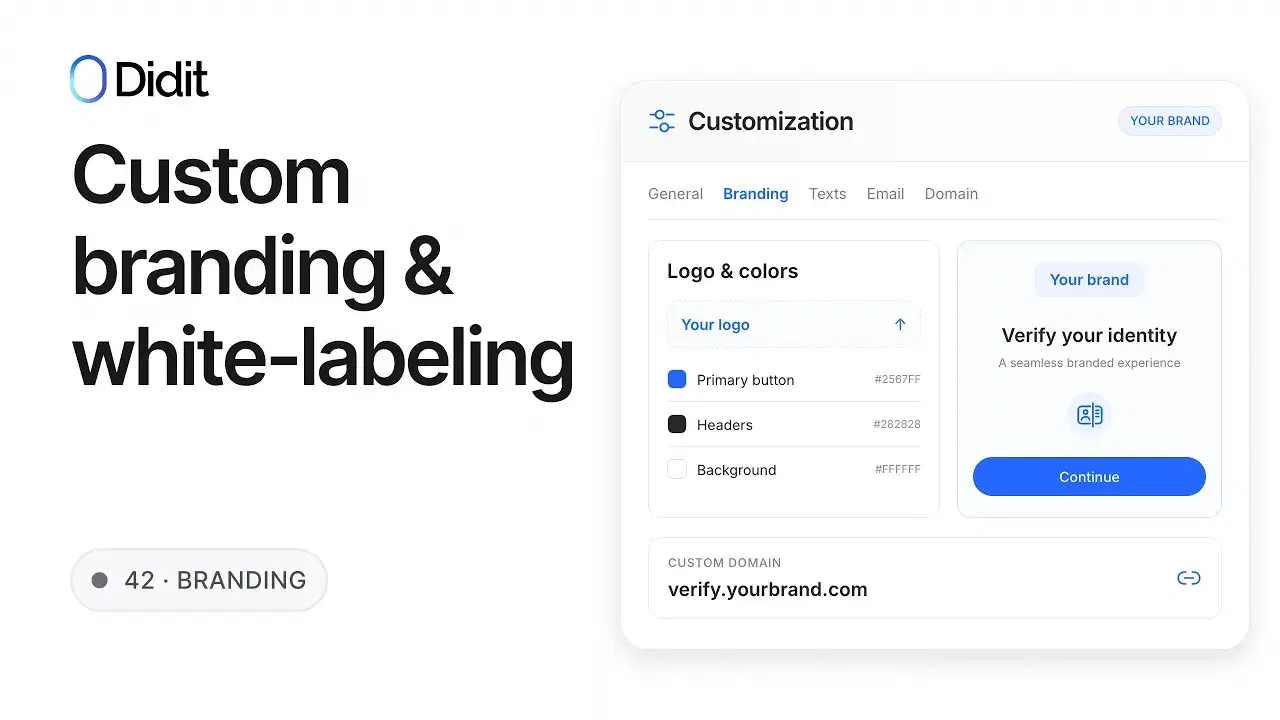
In today’s competitive landscape, maintaining brand consistency is crucial, even within third-party integrations. The Didit SDK offers extensive SDK customization options, allowing you to deliver a seamless, branded identity verification experience to your users. This guide provides a comprehensive overview of Didit SDK white-labeling, covering CSS overrides, theming, and best practices to ensure a fully branded integration.
Key Takeaway 1 The Didit SDK is designed for deep customization. You can completely alter the look and feel to match your brand guidelines.
Key Takeaway 2 White-labeling is primarily achieved through CSS overrides, providing granular control over visual elements.
Key Takeaway 3 Consider using a CSS-in-JS solution for managing complex themes and maintaining consistency across your application.
Key Takeaway 4 Thorough testing is essential after applying customizations to ensure a smooth and consistent user experience.
Understanding the Didit SDK Architecture for Customization
The Didit SDK utilizes a modular architecture, providing a flexible foundation for SDK branding. The core verification logic is separated from the UI components, allowing you to modify the visual presentation without altering the underlying functionality. The SDK’s UI is built using standard web technologies (HTML, CSS, JavaScript), making it easy to customize using familiar tools. The primary method for SDK white-labeling is through CSS overrides, allowing you to target specific elements and apply your own styles.
CSS Overrides: The Core of White-Labeling
The most effective way to customize the Didit SDK’s appearance is through CSS overrides. The SDK provides a set of pre-defined CSS classes that you can target with your own styles. Here’s a breakdown of how to use CSS overrides:
- Global Styles: Use a global stylesheet to define base styles for common elements like fonts, colors, and button styles.
- Specific Overrides: Target specific components with more granular styles. For example, to change the color of the “Verify” button, you might use a selector like
.didit-button--primary. - Specificity: Be mindful of CSS specificity. Use more specific selectors if your styles aren’t being applied.
Example:
/* Change the primary button color */
.didit-button--primary {
  background-color: #YOUR_BRAND_COLOR !important;
  color: white !important;
}

/* Change the input field border color */
.didit-input input {
  border-color: #YOUR_BRAND_COLOR !important;
}
Important: The !important flag may be necessary to override the SDK’s default styles. However, use it cautiously, as it can make your CSS harder to maintain. Consider a more specific selector as a first approach.
Advanced Theming with CSS-in-JS
For more complex theming scenarios, consider using a CSS-in-JS solution like Styled Components or Emotion. These libraries allow you to define styles using JavaScript, making it easier to manage themes and dynamically switch between them. CSS-in-JS can also help with component scoping, preventing style conflicts.
Example (Styled Components):
import styled from 'styled-components';

const StyledButton = styled.button`
  background-color: ${props => props.theme.primaryColor};
  color: white;
  padding: 10px 20px;
  border: none;
  cursor: pointer;
`;
Customizing the SDK’s Flow & Components
Beyond visual styling, you can also customize certain aspects of the SDK’s flow. For example, you can:
- Custom Error Messages: Replace the default error messages with your own branded messages.
- Custom Loading Indicators: Use your own loading animations instead of the default ones.
- Component Rendering (with API access): For advanced customization, use the Didit API to control the rendering of specific components, allowing you to build a completely custom UI around the core verification logic.
How Didit Helps with White-Labeling
Didit simplifies the Didit SDK white-labeling process by providing:
- Detailed Documentation: Comprehensive documentation outlining all available CSS classes and customization options.
- Example Themes: Pre-built themes that you can use as a starting point for your own customizations.
- Dedicated Support: Access to our support team to assist with any customization challenges.
- Flexible Architecture: The modular design allows deep customization without impacting core functionality. Didit’s approach prioritizes developer control.
Ready to Get Started?
Transform the Didit SDK into a seamless extension of your brand! Here are some resources to help you get started:
- Didit Documentation: Explore the complete API reference and customization guides.
- Didit Demo Center: Experiment with the SDK and test different customization options.
- Didit Pricing: Learn about our flexible pricing plans.
Try it
Try this in the sandbox
Run the check this guide describes, free.
The product this post is about, taken from its topic. Run it free in the sandbox.
Author
Alejandro Rosas
Co-founder and CTO

Keep reading
Other guides in the same topic.
 Play Age Signals vs Apple Declared Age Range: full comparison
Google Play Age Signals and Apple's Declared Age Range API side by side: ranges, tiers, nulls, automatic sharing and terms, plus one age state for your backend and when to add your own check.
Alberto RosasNov 22, 2026 Play Age Signals API integration guide: v0.0.6 for Android apps
The three calls of Play Age Signals 0.0.6 in Kotlin, a decision table for every status, tier and bound, errors, migration from 0.0.3 and 0.0.4, testing, and how to start your own age check.
Alberto RosasNov 22, 2026 Age verification API: which one works on apps, web and stores
Five kinds of age verification API and where each one answers: Play apps, App Store apps, sideloads, web and desktop. With the selfie call, the hosted session, webhook checks, cost and data.
Alberto RosasNov 22, 2026Questions
Blog questions
Who writes the Didit blog?
Which topics does the blog cover?
Is the blog available in my language?
Where do I find product updates?
Are these posts legal advice?
How do I find posts on one topic?
Are posts dated?
Do posts link to the docs?
Is the blog the same as the docs?
Compliance built in
Audited, certified and attested.
We hold the certifications and build each country's rules into your flows, so you can launch anywhere without worrying. Security and Compliance center
- Regulation encoded into your flows
Tell us what you do and where. Didit lists the rules that apply to you, with sources, and builds the checks each country needs into one workflow.
- Ready for AMLR
Every requirement of the new EU anti-money laundering rules, from checking customers to human review, is already covered by a Didit check.
- Tested in Spain's Treasury sandbox
Spain's Treasury published its supervised sandbox report on Didit's NFC plus active liveness onboarding; SEPBLAC took part and valued the added measures positively.
- Audited, not self-declared
iBeta Level 1 and Level 2. Liveness tested under ISO/IEC 30107-3.
Your obligations · 3 regions
 SOC 2 Type 2
 ISO 27001
 iBeta Level 1 and Level 2
 EU regulator attestation
 FSM youth protection
 GDPR
 EBA remote onboarding
 MiCA compatible
 FIDO Alliance member
- AMLREU AML Regulation ready
Integration · Didit MCP
Run Didit from your own AI agent
Connect Didit to Claude, Cursor, VS Code or ChatGPT and just ask in plain words. Your agent can do anything you can do in the console, with the same permissions you have.
 Add to Claude
 ChatGPT
 Cursor
- Build workflowsDescribe the checks you need. The agent creates and publishes the flow.
- Run investigationsAsk why a session was declined, review cases, search people and companies.
- Change rulesCreate payment rules, test them on past data and switch them on.
- Pull reportsAsk for numbers, exports or the audit log.
Didit Academy