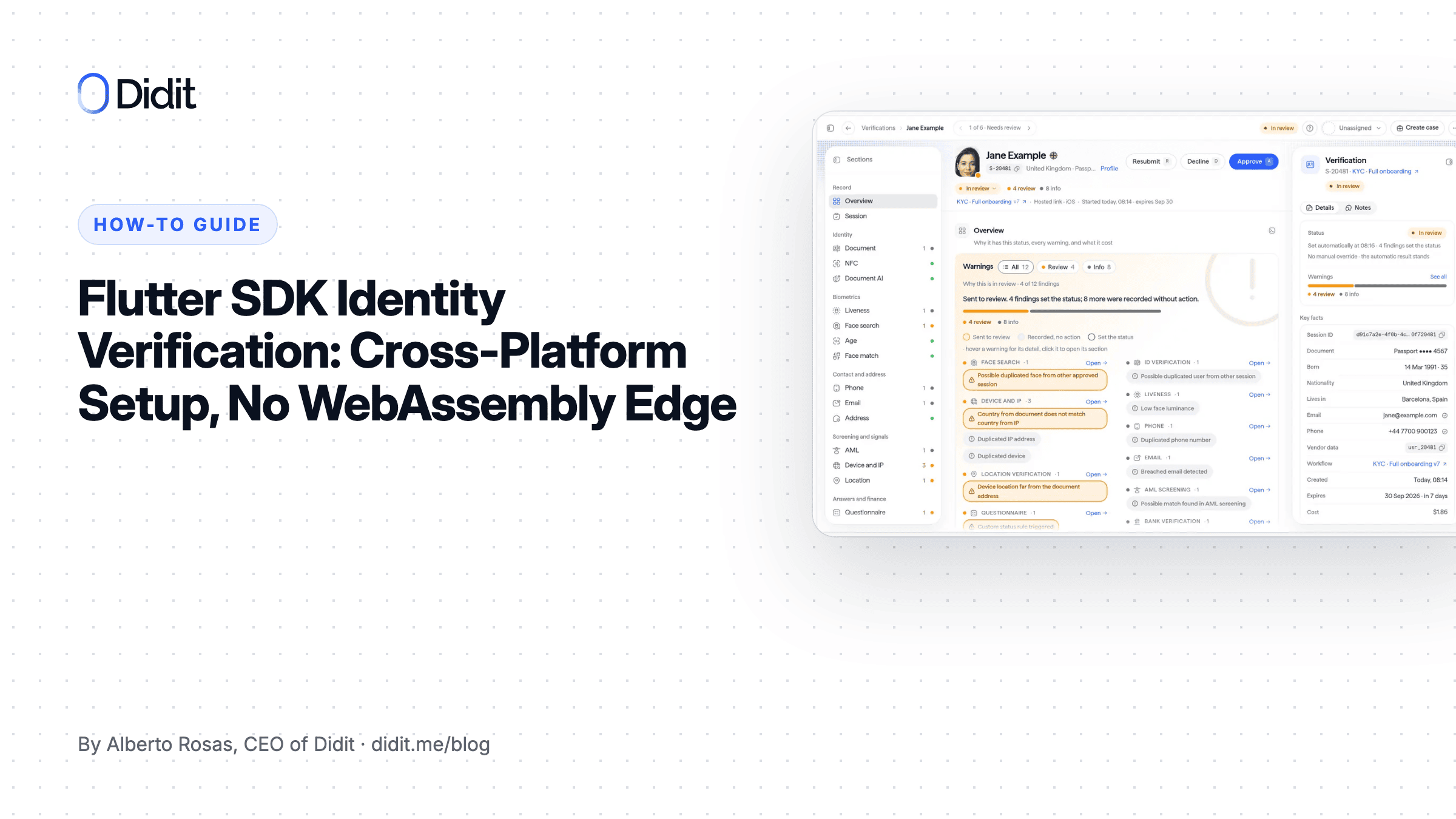
Flutter SDK Identity Verification: Cross-Platform Setup, No WebAssembly Edge
Use the didit_sdk package 4.15.4 with Flutter 3.41+, create a session on your backend, launch it with the session token, and take the decision from a webhook. A full ID check is $0.33.
 Alejandro RosasCo-founder and CTO
Contents
In this guide
Jump to the part you need.
The Didit Flutter SDK puts a full identity check inside one Dart codebase for iOS and Android. It fits teams shipping KYC in a Flutter build who need camera capture, NFC and liveness handled by native code. A full ID check costs $0.33 and sandbox testing is free and unlimited. The caveat: this package wraps the native iOS and Android SDKs, so it needs Flutter 3.41 and Dart 3.11 or later, and NFC needs iOS 15.
Last updated: November 26, 2026. Prices checked against the live Didit price feed on November 26, 2026.
| Item | Detail |
|---|---|
| Package | didit_sdk on pub.dev, version 4.15.4 |
| Runtime | Flutter 3.41+, Dart 3.11+, iOS 13.0+ (NFC needs iOS 15.0+), Android API 23+ |
| What it opens | The Didit-hosted verification flow, launched from your app with a session token |
| Checks it can present | ID document capture, passive and active liveness, 1:1 face match, NFC reading, including supported e-passport flows |
| Price of one full ID check | $0.33: ID document $0.15 + passive liveness $0.10 + face match $0.05 + device and IP $0.03. NFC reading adds $0.15, AML screening adds $0.20 |
| Testing | Sandbox testing is free and unlimited. |
| Result delivery | Webhook to your backend, or a decision read for a session |
Start free in the sandbox at business.didit.me, with no sales call. Developers who want an AI assistant to drive the API work should connect it through the Didit MCP server. The product detail sits in the ID Verification documentation, and every unit price is listed on didit.me/pricing.
The outcome this guide gets you
One Dart call opens the verification flow on the device. The person photographs their document, completes a passive liveness check, and if the workflow asks for it, taps the document on the phone to read the NFC chip. Your backend created that session, and your backend receives the decision. Nothing about the capture is rebuilt in Flutter.
That split matters. The Flutter package is a thin Dart API over the native iOS and Android SDKs, and the native layer owns camera permissions, NFC sessions and liveness capture. The Didit SDK documentation recommends native SDKs over WebView integration for exactly this reason: a WebView loses NFC, camera optimization and biometric integration. If you are deciding between the two, take the native route through didit_sdk.

What about a WebAssembly build of the Flutter SDK?
Some readers arrive here looking for a WebAssembly runtime inside the Flutter SDK. The documentation describes didit_sdk as a cross-platform Dart API that wraps the native iOS and Android SDKs, and it lists no WebAssembly component in that package. Do not plan an architecture around one until the Flutter SDK guide lists it.
For a browser surface the documented route is a different package: the Web SDK, @didit-protocol/sdk-web, version 0.4.0, which runs in the browser and can point at the same workflow. The work inside a Flutter app is native code: camera permissions, NFC reading and liveness detection on the device.
Prerequisites
- A Didit organization created from business.didit.me, with an API key copied from the console, plus the sandbox API key for testing.
- Flutter 3.41 or later and Dart 3.11 or later.
- iOS deployment target 13.0 or later, and 15.0 or later where the workflow includes NFC. Android
minSdk23 (Android 6.0). - A published KYC workflow, so you hold its
workflow_idUUID. Workflows are built in the Business Console or with the workflows API, as in the quick start. - A backend that holds the API key. The key never ships inside the app.
- A public HTTPS endpoint for webhooks, or a callback on one of your application's allowed domains. App deep links such as
myapp://are always accepted as a callback.
Inputs and outputs
| Stage | Field | Notes |
|---|---|---|
| Session create, input | workflow_id | Required UUID. A KYC workflow creates a User Verification session. |
| Session create, input | vendor_data | Your stable identifier for the person. Recommended: it binds the session to the entity and drives duplicate detection. |
| Session create, input | callback | Where the hosted flow returns the person. Falls back to the workflow default. |
| Session create, input | language, metadata, tags | Optional. language is an ISO 639-1 code for the verification UI. |
| Session create, output | session_id, session_token, hosted URL, status | The SDK guides name the URL verification_url; the quick start names it url. Both are the same hosted flow. |
| Flutter, input | session_token | The app needs this token to launch the flow. |
| Webhook, output | event_id, session_id, status, webhook_type, decision | decision is present on Approved, Declined, In Review and Abandoned. |
| Decision, output | id_verifications[], nfc_verifications[], liveness_checks[], face_matches[], aml_screenings[] | V3 returns plural arrays because a workflow can include the same feature twice. |
Step by step: launch a Didit check from Flutter
- Create the workflow and keep its UUID. A KYC workflow with document, liveness and face match gives you the $0.33 full ID check shape. Create it once from the console or with the API call below.
curl -X POST https://verification.didit.me/v3/workflows/ \
-H "x-api-key: $DIDIT_API_KEY" \
-H "Content-Type: application/json" \
-d '{
"workflow_label": "Flutter KYC",
"workflow_type": "kyc",
"features": [
  {"feature": "OCR"},
  {"feature": "LIVENESS", "config": {"face_liveness_method": "PASSIVE"}},
  {"feature": "FACE_MATCH"}
]
}'
That payload is the $0.33 shape. It leaves out AML, NFC and the other optional modules, and each of those is billed separately when a workflow adds it: AML screening is $0.20 per check, so a workflow with AML is $0.53 and not $0.33. NFC chip reading is a $0.15 add-on to the document check.
- Create the session on your backend. This is a server call. The reference is the Create Session API.
curl -X POST https://verification.didit.me/v3/session/ \
-H "x-api-key: $DIDIT_API_KEY" \
-H "Content-Type: application/json" \
-d '{"workflow_id": "$WORKFLOW_ID", "vendor_data": "user-42", "callback": "myapp://kyc/return"}'- Add the package and pin the version. Version 4.15.4 pins native 4.15.4, which matters for biometric consent in Illinois, Texas and Colorado: a native SDK below 4.10.0 cannot show the consent step.
dependencies:
  flutter:
    sdk: flutter
didit_sdk: 4.15.4- Wire the native dependencies. On iOS, add the
DiditSDKpod (or use Swift Package Manager) and set the deployment target. On Android, add the Didit Maven repository and theme.didit:didit-sdkartifact. The Flutter SDK guide lists the platform setup and the full Dart API surface.
- Launch the flow from Dart. Pass the token your backend returned. The native screen takes over from here.
import 'package:didit_sdk/didit_sdk.dart';

Future<void> startKyc(String sessionToken) async {
  await DiditSdk.startVerification(token: sessionToken);
}
- Register a webhook destination. Do it once per environment, subscribe to the events you act on, and store the returned
secret_shared_keyas your signing secret.
curl -X POST https://verification.didit.me/v3/webhook/destinations/ \
-H "x-api-key: $DIDIT_API_KEY" \
-H "Content-Type: application/json" \
-d '{"label": "Production", "url": "https://myapp.com/api/webhooks/didit", "subscribed_events": ["status.updated", "data.updated"], "webhook_version": "v3"}'- Verify the signature and apply the decision. Read the raw body before parsing, verify
X-Signature-V2(HMAC-SHA256 over canonical JSON), check thatX-Timestampis within 300 seconds, de-duplicate onevent_id, and answer within 5 seconds. The full rules are in the webhooks documentation.
- Keep a fallback read. If a webhook is lost, fetch the decision with
GET https://verification.didit.me/v3/session/{session_id}/decision/. Read the plural arrays, never the older singular fields.
- Test in the sandbox before switching keys. Sandbox applications can arm a
sandbox_scenarioat session create to reproduce a specific outcome. The parameter is rejected with 400 on live applications, and sandbox testing is free and unlimited.
Expected output
The create call returns the session identity and the hosted URL. The app needs the session_token to launch the flow.
{
  "session_id": "uuid",
  "session_token": "jwt",
  "verification_url": "https://verify.didit.me/...",
  "status": "Not Started"
}
The webhook envelope carries the same session_id plus the decision when the session finishes.
{
  "event_id": "uuid",
  "session_id": "uuid",
  "status": "Approved",
  "webhook_type": "status.updated",
  "environment": "live",
  "vendor_data": "user-42",
  "decision": { }
}
Status values are exact and case sensitive: Not Started, In Progress, Awaiting User, In Review, Approved, Declined, Abandoned, Expired, Kyc Expired, Resubmitted. Route on those strings, not on approximations.

Failure cases and recovery
| Symptom | Cause | Recovery |
|---|---|---|
| 403 from verification.didit.me | Missing API key or a key without permission for the action | Send the x-api-key header from the backend, not the app |
| 401 | Key is wrong, revoked or expired | Issue a new key and redeploy the backend |
| 400 on session create | Invalid workflow_id | Copy the UUID from the workflows list; do not hand type it |
| 400 mentioning allowed domains | The callback origin is not on the application's allowed domains | Use an allowed origin, or an app deep link scheme such as myapp:// |
| Webhook never arrives | Handler took over 5 seconds, or answered 5xx or 404 | Didit retries twice, after about 1 and 4 minutes, then drops the delivery. Resend from the destination delivery log, and keep the decision read as a fallback |
biometric_consent.status is pending with reason BIOMETRIC_CONSENT_UNSUPPORTED_SDK | Native SDK below 4.10.0, or the SDK did not report its version | Upgrade. Flutter 4.15.4 pins native 4.15.4 |
| NFC step never appears on iOS | Deployment target below 15.0 | Raise the target to 15.0 for builds that include NFC |
400 on sandbox_scenario | The scenario was sent to a live application | Arm scenarios only on sandbox applications |
| No NFC and degraded camera in production | The flow was embedded in a WebView | Move to didit_sdk; the documentation lists WebView as a fallback only |
What you pay for, and where a person takes over
Billing is per completed check from prepaid credit, and you pay for a check only when it finishes with a result. Sandbox testing is free and unlimited. The Free plan adds $10 of credit a month for organizations that sign up with a work email, which buys about 30 full ID checks at $0.33.
The paid steps a Flutter build normally touches, at list price: ID document verification $0.15, passive liveness $0.10, active liveness $0.15, face match 1:1 $0.05, NFC reading $0.15, AML screening $0.20, proof of address $0.20, device and IP analysis $0.03. The workflow orchestrator, the SDKs and the MCP server carry no fee. Volume discounts are 4% on Growth and 10% on Scale.
The review boundary is the status string. Your backend receives status events such as Approved, Declined and In Review; when a session lands in In Review, a person opens it in the Business Console and decides. Enforce the split in code: your backend holds the API key, receives the webhook and applies your policy. The Flutter app launches a session and shows the person the outcome you choose to show.
Worked cost example
Assume 20,000 completed Flutter verifications in a month, with NFC enabled on 2,000 of them, and no AML in the workflow.
- Full ID check: 20,000 x $0.33 = $6,600.00
- NFC add-on: 2,000 x $0.15 = $300.00
- List price total: $6,600.00 + $300.00 = $6,900.00
The same usage on Scale, where Didit prices carry a 10% discount. These are discounted usage figures only, before the plan fee and before the monthly credit:
- Full ID check: 20,000 x $0.297 = $5,940.00
- NFC add-on: 2,000 x $0.135 = $270.00
- Scale usage total: $5,940.00 + $270.00 = $6,210.00
Difference in usage: $6,900.00 minus $6,210.00 = $690.00. The Scale plan fee is $299 a month, separate from that usage figure, and it carries $350 of monthly credit that pays the first $350 of the month's usage. Credit is drawn down before any top-up balance and unused monthly credit expires at the end of the plan month.
Sources
- Didit documentation: Native mobile SDK overview (SDK availability, versions, minimum platforms, biometric consent)
- Didit documentation: Flutter SDK guide
- Didit documentation: SDKs and integrations (session flow, WebView fallback guidance)
- Didit documentation: Quick start (workflow and session calls, failure modes)
- Didit documentation: Create Session API
- Didit documentation: Webhooks and HMAC signing
- Didit documentation: ID Verification overview
- Didit pricing page and the live price feed, read November 26, 2026
- Didit documentation: Pricing and billing
- Didit MCP server
Next step: open the sandbox at business.didit.me with no sales call, create a KYC workflow, and run one session from a Flutter build before you switch to live keys.
Try it
Try this in the sandbox
Run the check this guide describes, free.
The product this post is about, taken from its topic. Run it free in the sandbox.
Author
Alejandro Rosas
Co-founder and CTO

Keep reading
Other guides in the same topic.
 What Is the Purpose of FICA in South Africa? 2026 Guide
FICA is South Africa's anti-money laundering law. It creates the Financial Intelligence Centre and requires accountable institutions to identify and verify clients, screen for PEP and sanctions risk and report suspicious.
Alberto RosasNov 26, 2026 Sixth Money Laundering Directive (6AMLD): What Changed and Which Rules Apply
6AMLD is Directive (EU) 2018/1673: Member States must criminalise laundering, widen predicate offences and set a four-year penalty floor. It adds no new due diligence duties for firms.
Alberto RosasNov 26, 2026 Automated Sanctions Screening: Canada, the Entity List and Embargoes
Automated sanctions screening matches people and companies against lists such as Canada's autonomous sanctions made under SEMA and JVCFOA and the OFAC SDN List, and returns candidate hits scored for identity confidence and.
Alberto RosasNov 26, 2026Questions
Frequently asked questions
How do I add identity verification to a Flutter app?
Create a Didit session on your backend with POST https://verification.didit.me/v3/session/ and a workflow_id, then pass the returned session_token to DiditSdk.startVerification(token: sessionToken) in the didit_sdk package. The native iOS and Android screens handle capture, and your backend receives the decision by webhook.
What Flutter and Dart versions does the Didit Flutter SDK need?
Flutter 3.41 or later and Dart 3.11 or later, with iOS 13.0 or later and Android API 23 or later. NFC reading needs iOS 15.0 or later. The current package version is 4.15.4, which pins native 4.15.4.
Is there a WebAssembly build of the Didit Flutter SDK?
The Didit documentation describes the Flutter package as a Dart API that wraps the native iOS and Android SDKs, and it does not list a WebAssembly component. For a browser surface, the documented package is a separate one: the Web SDK, @didit-protocol/sdk-web. The on-device work in a Flutter app, camera capture, NFC and liveness, is native code.
Does the Flutter SDK support NFC passport reading?
Yes. The SDK availability table lists NFC support for the Flutter package, with iOS 15.0 or later on the Apple side and Android devices on API 23 or later. NFC reading, including supported e-passport flows, is billed at $0.15 per check on top of the document check.
How much does one verification cost in a Flutter app?
A full ID check is $0.33: ID document verification $0.15, passive liveness $0.10, face match 1:1 $0.05 and device and IP analysis $0.03. NFC reading adds $0.15 and AML screening adds $0.20, so those are outside the $0.33 figure. Growth takes 4% off those prices and Scale takes 10%.
How does my Flutter app get the verification result?
The result goes to your backend as a webhook, signed with X-Signature-V2, with the decision in the payload on Approved, Declined, In Review and Abandoned. Your app should ask your backend for the outcome rather than reading the decision from a client call. If a webhook is lost, fetch it with the decision endpoint for the session.
Can I test the Flutter integration without paying?
Yes. Sandbox testing is free and unlimited on every plan. Sandbox applications can also arm a sandbox_scenario at session create to reproduce a specific outcome such as a decline, and live applications reject that parameter with a 400.
Should I use the Flutter SDK or a WebView?
Use the Flutter SDK. The Didit documentation lists WebView as a fallback only, because it loses NFC, camera optimization and biometric integration. The Flutter package is available on pub.dev as didit_sdk and wraps the native SDKs directly.
Where does the API key live in a Flutter app?
Keep the API key, session creation and decision retrieval on your backend, and expose only the session data your app needs. The Flutter app receives the session_token for one session and calls DiditSdk.startVerification with it. Webhook verification and the decision read happen server side.
What happens if my webhook endpoint is slow?
Didit expects an answer within 5 seconds. A handler that takes longer, or returns 5xx or 404, gets two retries after about 1 and 4 minutes, then the delivery is dropped. Resend it from the destination delivery log and keep the decision endpoint as your fallback.
Do I need biometric consent for users in Illinois, Texas or Colorado?
For people covered by those laws, Didit can ask for explicit biometric consent before the first face capture. Native iOS and Android SDK 4.10.0 or later show that step, and Flutter 4.15.4 pins native 4.15.4. On an older native SDK the decision reports biometric_consent.status: "pending" with reason BIOMETRIC_CONSENT_UNSUPPORTED_SDK.
Compliance built in
Audited, certified and attested.
We hold the certifications and build each country's rules into your flows, so you can launch anywhere without worrying. Security and Compliance center
- Regulation encoded into your flows
Tell us what you do and where. Didit lists the rules that apply to you, with sources, and builds the checks each country needs into one workflow.
- Ready for AMLR
Every requirement of the new EU anti-money laundering rules, from checking customers to human review, is already covered by a Didit check.
- Tested in Spain's Treasury sandbox
Spain's Treasury published its supervised sandbox report on Didit's NFC plus active liveness onboarding; SEPBLAC took part and valued the added measures positively.
- Audited, not self-declared
iBeta Level 1 and Level 2. Liveness tested under ISO/IEC 30107-3.
Your obligations · 3 regions
 SOC 2 Type 2
 ISO 27001
 iBeta Level 1 and Level 2
 EU regulator attestation
 FSM youth protection
 GDPR
 EBA remote onboarding
 MiCA compatible
 FIDO Alliance member
- AMLREU AML Regulation ready
Integration · Didit MCP
Run Didit from your own AI agent
Connect Didit to Claude, Cursor, VS Code or ChatGPT and just ask in plain words. Your agent can do anything you can do in the console, with the same permissions you have.
 Add to Claude
 ChatGPT
 Cursor
- Build workflowsDescribe the checks you need. The agent creates and publishes the flow.
- Run investigationsAsk why a session was declined, review cases, search people and companies.
- Change rulesCreate payment rules, test them on past data and switch them on.
- Pull reportsAsk for numbers, exports or the audit log.
Didit Academy