Passkey Account Recovery After a Lost Phone (2026)
Passkey account recovery after a lost phone depends on whether the platform synced the passkey. If it did not, the person signs in with another enabled method, such as an email code, then enrolls a new passkey.
 Alberto RosasCo-founder and CEO
Contents
In this guide
Jump to the part you need.
This guide fits teams using Didit Authentication for passkey sign-in. Recovery after a lost phone depends on whether the platform synced the passkey. If it did, the person signs in on the new device. If not, they sign in with another enabled method, then enroll a new passkey. Didit Authentication is free for the first 50,000 active users a month, then $0.02 per active user. The caveat: with no fallback, recovery needs your team and a verification check.
Last updated: November 26, 2026. Prices checked against the live Didit price feed on November 26, 2026.
| Situation | Route | What the person does | List price |
|---|---|---|---|
| Lost phone, platform synced passkey | Try the passkey on the new device | Uses the synced credential in the platform keychain | Covered by the authentication active-user allowance |
| Lost phone, email code enabled | Email code sign-in, then a new passkey | Types a 6-digit code | Free to 50,000 active users a month |
| Lost phone, phone code enabled | Phone code sign-in | Gets a code on the new number (the method needs a workflow_id) | Carrier price plus $0.02, US SMS $0.0473 per code |
| Lost phone, password set | Password, then TOTP or a recovery code | Types the password and the second factor | Free to 50,000 active users a month |
| No second method enabled | Verification session plus a support handoff | Liveness, selfie login or full ID | Liveness $0.10, selfie login $0.10, full ID $0.33 |
| The reset changes an email or phone | Step-up, action contact | Liveness selfie | $0.10 |
| The reset touches a bank account | Step-up, action bank | Document, liveness and face match | $0.33 |
Start free in the sandbox at https://business.didit.me/, no sales call, enable a fallback method on a test application and run a recovery yourself. Developers who want an agent to read or change these settings can connect Didit to an AI assistant through https://didit.me/developers/mcp/. Every unit price is on the Didit pricing page.
How passkey recovery works in Didit Authentication
A passkey is bound to your application's sign-in origin. The SDKs' passkey methods work only on pages served from that origin, so if your own screens sit on another domain, send the person to the hosted sign-in page for passkeys. What Didit Authentication controls is everything around the credential: which sign-in methods your application accepts, what extra proof a person gives before a new credential is trusted, and what your backend is told afterwards. The methods and their setup are listed in the sign-in methods documentation.
Two documented rules shape every recovery flow. First, passkeys belong to the sign-in origin, as above. Second, a sign-in call can answer with a step instead of a code: mfa_required with a challenge and factors, mfa_enrollment_required with a uri, protection_required from bot protection, or verification_required with a verification_url. Finish the step, then the code arrives.
Authentication is new. The hosted sign-in page runs every method. The JSON endpoints on this page exist for teams that build their own sign-in screens with sign_in_ui: "own". Set a method up in a sandbox application first, then in your live application.

Decide the route: synced passkey, fallback method, or no fallback
We recommend picking the route before the person starts. The three cases need different handling, and only one of them needs your team.
- Synced passkey. If the platform keychain synced the credential, the person may use it on the new device and sign in with the passkey. Didit cannot see whether that sync happened. Ask the person to try the passkey first, then continue with your normal session checks.
- Available fallback method. If the passkey is not available, the person signs in with another enabled method: email code, phone code, password with MFA, social sign-in, organization SSO, or a magic link on the hosted page. After the sign-in returns a code and the token exchange succeeds, send the person to the hosted page of the sign-in origin to enroll a new passkey.
- No fallback method. For a no-fallback case, design a support flow that creates a verification session for the person, reads the approved result, and then permits new-passkey enrollment. Run liveness at $0.10, selfie login at $0.10, or full ID at $0.33. Because the check is a verification session of your own application, it appears on the same person as their sign-ins and goes to manual review like any other verification.
That third route is the concrete support handoff. Your team does not make a judgment from an email thread alone. It starts a verification session, sends the person through it, reads the result, and only then allows a new passkey.
Prerequisites
- A Didit application with Authentication set up, in the sandbox first.
- A credential for the management API. Any of three works: an API key of the application with the
authenticationscope (read or write), an owner-approved grant carryingdidit:management, or a console session. - At least one fallback method enabled besides the passkey. Email code needs no setup. Phone code needs the
workflow_idof a phone verification workflow. Password needs a verified email. Magic links run on the hosted pages only. - Registered redirect URLs that match exactly, a
statevalue up to 512 characters, and a PKCE challenge built withS256(43 characters). - Your web origin in Allowed origins if you build your own sign-in screens.
Management routes refuse four credentials with 403, whatever the request asks for: a token from POST /programmatic/login, a scoped key without the authentication scope, a key of another application, and a grant limited to didit:verification. A request with no credential at all answers 401.
Enable the fallback method first
Recovery is impossible if the person's only method is a passkey on a phone that is gone. Enable a second method before you need it. PUT methods/{name}/ takes enabled and nothing else for a method that needs no credentials. Every call goes to your application's Authentication management API base:
https://apx.didit.me/auth/v2/organizations/{org_id}/applications/{application_id}/authentication/curl --fail-with-body --request PUT "${MANAGEMENT_BASE}methods/code/" -H "x-api-key: $DIDIT_API_KEY" -H "Content-Type: application/json" -d '{"enabled": true}'It answers the method as it now stands:
{"name": "code", "enabled": true}GET on the management base is the read-back: every method with enabled and credential_source, plus callback URLs, session rules and the sign-up policy. Two answers are worth knowing by heart. A method that is always on cannot be turned off and answers {"enabled": "always_on"}. A social method switched on without stored credentials answers {"credentials": "required"}, and a sandbox application can use Didit's test apps instead with {"enabled": true, "credential_source": "didit_test"}, which covers Google, Microsoft, Apple and GitHub on sandbox applications only.
Step by step: recover a passkey account after a lost phone
Start the transaction. Every JSON sign-in call begins with a transaction from
POST authorize/. Ask for it when the person is ready, not when the page loads. The transaction lasts 10 minutes.Offer the fallback method. For an email code, call
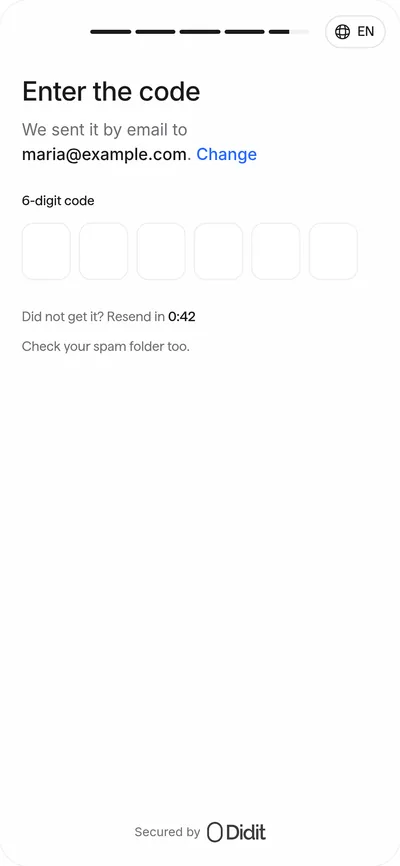
POST email/start/withtransaction,purpose: "login"andemail. It returns202 {challenge, expires_in: 600}and sends 6 digits. Then callPOST email/complete/withtransaction,purpose,challengeandcode. Five attempts are allowed, then the person must request a new code.Finish any step the call returns.
mfa_requiredasks for a TOTP or a recovery code, or a passkey.mfa_enrollment_requiredcarries auriforPOST mfa/setup/.verification_requiredcarries averification_url.protection_requiredasks for the extra proof your bot protection policy chose.Exchange the code within 60 seconds. A successful sign-in returns
{code, redirect_uri, state}. Checkstate, then exchange the code once:curl --fail-with-body "${DIDIT_AUTH_ISSUER}/token/" -H "Content-Type: application/json" -d '{"grant_type": "authorization_code", "code": "CODE_FROM_CALLBACK", "code_verifier": "YOUR_PKCE_VERIFIER", "redirect_uri": "https://app.example.com/auth/callback"}'Expected output:
{"access_token": "eyJhbGciOiJFUzI1NiIs...", "id_token": "eyJhbGciOiJFUzI1NiIs...", "refresh_token": "N4yZTl6y24YKYq77X_SO...", "token_type": "Bearer", "expires_in": 299, "session_id": "c9abf6cc-2d64-4bf2-b31e-a4d09a070ab1"}Enroll the new passkey on the sign-in origin. The person is now signed in on the new device, so they can add a passkey. Do this from the hosted page of your application's sign-in origin, because the SDKs' passkey methods work only on pages served from that origin. If your own screens live on another domain, send the person there for this step.
Confirm on your backend and watch the events. Verify the access token on every request against your issuer's JWKS, then call
GET /session/before a sensitive action: it fails at once when the session was revoked, went idle or expired, or when the person was blocked. Subscribe a webhook destination to theauth.*types you care about, so a support queue sees the reset instead of hearing about it later.
Decide the proof before the new passkey is trusted
A recovery sign-in proves the person controls an email address or a phone number. That is weaker than the passkey they lost, so decide up front what else you want. Didit's verified identity runs each check as a verification session of your own application, billed at that verification's price, and the check goes to manual review like any other verification.
| Check | What the person does | Price at list |
|---|---|---|
| Liveness | Takes one selfie, checked for liveness | $0.10 |
| Selfie login | Takes a selfie that Didit matches to the face it already holds for the person | $0.10 |
| Full ID | Scans an identity document and takes a selfie: document, liveness and face match | $0.33 |
When the reset also changes a contact detail, the documented step-up rules cover it. POST {issuer}/step-up/ with the person's access token and action: "contact" asks for a liveness check by default. The action bank asks for a full ID check. The action payout also applies the device rule, which fires on a device none of the person's earlier sessions came from.
curl --fail-with-body '${DIDIT_AUTH_ISSUER}/step-up/' -H 'Authorization: Bearer $ACCESS_TOKEN' -H 'Content-Type: application/json' -d '{"action": "contact", "return_to": "https://app.example.com/recovery/confirm"}'A passkey enrollment on its own is not one of the three documented step-up actions. For that case, run the liveness or full ID check yourself as a verification session of your application and read the result before you let the person enroll. When you do use a step-up, read it on your backend with GET {issuer}/step-up/{step_up_id}/ and act only on approved. The query string step_up=<id>&status=approved that comes back to return_to proves nothing on its own.

Failure cases and what to do
400 {"error": "invalid_grant"}fromPOST token/. The code is unknown, already used or expired, the verifier orredirect_uridoes not match, the redirect URL is no longer registered, the person is blocked or their email is no longer verified, or you turned off the method they used. Restart the sign-in. Do not retry the same code.400 {"error": "invalid_client"}.client_idis not your application ID.400 {"error": "mfa_required"}. The sign-in did not meet your MFA policy, so send the person through the MFA step and start again.400 {"error": "invalid_credentials"}on a password sign-in. A wrong password, an unknown email, an unverified email, a locked account and a blocked account all get the same answer, and so does a person stopped by thebruteortravelbot protection policy. Do not build a recovery page that tries to tell them apart.403on a setup route. Check the credential against the four refusals above before you touch the payload.- Step-up status.
pendingmeans the person has not finished.reviewwaits for your team.declinedis not final whileverification_urlstill works, so the person can try again.expiredmeans the link ran out.supersededmeans another check took over. A step-up never fails open: when verification is unavailable, the action stays blocked.
One limit to plan for. The event rule actions that sign a person out of every session or block them from signing in are not active yet. Until they are, a rule records them with the status DISABLED and does not apply them. Do not build a recovery flow that depends on an automatic block.
Inputs and outputs
| Field or endpoint | Where it is used | Rule or output |
|---|---|---|
transaction | POST authorize/ | Starts every JSON sign-in call and lasts 10 minutes |
email, purpose | POST email/start/ | Returns 202 {challenge, expires_in: 600} |
challenge, code | POST email/complete/ | 5 attempts, then the person must request a new code |
code_challenge | Hosted sign-in request | Base64url SHA-256 of the verifier, exactly 43 characters, method S256 |
redirect_uri | Sign-in and POST token/ | Must exactly match a registered redirect URL |
state | Sign-in, then the callback | Up to 512 characters, check it on the callback |
code | POST token/ | Single use, exchanged within 60 seconds |
enabled | PUT methods/{name}/ | The only field a credential-free method takes |
credential_source | Social method setup | didit_test works on sandbox applications only |
action, amount, currency, return_to | POST step-up/ | action is payout, bank or contact; amount is required for payout; return_to must be a registered redirect URL |
status | GET step-up/{id}/ | pending, approved, review, declined, expired or superseded |
Worked cost example
Take a consumer app with 1,200 recovery sign-ins in a month. Every person signs in with an email code and enrolls a new passkey.
- Authentication: 1,200 active users is below the 50,000 monthly free allowance, so $0.00.
- Identity checks before the new passkey: 400 people take a liveness check at $0.10, which is 400 x $0.10 = $40.00.
- 100 of those people take a full ID check instead at $0.33, which is 100 x $0.33 = $33.00.
- Phone codes for 150 people in the United States, at the published total of $0.0473 per SMS code: 150 x $0.0473 = $7.10.
Total for the month: $40.00 + $33.00 + $7.10 = $80.10.
On the Scale plan the Didit prices drop 10% and the carrier part of a phone code passes through at cost, so the same month reads 400 x $0.09 = $36.00 for liveness, 100 x $0.297 = $29.70 for full ID, and 150 x $0.0453 = $6.80 for codes. That total is $36.00 + $29.70 + $6.80 = $72.50.
What is paid and where review starts
- Authentication is free for the first 50,000 active users each month, then $0.02 per active user a month. Email code sign-in has no separate line in the price book.
- Any identity check you add before a new passkey is billed as a verification session at its own price: liveness $0.10, selfie login $0.10, full ID $0.33.
- Phone codes bill the carrier price for the country and channel plus Didit's $0.02 fee per code. Only the fee takes the plan discount, and Free plan credit does not cover phone codes.
- A check that returns
reviewwaits for your team. Adeclinedcheck is not final while itsverification_urlstill works, so the person can try again. Review status is a queue state, not a separate product.
Sources
- Didit docs: Sign-in methods, passkeys, codes, social, SSO
- Didit docs: Set up Didit Authentication by API
- Didit docs: Authentication integration guide
- Didit docs: Tokens and JWKS
- Didit docs: Verified identity and step-up
- Didit docs: Authentication events and webhooks
- Didit docs: Bot protection at sign-in
- Didit docs: Pricing and billing rules
- Didit pricing page, prices read November 26, 2026
- Didit pricing feed as JSON, read November 26, 2026
- Didit MCP server setup
- Didit docs: MCP authentication and the device-code grant
- RFC 8628, OAuth 2.0 Device Authorization Grant
Next step: open the sandbox at https://business.didit.me/, no sales call needed. Enable email code on a test application, sign in with it, enroll a passkey, then remove the device and walk the recovery once yourself. You will know within ten minutes whether your fallback is real.
Try it
Try this in the sandbox
Run the check this guide describes, free.
The product this post is about, taken from its topic. Run it free in the sandbox.
Author
Alberto Rosas
Co-founder and CEO

Keep reading
Other guides in the same topic.
 How to Require a Fresh Sign-In Before MFA or Recovery Email Changes
A recovery email or phone number change uses the documented contact step-up rule: call the step-up endpoint, send the person to verification_url, and write the change only after your backend reads an approved step-up.
Alberto RosasNov 26, 2026 AML Transaction Monitoring Red Flags and Solutions 2026
Red flags: structuring, round-amount layering, rapid in-and-out, velocity spikes, high-risk jurisdictions, sanctions hits. Didit scores each transaction, $0.001 beyond the plan allowance;
Alberto RosasNov 26, 2026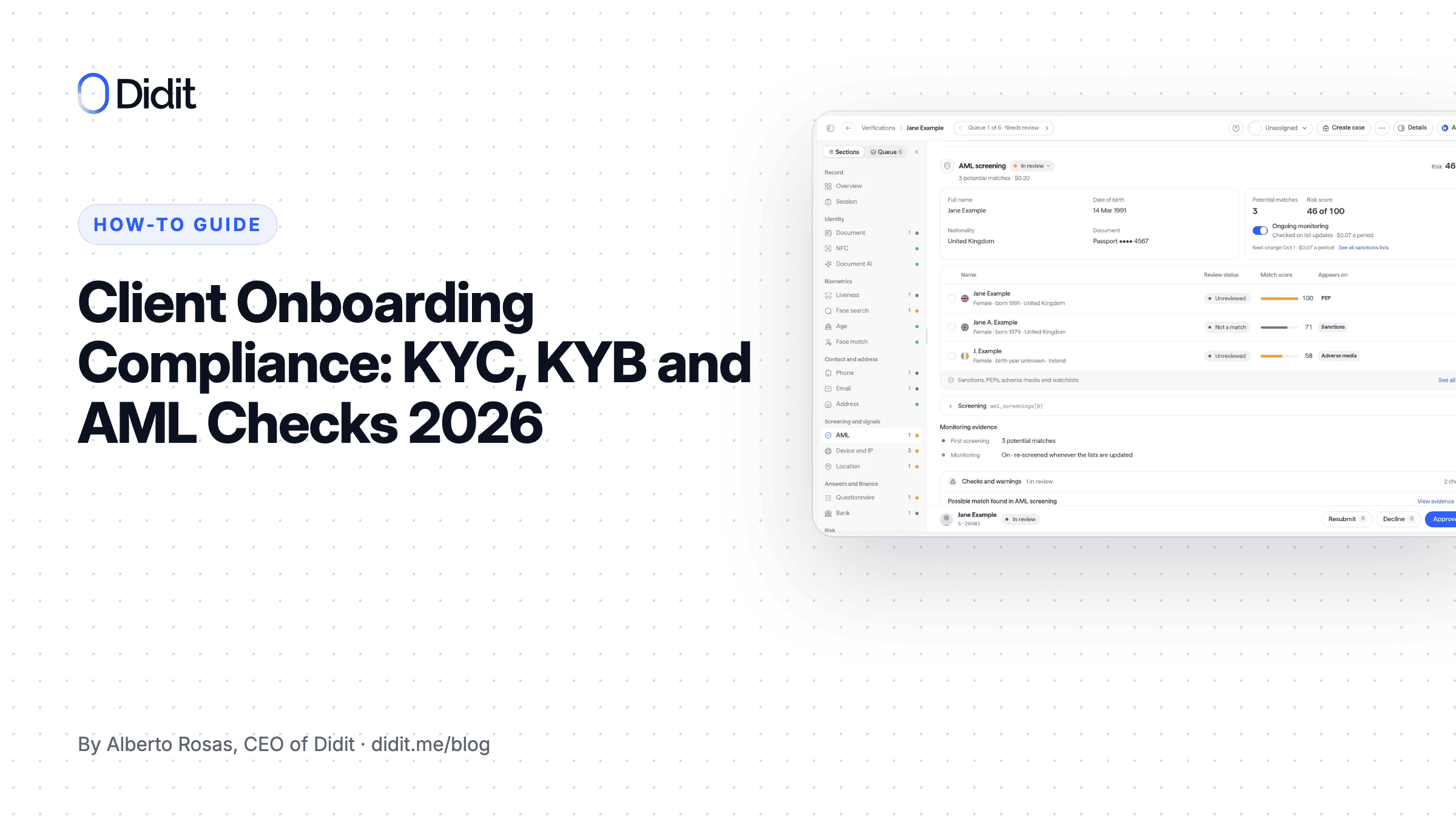 Client Onboarding Compliance: KYC, KYB and AML Checks 2026
Client onboarding compliance means verifying the person (KYC), the business and its owners (KYB), and screening everyone against sanctions, PEP and adverse media (AML).
Alberto RosasNov 26, 2026Questions
Frequently asked questions
How do I recover a passkey account after losing a phone?
Sign in with another method the application already enabled, such as an email code or a phone code, then enroll a new passkey on the new device from the application's sign-in origin. In Didit Authentication you turn the fallback on with one management call, PUT methods/code/ with {"enabled": true}. If no second method is enabled, recovery goes through your team after a verification check.
Can Didit restore a deleted passkey?
We do not document restoring a deleted credential. Whether a passkey is still available after device loss depends on the platform's credential-sync behavior. If it is unavailable, recover through another enabled method and enroll a new passkey.
What if the person has no other sign-in method enabled?
Create a verification session of your application for that person, run liveness at $0.10, selfie login at $0.10, or full ID at $0.33, read the approved result, then let the person enroll a new passkey. Prevent the next case by enabling email code, which needs no setup. Check signup_policy before you widen a passwordless method, because a login code for an address with no account can create one when the policy allows it.
Does a passkey survive a lost phone?
It depends on the platform keychain the person uses, and your application cannot see that. Do not design recovery around the hope that the credential survives. Design it around a second enabled method and a check before a new passkey is trusted.
How long do recovery codes, links and challenges last?
An email code is 6 digits, lasts 10 minutes, allows 5 attempts, and the hosted page offers a new code after 30 seconds. A magic link lasts 15 minutes, works once, and runs on the hosted pages only. The sign-in transaction lasts 10 minutes, the authorization code must be exchanged within 60 seconds, and a verification_url from a sign-in step is valid for 30 minutes.
What does the token exchange error mean during passkey recovery?
The token endpoint returns 400 {"error": "invalid_grant"} when the code is unknown, used or expired, when the PKCE verifier or redirect_uri does not match, when the redirect URL is no longer registered, when the person is blocked or their email is no longer verified, or when you turned the method off. Start the sign-in again and issue a fresh transaction instead of retrying the same code.
How do I require a selfie or an ID check before a new passkey is enrolled?
Use a step-up when the reset also changes a contact detail: POST {issuer}/step-up/ with action: "contact" asks for liveness at $0.10 by default, and action: "bank" asks for a full ID check at $0.33. A passkey change on its own is not one of the three documented step-up actions, so run the check yourself as a verification session of your application. Read the result on your backend, because a step-up never fails open.
Will I be notified when someone enrolls a new passkey or signs in from a new device?
A sign-in from a new device is stored as security.device_changed and sent as auth.new_device. An authenticator added or changed is stored as security.mfa_changed and sent as auth.mfa_changed. Passkey enrollment is not documented as a separate event, so do not assume it maps to one. Only subscribed destinations receive these webhooks.
What does passkey recovery cost?
Authentication is free for the first 50,000 active users each month, then $0.02 per active user a month; email code sign-in has no separate price line. The paid part is usually the check before a new credential: liveness or selfie login is $0.10, a full ID check is $0.33. Phone codes add the carrier price plus $0.02 per code.
Can an AI assistant change passkey settings for me?
An agent connected to the Didit MCP server uses the grant its owner approved on the consent screen, carrying didit:management, and reaches the same setup routes as an API key. An owner who signs in with a passkey, Google or an emailed code can approve that access from any browser with the device-code grant (RFC 8628), without typing a password. You can also do this without an assistant.
Compliance built in
Audited, certified and attested.
We hold the certifications and build each country's rules into your flows, so you can launch anywhere without worrying. Security and Compliance center
- Regulation encoded into your flows
Tell us what you do and where. Didit lists the rules that apply to you, with sources, and builds the checks each country needs into one workflow.
- Ready for AMLR
Every requirement of the new EU anti-money laundering rules, from checking customers to human review, is already covered by a Didit check.
- Tested in Spain's Treasury sandbox
Spain's Treasury published its supervised sandbox report on Didit's NFC plus active liveness onboarding; SEPBLAC took part and valued the added measures positively.
- Audited, not self-declared
iBeta Level 1 and Level 2. Liveness tested under ISO/IEC 30107-3.
Your obligations · 3 regions
 SOC 2 Type 2
 ISO 27001
 iBeta Level 1 and Level 2
 EU regulator attestation
 FSM youth protection
 GDPR
 EBA remote onboarding
 MiCA compatible
 FIDO Alliance member
- AMLREU AML Regulation ready
Integration · Didit MCP
Run Didit from your own AI agent
Connect Didit to Claude, Cursor, VS Code or ChatGPT and just ask in plain words. Your agent can do anything you can do in the console, with the same permissions you have.
 Add to Claude
 ChatGPT
 Cursor
- Build workflowsDescribe the checks you need. The agent creates and publishes the flow.
- Run investigationsAsk why a session was declined, review cases, search people and companies.
- Change rulesCreate payment rules, test them on past data and switch them on.
- Pull reportsAsk for numbers, exports or the audit log.
Didit Academy