Singapore App Store Age Block: What It Means for Developers
Since 1 April 2026 designated app stores in Singapore must assess age and stop under-18s from downloading age-inappropriate apps. What it means for app developers.
 Alejandro RosasCo-founder and CTO

Contents
In this guide
Jump to the part you need.
In force From 1 April 2026, designated app stores in Singapore are required to implement age assurance measures.
Who carries the duty The stores. Developers feel it through the 18+ age rating of their app.
Inside the app The store check is a download gate. What happens in your app stays with you.
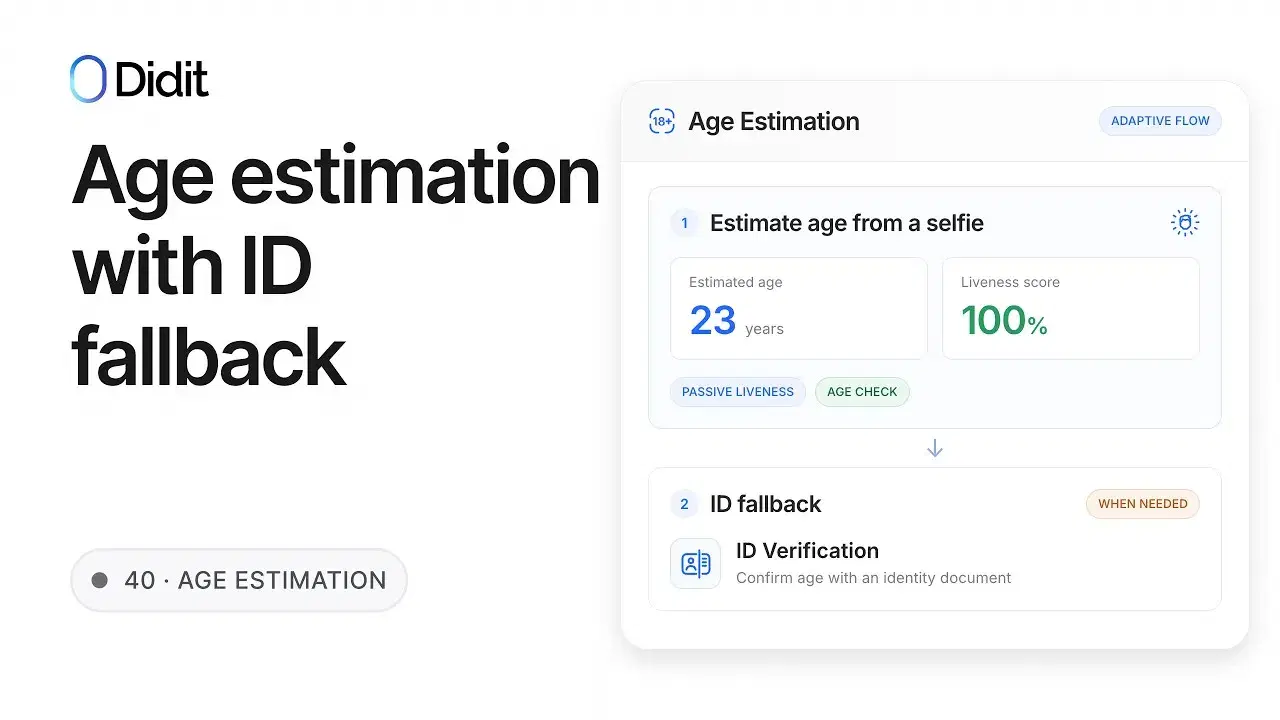
Own check Where the store's answer is missing or not enough for a feature, Didit's Age Estimation estimates age from a selfie.
Understanding Singapore's App Store Age Block
According to Singapore's regulator, IMDA, "From 1 April 2026, designated app stores in Singapore are required to implement age assurance measures to prevent users younger than 18 from accessing and downloading age-inappropriate apps." The designated stores include the Apple App Store, Google Play Store, Huawei AppGallery, Microsoft Store and Samsung Galaxy Store. The duty comes from the Code of Practice for Online Safety.
The store decides whether a user is under 18 and, if so, restricts age-inappropriate apps based on the age ratings the store sets. Apple says that to download or purchase apps with an age rating of 18+ in Singapore you need to confirm that you are 18 or older, and Google says Play restricts users identified as minors there from downloading apps rated 18+.
Who is Affected by This Regulation?
The duty sits on the stores, and others feel its effects:
- Mobile App Developers: An app rated 18+ reaches adults the store has confirmed. The IMDA page puts no check on the developer, so keep the rating questionnaire accurate.
- Gaming Companies: A game's rating decides whether the gate applies to it.
- Social Media Platforms: The store gate does not set account rules inside a social app. Those come from the platform's own terms and from other rules.
- App Stores: The designated stores run the age checks and restrict the downloads.
How Stores Check Age in Singapore
IMDA describes three kinds of age check, and each store may use different ones and ask at different points: when you open the store, when you log in or create an account, or when you try to download an app rated 18+.
The three kinds are:
- Age Verification: Checking the date of birth with official documentation, such as Singpass, an ID card or a passport.
- Age Estimation: A face or voice analysis with AI that estimates an age range.
- Age Inference: Account history and usage patterns, including whether the user owns a credit card.
Challenges and Considerations
IMDA says data collected for age checks is used only to determine whether a user is under or over 18. If you add your own check, the same questions apply:
- Privacy Concerns: Collecting and processing user data for age verification raises privacy concerns. It's crucial to use methods that minimize data collection and protect user anonymity.
- Accuracy and Reliability: Age estimation methods are not always perfect and can sometimes produce inaccurate results. Send estimates near the threshold to a stronger check.
- User Experience: Age verification processes should be seamless and user-friendly to avoid frustrating users and discouraging them from using the app.
How Didit Helps
Didit does not run the store's check and is not a partner of Apple or Google. It is the check you run inside your app when the store's answer is missing or a feature needs more: see what to do when the age signal is missing and the Play Age Signals API guide. Start it without passing the store's signal. For the US state laws on app stores, see App Store Accountability Acts.
Here’s how Didit can help:
- Age Estimation: Age Estimation at $0.10 estimates age from a selfie, with liveness included, and does not identify the person.
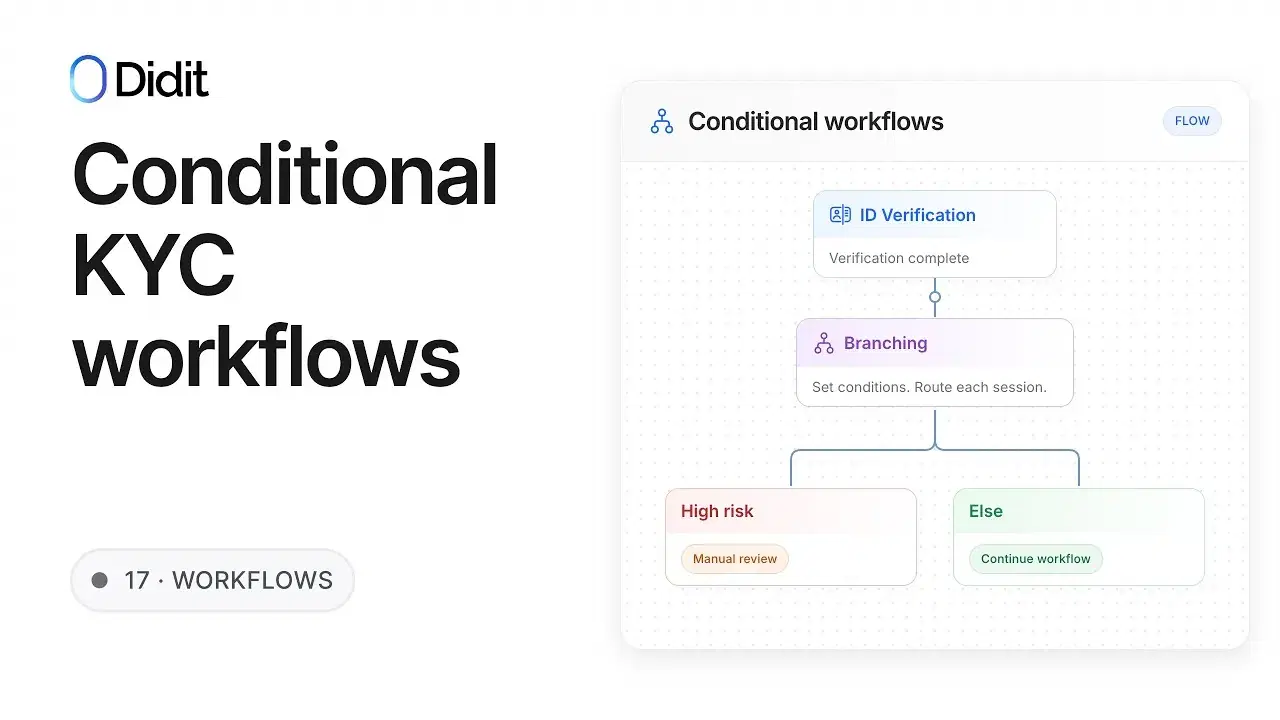
- ID Verification: For borderline estimates, the workflow can ask for a government-issued ID, with OCR, MRZ and barcode reading.
- Liveness Detection: Passive and Active Liveness detection counters photos and replays.
Prices are on the pricing page. This page is not legal advice: confirm with counsel what applies to your app. Last reviewed 22 November 2026.
Ready to Get Started?
Want to see age estimation in your app? Get a demo.
Prefer to try it yourself? Start free in the Business Console.
Try it
Try this in the sandbox
Run the check this guide describes, free.
The product this post is about, taken from its topic. Run it free in the sandbox.
Author
Alejandro Rosas
Co-founder and CTO

Keep reading
Other guides in the same topic.
 What Is the Purpose of FICA in South Africa? 2026 Guide
FICA is South Africa's anti-money laundering law. It creates the Financial Intelligence Centre and requires accountable institutions to identify and verify clients, screen for PEP and sanctions risk and report suspicious.
Alberto RosasNov 26, 2026 Sixth Money Laundering Directive (6AMLD): What Changed and Which Rules Apply
6AMLD is Directive (EU) 2018/1673: Member States must criminalise laundering, widen predicate offences and set a four-year penalty floor. It adds no new due diligence duties for firms.
Alberto RosasNov 26, 2026 Automated Sanctions Screening: Canada, the Entity List and Embargoes
Automated sanctions screening matches people and companies against lists such as Canada's autonomous sanctions made under SEMA and JVCFOA and the OFAC SDN List, and returns candidate hits scored for identity confidence and.
Alberto RosasNov 26, 2026Questions
Blog questions
Who writes the Didit blog?
Which topics does the blog cover?
Is the blog available in my language?
Where do I find product updates?
Are these posts legal advice?
How do I find posts on one topic?
Are posts dated?
Do posts link to the docs?
Is the blog the same as the docs?
Compliance built in
Audited, certified and attested.
We hold the certifications and build each country's rules into your flows, so you can launch anywhere without worrying. Security and Compliance center
- Regulation encoded into your flows
Tell us what you do and where. Didit lists the rules that apply to you, with sources, and builds the checks each country needs into one workflow.
- Ready for AMLR
Every requirement of the new EU anti-money laundering rules, from checking customers to human review, is already covered by a Didit check.
- Tested in Spain's Treasury sandbox
Spain's Treasury published its supervised sandbox report on Didit's NFC plus active liveness onboarding; SEPBLAC took part and valued the added measures positively.
- Audited, not self-declared
iBeta Level 1 and Level 2. Liveness tested under ISO/IEC 30107-3.
Your obligations · 3 regions
 SOC 2 Type 2
 ISO 27001
 iBeta Level 1 and Level 2
 EU regulator attestation
 FSM youth protection
 GDPR
 EBA remote onboarding
 MiCA compatible
 FIDO Alliance member
- AMLREU AML Regulation ready
Integration · Didit MCP
Run Didit from your own AI agent
Connect Didit to Claude, Cursor, VS Code or ChatGPT and just ask in plain words. Your agent can do anything you can do in the console, with the same permissions you have.
 Add to Claude
 ChatGPT
 Cursor
- Build workflowsDescribe the checks you need. The agent creates and publishes the flow.
- Run investigationsAsk why a session was declined, review cases, search people and companies.
- Change rulesCreate payment rules, test them on past data and switch them on.
- Pull reportsAsk for numbers, exports or the audit log.
Didit Academy