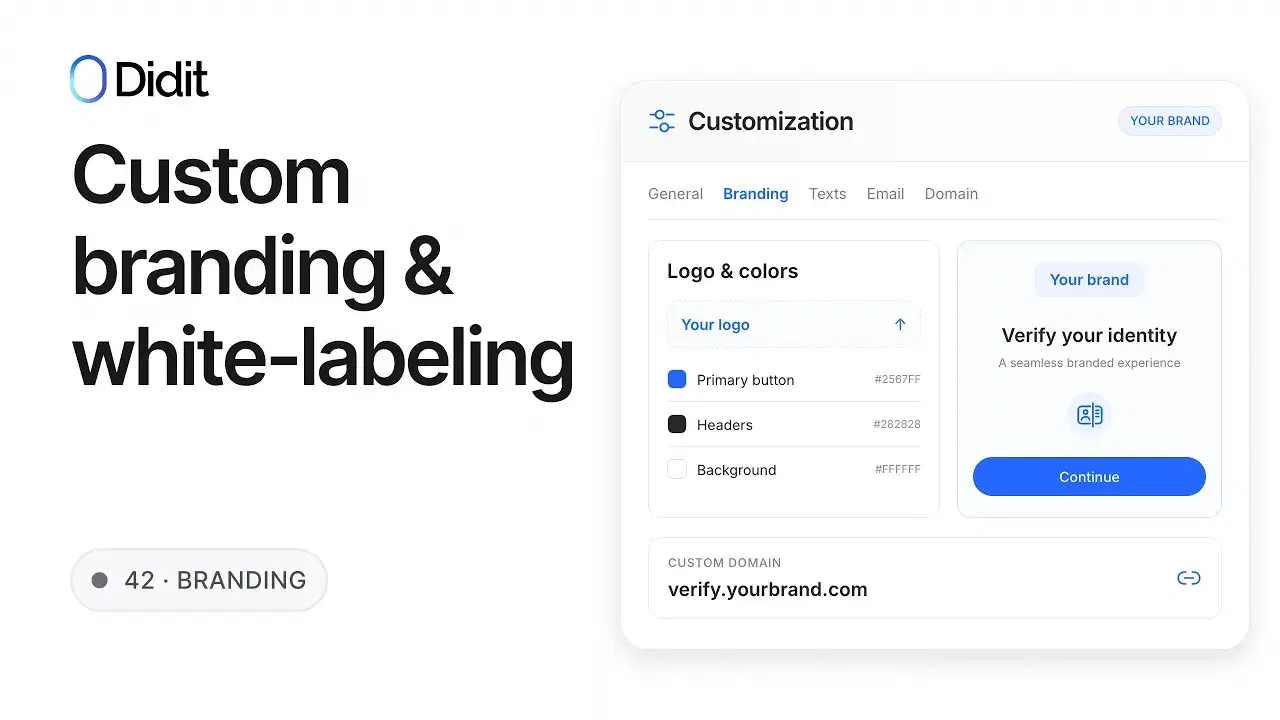
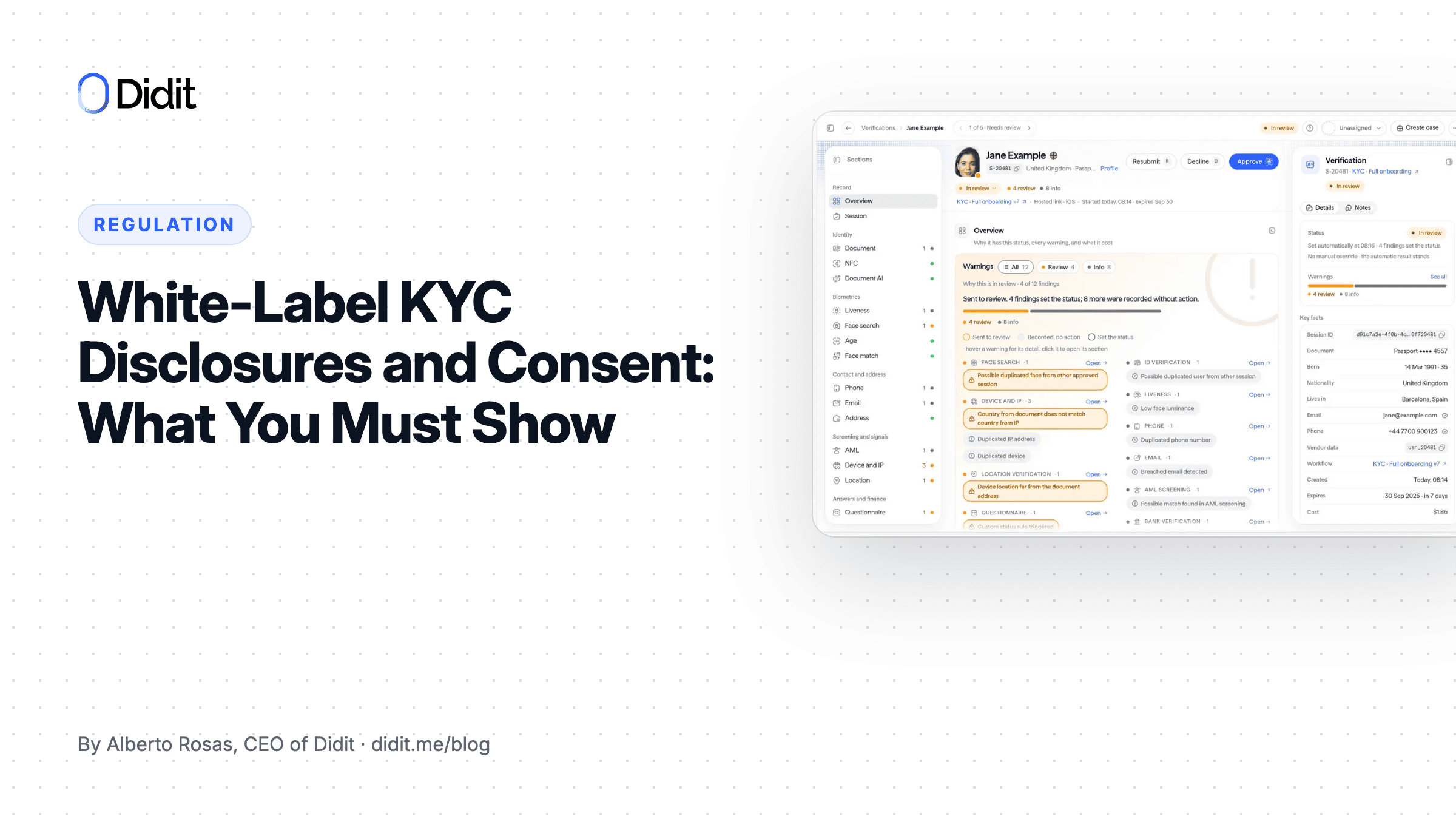
White-Label KYC Disclosures and Consent: What You Must Show
White-labeling changes branding, not your obligations: name your company as requester, name Didit as processor, link your notice and Didit's two notices, and obtain explicit affirmative consent before biometric processing when.
 Alberto RosasCo-founder and CEO
Contents
In this guide
Jump to the part you need.
A white-label KYC flow fits any company that runs verification under its own brand: a fintech, a marketplace, a crypto exchange. White label costs $0.10 per check at list, on top of the $0.33 full KYC check, and it is available on every plan. The caveat is the one that matters. Changing the logo, the colors and the domain does not change who owes the disclosure and who owes the consent.
Last updated: November 26, 2026. Prices checked against the live Didit price feed on November 26, 2026.
| Moment | What the person must see | Primary responsibility |
|---|---|---|
| Before the flow opens, in your own product | Your company name as the party asking for verification, a link to your privacy notice, and links to Didit's Verification Privacy Notice and End User Terms | You, the controller |
| Welcome screen and document selection inside the flow | That Didit powers the verification workflow, and what the check is for | You. Didit supplies the text overrides |
| Before document capture | The notice at collection. Where applicable law requires explicit consent before biometric processing, an explicit affirmative consent before any face geometry is computed from the document image | You; Didit can display the consent step before the first face capture and record the answer |
| Before the first face capture | An explicit affirmative answer, where biometric law covers the person | You decide. Didit can display the step and record the answer |
| After the session closes | Evidence of the consent answer, kept with the session | Didit records the answer in the decision |
Start free in the sandbox at business.didit.me, no sales call, and test the branded flow and the consent step before you commit to wording. Developers can connect Didit to an AI assistant through the Didit MCP server. The product page for the check is identity verification, the setup steps for custom colors, text and domain are in the white-label documentation, and the per-check prices are on the pricing page.
Who is subject to these duties
Two roles decide everything on this page. Under the GDPR, Regulation (EU) 2016/679, the controller is the party that decides the purposes and means of processing, Article 4(7), and the processor acts on the controller's documented instructions, Article 4(8) with Article 28(3). You are the controller. Didit is the processor: our data retention documentation states that Didit acts as a data processor and you remain the data controller, and the security and compliance page says the same. Our white-label documentation puts it plainly in its section on compliance responsibilities. White-labeling changes the branding of the verification flow. It does not remove your obligations.
That has a direct consequence for the screen a person sees. Your company is requesting the verification, while Didit runs the workflow as the provider. Every disclosure below follows from that split: name your company as the requester, name Didit as the verification provider, and carry both sets of notices.
Article 13 of the GDPR requires that information at the time the data is collected: who the controller is, the purposes, the legal basis, the recipients, any transfer, the retention period and the person's rights. Explicit consent under Article 9(2)(a) is one possible condition for processing biometric data. The controller must determine the applicable Article 9 condition and the lawful basis with counsel. In a white-label flow, the controller named in that notice is your company, not Didit.
In Illinois the duty attaches to a private entity that collects a biometric identifier. The Biometric Information Privacy Act, 740 ILCS 14/, defines a biometric identifier as a retina or iris scan, fingerprint, voiceprint, or scan of hand or face geometry, and excludes photographs, written signatures, demographic data and physical descriptions such as height, weight, hair color or eye color (Illinois General Assembly BIPA text page, read November 26, 2026). Read the exclusion carefully. The statute distinguishes photographs from face geometry in its definition of biometric identifier. Have counsel assess how the resulting biometric information is covered. Didit's biometric consent documentation follows the same logic: when only the ID document shows a covered state, the step appears after the ID capture and before the selfie, and no face geometry is computed from the ID capture images until the person agrees.
BIPA also defines written release as informed written consent, an electronic signature, or, in employment, a release executed by an employee as a condition of employment (same page). The recorded affirmative response, the text version and the timestamp from a consent screen may help evidence consent in a digital journey. The controller must confirm that the implementation satisfies the applicable written-consent standard under the law that applies. Section 15(a) of the same Act adds a public written policy with a retention schedule and destruction guidelines, destroying the data when the initial purpose is satisfied or within 3 years of the person's last interaction, whichever comes first, absent a valid warrant or subpoena. Include the required retention schedule and destruction guidelines in the public policy your business uses for this obligation, and ensure your privacy notice is consistent with it.
Where the rules apply, and from when
| Jurisdiction | Primary text | Who is subject | Duty in a white-label flow | Applies from |
|---|---|---|---|---|
| EU and EEA | GDPR, Regulation (EU) 2016/679, Article 13 and Article 9(2)(a), with Article 28 for the processor | Controllers and processors handling personal data of people in the EU | Information at the time of collection, the controller's Article 9 condition for biometric data, a processor contract | 25 May 2018, in force on 26 November 2026 |
| Illinois, United States | Biometric Information Privacy Act, 740 ILCS 14/, Sections 5 to 25 | Private entities that collect biometric identifiers or biometric information | The Illinois text defines written release as informed written consent, electronic signature, or an employment release. Confirm the applicable timing and notice duties with counsel. A public written retention policy is also required under Section 15(a) | 3 October 2008 (P.A. 95-994), in force on 26 November 2026 |
| Illinois, proposed | HB0559, 102nd General Assembly, amending 740 ILCS 14/5, 14/10, 14/15, 14/20 and 14/25 | Would apply to the same private entities | Would rename written release to written consent and make the policy available to the person rather than to the public | Introduced 8 February 2021; no effective date stated. Not current law. |
Texas (CUBI) and Colorado also require a notice and an explicit release before a business collects face geometry, which is why Didit's consent step covers Illinois, Texas and Colorado together. We have not verified the effective date of either statute for this page, so we do not restate them. Read the state text before you rely on a date.
What the person must see, screen by screen
Didit's white-label documentation lists exactly which strings you can override: the welcome screen, document selection, document capture, the selfie intro, the questionnaire navigation buttons, the completion screen, and common buttons such as Continue and Retry. Overrides are set one locale at a time, each string has a 500 character limit, and Auto-translate drafts other locales for you to review. Those are the places to put three disclosures.
- Who is asking. Your company name. The
{appName}placeholder resolves to your application's public name at render time, alongside{stepIndex}and{stepTotal}. - Who runs the check. One sentence saying Didit powers the verification. A person who has never heard of Didit should not meet that name for the first time in a camera permission prompt.
- Where the notices are. Link your own privacy notice where you publish it. Link Didit's Verification Privacy Notice and End User Terms next to it. Our white-label documentation's compliance responsibilities section references both Didit notices, so a reader can reach them from one page.
Here is wording you can adapt. It is short enough to fit the flow, and it names both parties before any capture starts.
Company X verifies your identity before activating your account. The check is run by Didit as our verification provider. Your ID document, selfie and liveness video are used to confirm your identity and to meet our legal obligations. Read our privacy notice, Didit's Verification Privacy Notice and End User Terms. Select I agree to the face scan to continue.

Keep the in-flow wording short. Each override is a single string capped at 500 characters, so the full privacy notice belongs on your own site, linked from the screen where you launch the flow. The welcome screen then repeats the short version: your company is requesting verification, Didit powers it, here is what happens to your data. Do not rely on the address bar to explain any of this. A custom domain, included in the Scale and Enterprise plans, changes the URL a person sees. It does not change your controller role or Didit's processor role, and it does not remove the disclosure duty.
One more setting affects what a person is told at the end. Under Customization, Texts, the completion screen mode is either Decision, which shows the real outcome, or Submitted for review, which always shows a neutral message even when Didit has already approved the session. Pick the one that matches what your own product tells the user next.
Consent before the selfie, the liveness check and any biometric processing
Where applicable law requires explicit consent before biometric processing, obtain an explicit affirmative consent before that processing starts. That means before document capture if face geometry will be computed from the document image, and before selfie capture, liveness, face match, age estimation or any other biometric processing. Didit's documented step appears before the first face capture. When only the ID document shows a covered state, it appears right after ID capture and before the selfie, and no face geometry is computed from the ID capture images until the person agrees. If your legal analysis requires consent before the ID document capture itself, collect it in your own flow before you create the session, send it with biometric_consent, or set Never mode and collect it yourself.
Our biometric consent documentation covers the step that appears before the first face capture. It shows when two things are true: the workflow captures a face, and the application's consent mode asks for it. A face capture means a Liveness, Face Match or Age Estimation step, the front camera selfie the ID Verification step takes unless you turned it off, or full session video recording.
| Mode | When the step appears | What the decision records |
|---|---|---|
| Auto, the default | Only where a trigger applies: a covered state you declared, an IP in Illinois, Texas or Colorado, a US location with no state resolved, or an ID issued by a covered state | The first trigger that applied, in biometric_consent.trigger |
| Always | Every session that captures a face, wherever the person is | trigger: forced |
| Never | Never. You collect consent before the selfie yourself and keep the record | No consent record from Didit |
Three modes, set per application under Settings, Data and privacy, Biometric consent. Each change is written to the audit log, so the consent configuration itself is auditable.

If you already collected consent in your own sign-up flow, send it when you create the session instead of asking twice. Create Session takes user_state and biometric_consent:
{
  "workflow_id": "YOUR_WORKFLOW_ID",
  "vendor_data": "user-42",
  "user_state": "US-IL",
  "biometric_consent": {
    "given_at": "2026-10-13T09:12:00Z",
    "text_version": "consent-v3"
  }
}
user_state takes an ISO 3166-2 subdivision code such as US-IL, or a US state code or name, and an unknown value returns a 400. given_at cannot be in the future. When you supply consent this way the flow does not ask again, and the decision records status: given with trigger: customer_collected. Keep text_version pointed at the exact wording the person agreed to, because that string is your evidence.

Two failure modes are worth planning for. Native SDKs below 4.10.0 do not know the consent step, so Didit never asks them for it. If a session needed consent and an older SDK captured a face, the decision shows required: true, status: pending, given_at: null and the reason BIOMETRIC_CONSENT_UNSUPPORTED_SDK. Upgrade to 4.10.0 or later before you verify people in Illinois, Texas or Colorado in a native app. The second is a person in a covered state behind a VPN that exits elsewhere, with an ID that no covered state issued. Auto mode does not ask that person. Use Always mode, or send user_state, if your population needs the step to be certain.
Didit shows the step and records the answer. Didit does not decide whether your journey meets the biometric law that applies to your business, and this page is not legal advice. Review the flow with your counsel before launch.
Your obligations beside Didit's documented capability
| Duty | What stays with you, the controller | What Didit provides |
|---|---|---|
| Name the requester | Decide the wording, and make sure it appears before any capture | Text overrides for the welcome screen, document selection, document capture and selfie intro, one locale at a time, with {appName} resolved per user |
| State the processor | Say who runs the check | White-label documentation: branding changes, your obligations do not |
| Privacy notices | Publish yours and make sure it covers every check you run | Didit's Verification Privacy Notice and End User Terms, referenced in the compliance responsibilities section; DPA and TOMs on request at privacy@didit.me |
| Consent before face capture | Judge whether your flow needs it, and for which people; obtain explicit affirmative consent before biometric processing where law requires it | Auto, Always and Never modes, the trigger list, and the answer stored on the session with status, trigger and given_at |
| Consent you already hold | Collect it properly and keep the wording you used | biometric_consent on Create Session with given_at and text_version |
| Retention and erasure | Set the periods in your notice and own the erasure process | Retention from 1 month to 10 years, Delete Session with deletion_instruction: privacy_erasure, and biometric templates with a finite expiry |
| Completion messaging | Decide what your product says next | Completion screen mode, Decision or Submitted for review |
| Records for a dispute | Decide how long you keep your own copies | The decision, webhooks, and the audit log, which keeps 30 days on Free, 1 year on Growth, 3 years on Scale, and what your contract sets on Enterprise |

given_at.Worked cost example: 10,000 white-label KYC checks in one month
List prices from the live feed, arithmetic shown.
- Full KYC: 10,000 x $0.33 = $3,300.00
- White label: 10,000 x $0.10 = $1,000.00
- Total at list: $3,300.00 + $1,000.00 = $4,300.00
On Growth, at 4% off every Didit price: 10,000 x $0.3168 = $3,168.00 for KYC, and 10,000 x $0.096 = $960.00 for white label, so $4,128.00 before the $99 monthly plan fee, which comes with $115 of monthly credit. On Scale, at 10% off: 10,000 x $0.297 = $2,970.00 and 10,000 x $0.09 = $900.00, so $3,870.00 before the $299 monthly plan fee and its $350 of monthly credit.
If the same flow also runs AML screening at $0.20 per check, add 10,000 x $0.20 = $2,000.00. Not every workflow type carries the white label charge, so read the white label pricing section in the docs and the pricing page before you build a forecast. Our documentation lists white label at $0.10 per finished session at list, less the plan discount, with the custom domain included in Scale and Enterprise.
Exceptions and open questions
- The custom domain question. Hosting the flow on your own subdomain replaces the verify.didit.me address. A removed Didit logo does not eliminate Didit's role as verification provider.
- Never mode. If you set Never and state law requires consent, you own the notice, the consent and the record. Didit will not ask on your behalf.
- Older native SDKs. Below 4.10.0 there is no step, and the decision says so with
BIOMETRIC_CONSENT_UNSUPPORTED_SDK. Fix the SDK version, not the copy. - Illinois wording is contested. HB0559, introduced 8 February 2021 in the 102nd General Assembly, would change written release to written consent and make the written policy available to the person rather than to the public (Illinois General Assembly HB0559 page, read November 26, 2026). It is a bill, not the current text, so build to 740 ILCS 14/ as it stands.
- Coverage beyond three states. The consent step covers Illinois, Texas and Colorado. Assess each applicable jurisdiction with biometric or notice rules with counsel, and Always mode is the lever you already have.
- What a text override can carry. An override is one string capped at 500 characters. If your notice needs purposes, a retention schedule and a rights section, it belongs on your own page, linked from the welcome screen.
- Whether a neutral completion screen affects a consent claim. We have no evidence either way. The mode changes what the person is told at the end, not what they agreed to at the start.
Implementation checklist
- Write the three disclosures: who is asking, who runs the check, where the notices are.
- Publish your privacy notice with the retention schedule, and link it from the screen where you launch the flow.
- Link Didit's Verification Privacy Notice and End User Terms next to it.
- Set the consent mode per application: Auto by default, Always if your population needs the step every time, Never only if you collect consent yourself.
- Send
user_statewhen you know it, so the step is triggered by your declaration and not only by IP. - Send
biometric_consentwithgiven_atandtext_versionwhen you already hold consent. - Override the welcome, document selection and selfie intro text per locale, then review the auto-translated versions.
- Upgrade native SDKs to 4.10.0 or later.
- Choose the completion screen mode.
- Set the data retention window, and decide whether you need biometric template retention with a finite expiry.
- Test one session from each covered state and read
biometric_consentin the decision before you take production traffic.
Sources
- Didit documentation, White Label KYC: Custom Branding and Domain, including the compliance responsibilities section
- Didit documentation, Biometric consent for BIPA, CUBI and Colorado
- Didit documentation, Create Session
- Didit documentation, Delete Session
- Didit documentation, Data Retention and Deletion
- Didit documentation, Security and Compliance
- Didit documentation, Pricing and the Didit pricing page
- Didit, Verification Privacy Notice
- Didit, End User Terms
- Didit, Identity Verification product page
- Regulation (EU) 2016/679 (GDPR), Articles 4, 9, 13 and 28
- Illinois General Assembly, Biometric Information Privacy Act, 740 ILCS 14/, Sections 1 to 25, ilga.gov, read November 26, 2026
- Illinois General Assembly, HB0559, 102nd General Assembly, ilga.gov, read November 26, 2026
The fastest way to see what your users will see is to run one session in the sandbox. Start free at business.didit.me, no sales call, apply your colors, logo and text, then read the consent answer in the decision before you turn on production traffic.
Try it
Try this in the sandbox
Run the check this guide describes, free.
The product this post is about, taken from its topic. Run it free in the sandbox.
Author
Alberto Rosas
Co-founder and CEO

Keep reading
Other guides in the same topic.
 What Is the Purpose of FICA in South Africa? 2026 Guide
FICA is South Africa's anti-money laundering law. It creates the Financial Intelligence Centre and requires accountable institutions to identify and verify clients, screen for PEP and sanctions risk and report suspicious.
Alberto RosasNov 26, 2026 Sixth Money Laundering Directive (6AMLD): What Changed and Which Rules Apply
6AMLD is Directive (EU) 2018/1673: Member States must criminalise laundering, widen predicate offences and set a four-year penalty floor. It adds no new due diligence duties for firms.
Alberto RosasNov 26, 2026 Automated Sanctions Screening: Canada, the Entity List and Embargoes
Automated sanctions screening matches people and companies against lists such as Canada's autonomous sanctions made under SEMA and JVCFOA and the OFAC SDN List, and returns candidate hits scored for identity confidence and.
Alberto RosasNov 26, 2026Questions
Frequently asked questions
Does white-labeling remove Didit's role as the verification provider?
No. Our white-label documentation states that white-labeling changes the branding of the verification flow and does not remove your obligations, and a custom domain or removed Didit branding does not change your controller role or Didit's processor role. You stay the controller and Didit stays the processor running the check. Say so on the welcome screen.
What must I disclose before document capture?
Who is requesting the verification, that Didit powers the workflow, and where your privacy notice, Didit's Verification Privacy Notice and End User Terms can be read. In Illinois, the written policy with the retention schedule under Section 15(a) of BIPA has to be public as well. Where applicable law requires explicit consent before biometric processing, obtain an explicit affirmative consent before document capture if face geometry will be computed from the document image. Put the short version in the flow text and the full notices on your own page.
Do I need explicit consent before the selfie as well as the document?
Where biometric law covers the person, obtain an explicit affirmative consent before the selfie, liveness, face match or other biometric processing. Didit's step appears before the first face capture. When only the ID document shows a covered state, the step appears after the ID capture and before the selfie, and no face geometry is computed from the ID images until the person agrees. If your counsel requires consent before document capture itself, collect it in your own flow first.
Which people see the biometric consent step?
In Auto mode: a person whose IP is in Illinois, Texas or Colorado, a person whose ID was issued by one of those states, a person you declared in a covered state through user_state, and a person who looks to be in the US with no state resolved. Always mode asks everyone whose face is captured, and Never mode never asks. The decision records the first trigger that applied.
How much does white label cost?
$0.10 per check at list, on top of the $0.33 full KYC check, with Growth at $0.096 and Scale at $0.09. White label is available on every plan, and your own domain is part of the Scale and Enterprise plans. Some workflow types carry no white label charge.
Can I use my own domain and keep Didit out of the copy?
You can host the flow on your own subdomain and remove Didit's visual branding, but you should not hide the processor. Naming Didit as the provider that powers verification is the disclosure that keeps the flow accurate, and white-labeling changes branding, not the roles. Keep the sentence and the notice links.
How do I pass consent that I collected earlier?
Send it on Create Session as biometric_consent with given_at in ISO 8601 and your text_version. The flow does not ask again, and the decision records status: given with trigger: customer_collected. given_at cannot be in the future.
What happens if I run an old native SDK?
Native SDKs below 4.10.0 cannot show the consent step, so Didit never asks them for it. The decision then shows status: pending with the reason BIOMETRIC_CONSENT_UNSUPPORTED_SDK. Upgrade to 4.10.0 or later before you verify people in Illinois, Texas or Colorado in a native app.
How long can I keep the verification data and the consent record?
You choose a retention window from 1 month to 10 years in the application settings, and it applies to existing and future sessions. Deleting a session with deletion_instruction: privacy_erasure also purges any retained biometric template for that person. Your privacy notice has to describe the period you picked.
Is Didit a controller or a processor?
Didit acts as a data processor, and you remain the data controller. That is stated in our data retention documentation and on the security and compliance page. You can request the DPA and the TOMs from privacy@didit.me.
Compliance built in
Audited, certified and attested.
We hold the certifications and build each country's rules into your flows, so you can launch anywhere without worrying. Security and Compliance center
- Regulation encoded into your flows
Tell us what you do and where. Didit lists the rules that apply to you, with sources, and builds the checks each country needs into one workflow.
- Ready for AMLR
Every requirement of the new EU anti-money laundering rules, from checking customers to human review, is already covered by a Didit check.
- Tested in Spain's Treasury sandbox
Spain's Treasury published its supervised sandbox report on Didit's NFC plus active liveness onboarding; SEPBLAC took part and valued the added measures positively.
- Audited, not self-declared
iBeta Level 1 and Level 2. Liveness tested under ISO/IEC 30107-3.
Your obligations · 3 regions
 SOC 2 Type 2
 ISO 27001
 iBeta Level 1 and Level 2
 EU regulator attestation
 FSM youth protection
 GDPR
 EBA remote onboarding
 MiCA compatible
 FIDO Alliance member
- AMLREU AML Regulation ready
Integration · Didit MCP
Run Didit from your own AI agent
Connect Didit to Claude, Cursor, VS Code or ChatGPT and just ask in plain words. Your agent can do anything you can do in the console, with the same permissions you have.
 Add to Claude
 ChatGPT
 Cursor
- Build workflowsDescribe the checks you need. The agent creates and publishes the flow.
- Run investigationsAsk why a session was declined, review cases, search people and companies.
- Change rulesCreate payment rules, test them on past data and switch them on.
- Pull reportsAsk for numbers, exports or the audit log.
Didit Academy