Add Didit Verification to a Replit App: 2026 Integration Guide
No Replit-specific Didit connector is documented, so integrate with the REST API and webhooks: create a workflow, start a session, send users to the hosted URL, read the decision. KYC is $0.33; sandbox testing is free.
 Alberto RosasCo-founder and CEO
Contents
In this guide
Jump to the part you need.
Use Didit’s REST API and webhooks to add identity verification to a Replit web app. We document this route for developers who need KYC at signup or before granting access. A full ID check costs $0.33 per completed check, and sandbox testing is free. Keep the API key on your server and use a verified webhook or a server-side decision lookup before granting access.
Last updated: November 26, 2026. Prices checked against the live Didit price feed on November 26, 2026.
| Item | What it is for a Replit app |
|---|---|
| Install route | REST API calls from your Replit server plus a webhook endpoint. No Replit connector is documented. |
| Optional coding-agent setup | The Didit MCP server at https://mcp.didit.me/mcp is free and uses OAuth. Check our MCP setup guide for your coding client. |
| Who the flow fits | Web apps that need KYC at signup, age gates, re-authentication or KYB at business onboarding. |
| Key to protect | Send the application API key in the x-api-key header. Keep the key in a server-side secret. |
| Price of one check | $0.33 for a full ID check. Sandbox testing is free and unlimited on every plan. |
| Result delivery | Webhook event status.updated, plus GET /v3/session/{session_id}/decision/ as the fallback. |
| Main caveat | Send users to the hosted URL Didit returns. Give Didit a reachable HTTPS webhook endpoint that responds within 5 seconds. If you supply an HTTP(S) callback and your application restricts allowed domains, match the allowed scheme, host and port. |
What the integration actually does
Three surfaces do the work. Your Replit server holds the API key and calls Didit. Didit hosts the capture screens on the user’s own device. Didit then posts the outcome to your webhook, and the same outcome stays readable from the decision endpoint.
Didit hosts document and selfie capture. Your Replit server creates the session and receives the verification result. The checks run on our side: 220+ countries, 14,000+ document types, 54 capture languages, inference at sub-2-second p99. 4,000+ companies use Didit.
Prerequisites
| Requirement | What you need | Where it comes from |
|---|---|---|
| Didit plan | The Free plan gives $10 in monthly credit to the first organization created with an eligible work email for a company domain. Phone verification codes are excluded. Growth is $99 a month, Scale is $299 a month, and Enterprise is from $15,000 a year. | didit.me/pricing |
| Application and key | An application API key with the privileges required by your calls, including read:sessions for decision retrieval. Use the sandbox application key for testing. | Business Console, Developers, API keys |
| Workflow | A published workflow with workflow_type set to kyc and the features you want. | POST https://verification.didit.me/v3/workflows/ |
| Client | A Replit workspace running a server process that can make HTTPS requests. | Your Replit project |
| Public webhook URL | A public HTTPS webhook route on your deployment that reads the raw body and responds within 5 seconds. | Your Replit deployment host |
Which install route applies to Replit
No Replit-specific Didit connector is documented. Use our REST API and webhooks from your Replit server. Your server authenticates API requests with x-api-key, and Didit hosts the verification screens.
Optional coding-agent setup. The Didit MCP server at https://mcp.didit.me/mcp is free and uses OAuth. Check our MCP setup guide for your coding client. Give your agent the canonical integration prompt and review the webhook handler against our docs before deploying. The MCP server does not replace the server-side session call inside your app.
If an agent writes the integration for you, hand it the canonical prompt at didit.me/developers/integration-prompt. It carries the full recipe: SDK choice, webhook HMAC verification, every status, decision parsing.

How to add KYC to a Replit app
The setup uses the documented REST API and webhook route. Each step hands the next one a value: the workflow UUID, the session ID, the hosted URL, then the destination signing secret.
-
Create the organization and get the sandbox application key. Sign up at business.didit.me, create the organization, pick your application from the top dropdown, then open Developers, API keys. Set up the sandbox application key before the first API command. Run the curl commands in a shell where
DIDIT_API_KEYis set to the sandbox application key. Use the same sandbox application for the workflow, session and webhook tests. Keep the key server-side. -
Create the workflow. A workflow is the ordered set of checks. Send the request from your shell, then persist
workflow.idas the workflow UUID and carry it into the session step.curl -X POST https://verification.didit.me/v3/workflows/ -H "x-api-key: $DIDIT_API_KEY" -H "Content-Type: application/json" -d '{"workflow_label": "Standard KYC", "workflow_type": "kyc", "features": [{"feature": "OCR"}, {"feature": "LIVENESS", "config": {"face_liveness_method": "PASSIVE"}}, {"feature": "FACE_MATCH"}, {"feature": "AML"}]}'The documented sample above includes AML. The $0.33 example in this guide prices the four listed full ID modules: ID document verification, passive liveness, face match 1:1 and device and IP analysis. Treat the cost example as a separate configuration from this sample and verify the published workflow’s enabled checks in the console before estimating cost.
In the console, start from the KYC template and review which checks are enabled before publishing.
-
Store the key server-side. Store
DIDIT_API_KEYas a server-side secret in your Replit app and read it as an environment variable on the server. Never place it in a page, a public config object or a client-side bundle. -
Create a session from the server. Create one session for each verification flow you start. Reuse the same stable
vendor_datavalue for the same user. Replace<WORKFLOW_UUID>with the UUID returned by workflow creation before running the command. Optionally passcallbackwith your return URL.curl -X POST https://verification.didit.me/v3/session/ -H "x-api-key: $DIDIT_API_KEY" -H "Content-Type: application/json" -d '{"workflow_id": "<WORKFLOW_UUID>", "vendor_data": "user-42", "callback": "https://your-app.replit.app/kyc/return"}'The response carries
session_id,urlandsession_token. Storesession_idbeside the user row you already have, then redirect the browser tourl. Send users to the hosted URL Didit returns. If you supply an HTTP(S) callback and your application restricts allowed domains, match the allowed scheme, host and port, otherwise session creation fails with 400 oncallback. Custom URL schemes are always accepted for app deep links. -
Register the webhook destination. Create a destination for your sandbox test and a separate destination when you go live. Save the returned
secret_shared_keyasDIDIT_WEBHOOK_SECRETand carry that signing secret into the handler in the next step.curl -X POST https://verification.didit.me/v3/webhook/destinations/ -H "x-api-key: $DIDIT_API_KEY" -H "Content-Type: application/json" -d '{"label": "Replit", "url": "https://your-app.replit.app/api/webhooks/didit", "subscribed_events": ["status.updated", "data.updated"], "webhook_version": "v3"}'There is no wildcard. Subscribe to each event family you want. If you lose the secret,
GET /v3/webhook/destinations/{destination_uuid}/returns it again. -
Verify and handle the webhook. Use the official webhook implementation in the webhooks documentation as your reference. The handler must read the raw body, require a valid
X-Timestampwithin 300 seconds, verifyX-Signature-V2against Unicode-preserving canonical JSON with a constant-time comparison, support the corresponding previous signature and secret during rotation, and processevent_ididempotently. Verify the delivery and record or apply the event idempotently before returning 2xx. Respond within 5 seconds. Use the decision endpoint to reconcile a missing delivery. -
Read the decision as a fallback. If a webhook is missed, or a user lands back on your callback before the event arrives, pull the decision directly. Set
SESSION_IDto the value returned by session creation.curl "https://verification.didit.me/v3/session/$SESSION_ID/decision/" -H "x-api-key: $DIDIT_API_KEY"Branch on
session_kindfirst:userfor KYC,businessfor KYB. V3 returns feature results as plural arrays such asid_verifications[],liveness_checks[],face_matches[]andaml_screenings[]. If a check did not run, its field can be absent or null.
Sandbox to live checklist
- Switch from the sandbox application key to the live application key.
- Use the live workflow that matches your configuration and verify its enabled checks in the console.
- If you supply an HTTP(S) callback and your live application restricts allowed domains, match the scheme, host and port of an allowed origin.
- Create the live webhook destination with its public HTTPS URL and store its signing secret.

Field and event mapping
Status strings are exact and case-sensitive. Compare with strict equality, and note that Kyc Expired uses one capital K.
| Field or event | Value you will see | What your app does |
|---|---|---|
webhook_type | status.updated | The session changed state. Re-read status and act. |
webhook_type | data.updated | Verification data was edited. Refresh your stored copy. |
status | Approved | Grant access and retain only the decision data your application needs. |
status | Declined | Keep access pending or denied as appropriate, and retain only the decision data your application needs. |
status | In Review | Park the signup until a reviewer decides in the console. |
status | Not Started, In Progress | Progress only. Show a pending state in the UI. |
status | Expired, Abandoned | The window closed. Offer a fresh session. |
status | Resubmitted | The user redoes steps. Keep the account pending. |
status | Kyc Expired | A previously approved document passed its expiry date. Ask for a new check. |
status | Awaiting User | KYB only: key people have not finished. The parent session waits. |
vendor_data | Your own id, for example user-42 | Join the event to your user row without a lookup table. |
event_id | A UUID | De-duplication key for repeated deliveries. |
environment | live or sandbox | Use this to tell sandbox traffic from live traffic. |
sandbox_scenario | A scenario slug, or null | Confirms which scripted outcome a sandbox session ran. |
Test with sandbox data
Sandbox is free and unlimited on every plan, and it runs on the sandbox application key. Every check is mocked, so you can drive a whole signup with no personal data and no billing.
Two ways to script an outcome. Build the session with sandbox_scenario, a slug from GET /v1/sandbox/scenarios/, which expands the scenario’s bundled magic values onto contact_details and expected_details. Or arm an existing session while it is still Not Started with POST /v3/session/{session_id}/sandbox/arm/. Didit returns HTTP 400 if you pass sandbox_scenario when creating a live session. Use the arm endpoint only on a sandbox session that is still Not Started. Full catalog in sandbox testing.
Use an approval scenario for the selected sandbox workflow. Expected success: the session reaches Approved, your endpoint receives status.updated with environment set to sandbox, the X-Signature-V2 check passes, and the decision endpoint returns session_kind: user. The relevant feature results should appear when those checks ran. Then repeat with a decline scenario and an In Review scenario to confirm the refusal path and the pending path.

Errors you will hit, and the fix
| Symptom | Cause | Fix |
|---|---|---|
| 401 on verification.didit.me | x-api-key wrong, malformed, revoked or expired | Use a valid key. Re-copy it from Developers, API keys. |
| 403 on verification.didit.me | No key header, a scoped key without access to that resource, or a key called from outside its IP list | Use a key with that privilege, or widen the IP list. |
400 mentioning workflow_id | Invalid workflow_id | Use the UUID returned by POST /v3/workflows/. |
| 400 mentioning allowed domains | callback is not on one of the application’s allowed origins | For an HTTP(S) callback, match scheme, host and port. Custom URL schemes are accepted for deep links. |
| 404 on a session route | Session does not exist, belongs to another application, or sits outside the key’s limits | Check the key and the application that created the session. |
| 429 | Rate limit | Read the wait field in the response in seconds, back off, retry. |
| Webhook delivery failed | Handler timeout, 5xx or 404 | Didit retries twice, after about 1 and 4 minutes, then drops the delivery. Resend from the destination delivery log. |
| Signature check fails | Body parsed before verification, or the wrong secret | For X-Signature-V2, verify the HMAC over canonical JSON. X-Signature uses the exact raw bytes. During the 24-hour rotation window for destinations, verify the matching -Previous header with the previous secret. |
Disconnect
To disconnect the app, remove the code that creates sessions and handles Didit webhooks, then remove DIDIT_API_KEY and DIDIT_WEBHOOK_SECRET from the app’s runtime configuration. Use the Business Console to review any Didit configuration associated with the integration.
What Didit verification costs
Didit bills per completed check from prepaid credit. There is no fee for the workflow orchestrator, the SDKs or the MCP server. Your Replit deployment needs a server process that can make HTTPS requests, a public HTTPS webhook route, and access to DIDIT_API_KEY and DIDIT_WEBHOOK_SECRET as server-side secrets. Confirm those capabilities for your deployment before going live.
Worked example: a Replit app with 1,000 signups a month, 70% of which finish the flow, and AML screening on the same 700 users.
| Line | Arithmetic | Cost |
|---|---|---|
| Full ID check (KYC) | 700 x $0.33 | $231.00 |
| AML screening | 700 x $0.20 | $140.00 |
| Total at list price | $231.00 + $140.00 | $371.00 |
| Same volume on Growth, 4% off | 700 × ($0.3168 + $0.192) = $356.16 in usage. Apply $115.00 in monthly credit, then add the $99.00 monthly fee. Total $340.16. | $340.16 |
| Same volume on Scale, 10% off | 700 × ($0.297 + $0.18) = $333.90 in usage. Monthly credit of $350.00 covers the usage. Total $299.00. | $299.00 |
The $0.33 full check is ID document verification at $0.15, passive liveness at $0.10, face match 1:1 at $0.05 and device and IP analysis at $0.03. Those four lines sum to $0.33. Drop AML and the same month costs $231.00. Plan credit is added monthly and does not roll over, so size the plan against your real volume rather than the credit headline.
Sources
- Didit quick start: account, workflow, session, webhook
- Didit API authentication and failure modes
- Create Session API: fields, callback, sandbox scenarios
- Retrieve Session API: decision shape and plural arrays
- Didit webhooks: X-Signature-V2, event types, retries
- Didit verification statuses and lifecycle
- Didit sandbox testing: scenarios and magic values
- Didit V3 data models
- Didit pricing page and pricing as JSON, read November 26, 2026
- Didit MCP server setup
- Didit integration prompt for coding agents
- Didit product facts
Open the console, create your organization and run the first sandbox session today: business.didit.me. Sandbox is free on every plan, and no sales call is needed to start.
Try it
Try this in the sandbox
Run the check this guide describes, free.
The product this post is about, taken from its topic. Run it free in the sandbox.
Author
Alberto Rosas
Co-founder and CEO

Keep reading
Other guides in the same topic.
 BIPA, CUBI and Colorado Biometric Consent for Selfie Checks
Illinois BIPA requires written notice and a written release. Texas CUBI requires prior notice and consent for commercial capture. Colorado requires prior notice and consent for covered collection.
Alberto RosasNov 26, 2026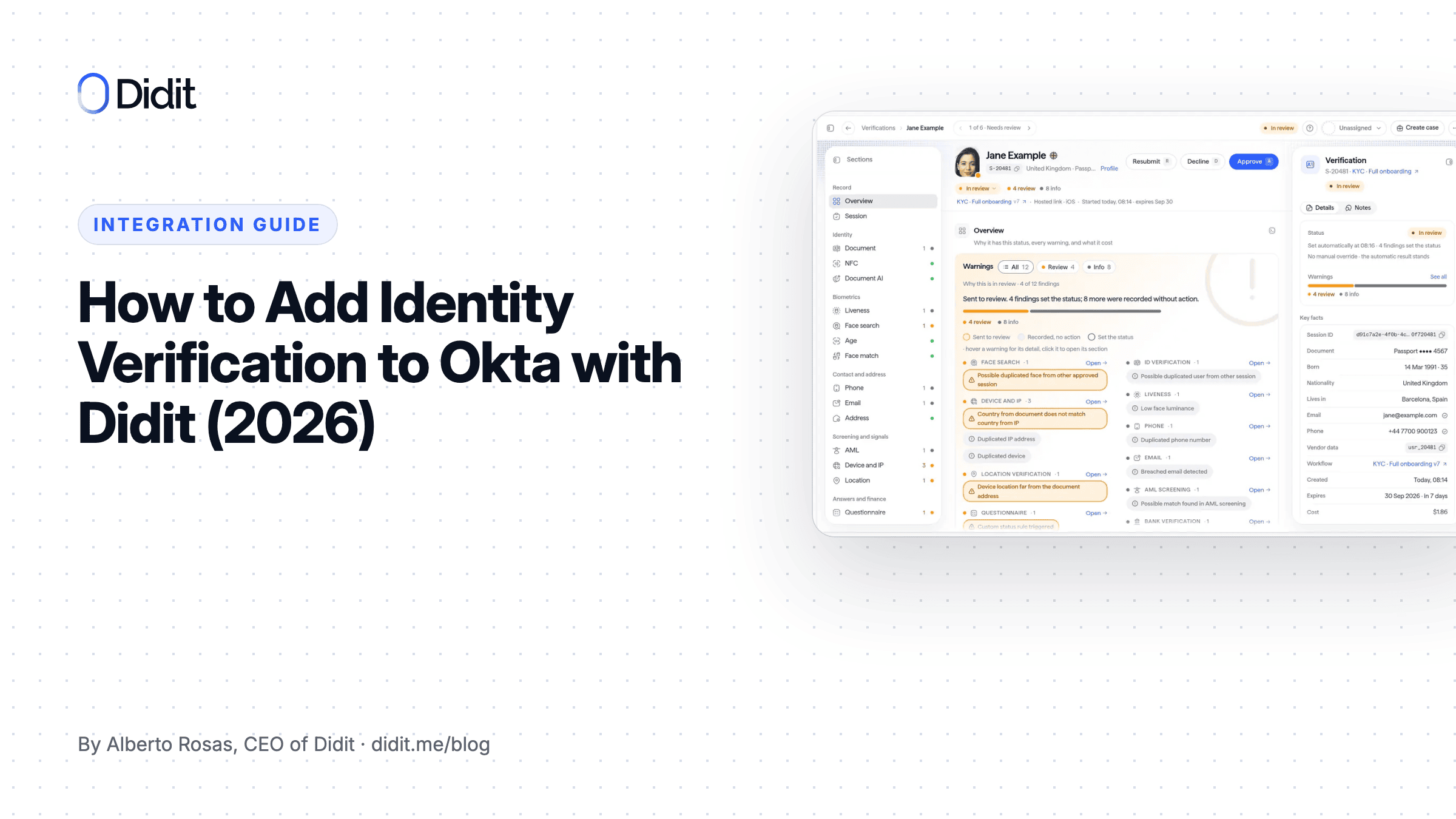 How to Add Identity Verification to Okta with Didit (2026)
Didit connects to Okta’s BYO IDV profile through an OpenID Connect bridge using PAR, PKCE S256 and verified claims. Full ID checks cost $0.33 at list price. The request profile is strict.
Alberto RosasNov 26, 2026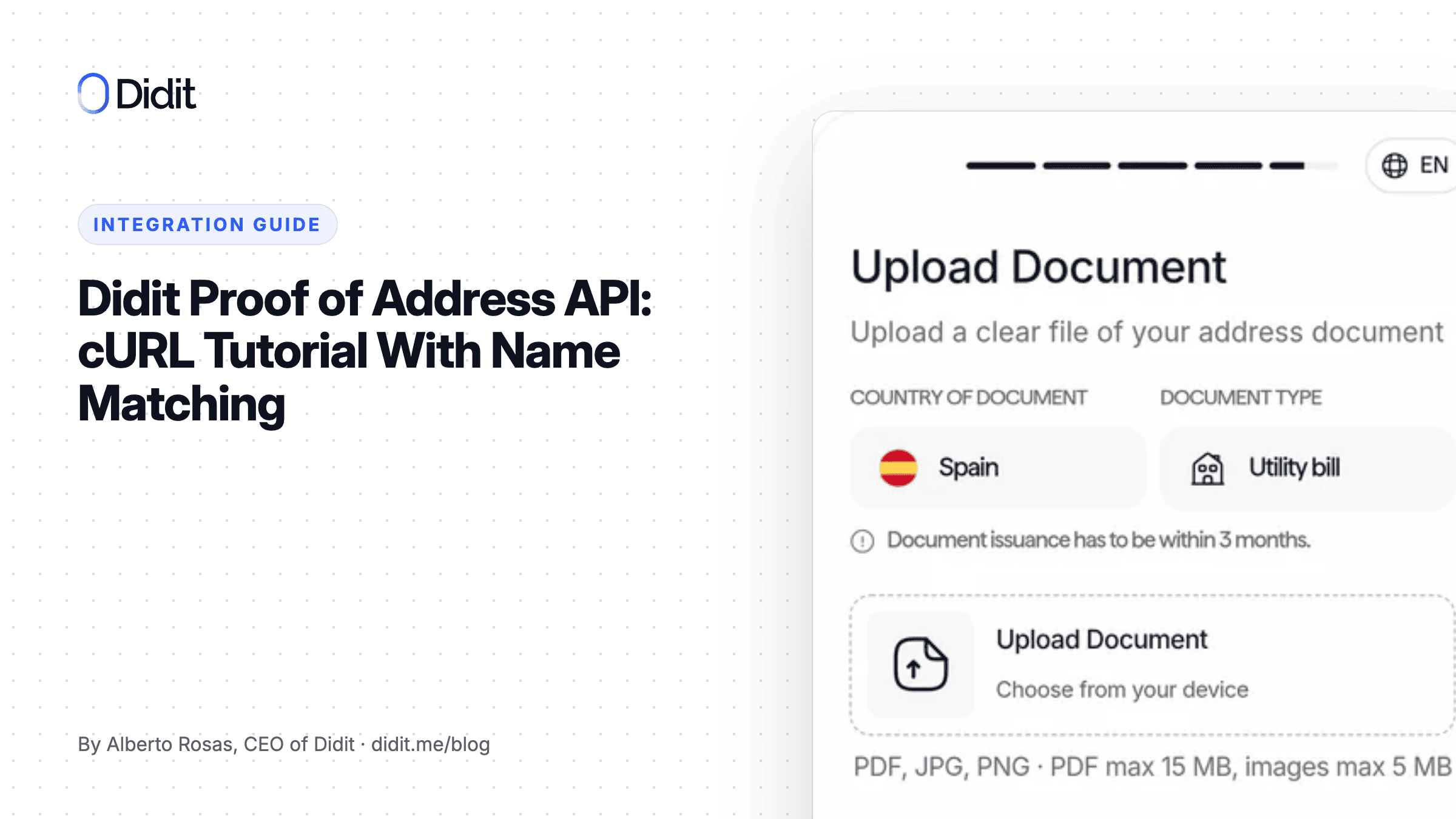 Didit Proof of Address API: cURL Tutorial With Name Matching
POST a utility bill to /v3/poa/ with your x-api-key plus the expected address and names. Set a client timeout of at least 45 seconds, read poa.status and poa.warnings, and budget $0.20 at list price per completed live check.
Alberto RosasNov 26, 2026Questions
Frequently asked questions
Is there an official Didit integration for Replit?
No Replit-specific Didit connector is documented. Use our REST API and webhooks from your Replit server. Your server authenticates API requests with x-api-key, and Didit hosts the verification screens.
Can Replit’s AI agent write the integration for me?
Yes, if you give it the right contract. The Didit MCP server is free and uses OAuth. Check our MCP setup guide for your coding client. Give your agent the canonical integration prompt and review the webhook handler against our docs before deploying.
How much does identity verification cost inside a Replit app?
A full ID check is $0.33: ID document $0.15, passive liveness $0.10, face match $0.05, device and IP analysis $0.03. AML screening adds $0.20 per check. The sandbox is free and unlimited. The Free plan gives $10 in monthly credit to the first organization created with an eligible work email for a company domain. Phone verification codes are excluded.
Where do I keep the Didit API key in Replit?
Store it as a server-side secret and read it as an environment variable on the server. Your Replit deployment needs access to DIDIT_API_KEY and DIDIT_WEBHOOK_SECRET as server-side secrets. Confirm those capabilities before going live. If the API key is exposed, revoke and replace it under Developers, API keys. If the webhook signing secret is exposed, rotate it on the webhook destination in the Business Console and update your handler to require the new secret.
Does Didit have an MCP server I can connect to?
Yes. It is hosted at https://mcp.didit.me/mcp and it is free. It uses OAuth. Check our MCP setup guide for your coding client. Give your agent the canonical integration prompt and review the webhook handler against our docs before deploying. The runtime verification inside your Replit app still goes through the API.
How does my Replit app learn the verification result?
Through the webhook event status.updated, which carries the status and, for Approved, Declined, In Review and Abandoned, the full decision object. Pull GET /v3/session/{session_id}/decision/ whenever you need the record again or a delivery was missed. Store vendor_data with your own user id so both paths join without extra bookkeeping.
Can I embed the flow instead of redirecting?
Yes. The session response returns url, and our quick start documents three ways to use it: redirect the browser, open it in the native SDK, or open it in an iframe. The callback can include verificationSessionId and status for the return page. Base access decisions on a verified status.updated event or a server-side decision lookup. If delivery is missed, retrieve the decision using the session ID.
What happens if my webhook is slow or returns an error?
Didit retries twice, after about 1 and 4 minutes, then drops the delivery when the handler times out, returns 5xx or returns 404. Verify the delivery and record or apply the event idempotently before returning 2xx, and respond within 5 seconds. Use the decision endpoint to reconcile a missing delivery.
Which Didit statuses can my Replit app receive?
All ten exact case-sensitive strings: Not Started, In Progress, Approved, Declined, In Review, Awaiting User, Resubmitted, Expired, Abandoned and Kyc Expired. Awaiting User is KYB-only. Note the single capital K in Kyc Expired. The status reference lists every transition.
Can I test without real documents or a paid plan?
Yes. The sandbox is free on every plan, uses the sandbox application key, and mocks every check. Build sessions with a sandbox_scenario slug or arm one with POST /v3/session/{session_id}/sandbox/arm/ while it is still Not Started. No personal data and no billing are involved.
Do I need a paid Replit plan for this to work?
This guide does not establish which Replit plan you need. Check that your deployment provides a server process that can make HTTPS requests, a public HTTPS webhook route, and access to DIDIT_API_KEY and DIDIT_WEBHOOK_SECRET as server-side secrets. The verification itself runs on Didit infrastructure, not on Replit compute.
What independent security documentation does Didit provide?
We have a SOC 2 Type 2 report, available under NDA. We are certified to ISO/IEC 27001:2022.
Compliance built in
Audited, certified and attested.
We hold the certifications and build each country's rules into your flows, so you can launch anywhere without worrying. Security and Compliance center
- Regulation encoded into your flows
Tell us what you do and where. Didit lists the rules that apply to you, with sources, and builds the checks each country needs into one workflow.
- Ready for AMLR
Every requirement of the new EU anti-money laundering rules, from checking customers to human review, is already covered by a Didit check.
- Tested in Spain's Treasury sandbox
Spain's Treasury published its supervised sandbox report on Didit's NFC plus active liveness onboarding; SEPBLAC took part and valued the added measures positively.
- Audited, not self-declared
iBeta Level 1 and Level 2. Liveness tested under ISO/IEC 30107-3.
Your obligations · 3 regions
 SOC 2 Type 2
 ISO 27001
 iBeta Level 1 and Level 2
 EU regulator attestation
 FSM youth protection
 GDPR
 EBA remote onboarding
 MiCA compatible
 FIDO Alliance member
- AMLREU AML Regulation ready
Integration · Didit MCP
Run Didit from your own AI agent
Connect Didit to Claude, Cursor, VS Code or ChatGPT and just ask in plain words. Your agent can do anything you can do in the console, with the same permissions you have.
 Add to Claude
 ChatGPT
 Cursor
- Build workflowsDescribe the checks you need. The agent creates and publishes the flow.
- Run investigationsAsk why a session was declined, review cases, search people and companies.
- Change rulesCreate payment rules, test them on past data and switch them on.
- Pull reportsAsk for numbers, exports or the audit log.
Didit Academy


