Real-Time Identity Verification for High-Risk Transactions
Verify a person at the moment of a high-risk transaction with one Didit workflow, one session per event, a signed webhook and a status map. Full KYC costs $0.33 per completed check and AML is an additional $0.20;
 Alberto RosasCo-founder and CEO
Contents
In this guide
Jump to the part you need.
This guide is for teams that must verify a person in the middle of a high-risk transaction: a large transfer, a crypto withdrawal, or a new account that wants to move money within minutes. We show the method we use at Didit: one workflow, one session per verification event, a signed webhook, and a status map. A full ID check costs $0.33. The caveat: speed only helps if your policy says what each status means for the transaction.
Last updated: November 26, 2026. Prices checked against the live Didit price feed on November 26, 2026.
| Item | Value |
|---|---|
| Full ID check (KYC) | $0.33 per completed check, covering ID document ($0.15), passive liveness ($0.10), face match 1:1 ($0.05) and device and IP analysis ($0.03) |
| AML screening | $0.20 per check against 1,300+ lists, billed as an additional completed check |
| Wallet screening (KYT) | $0.15 per screening, inside Transaction Monitoring |
| Transaction monitoring | $0.001 per transaction beyond the plan allowance (1,000 Free, 10,000 Growth, 100,000 Scale) |
| Inference latency | sub-2-second p99 |
| Coverage | 220+ countries and territories, 14,000+ document types |
| Sandbox | Sandbox testing is free and unlimited on every plan. |
| Production customers | 4,000+ companies |
Start free in the sandbox at business.didit.me, with no sales call. If you would rather have an assistant wire the flow, connect Didit to an AI assistant through the MCP server. Every module price is on the pricing page.
The outcome and the method we recommend
The outcome is a decision on the person, attached to the transaction, before money moves. You need three answers in that decision: the person matches the document, the document is genuine and unexpired, and the sanctions and PEP check on that person is clean.
Our recommended method is one workflow used twice. It runs at onboarding for baseline KYC, and it runs again on the risky event: a transfer above your threshold, a payout to a new beneficiary, a withdrawal to a fresh wallet, or a sign-in from an unseen device followed by money movement. Reusing the same workflow_id keeps the configured checks consistent between runs.
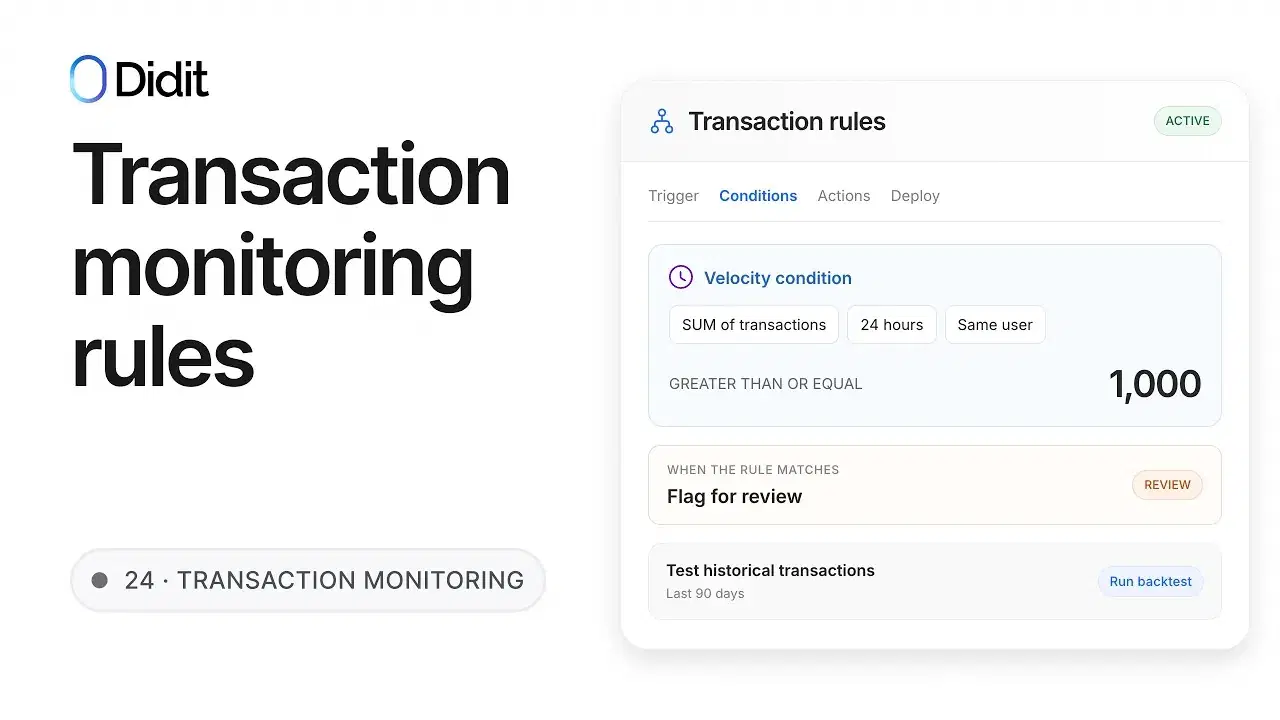
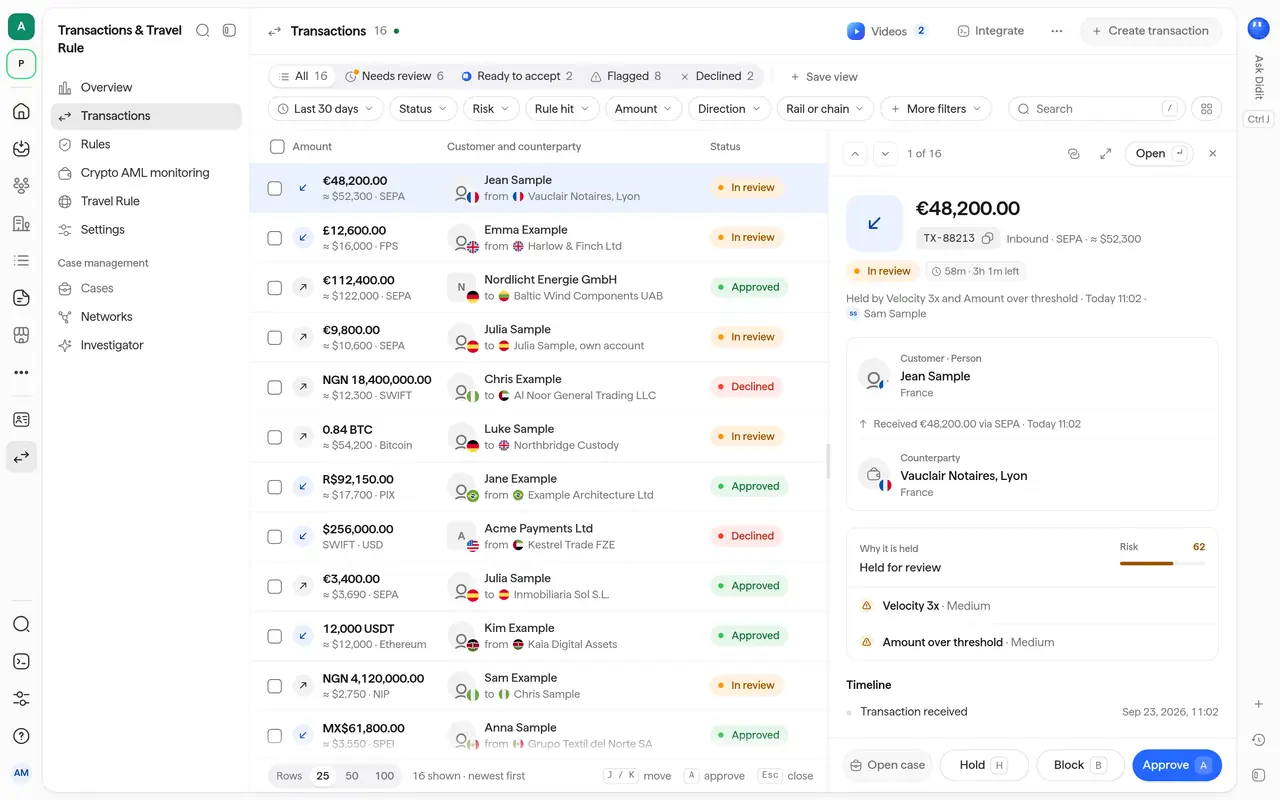
There are two decisions here and they stay separate. The identity session returns a status about the person. Transaction Monitoring returns its own verdict about the transaction, delivered through its own events, such as transaction.created and transaction.status.updated. Feed both into your policy. An Approved identity does not by itself clear a suspicious transaction, and a clean transaction score does not verify a person.
A Didit KYC check is always three parts in one: the ID document, biometrics (passive liveness and face match) and device and IP analysis. Add AML screening when the transaction is a regulated one. Add Transaction Monitoring when the transaction itself needs a rule verdict. The workflow orchestrator is free, so the only cost is the checks you actually run.
Prerequisites
- A Didit organization created at business.didit.me, and an API key from the console.
- A workflow of type
kycholding the features you want, and itsworkflow_id. - A callback URL on one of your application's allowed domains, or a deep link such as
myapp://kyc. - An HTTPS endpoint that reads the raw request body, so the webhook signature can be checked before parsing.
- A stable identifier per user in your own database, passed as
vendor_data. - Your own risk rules: amount thresholds, payout and beneficiary age, geography, asset type, velocity. Those live in your system or in Transaction Monitoring rules, not in the identity check.
Step by step: verify in real time before the transaction settles
Create the organization and an API key. Sign up with SSO or email, then create an organization. The key stays in the console. Teams that provision by script use the two documented calls,
POST https://apx.didit.me/auth/v2/programmatic/register/followed byPOST https://apx.didit.me/auth/v2/programmatic/verify-email/with the six character code, and keepresponse.sandbox_application.api_keyfor free sandbox work andresponse.application.api_keyfor live traffic. The quick start walks the whole path.Build one workflow for the checks a high-risk transaction needs. Set
workflow_typetokycand list the features. This request is copied from the docs; persistworkflow.id.curl -X POST https://verification.didit.me/v3/workflows/ \ -H "x-api-key: $DIDIT_API_KEY" \ -H "Content-Type: application/json" \ -d '{ "workflow_label": "High-risk transaction check", "workflow_type": "kyc", "features": [ {"feature": "OCR"}, {"feature": "LIVENESS", "config": {"face_liveness_method": "PASSIVE"}}, {"feature": "FACE_MATCH"}, {"feature": "AML"} ] }'Create a session at the moment of the transaction. One session per verification event. Put your transaction id in
metadataso it comes back in the webhook, and keep the link short lived withsession_expiration_time, which accepts 3600 to 2419200 seconds. The response carriessession_id,urlandsession_token. Openurlon web, or open it in an SDK.curl -X POST https://verification.didit.me/v3/session/ \ -H "x-api-key: $DIDIT_API_KEY" \ -H "Content-Type: application/json" \ -d '{"workflow_id": "$WORKFLOW_ID", "vendor_data": "user-42", "callback": "https://myapp.com/kyc/return", "metadata": {"transaction_id": "tx-9910"}, "session_expiration_time": 3600}'The callback must sit on one of the application's allowed domains, otherwise creation fails with a 400 on
callback. The Create Session reference lists every optional field, includingcontact_details,expected_detailsandtags.

Register a webhook destination. This is how the decision reaches you in seconds instead of by polling.
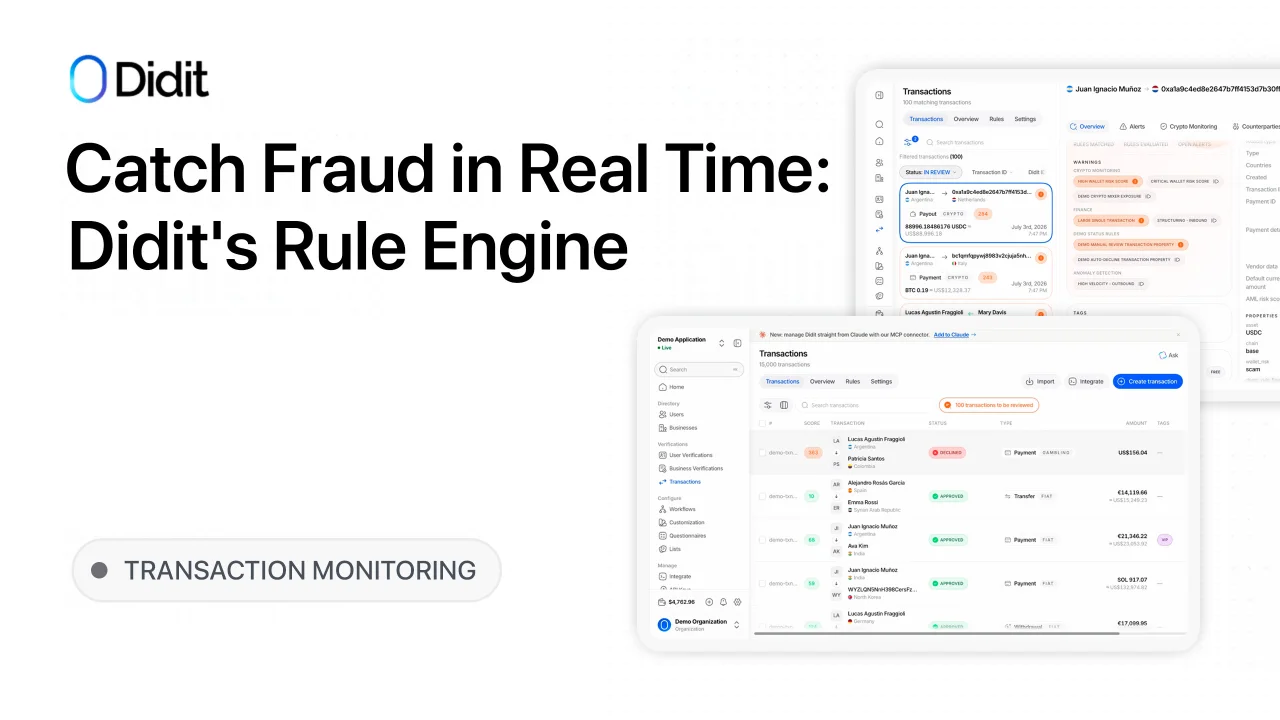
labelandurlare required. Save the returnedsecret_shared_keyas your signing secret.curl -X POST https://verification.didit.me/v3/webhook/destinations/ \ -H "x-api-key: $DIDIT_API_KEY" \ -H "Content-Type: application/json" \ -d '{"label": "Production", "url": "https://myapp.com/api/webhooks/didit", "subscribed_events": ["status.updated", "data.updated", "transaction.created", "transaction.status.updated"], "webhook_version": "v3"}'Score the transaction itself. Identity answers who is acting. The transaction needs its own verdict. Submit it to Transaction Monitoring, enable a preset rule, then read the score. Wallet screening runs inside Transaction Monitoring at $0.15 per screening, or you bring your own screening provider and run it inside Didit. The Transaction Monitoring quickstart takes about ten minutes and the wallet route is documented at wallet screening.
Read the decision from the webhook, with the decision endpoint as a fallback. Verify the
X-Signature-V2header, which is an HMAC-SHA256 over the canonical JSON, check thatX-Timestampis within 300 seconds, de-duplicate onevent_id, and answer within 5 seconds. If a delivery is lost, fetch the full decision directly. V3 always returns plural arrays, so never assume singular V2 fields.const decision = await (await fetch(url, { headers: { "x-api-key": API_KEY } })).json(); switch (decision.session_kind) { case "user": return handleUserDecision(decision); case "business": return handleBusinessDecision(decision); }The call is
GET https://verification.didit.me/v3/session/{session_id}/decision/and the key needs theread:sessionsprivilege. Signature details and the full event list are in the webhooks guide.Map each status to release, hold or review. Statuses are exact, case sensitive strings. Treat them as the only switch in your transaction code.
Approved: all checks passed. Release the transaction and store the decision.Declined: one or more checks failed. Block, then decide whether a resubmission is fair.In Review: warnings need a human. Hold the transaction and queue the session in the Console.In ProgressandNot Started: no decision yet. Keep the transaction pending, with your own timeout.Resubmitted: the person is redoing specific steps. Hold until a new decision lands.AbandonedandExpired: the flow was not finished, or the link timed out before it opened. Create a new session only if your policy allows it.Kyc Expired: a previously approved document passed its expiry date. Re-verify before the next high-risk event.
The full lifecycle, including reviewer moves, is in the status reference.

Expected output
Step 3 returns a session with a hosted link. Step 6 delivers a webhook envelope shaped like this, trimmed here to the fields you branch on. The decision object is present for Approved, Declined, In Review and Abandoned.
{
  "event_id": "uuid",
  "session_id": "uuid",
  "status": "Approved",
  "webhook_type": "status.updated",
  "vendor_data": "user-42",
  "metadata": { "transaction_id": "tx-9910" },
  "environment": "live",
  "decision": { }
}
The decision endpoint returns the same status string plus session_kind, decision_trace (including warning counts), linked_records, biometric_retention and the feature arrays: id_verifications, liveness_checks, face_matches, aml_screenings, ip_analyses and the rest. If a feature did not run, its field is absent or null.
vendor_data on both calls is our own implementation convention for joining them in reviewer tooling, not a documented Didit feature.Failure cases and recovery
| Failure | What you see | Recovery |
|---|---|---|
| Missing API key | 403 with "You do not have permission to perform this action." on verification.didit.me | Send the x-api-key header on every call |
| Wrong, revoked or expired key | 401 | Check the key against the one stored in the console and use a valid key |
| Bad workflow id | 400 | Copy the id from the workflow, not the label |
| Callback outside your allowed domains | 400 on callback | Add the origin to the allowed domains, or use a deep link scheme |
| Expiration outside the range | 400 on session_expiration_time | Use a whole number between 3600 and 2419200 |
| Webhook handler slower than 5 seconds, or a 5xx or 404 answer | Didit retries twice, after about 1 and 4 minutes, then drops the delivery | Return 2xx within five seconds and process the event according to your application's documented webhook handling, then resend from the destination delivery log if a delivery is dropped |
| Decision call on an unknown session | 404 | Check the id and that the key belongs to the same application |
| Decision call without read scope | 403 | Use a key holding read:sessions |
| Person never opens the link | Status Expired | Create a fresh session, or ask the person to retry |
| Person starts and stops | Status Abandoned | New session, or a reviewer moves the session on |
Inputs and outputs
| Field | Direction | What you do with it |
|---|---|---|
workflow_id | You send on create | Reuse the same id so the configured checks stay consistent between runs |
vendor_data | You send on create | Stable user identifier; binds sessions to a user and powers duplicate detection |
metadata | You send on create | Echoed in responses and webhooks; carry your transaction id here |
session_id | Response | Store it against the transaction for the audit record |
url | Response | Open it for the person on web, iOS or Android |
session_token | Response | Use it with the SDK when you do not redirect |
status | Webhook and decision | Drives release, hold or review |
event_id | Webhook | De-duplicate deliveries idempotently |
X-Signature-V2 | Webhook header | Verify before parsing the body |
transaction.created | Transaction Monitoring webhook | Fires when a transaction is created and its initial verdict is ready |
Paid steps and review boundaries
- Billing is per completed check. You pay when a check finishes with a result. Sandbox testing is free and unlimited on every plan.
- What the high-risk bundle costs. The full ID check is $0.33 billed per completed check; AML screening is an additional completed check at $0.20; wallet screening is $0.15 per screening; transaction monitoring is $0.001 per transaction beyond the plan allowance. The bring-your-own-wallet-screening-provider route is priced separately and is not quoted here.
- Where automation stops. Automated checks produce
ApprovedorDeclinedwith warnings attached. Warnings push a session toIn Review, and from there a person in the Console approves, declines or requests a resubmission, or the update-status endpoint does it on their behalf. - The boundary you own. Didit returns evidence, warnings and a status. Your policy decides whether a $40,000 transfer to a two-day-old beneficiary proceeds on an
Approvedidentity, and whether aDeclinedone can be retried. Do not let the identity check alone release money.
Worked cost example
A payments team runs 25,000 transactions a month. Their rules escalate 2,000 of them to a full re-verification with AML screening. They are on Growth, so the plan includes 10,000 monitored transactions and takes 4% off every Didit price.
| Line | Quantity | Unit price | List cost |
|---|---|---|---|
| Full ID checks | 2,000 | $0.33 | $660.00 |
| AML screenings | 2,000 | $0.20 | $400.00 |
| Monitored transactions beyond the 10,000 allowance | 15,000 | $0.001 | $15.00 |
| List total | $1,075.00 | ||
| Growth total, 4% off every Didit price | $1,032.00 |
The arithmetic: 2,000 x $0.33 = $660.00. 2,000 x $0.20 = $400.00. 25,000 minus 10,000 included = 15,000, and 15,000 x $0.001 = $15.00. List total $660.00 + $400.00 + $15.00 = $1,075.00. At Growth, $1,075.00 x 0.96 = $1,032.00. The $99 monthly plan fee is charged separately, and the $115 of monthly credit covers $115.00 of that usage, leaving $917.00 from top-up balance.
Sources
- Didit docs: Quick start
- Didit docs: Create Session API
- Didit docs: Retrieve Session decision
- Didit docs: Webhooks and HMAC signing
- Didit docs: Verification statuses
- Didit docs: Transaction Monitoring quickstart
- Didit docs: Wallet screening
- Didit docs: Pricing and billing
- Didit pricing page and live price feed, read November 26, 2026
- Didit MCP server
- Didit Transaction Monitoring product page
- Didit Business Console and sandbox, business.didit.me
- FATF recommendations
- EUR-Lex, EU anti-money laundering directives
Next step: create an organization at business.didit.me, build the workflow, and run one high-risk transaction through the sandbox. No sales call, and sandbox testing is free and unlimited on every plan.
Try it
Try this in the sandbox
Run the check this guide describes, free.
The product this post is about, taken from its topic. Run it free in the sandbox.
Author
Alberto Rosas
Co-founder and CEO

Keep reading
Other guides in the same topic.
 What Is the Purpose of FICA in South Africa? 2026 Guide
FICA is South Africa's anti-money laundering law. It creates the Financial Intelligence Centre and requires accountable institutions to identify and verify clients, screen for PEP and sanctions risk and report suspicious.
Alberto RosasNov 26, 2026 Sixth Money Laundering Directive (6AMLD): What Changed and Which Rules Apply
6AMLD is Directive (EU) 2018/1673: Member States must criminalise laundering, widen predicate offences and set a four-year penalty floor. It adds no new due diligence duties for firms.
Alberto RosasNov 26, 2026 Automated Sanctions Screening: Canada, the Entity List and Embargoes
Automated sanctions screening matches people and companies against lists such as Canada's autonomous sanctions made under SEMA and JVCFOA and the OFAC SDN List, and returns candidate hits scored for identity confidence and.
Alberto RosasNov 26, 2026Questions
Frequently asked questions
What is real-time identity verification for high-risk transactions?
It is an identity check that runs inside the transaction, not days later, and returns a decision before funds move. In practice it means creating a verification session when the risky event fires, then reading the result from a signed webhook. Didit couples document verification, passive liveness, face match and device and IP analysis in one $0.33 check, with AML screening added at $0.20.
How fast is a Didit decision?
Didit publishes sub-2-second p99 inference latency across its checks. The person must still complete the document and selfie steps before a decision is available. Didit sends the webhook when the session status changes, and delivery timing is separate from inference latency.
How much does one real-time check cost?
A full ID check costs $0.33 per completed check and includes the ID document, passive liveness, face match and device and IP analysis. AML screening is an additional completed check at $0.20, wallet screening is $0.15 per screening, and transaction monitoring is $0.001 per transaction beyond the plan allowance. You pay only when a check finishes with a result.
Which checks should fire before a high-value transfer?
At minimum: a fresh ID document read, passive liveness, a 1:1 face match, and AML screening against sanctions and PEP lists. Add device and IP analysis, which is already inside the $0.33 check, and a transaction rule on amount, beneficiary age and geography. If the destination is a crypto wallet, add wallet screening inside Transaction Monitoring.
What happens when a verification comes back In Review?
The session moved to In Review because automated checks raised warnings that need a human. The webhook still carries the full decision object, so you can hold the transaction and route the session to a reviewer in the Console. The reviewer approves, declines or asks for a resubmission, and the status change fires another webhook.
Can I screen a crypto wallet in the same flow?
Yes. Wallet screening is a feature inside Transaction Monitoring at $0.15 per screening, and you can also bring your own screening provider and run it inside Didit. Sending the same vendor_data on the session and on the transaction is our own convention for joining them in reviewer tooling, not a documented Didit feature. Do not treat a clean wallet result as a substitute for identity verification on the person.
Does a real-time check before every transaction hurt conversion?
It hurts when you check everyone the same way. Escalate by rule instead: release low-risk transactions on the session you already have, and open a new session only for the events your policy marks as high risk. Reusable KYC and the free workflow orchestrator mean the second check costs only the modules it actually runs.
Do I need a new session for each transaction?
Only when the transaction needs a fresh biometric and document read, for example after a device change, a long gap, or a large payout to a new beneficiary. A session is a single verification event with its own status, so reuse the approved decision where your policy allows it and create a new session where it does not.
What is the difference between the session status and the decision warnings?
The status is the single string that tells your system what to do: Approved, Declined, In Review and the rest. Warnings explain why a check raised a flag, and they appear inside the decision object. Branch your code on the status and show warnings to reviewers, never to the transaction switch.
Can my coding agent or AI assistant build this integration?
Yes. Didit provides an integration prompt and a hosted MCP server at https://mcp.didit.me/mcp with OAuth sign-in for connecting an AI assistant to the documented integration. Setup per client is in the MCP documentation. Always confirm the API key and callback domain before live traffic.
Which rules expect monitoring to be timely?
Check the FATF recommendations and applicable local rules with qualified counsel to determine your monitoring obligations. The FATF recommendations are published at https://www.fatf-gafi.org/ and EU anti-money laundering directives are published on EUR-Lex. Didit gives you the check results, the status and the audit trail; the legal determination stays with your counsel.
Compliance built in
Audited, certified and attested.
We hold the certifications and build each country's rules into your flows, so you can launch anywhere without worrying. Security and Compliance center
- Regulation encoded into your flows
Tell us what you do and where. Didit lists the rules that apply to you, with sources, and builds the checks each country needs into one workflow.
- Ready for AMLR
Every requirement of the new EU anti-money laundering rules, from checking customers to human review, is already covered by a Didit check.
- Tested in Spain's Treasury sandbox
Spain's Treasury published its supervised sandbox report on Didit's NFC plus active liveness onboarding; SEPBLAC took part and valued the added measures positively.
- Audited, not self-declared
iBeta Level 1 and Level 2. Liveness tested under ISO/IEC 30107-3.
Your obligations · 3 regions
 SOC 2 Type 2
 ISO 27001
 iBeta Level 1 and Level 2
 EU regulator attestation
 FSM youth protection
 GDPR
 EBA remote onboarding
 MiCA compatible
 FIDO Alliance member
- AMLREU AML Regulation ready
Integration · Didit MCP
Run Didit from your own AI agent
Connect Didit to Claude, Cursor, VS Code or ChatGPT and just ask in plain words. Your agent can do anything you can do in the console, with the same permissions you have.
 Add to Claude
 ChatGPT
 Cursor
- Build workflowsDescribe the checks you need. The agent creates and publishes the flow.
- Run investigationsAsk why a session was declined, review cases, search people and companies.
- Change rulesCreate payment rules, test them on past data and switch them on.
- Pull reportsAsk for numbers, exports or the audit log.
Didit Academy