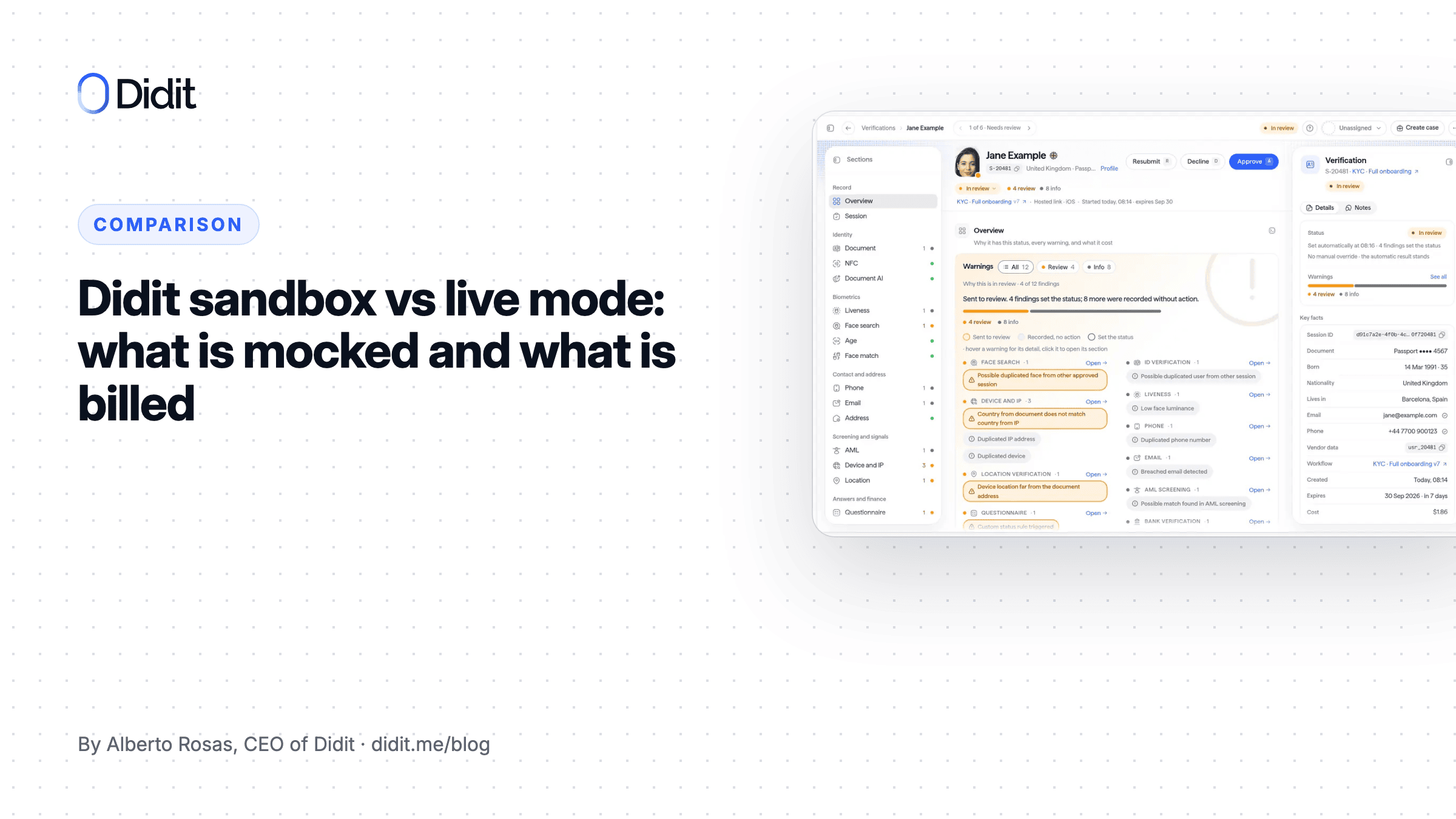
Didit sandbox vs live mode: what is mocked and what is billed
Didit sandbox is free, mocks providers, stores real captures, and allows 500 session creates per app every 24 hours. Live mode calls real providers. A completed full KYC check lists at $0.33.
 Alberto RosasCo-founder and CEO
Contents
In this guide
Jump to the part you need.
We run Didit applications in two modes: sandbox and live. In sandbox every outside provider is mocked, active-liveness workflows run real capture and return a simulated result, and sessions are never billed. Live calls real providers and bills completed checks; a full KYC check lists at $0.33. This page fits teams planning a test before launch and finance or compliance readers checking test costs. Caveat: a green sandbox run proves your code path, not document coverage.
Last updated: November 26, 2026. Prices checked against the live Didit price feed on November 26, 2026.
| What | Sandbox | Live |
|---|---|---|
| Mode on the application | ApplicationDetail.mode is SANDBOX | The application serves real verifications |
| API keys | A sandbox key belongs to one application and one environment; use the separate live key for production | The live key creates real verifications |
| Outside providers: OCR, AML, face match, NFC, phone, email, IP, proof of address, database validation, document AI | Provider calls are mocked; no third party is called. Screening results and hits come from the selected test scenario. | Real provider calls |
| Liveness | Active-liveness workflows run real capture and return a simulated result | Real capture, real result |
| Captured media | Stored for real; use specimen documents and test identities | Stored under your retention policy |
| Billing | Never billed, balance check bypassed | On self-serve plans, completed checks are charged against monthly plan credit first, then top-up credit. Enterprise billing follows the contract, with overage invoiced. |
| Session quota | 500 session creates per application every 24 hours, raisable on Enterprise | No sandbox quota applies |
| Webhooks | environment is sandbox; sandbox_scenario contains the armed scenario slug when present and is null for unarmed sandbox sessions | environment is live; sandbox_scenario is null |
| Custom domain | Not available; sessions run on the default hosted domain | Live only; available on Scale and Enterprise |
| Products and plan features | Every product is on by default; you can turn any product off on the Products page. All plans' application-level features are available on the sandbox application's own screens; organization-wide settings follow your plan. | What your plan includes; Authentication must be turned on in Products |
| Data location | European Union for every sandbox application | The location chosen when the application was created |
Start free in the sandbox at https://business.didit.me/, no sales call. If you would rather have an AI assistant wire the flow, connect Didit to one through the MCP server at https://didit.me/developers/mcp/. Product details are on Identity Verification, and prices and plan terms are on https://didit.me/pricing/.
The mode belongs to the application, not to the request
An application in the Didit Console holds API keys, webhooks, workflows and verification data. Every application comes as a Live and a Sandbox environment, and the mode is a property of that application. Select the sandbox or live application and use that environment's API key.
API keys belong to one application and one environment, so a sandbox key never creates a billed verification. Sandbox is not an organization-wide switch. You can keep one application live for real users while another application in the same organization runs scenarios and examples.
Sandbox data stays in the European Union for every application. A live application uses the data location chosen when it was created, and that location cannot be changed afterwards. The application switcher at the top of the sidebar moves you between applications and between Live and Sandbox. Applications in the Didit Console documents the model, and API keys covers per-environment keys and allowed domains.
What is mocked in the sandbox
Inside a sandbox application no third party is ever called. Provider calls are mocked, which means you can test the shape of a decision without spending money and without sending anyone's data to a supplier.
| Provider | What the sandbox returns |
|---|---|
| OCR and document data extraction | Extracted data and statuses come from the scenario or magic value you send, not from the pixels |
| NFC chip reading | Mocked reading |
| Face match 1:1 | Mocked score and status, from the selected test scenario |
| Liveness result | Simulated outcome; the report still records the method your workflow configures |
| AML and sanctions screening | Screening results and hits come from the selected test scenario |
| Phone verification, email verification | Mocked delivery and mocked result, with sample OTP codes |
| IP analysis | Mocked signals |
| Proof of address | Mocked analysis |
| Database validation | Mocked lookup |
| Document AI | Mocked extraction |
The sentence worth remembering from Sandbox Test Data is that outcomes never depend on the pixels. Extracted data and statuses come from the scenario or magic value, so the same test identity returns the same result every run. That is what makes sandbox runs usable in an automated test suite.

What is real in the sandbox
Several things behave exactly as they do in production.
- Liveness capture. Active-liveness workflows run real capture and return a simulated result, in the hosted flow and through the native SDKs' web handoff alike, so you can test the experience your users will get.
- Captured media. We store captured documents, selfies, video and proof-of-address files in sandbox. Use specimen documents and test identities.
- Webhooks. Events are dispatched and signed the same way, and they carry
environmentset tosandbox. - Console records. Sessions land in the Business Console with warnings and per-feature detail, so you can click through what your operators would see.
- Products and application features. Every product is on by default, with all its modules. You can turn any product off on the Products page, and in a live application Authentication must be turned on there. All plans' application-level features are available on the sandbox application's own screens. Organization-wide settings follow your plan.
A new sandbox also ships with example data in every section: a user verification that was approved, one declined and one sent to review, each with its document, selfie, liveness, face match, AML screening, IP analysis and warnings; business verifications with registry data and key people; the users and businesses behind them; transactions including one in review with alerts; open cases on a verification and on a transaction; and authentication sign-ins with devices and events. Every example carries an Example tag, the people are fictional, the documents are public specimens, and no webhook is sent for them.

What gets billed, and what never does
On self-serve plans, we charge completed checks against monthly plan credit first, then top-up credit. Enterprise billing follows the contract, with overage invoiced. Sandbox sessions are never billed and the balance check is bypassed. That has a practical reading: a sandbox run works with a zero balance, with auto top-up off, and after your live credit is used up.
In the console, Billing and plan has a Usage view with an Environment control. Switch it to Sandbox and the table is empty because nothing is billed. Switch it to Live and you see each check of the month with the number of units, today's price for one check and the amount charged, and you can export the table. Phone verification, database validation and company registry checks break down further by country because their prices depend on it.
Live checks are billed when they finish with a result. Some no-match database lookups and retries are billable, and the docs pricing page lists them.
| Line | List | Growth | Scale |
|---|---|---|---|
| Full ID check (KYC): document, biometrics, device and IP | $0.33 | $0.3168 | $0.297 |
| ID document only | $0.15 | $0.144 | $0.135 |
| Passive liveness | $0.10 | $0.096 | $0.09 |
| Active liveness | $0.15 | $0.144 | $0.135 |
| Face match 1:1 | $0.05 | $0.048 | $0.045 |
| AML screening | $0.20 | $0.192 | $0.18 |
| Proof of address | $0.20 | $0.192 | $0.18 |
| Document AI | $0.20 | $0.192 | $0.18 |
| NFC reading (add-on to a document check) | $0.15 | $0.144 | $0.135 |
| Business verification (KYB), by country and data tier | from $2.00 | from $1.92 | from $1.80 |
| Wallet screening | $0.15 | $0.144 | $0.135 |
| White label flow | $0.10 | $0.096 | $0.09 |
Plan credit is dollars, not a count, so it buys any mix of checks. For full KYC alone, eligible Free credit covers 30 checks at $0.33 each, Growth credit covers 362 full KYC checks at $0.3168 each, and Scale credit covers 1,178 at $0.297 each. Growth costs $99 a month with $115 of credit and 4% off every price. Scale costs $299 a month with $350 of credit and 10% off every price. The Free plan gives $10 in monthly credit to the first eligible organization created with a work email for a company domain. Free plan credit does not cover phone verification codes. All of it is on the pricing page and in the pricing docs.

Scenarios, magic values and the catalog endpoint
You do not guess outcomes in the sandbox. Fetch GET /v1/sandbox/scenarios/ using the x-api-key header. A session token can authenticate the request from inside a running session. The live catalog endpoint is the source of truth for the scenarios and magic values.
The same reference lists the scenarios, magic values, arm endpoint, sample documents and OTP codes, which is how you force Approved, Declined or In Review on demand.
Use environment to distinguish sandbox from live. sandbox_scenario contains the armed scenario slug when present and is null for unarmed sandbox sessions and live sessions.
Transaction monitoring in the sandbox
Sandbox is session-shaped: it mocks the providers a verification session would call. Transaction Monitoring has no provider to mock, so a sandbox application takes the other route. The transaction is stored and returned as usual, and nothing that decides, screens, notifies or charges runs over it. Rule runs stay empty whatever mode your rules are in, even an active rule. The example transactions that ship with a new sandbox do show rule results and alerts so you can see the product at work, but transactions you create in sandbox never run rules. For transaction behavior, read Sandbox Test Data. To test rules against your own data, use a live application with a small volume.
Custom domains are live only
A sandbox application cannot add a custom domain. Sandbox sessions always run on the default hosted verification domain, so the branded domain you configured is not what your testers see. Custom domains are live-only and available on Scale and Enterprise. White-label flow lists at $0.10 per finished session, less your plan discount. Set branding under Customization, then enable Include custom style in each workflow that should use it. Configure text overrides under Customization > Texts. See custom domain and White Label KYC for setup.
Keeping test events out of live logic
Every session webhook carries the environment, so one endpoint can serve both without mixing them. The envelope fields that matter here:
{
  "session_id": "uuid",
  "status": "Declined",
  "webhook_type": "status.updated",
  "application_id": "uuid",
  "environment": "sandbox",
  "sandbox_scenario": "decline_aml_hit"
}
Verify the signature before acting on environment. For X-Signature-V2, use sorted, Unicode-preserved canonical JSON and compare signatures in constant time. Require a timestamp within 300 seconds. For 24 hours after a destination secret rotates, accept a valid X-Signature-V2-Previous signature as documented. Read the raw body before verifying it. Use environment to distinguish sandbox from live. sandbox_scenario contains the armed scenario slug when present and is null for unarmed sandbox sessions and live sessions. Register the exact event types you handle because there is no wildcard. Webhooks has the full list of event types and headers.

When to use sandbox and when to use live
Use sandbox when your job is integration: session creation, workflow branches, webhook handling, console views and SDK handoff. Use our free sandbox for recurring integration tests within the session-creation quota. Use live mode to validate provider results, document coverage and billing. Run an authorized live pilot using real data that your team is permitted to process before you scale.
Sandbox-to-live checklist
- Create a live application and its live API key. Keep the sandbox key for sandbox only, because a key belongs to one application and one environment.
- Turn on what you need. Every product is on by default in sandbox. In a live application, turn Authentication on in Products if your workflow needs it.
- Set the webhook destination and verify signatures. Register the exact event types you handle, verify the signature as described in the webhook section above, then inspect
environmentandsandbox_scenario. - Add the custom domain if you are on Scale or Enterprise. Custom domains are live-only. Set branding under Customization, then enable Include custom style in each workflow that should use it, and configure text overrides under Customization > Texts.
- Review retention and credit. Sandbox applications can try any data retention period on their own screens. Before live traffic, set the live application's retention, confirm available credit and top-up settings, and route a small authorized pilot through the live key.
Where teams get surprised
- A green sandbox decision is not a coverage test. OCR is mocked, so your document mix, languages and edge cases are not exercised until you run live checks.
- Examples look like customers. They are fiction built on public specimen documents, they carry an Example tag, they are never billed and no webhook fires for them. Filter them out of your analytics before you show a chart to anyone.
- The quota is per application. At the standard quota, one sandbox application needs six 24-hour quota windows for 3,000 creates, 20 for 10,000 and 200 for 100,000. Enterprise customers can request a higher quota.
- Media is stored for real. We store captured documents, selfies, video and proof-of-address files in sandbox. Use specimen documents and test identities. Review the application's retention settings before testing.
- Organization-wide settings follow your plan. Organization-wide settings such as single sign-on and the audit log follow your plan. Sandbox applications can try any data retention period on their own screens.
Volumes and quota
The following table compares live full KYC costs with sandbox costs at the same test volume. Figures are USD before tax.
| Volume | Didit list $0.33 | Didit Growth $0.3168 | Didit Scale $0.297 | Didit sandbox |
|---|---|---|---|---|
| 1,000 | $330.00 | $316.80 | $297.00 | $0.00 |
| 10,000 | $3,300.00 | $3,168.00 | $2,970.00 | $0.00 |
| 100,000 | $33,000.00 | $31,680.00 | $29,700.00 | $0.00 |
The arithmetic: 1,000 x $0.33 = $330.00; 1,000 x $0.3168 = $316.80; 1,000 x $0.297 = $297.00. Then 10,000 x $0.33 = $3,300.00; 10,000 x $0.3168 = $3,168.00; 10,000 x $0.297 = $2,970.00. Then 100,000 x $0.33 = $33,000.00; 100,000 x $0.3168 = $31,680.00; 100,000 x $0.297 = $29,700.00. Sandbox is $0.00 at every volume, within the 500 session creates per application per 24 hours quota. At the standard quota, one sandbox application needs six 24-hour quota windows for 3,000 creates, 20 for 10,000 and 200 for 100,000. Enterprise customers can request a higher quota.
Worked cost example
Suppose you run 3,000 full KYC checks and 3,000 AML screenings a month on Growth, and you rehearse the same 3,000 sessions in sandbox first. Figures are USD and amounts are usage before tax.
- Live KYC usage before tax: 3,000 x $0.3168 = $950.40
- Live AML usage before tax: 3,000 x $0.192 = $576.00
- Live usage before tax: $950.40 + $576.00 = $1,526.40
- Monthly plan credit: $115.00 comes off first, leaving $1,526.40 - $115.00 = $1,411.40 in usage beyond included credit
- Subscription: $99.00 a month on Growth, or $1,128.00 a year paid up front
- Total before tax in the first month: $1,411.40 + $99.00 = $1,510.40
- Sandbox: 3,000 test sessions x $0.00 = $0.00, spread over at least six 24-hour quota windows at 500 creates per application per 24 hours
At list prices the same live month is 3,000 x $0.33 = $990.00 for KYC plus 3,000 x $0.20 = $600.00 for AML, or $1,590.00 before credit. On Scale it is 3,000 x $0.297 = $891.00 plus 3,000 x $0.18 = $540.00, or $1,431.00 before the $350 of credit. Every number is a published unit price multiplied by a volume.
Strengths and limitations of the Didit sandbox
- Strengths. Sandbox is free on every plan, subject to 500 session creates per application per 24 hours, and needs no sales call. Every product is on by default, so you can review KYC, KYB, authentication and transaction monitoring before choosing a plan. Deterministic outcomes through scenarios, magic values and an authenticated catalog endpoint. Active-liveness workflows run real capture and return a simulated result, so the experience you test is the one you ship. Webhooks carry an environment flag. We serve 4,000+ companies and every check covers 220+ countries.
- Limitations. Every outside provider is mocked, so document coverage, AML list behavior and OCR accuracy are not tested. Custom domains do not exist in sandbox. The standard quota limits throughput; Enterprise customers can request a higher quota. Organization-wide settings follow your plan, so plan-gated console features stay gated, while sandbox applications can try any data retention period on their own screens.
Sources
- Didit docs: Sandbox Test Data, scenarios, magic values and documents
- Didit docs: Applications in the Didit Console, live and sandbox
- Didit docs: Webhooks, envelope and HMAC signing
- Didit docs: API keys and allowed domains
- Didit docs: Billing and plan in the console
- Didit docs: Pricing, plans and credit
- Didit docs: Data retention and deletion
- Didit docs: Custom domain
- Didit docs: White Label KYC, custom branding and domain
- Didit Identity Verification product page
- Didit pricing page and the machine-readable price feed, read November 26, 2026
- Didit MCP server and the documentation index
Start free in the Didit Business Console, with no sales call. Run one sandbox scenario from session creation through webhook receipt. Sandbox sessions are never billed.
Try it
Try this in the sandbox
Run the check this guide describes, free.
The product this post is about, taken from its topic. Run it free in the sandbox.
Author
Alberto Rosas
Co-founder and CEO

Keep reading
Other guides in the same topic.
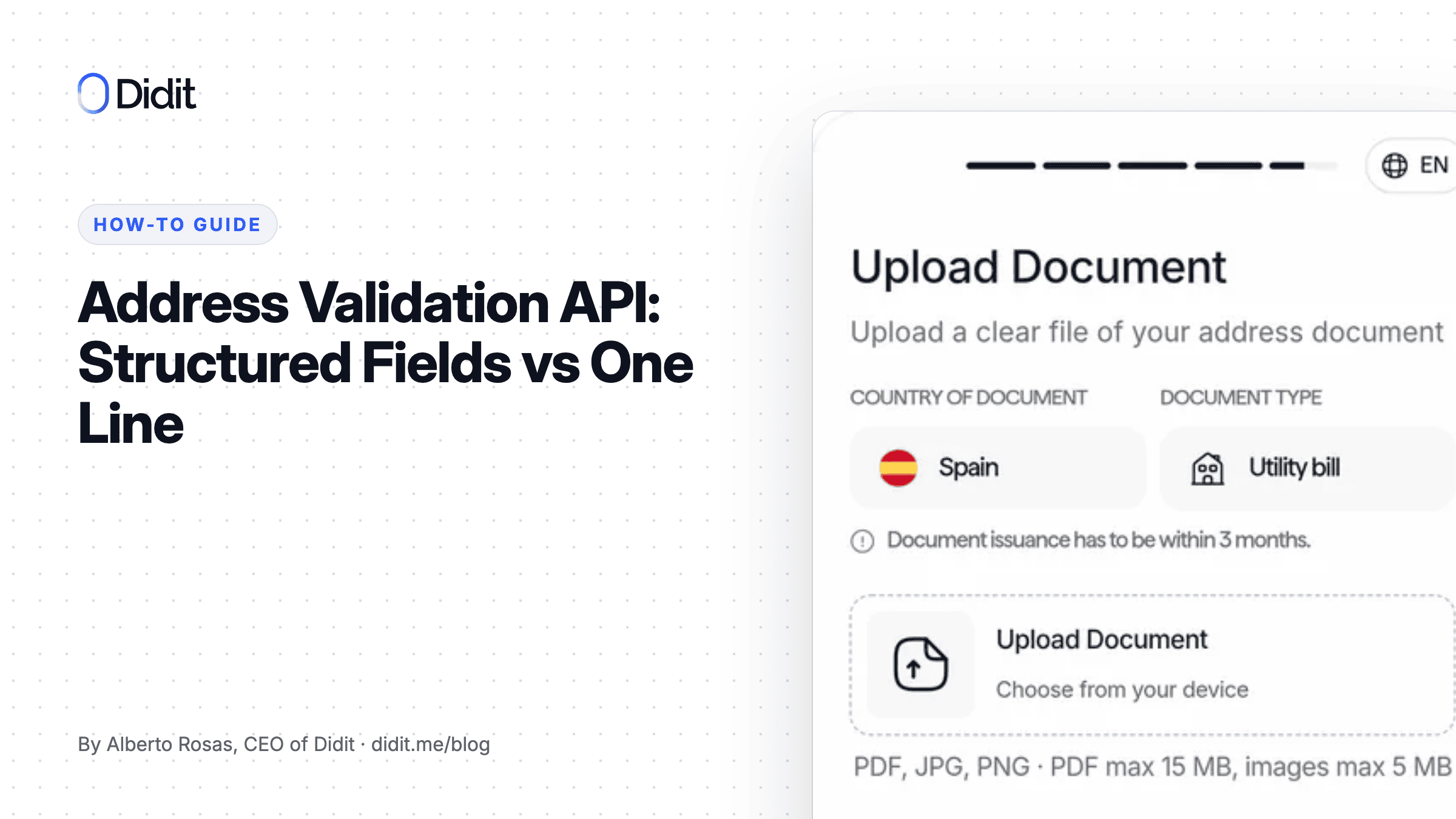 Address Validation API: Structured Fields vs One Line
Send an address to <code>POST /v3/address-validation/</code> on one line or as structured fields, never both, with the country in ISO 3166-1. Results show the match level and cost $0.10 per validated address.
Alberto RosasNov 26, 2026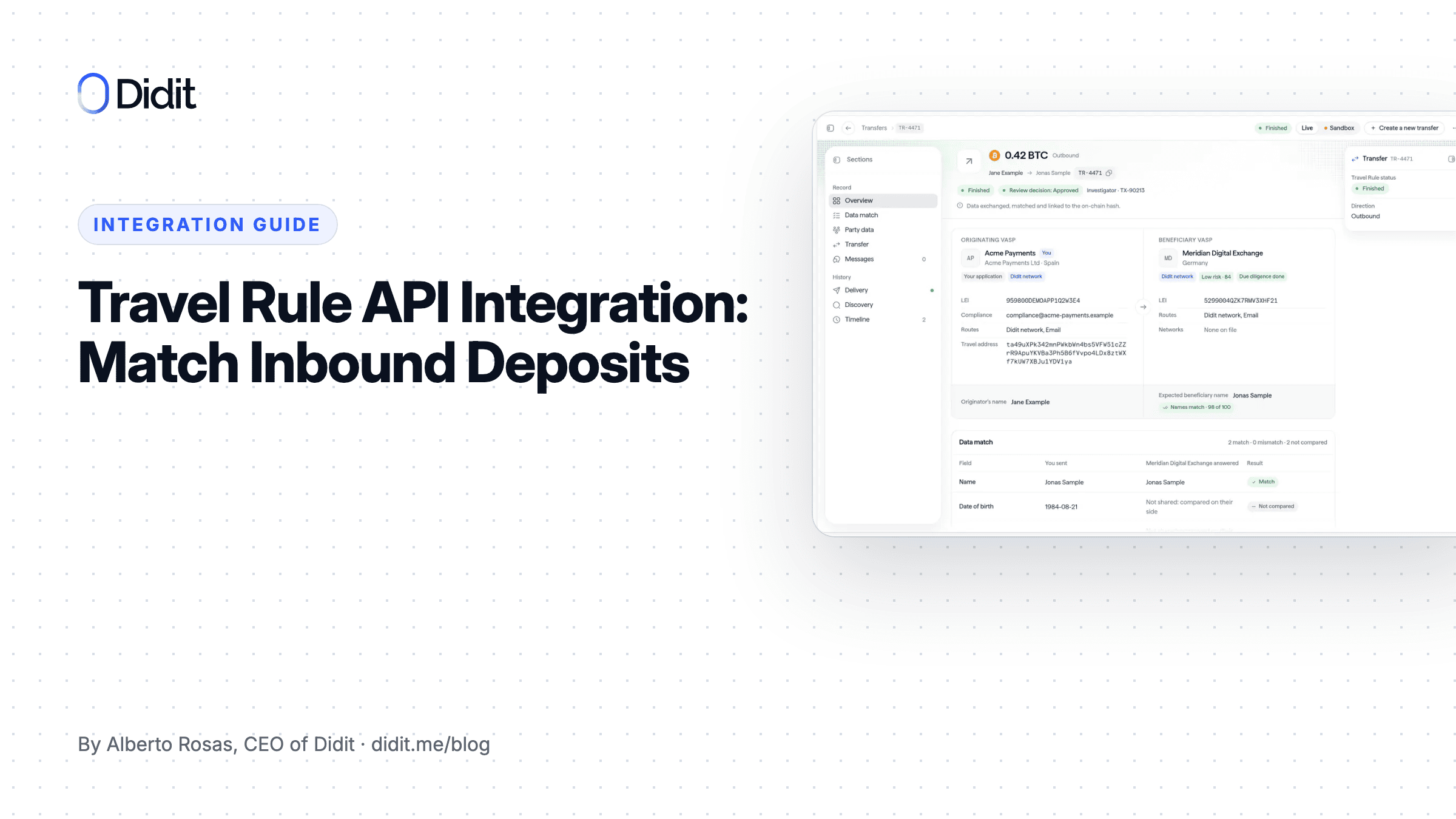 Travel Rule API Integration: Match Inbound Deposits
The unmatched deposits endpoint shares filters with the transfers list: direction, status, rail (INTERNAL, TRP, GTR, TRUST, VERIFYVASP, SYGNA, EMAIL, TEST_VASP), kind, currency, dates and counterparty UUID.
Alberto RosasNov 26, 2026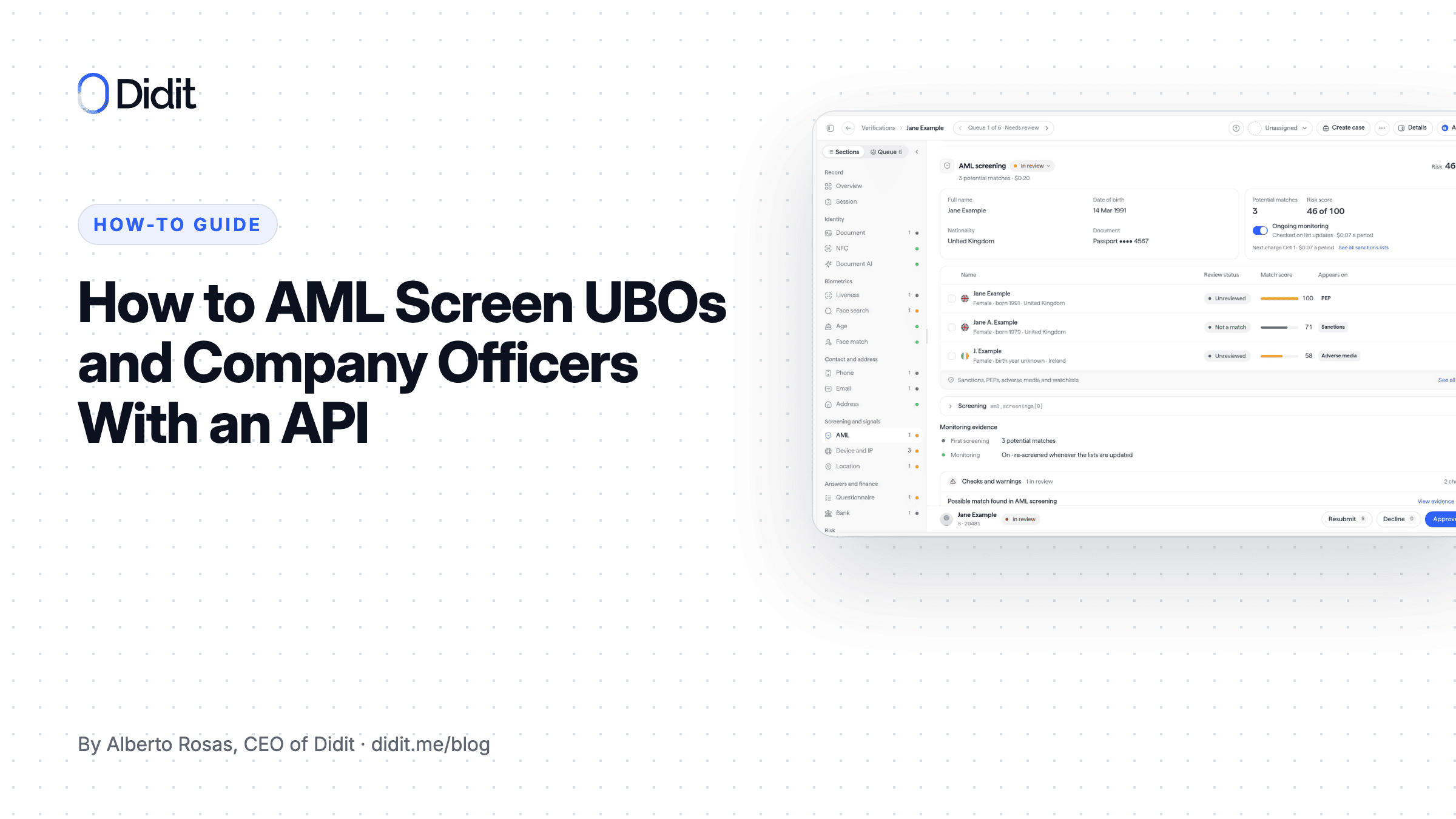 How to AML Screen UBOs and Company Officers With an API
Screen each identified UBO and officer for sanctions, PEP, criminal records, adverse media and fitness and probity at $0.20 per person. The session's AML status reflects the highest-risk result across the company and all.
Alberto RosasNov 26, 2026Questions
Frequently asked questions
What is the difference between Didit sandbox and live mode?
Sandbox is a mode on a single application, not a separate account. In sandbox every outside provider is mocked, active-liveness workflows run real capture and return a simulated result, and sessions are never billed. Live mode calls real providers and bills each completed check, and a full KYC check lists at $0.33. Use sandbox to prove your integration and live mode to validate provider results and billing.
Does the Didit sandbox cost anything?
No. Sandbox sessions are never billed and the balance check is bypassed, so a sandbox run works with a zero balance or after your live credit is used up. The sandbox is free on every plan, including Free, and each sandbox application can create 500 sessions every 24 hours.
How does Didit bill live checks?
On self-serve plans, we charge completed checks against monthly plan credit first, then top-up credit. Enterprise billing follows the contract, with overage invoiced. Sandbox sessions are never billed.
Is the liveness check real in the Didit sandbox?
Active-liveness workflows run real capture and return a simulated result, in the hosted flow and through the SDK web handoff. Only the liveness result is simulated, by the scenario or magic value you send, and the report records the method your workflow configures. The capture experience is the one your users will get.
Is face match real in the Didit sandbox?
No. Face match is one of the mocked providers, so the score and status come from the selected test scenario rather than from comparing two live images. Document OCR, NFC, phone and email verification, IP analysis, proof of address, database validation and document AI are mocked the same way.
How many test sessions can I create in the Didit sandbox?
Each sandbox application can create 500 sessions every 24 hours. On the Enterprise plan that quota can be raised on request. The quota is per application, so a second sandbox application gets its own allowance.
Can I use a custom domain in the Didit sandbox?
No. Custom domains are live-only and available on Scale and Enterprise, and a sandbox application cannot add one, so sandbox sessions always run on the default hosted verification domain. White-label flow lists at $0.10 per finished session, less your plan discount. Set branding under Customization, then enable Include custom style in each workflow that should use it, and configure text overrides under Customization > Texts.
How do I know whether a Didit webhook came from sandbox or live?
Every session webhook carries an environment field set to sandbox or live. sandbox_scenario contains the armed scenario slug when present and is null for unarmed sandbox sessions and live sessions. Verify the X-Signature-V2 signature before you act on either field.
Does a sandbox API key work in live mode?
No. API keys belong to one application and one environment, so a sandbox key cannot create a billed verification. To go live, use the live application and its own live key.
Are documents uploaded in the Didit sandbox stored?
Yes. We store captured documents, selfies, video and proof-of-address files in sandbox, exactly like a live session, even though extracted data and statuses are simulated. Use specimen documents and test identities. Review the application's retention settings before testing.
Can I test transaction monitoring in the Didit sandbox?
Partly. A transaction you create on a sandbox application is stored and returned, but nothing that decides, screens, notifies or charges runs over it, and rule runs stay empty whatever mode your rules are in. The example transactions that ship with the sandbox do show rule results and alerts so you can see the screens.
Do I need credit in my balance to use the Didit sandbox?
No. The balance check is bypassed in sandbox, and the console shows no sandbox usage because nothing is billed. Credit matters for live checks, where self-serve plans charge completed checks against monthly plan credit first, then top-up credit.
Are all plan features available in the Didit sandbox?
All plans' application-level features are available on the sandbox application's own screens, whatever plan your organization is on. That includes case routing, scheduled reports, custom transaction rules and the authentication features. Organization-wide settings such as single sign-on and the audit log follow your plan, while sandbox applications can try any data retention period on their own screens.
What are the example records in a new sandbox?
Every new sandbox application ships with example verifications, businesses, transactions, cases and authentication events. They carry an Example tag, use fictional people and public specimen documents, return through the API like other sandbox data, and send no webhook. They show each console section before your first test.
What can a small live pilot verify?
A small live pilot is the first place to validate provider results, document coverage, AML behavior and billing. Use real data only when your team is permitted to process it. Compare the decisions and the Usage view with your sandbox results, then scale.
Compliance built in
Audited, certified and attested.
We hold the certifications and build each country's rules into your flows, so you can launch anywhere without worrying. Security and Compliance center
- Regulation encoded into your flows
Tell us what you do and where. Didit lists the rules that apply to you, with sources, and builds the checks each country needs into one workflow.
- Ready for AMLR
Every requirement of the new EU anti-money laundering rules, from checking customers to human review, is already covered by a Didit check.
- Tested in Spain's Treasury sandbox
Spain's Treasury published its supervised sandbox report on Didit's NFC plus active liveness onboarding; SEPBLAC took part and valued the added measures positively.
- Audited, not self-declared
iBeta Level 1 and Level 2. Liveness tested under ISO/IEC 30107-3.
Your obligations · 3 regions
 SOC 2 Type 2
 ISO 27001
 iBeta Level 1 and Level 2
 EU regulator attestation
 FSM youth protection
 GDPR
 EBA remote onboarding
 MiCA compatible
 FIDO Alliance member
- AMLREU AML Regulation ready
Integration · Didit MCP
Run Didit from your own AI agent
Connect Didit to Claude, Cursor, VS Code or ChatGPT and just ask in plain words. Your agent can do anything you can do in the console, with the same permissions you have.
 Add to Claude
 ChatGPT
 Cursor
- Build workflowsDescribe the checks you need. The agent creates and publishes the flow.
- Run investigationsAsk why a session was declined, review cases, search people and companies.
- Change rulesCreate payment rules, test them on past data and switch them on.
- Pull reportsAsk for numbers, exports or the audit log.
Didit Academy