Didit MCP Headless Auth: Device Code vs API Key in 2026
With a person available, a device code signs the local Didit MCP server in. With nobody present, an agent connects to the hosted server with an application API key and acts as one application, with 199 tools.
 Alberto RosasCo-founder and CEO
Contents
In this guide
Jump to the part you need.
Use a device code when you run the local Didit MCP server on an SSH host or in a container and someone can approve sign-in in a browser on another device. For unattended CI or a scheduled agent, connect to our hosted server with an application API key. The key acts as one application. The MCP server is free. Completed live checks cost extra.
Last updated: November 26, 2026. Prices checked against the live Didit price feed on November 26, 2026.
| Situation | Transport | Credential | Acts as | Tools listed |
|---|---|---|---|---|
| Hosted server, browser OAuth client such as Claude Code or Cursor | Streamable HTTP | Log in with Didit, OAuth 2.1 with PKCE | The Didit user, with role permissions and organizations approved at sign-in | 233 for user OAuth |
| Hosted server, Codex OAuth on a remote host | Streamable HTTP | Browser approval; callback to a local port on the host running Codex | The Didit user, with role permissions | 233 for user OAuth |
| Local server, device code | stdio on your machine | Device code approved in a browser on another device | The Didit user with that user's role permissions | See the open-source and local stdio tool listings |
| Hosted server, application API key | Streamable HTTP | Application API key | That one application | 199 |
| Self-hosted stdio, user Bearer token | stdio | User Bearer token | The Didit user | See the open-source and local stdio tool listings |
Start free in the sandbox at https://business.didit.me/ with no sales call. For developers, connect Didit to an AI assistant through https://didit.me/developers/mcp/. Unit prices are on https://didit.me/pricing/.
Add Didit to Claude · Open Didit in ChatGPT · MCP setup for every client
What you get, and the method we recommend
The Didit MCP server connects any Model Context Protocol client to Didit. After you connect, an agent can run KYC, KYB, AML screening, transaction monitoring and workspace operations through natural language. The hosted server is at https://mcp.didit.me/mcp. It is stateless Streamable HTTP: one POST per request, no session affinity, and a public health check at GET https://mcp.didit.me/healthz.
Our recommendation, in one line: choose by the presence of a person. If someone can approve a device code in a browser on another device, run the local server and use device-code sign-in. If nobody will be present, connect to the hosted server with an application API key. For a hosted OAuth client such as Claude Code or Codex, finish the browser sign-in that client documents. Do not put a person-dependent login inside an unattended pipeline, and do not use a long-lived application key for an interactive session that a hosted OAuth client can handle.

Prerequisites
- A Didit account and at least one organization. The Free plan includes $10 in monthly credit for the first organization created with an eligible work email for a company domain. Free plan credit excludes phone verification codes. Sandbox testing is free and unlimited.
- For hosted connections, an MCP client that speaks Streamable HTTP: Claude Code, Codex, Cursor, VS Code, Windsurf, Zed or your own.
- For the local stdio path, a stdio-capable MCP client and a self-hosted build from the installation page.
- For device-code sign-in, a second device with a browser. Device-code sign-in requires a person to approve it in a browser on another device.
- For the hosted Codex OAuth path on a remote host, keep the terminal running and forward the local callback port if needed.
- For the application API key path, an application in your organization and its key. New keys start with
sk_live_orsk_test_; keys created before that format have no prefix and keep working, so never validate a key by its prefix. - For user-authenticated connections, a role in the organization that holds the permissions your tools need. A toolset never grants a permission. An application API key connection is scoped to one application and takes neither
organization_idnorapplication_id.
Path A: sign in the local server with a device code
Use this path when you run the local Didit MCP server on an SSH host or in a container and a person can approve sign-in in a browser on another device. The exact command depends on how you install and start the build, so follow the device-code section of the authentication page.
- Install the self-hosted server. Follow Installation, self-hosting. The open-source build lists 194 tools. A local stdio server also carries local-only tools for account signup and sign-in.
- Start the server and choose device-code sign-in. Follow the local server's device-code sign-in instructions in the documented device-code section. Complete approval in a browser on another device, then ask your MCP client to call
didit_context_get. - Keep the terminal running. The local server receives the approval and exposes its tools to the MCP client.
- Check permissions if a call fails. If a tool returns
missing_scope, the user's role lacks the permission that tool needs.
For a headless stdio run, the same self-hosting page documents a user Bearer token as an alternative to the device code. The scopes didit:management and didit:verification are documented for hosted OAuth clients. Treat the local device-code connection as acting as the Didit user with that user's role permissions.
Hosted Codex OAuth: browser approval with a local callback
Codex is a hosted OAuth client, not a local device-code flow. It connects to https://mcp.didit.me/mcp, opens Log in with Didit in your browser, and stores the sign-in for you. There is no API key to copy.
- Add the server. Codex writes it to
~/.codex/config.toml, sees that it needs OAuth, and starts the sign-in. If you cancel, run the login command later.codex mcp add didit --url https://mcp.didit.me/mcp - Start the login again if needed.
codex mcp login didit - Approve in a browser. The page asks
Codex wants to access your Didit account. Choose the organizations to connect, review the permissions, and click Approve. - Keep the terminal running until it completes. The terminal prints
Successfully logged in to MCP server 'didit'. - Confirm the server and its auth state.
Thecodex mcp listdiditrow shows statusenabledand authOAuth. - Prove the tools work by naming the server or tool in the first prompt.
Use the didit MCP server: call didit_context_get and list my organizations and applications.
On a remote host, run codex mcp login didit, open the printed URL on your computer, and keep the terminal running. Codex receives the callback on a local port on the host running Codex. Forward that port if needed.
The documented hosted OAuth configuration contains the server URL and requires no application API key. This is the whole Codex entry:
[mcp_servers.didit]
url = "https://mcp.didit.me/mcp"
Claude Code is also a hosted browser OAuth client. Add the server, then open the MCP panel and finish sign-in:
claude mcp add --transport http didit https://mcp.didit.me/mcp
claude mcp list
Start Claude Code and run /mcp. It opens the browser for Log in with Didit. After you approve, the didit tools are available. Hosted OAuth clients use the approved organizations and the scopes documented for hosted OAuth, didit:management and didit:verification.
Path B: an application API key for an agent with nobody present
An agent that runs with no person present, such as CI, a scheduled job or a backend agent, connects to the hosted server with an application API key and acts as that one application. Here is the shortest documented route to a key, with no console UI and no browser.
- Register and get the code by email. Use a real inbox: reserved test domains such as
@example.comreturn400withemail_undeliverable. The code is 6 characters with a 10 minute lifetime.curl -X POST https://apx.didit.me/auth/v2/programmatic/register/ -H "Content-Type: application/json" -d '{"email": "you@yourdomain.com", "password": "StrongP@ss1"}' - Verify the email. The response returns both keys inline.
The 200 body carriescurl -X POST https://apx.didit.me/auth/v2/programmatic/verify-email/ -H "Content-Type: application/json" -d '{"email": "you@yourdomain.com", "code": "A3K9F2"}'access_token,refresh_token,organization,applicationwith itsapi_key, andsandbox_applicationwith itsapi_key. - Store the sandbox key as
DIDIT_API_KEYand build against it first. Every check is mocked in the sandbox, so the pipeline can be tested for free. Switch to the live key only when you go live, and note that an organization created through the API starts at $0 credit. - Connect the MCP client. The hosted endpoint is
https://mcp.didit.me/mcp. An agent with no person present connects to it with an application API key, placed in the MCP client's connection configuration exactly as the Connect with an API key section documents. That section is the authority for the field name and transport. It is a different credential path from the RESTx-api-keyheader, so do not copy the REST example into an MCP client config. - Drop the scope arguments. On an API key connection the tools take neither
organization_idnorapplication_id. The key is one application. - Confirm with a permitted read. Ask the agent to call
didit_session_listand return recent sessions for that application. The unfiltered hosted API-key catalog lists 199 tools.
If the key is lost, log back in and read it from your application. The documented recovery flow is below.
TOK=$(curl -s -X POST https://apx.didit.me/auth/v2/programmatic/login/ -H "Content-Type: application/json" -d '{"email":"you@yourdomain.com","password":"StrongP@ss1"}' | jq -r .access_token)
curl https://apx.didit.me/auth/v2/organizations/me/ -H "Authorization: Bearer $TOK"
curl https://apx.didit.me/auth/v2/organizations/me/$ORG_ID/applications/$APP_ID/ -H "Authorization: Bearer $TOK"
REST authentication is separate. The same application key calls the verification REST API at verification.didit.me. The header is x-api-key, and it is never an OAuth Bearer token.
curl -X POST https://verification.didit.me/v3/session/ -H "x-api-key: $DIDIT_API_KEY" -H "Content-Type: application/json" -d '{"workflow_id":"<WORKFLOW_ID>","vendor_data":"user-42","callback":"https://myapp.com/return"}'Expected output
- Local device code: after you approve in a browser on another device, a read such as
didit_context_getreturns the underlying endpoint's JSON. - Hosted Codex OAuth: the terminal prints
Successfully logged in to MCP server 'didit'.andcodex mcp listshows thediditrow asenabledwith authOAuth. - Application API key: a permitted read such as
didit_session_listreturns the underlying endpoint's JSON. The unfiltered hosted API-key catalog lists 199 tools. - Public health check:
GET https://mcp.didit.me/healthzis a public server health check. It does not verify a credential.
Inputs and outputs
| Input or output | Local device code | Hosted Codex OAuth | Hosted application API key | Self-hosted stdio Bearer token |
|---|---|---|---|---|
| Who starts it | A person with a browser on another device | A person with a browser | A pipeline, with nobody present | A person or a job with a user token |
| Credential | A device code approved in a browser | Browser OAuth with a local callback port | An application API key, a server-side secret | A user Bearer token |
| Acts as | The Didit user with that user's role permissions | The Didit user, with approved organizations, role permissions and the documented hosted OAuth scopes | That one application; tools take neither organization_id nor application_id | The Didit user |
| Output on success | Tools listed in the client; calls return endpoint JSON | Successfully logged in and an enabled server with auth OAuth | The unfiltered hosted API-key catalog lists 199 tools; a permitted read returns JSON | Tools listed on the open-source build |
| What it cannot do | Run unattended; it needs a person to approve | Run unattended without a person: initial sign-in requires browser approval, so unattended jobs go through the hosted application API key path | Acts only as the application. Person-scoped tools, such as those for billing, compliance and account settings, are omitted from this catalog | Use hosted-only tools that the open-source build does not carry |
Failure cases and how to recover
| Symptom | Cause | Fix |
|---|---|---|
Not logged in in codex mcp list | The sign-in was cancelled or never finished | Run codex mcp login didit and finish the browser step |
| Sign-in loops or fails on a hosted OAuth client | The guide does not name a single cause | Log in at business.didit.me first, then reconnect. That is the documented remedy to try first |
| Approve works but the terminal never moves | The callback went to a local port on the client machine | On a remote host, run codex mcp login didit, open the printed URL on your computer, and keep the terminal running. Codex receives the callback on a local port on the host running Codex. Forward that port if needed. |
missing_scope from a tool | Your role in that organization lacks the permission the tool needs | The error names it; ask an owner or admin to grant it |
| The agent says it has no Didit tools | The server is disabled in the client, or sign-in is unfinished | Enable the didit server in the client's MCP settings |
401 from verification.didit.me | The x-api-key header is wrong, malformed, revoked or expired | Re-fetch the key through the login flow |
403 from verification.didit.me | No key header, a scoped key without access, or a call from an address outside the key's IP list | Use a key with that access |
403 with application_deleted from verification.didit.me | The key's application was deleted | Do not retry; use a key of an application that exists |
429 from verification.didit.me | Verification REST API rate limit; the response carries wait in seconds | Back off, then retry |
Check in this order when a connection fails: server reachability through GET https://mcp.didit.me/healthz, credential acceptance through the sign-in or key step, then access to the intended application through a permitted read.
The API authentication page lists these codes with the full fix for each.
Paid steps and review boundaries
The MCP server is free. So is the workflow orchestrator. You pay per completed check, from prepaid credit: a full ID check is $0.33, AML screening is $0.20, wallet screening is $0.15 per screening, KYB starts at $2.00 per company. Billable standalone checks are classified as writes. Keep client review enabled for interactive write and delete calls. didit_session_delete and didit_session_batch_delete require confirm: true.
Three boundaries, in the order to apply them:
- Read-only at the server for unattended jobs. Add
read_only=trueto the URL and the server refuses every call that would create, change or delete something, for every call, even if the client remembers a tool from an earlier connection. This one holds with nobody watching, so put it first for reporting jobs.https://mcp.didit.me/mcp?read_only=true https://mcp.didit.me/mcp?toolsets=core,reports&read_only=true - Client review for interactive connections. Every client asks you to review tool calls before they run. Keep that on, especially for write and delete actions. Client review needs a person at the keyboard, so it is not a control for an unattended job. Of the 233 tools on a person connection, 113 read, 85 write and 35 are destructive.
- Confirm the named destructive tools.
didit_session_deleteanddidit_session_batch_deleterefuse to run withoutconfirm: true, as do the Investigator decision tools.
Load fewer tools and you save context on every request. Without a parameter the server lists every tool your role may use, which is roughly 50,000 to 115,000 tokens depending on the model's tokenizer. ?toolsets=core lists about 30 tools, about a tenth of that. Use didit_tool_search to find tools outside the selected toolsets. didit_tool_call_read can call eligible read-only tools, subject to the connection's permissions.
The hosted connector hides didit_org_top_up and didit_org_reveal_application_api_key by default, so the default hosted connector does not move money and does not reveal a key. It gives you a console link to top up instead, and you read keys in the console. If you want an agent to top up with your saved card, turn on "Connected AI agents can top up with your saved card" in the console and see Agent top-ups.

Worked cost example
Assume a live application completes 40 full ID checks and 40 AML screenings each night for 30 nights. It runs unattended with an application API key.
- Pairs per month: 40 × 30 = 1,200, comprising 1,200 full ID checks and 1,200 AML screenings.
- List price per pair: $0.33 (full ID check) + $0.20 (AML screening) = $0.53.
- Monthly list cost: 1,200 pairs × $0.53 = $636.00.
- MCP server fee: $0.
- On Scale, Didit prices are 10% off: $0.53 × 0.90 = $0.477. 1,200 × $0.477 = $572.40.
- Scale includes $350.00 of monthly credit, so $222.40 is additional usage funded by top-ups. On the monthly Scale plan, total cash cost is $299.00 + $222.40 = $521.40.
A sandbox CI test uses mocked checks and consumes no paid credit. Nothing in that arithmetic changes with the sign-in method. The device code and the API key cost the same: zero. What changes is who can approve the run, and which tools the connection can see.

Sources
- Didit MCP Server: Identity Verification for AI Agents
- Didit MCP authentication, including Sign in without a browser and Connect with an API key
- Connect OpenAI Codex to the Didit MCP Server
- Connect Claude to the Didit MCP Server
- Didit MCP tools reference: 233 identity tools
- Didit MCP toolsets and read-only mode
- Didit MCP advanced settings and agent top-ups
- Connect Cursor to the Didit MCP Server
- Didit MCP installation, including self-hosting
- Connect ChatGPT to the Didit MCP Server
- API authentication: secure KYC API requests
- Didit pricing in the docs and the machine-readable price feed
- Didit pricing page
- Didit MCP server product page
- Didit integration prompt
- Didit MCP source on GitHub (MIT)
- Model Context Protocol specification
Next step: create a free organization in the sandbox at https://business.didit.me/. Try local device-code sign-in for a person-operated session, or verify a sandbox application-key connection with a permitted read for CI. No sales call, and the sandbox bills nothing.
Try it
Try this in the sandbox
Run the check this guide describes, free.
The product this post is about, taken from its topic. Run it free in the sandbox.
Author
Alberto Rosas
Co-founder and CEO

Keep reading
Other guides in the same topic.
 Auth0 Post-Login Action with Didit IDV: Step-by-Step
Didit runs as an OpenID Connect bridge for Auth0 post-login Actions, requiring a Didit check after Auth0 authenticates the user. PAR only, PKCE S256, a 5-minute single-use code, and FAILED when a review is open.
Alberto RosasNov 26, 2026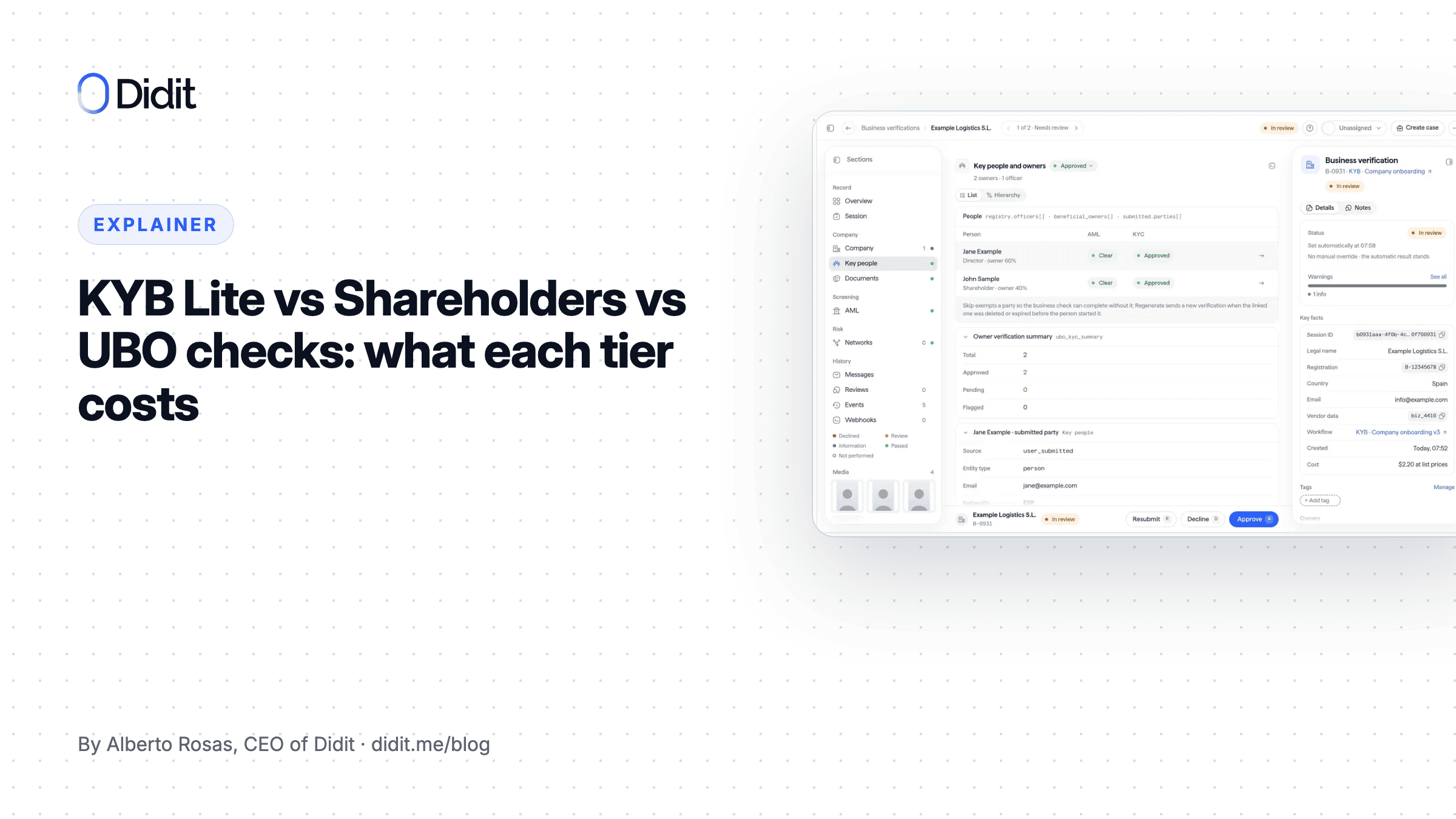 KYB Lite vs Shareholders vs UBO checks: what each tier costs
Lite returns the company profile and officers from $2. Shareholders adds direct owners and ownership bands from $5. UBOs resolves ultimate beneficial owners from $9. You pay the country rate for the tier delivered.
Alberto RosasNov 26, 2026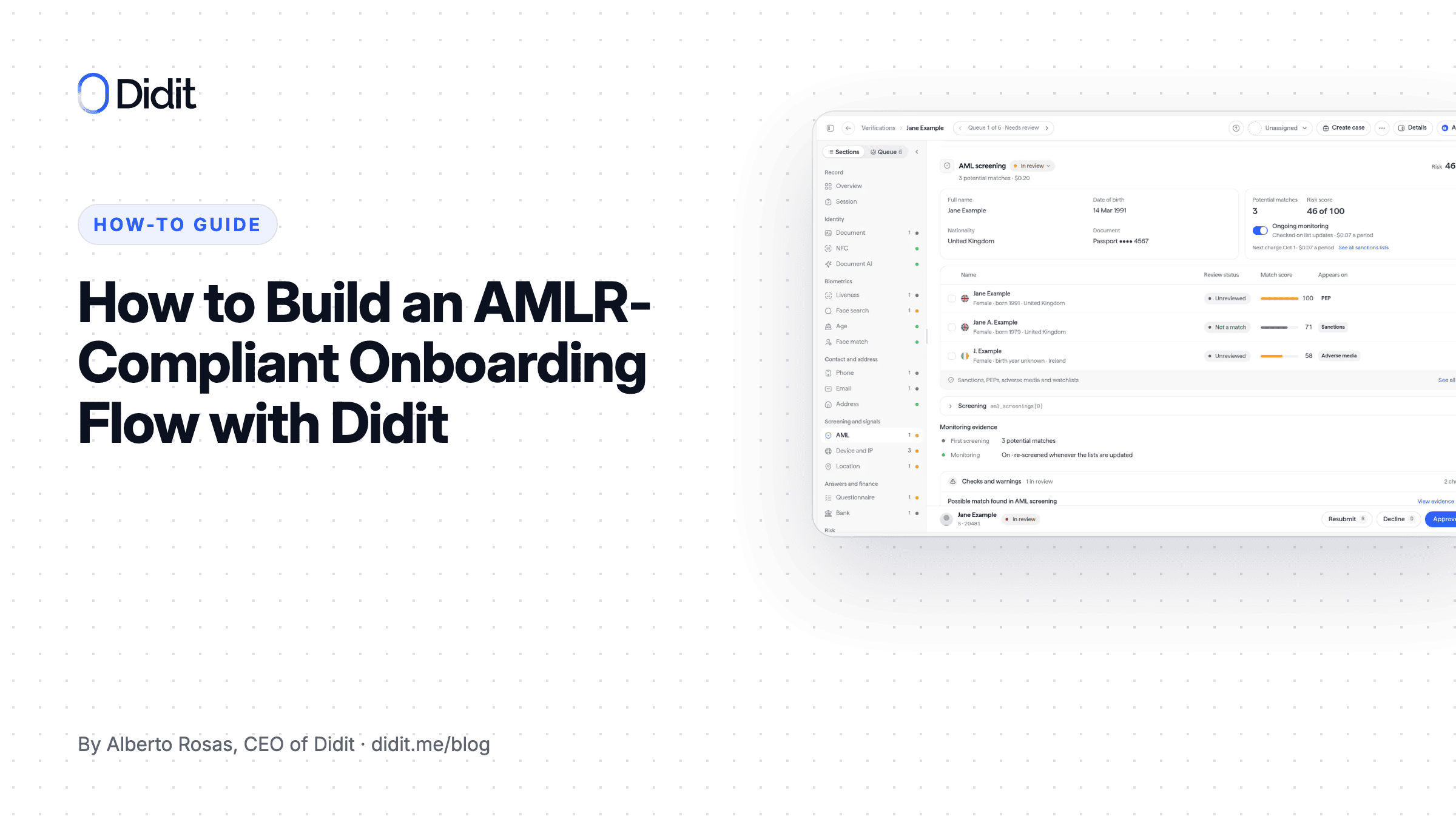 How to Build an AMLR-Compliant Onboarding Flow with Didit
Create a Didit session, receive the status.updated webhook, read the decision per check, let your compliance team approve or decline with update-status, then start AML monitoring.
Alberto RosasNov 26, 2026Questions
Frequently asked questions
Does the Didit MCP server need a browser to sign in?
Not always. Hosted OAuth clients normally sign you in with Log in with Didit in a browser. On a machine with no browser, the local server signs in with a device code that a person approves in a browser on another device. An agent with no person present connects to the hosted server with an application API key.
What is the difference between a device code and an application API key for Didit MCP?
A device code signs in a person, and the docs describe the connection as acting as the Didit user with that user's role permissions. An application API key signs in an application and acts as that one application. The hosted catalog lists 233 tools for user OAuth and 199 for application API key connections. The open-source build lists 194.
How do I run codex mcp login on a remote machine with no browser?
Run codex mcp login didit, open the printed URL on your computer, and keep the terminal running until the sign-in completes. The Codex guide describes a callback on a local port on the machine running Codex and tells remote users to forward that port if needed. It does not name a fixed port. For work that runs with nobody present, use a hosted application API key instead of this browser flow.
How many tools does a Didit MCP connection list?
The hosted catalog lists 233 tools for user OAuth and 199 for application API key connections. The open-source build lists 194 tools, which is the hosted catalog without the tools only the hosted server carries. A local stdio server also adds local-only tools for account signup and sign-in, so read the open-source and local stdio tool listings for the exact set instead of adding the two counts together.
Is the Didit MCP server free?
Yes. The MCP server and the workflow orchestrator are free on every plan, including Free. You pay per completed check from prepaid credit: $0.33 for a full ID check, $0.20 for AML screening, $0.15 for wallet screening, from $2.00 per company for KYB. The sandbox is free and unlimited.
How do I get an application API key without opening the console?
Register with POST https://apx.didit.me/auth/v2/programmatic/register/, then verify the emailed code with POST https://apx.didit.me/auth/v2/programmatic/verify-email/. The 200 response returns both the live and the sandbox application keys inline. Use a real inbox, because reserved test domains return email_undeliverable.
How do I connect unattended CI to the hosted MCP endpoint?
Create an application API key, put it in your MCP client's connection configuration exactly as the Connect with an API key section documents, then verify with a permitted read such as didit_session_list. That key path is not the REST x-api-key header. Use a sandbox key first; sandbox checks are mocked and consume no paid credit.
What does missing_scope mean in a Didit MCP tool call?
Your role in that organization lacks the permission the tool needs, and the error names the permission. Toolsets never grant permissions, so loading a different toolset will not fix it. Ask an owner or admin to grant the permission on your role, then retry the call.
Does a device-code sign-in use didit:management and didit:verification?
didit:management and didit:verification are the scopes documented for hosted OAuth clients. A local device-code connection acts as the Didit user with that user's role permissions, so check the role permission on the tool if a call returns missing_scope.
Can I stop an agent from writing or deleting anything?
Yes. Connect to https://mcp.didit.me/mcp?read_only=true and the server refuses every call that would create, change or delete something, for every call, even if the client remembers a tool from an earlier connection. didit_session_delete and didit_session_batch_delete require confirm: true when write access is on.
Does a self-hosted Didit MCP server support headless stdio runs?
Yes. If you run the server yourself it still authenticates the user through OAuth, with a device code sign-in or a user Bearer token for headless stdio runs. A local stdio server also carries two tools the hosted connector hides, didit_org_top_up and didit_org_reveal_application_api_key, plus 7 account tools for signing up and signing in.
What happens if the API key's application is deleted?
On verification.didit.me, calls return 403 with application_deleted for a few minutes after the deletion, and after that the key is refused like any invalid key. Do not retry: the application and its keys no longer exist. Issue a key from an application that exists.
Compliance built in
Audited, certified and attested.
We hold the certifications and build each country's rules into your flows, so you can launch anywhere without worrying. Security and Compliance center
- Regulation encoded into your flows
Tell us what you do and where. Didit lists the rules that apply to you, with sources, and builds the checks each country needs into one workflow.
- Ready for AMLR
Every requirement of the new EU anti-money laundering rules, from checking customers to human review, is already covered by a Didit check.
- Tested in Spain's Treasury sandbox
Spain's Treasury published its supervised sandbox report on Didit's NFC plus active liveness onboarding; SEPBLAC took part and valued the added measures positively.
- Audited, not self-declared
iBeta Level 1 and Level 2. Liveness tested under ISO/IEC 30107-3.
Your obligations · 3 regions
 SOC 2 Type 2
 ISO 27001
 iBeta Level 1 and Level 2
 EU regulator attestation
 FSM youth protection
 GDPR
 EBA remote onboarding
 MiCA compatible
 FIDO Alliance member
- AMLREU AML Regulation ready
Integration · Didit MCP
Run Didit from your own AI agent
Connect Didit to Claude, Cursor, VS Code or ChatGPT and just ask in plain words. Your agent can do anything you can do in the console, with the same permissions you have.
 Add to Claude
 ChatGPT
 Cursor
- Build workflowsDescribe the checks you need. The agent creates and publishes the flow.
- Run investigationsAsk why a session was declined, review cases, search people and companies.
- Change rulesCreate payment rules, test them on past data and switch them on.
- Pull reportsAsk for numbers, exports or the audit log.
Didit Academy