7 Steps to Verify AI Data Contributors and Stop Fraud Rings (2026)
Verify each AI data contributor at signup, every work session and every payout: one Didit workflow, face search for uniqueness, blocklists on the payout account. A full ID check is $0.33.
 Alberto RosasCo-founder and CEO
Contents
In this guide
Jump to the part you need.
This guide is for companies that pay people to record, label and rate data for AI labs, and for the labs buying from them. It shows how to verify contributors at signup, at each work session and at payout with one Didit workflow, using the documented session and decision calls plus an optional face-search call. A full ID check costs $0.33 at list price. The caveat up front: identity proves who recorded something, not that the recording is new.
Last updated: November 26, 2026. Prices checked against the live Didit price feed on November 26, 2026.
| Event | Didit component | List price |
|---|---|---|
| Contributor signs up | Full ID check: document verification, passive liveness, face match 1:1, device and IP analysis | $0.33 per check |
| Uniqueness check | Face Search 1:N against your approved faces and your blocklist | $0.05 per search |
| Each work session | Biometric Authentication | $0.10 per auth |
| Payout identity | Database Validation (priced by country), NFC chip reading add-on | Variable; NFC $0.15 |
| Payout account | Transaction Monitoring, wallet screening | $0.001 per transaction beyond the plan allowance; $0.15 per screening |
| The supplier company | Business verification (KYB) with linked KYC on owners | From $2.00 per company, plus $0.33 per person and $0.20 person AML |
You can start free in the sandbox at business.didit.me with no sales call. Sandbox testing is free and unlimited on every plan. Developers who want an assistant to build the flow with them can connect Didit through the MCP server. Prices, plan credit and volume discounts are on the Didit pricing page.
How the rings get in
It is rarely one person with a fake ID. Rings run account markets: they pay real people a small fee to pass verification once, then take the account over, use it or sell it. AlgorithmWatch reported in May 2025 that verified accounts for AI training platforms were being sold on Facebook, WhatsApp and Telegram. Business Insider reported in December 2025 on scams targeting AI training platforms. Those reports describe a market, not a measured share of all contributors.
The second attack is duplication. One person, dozens of accounts, same face, different names, documents bought online or synthetic identities stitched from a real document number and invented details. Each account records the same task and gets paid every time.
Around both sit VPNs and emulators to look like a higher-paying country, recordings replayed or lightly edited and uploaded again, AI-generated voices and faces, and scripts that keep a verified account working after the human left.
Your lab customer pays for thousands of different people: different homes, different hands, different accents. If a few hundred people sit behind thousands of accounts, the dataset is duplicated and skewed, and you usually find out after training. Lee et al. showed in 2022 that models trained on duplicated data memorize more of it, and Shumailov et al. showed in Nature in 2024 that recursive training on generated data erodes the rare cases first. Provenance is the question the supplier has to answer at the source.
The work is hard because the signals that matter sit across device, IP, face and document data, the incentive is cash, and contributors are gig workers on phones in dozens of countries at once.
Didit serves 4,000+ companies across identity and fraud use cases. The pattern they run into is the same one crypto, iGaming and fintech operators hit before them: wherever a platform pays people it has never met, someone tries to get paid more than once.
What you are building
Outcome: every hour of data traces to a real, unique person who is who they say they are, and the rings that fake that surface as one investigation instead of a thousand clean-looking accounts. Method: one Didit workflow runs the checks at signup, a biometric authentication step guards each work session, and the payout is checked against government registries, the document chip and your blocklists. Read the documented decision fields and apply your review policy across them, so device, face, document and network signals add up instead of sitting in five different tools.
Didit supplies the checks and the response fields. Your payout rule, duplicate-account cap and review queue are your own policies, and this guide marks where they start.
Prerequisites
- A Didit account and an API key. Sandbox testing is free and unlimited on every plan.
- A workflow with the
ID_VERIFICATIONfeature, passive liveness and face match, created in the Didit Business Console or withPOST /v3/workflows/. Copy its workflow UUID. - A stable contributor ID that you send as
vendor_dataon every session for the same person. Duplicate detection across sessions depends on it. - A payout rule you can state in one sentence: money only goes to an account in the verified person's name.
- The list of countries you serve, set in the workflow before anyone signs up.
The 7 steps
Step 1: decide which events need identity
Three events matter for a data supplier: the contributor joins, the contributor starts a work session, the contributor gets paid. Write down which outcome is an automatic decline and which is a review before you build anything, because that difference is a design choice, not a setting. We recommend checking all three, since an account verified on Monday can be sold on Tuesday.
Step 2: build the signup workflow
In the console, create a workflow with the document check, passive liveness and face match. Device and IP analysis runs on every session with no feature toggle, so there is nothing to switch on. Block the countries you do not serve while you are there, before anyone records a minute. A full ID check is three parts in one check, the document, biometrics and device, at $0.33.
Step 3: create the session
Create the session from your server. The workflow UUID decides what runs.
curl -X POST 'https://verification.didit.me/v3/session/' -H 'x-api-key: YOUR_API_KEY' -H 'Content-Type: application/json' -d '{"workflow_id": "YOUR_WORKFLOW_ID", "vendor_data": "user-123", "callback": "https://yourapp.com/post-kyc"}'The create-session response includes the hosted session URL, session.url. Send the contributor there, or mount the Web or Mobile SDK. The hosted flow returns a result after the configured checks finish.
Step 4: read the decision
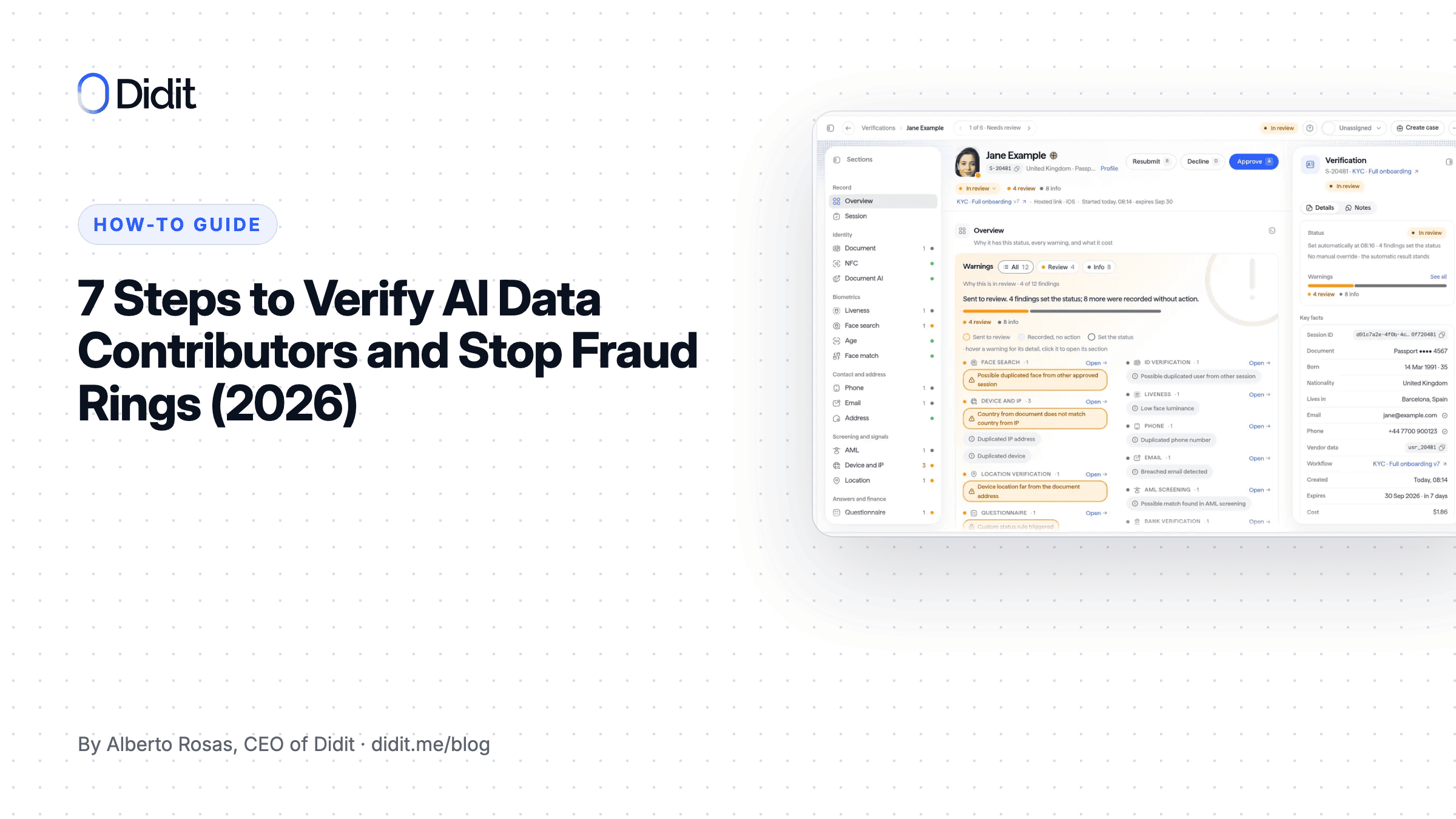
When the session finishes, fetch GET /v3/session/{sessionId}/decision/ or subscribe to session.status.updated. The result sits under arrays, one entry per check: id_verifications[], liveness_checks[], ip_analyses[], plus the face-search result and its warnings. Route on the warnings, not only on the headline status:
DOCUMENT_LIVENESS_FAILED,INVALID_MRZ,INCONSISTENT_DATA: do not approve.DUPLICATED_DOCUMENT: that document number already exists in your application.FACE_IN_BLOCKLIST: definitive blocklist hit, decline.POSSIBLE_FACE_IN_BLOCKLIST: below the hard threshold, route to manual review.VPN_DETECTED,PROXY_DETECTED,TOR_DETECTED,DATACENTER_IP: network risk, your policy decides decline or review.LOCATION_MISMATCH_WITH_DOCUMENT: the IP country does not match the document's issuing country.DUPLICATED_DEVICEor a recovered device match: the same handset already enrolled under another contributor.
Face search also runs automatically inside the liveness step, so an obvious duplicate is already in the decision. The selfie taken while the document is photographed goes through the same 1:N search, which catches a person passing a document check under a second name.

Step 5: search the face for uniqueness
When you hold a selfie outside the session, for a re-verification, an imported face or a manual review, call the standalone endpoint. most_similar is the dedupe mode and blocklisted_or_approved is the blocklist mode.
curl -X POST 'https://verification.didit.me/v3/face-search/' -H 'x-api-key: YOUR_API_KEY' -F 'user_image=@./selfie.jpg' -F 'search_type=most_similar' -F 'save_api_request=true' -F 'vendor_data=user-123'The response is a singular face_search object with status, total_matches, matches[] and warnings[]. Each match carries session_id, similarity_percentage, source, vendor_data, user_details, status, is_blocklisted and is_allowlisted.
Read that carefully. status is Declined only when a blocklist match is found, and a pure duplicate comes back Approved because the dedupe decision is yours. Apply your own policy in your code: cap accounts per face, merge, or block. The match carries the other contributor's vendor_data, so one call hands you the pair to investigate.
Step 6: gate every work session
Verifying once is not enough. Add Biometric Authentication at $0.10 per authentication where your workflow requires a repeat identity check. A bought account is worth little when the buyer cannot pass that check. Rings can still rent the real person for a session, so read the result together with the device and network signals, never on its own.

Step 7: gate every payout
Before money moves, confirm who you are paying. Where the country has an official registry, Database Validation checks the person against it directly and the contributor may not need to upload a document at all. Where the country offers a digital ID wallet, accept it. Where there is neither, capture the ID and read the NFC chip on passports and eIDs that carry one, at $0.15 as an add-on. Then match the face on the ID to the live selfie and to the face from signup.
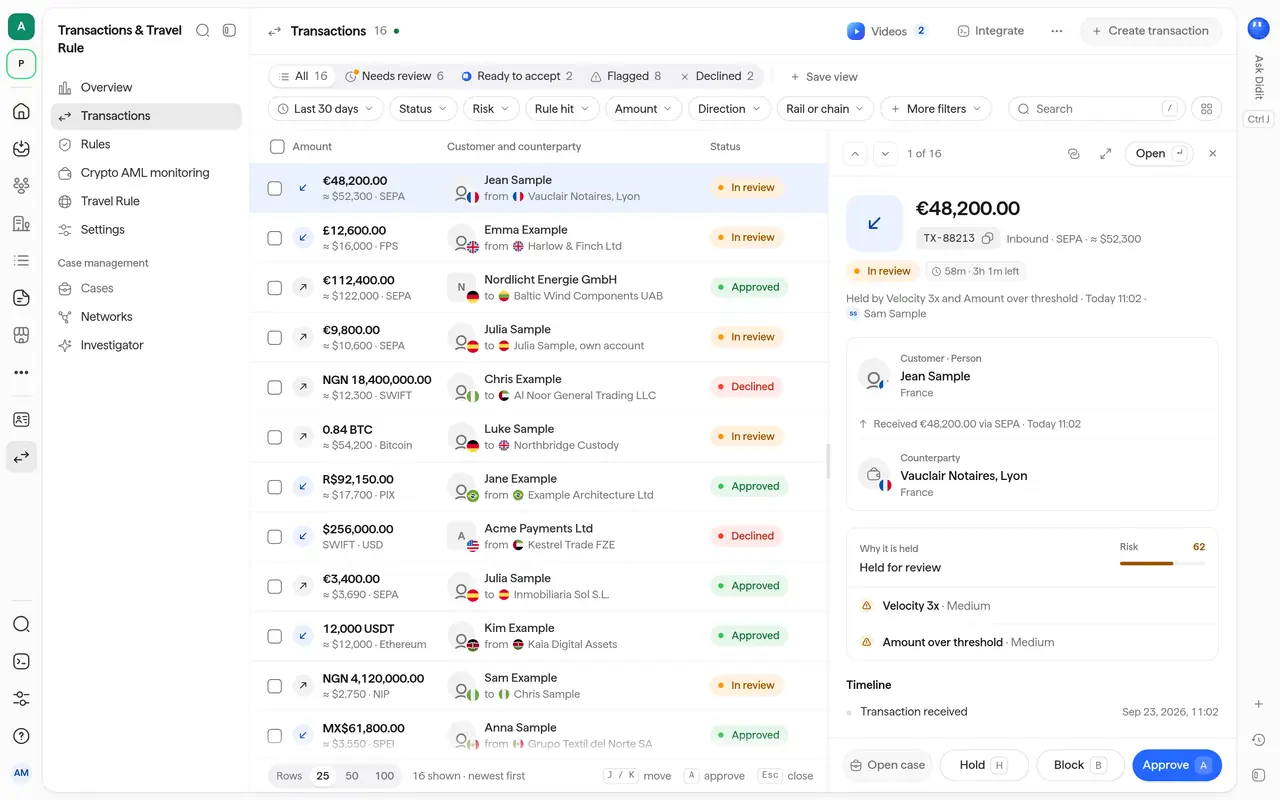
Finally the account. One account collecting payouts for multiple verified names is a signal for review under your policy. Use Transaction Monitoring for the payout-account checks your configured rules support, at $0.001 per transaction beyond the plan's monthly allowance.
Inputs and outputs
| Gate | Input | Output field |
|---|---|---|
| Signup | workflow_id, vendor_data, callback | id_verifications[], liveness_checks[], ip_analyses[] |
| Uniqueness | user_image, search_type, vendor_data | face_search.matches[] with similarity_percentage and is_blocklisted |
| Work session | The contributor's selfie, collected in the hosted flow or the SDK | A biometric authentication result with its own warnings[] |
| Payout identity | Registry lookup, document and NFC chip, live selfie | Database Validation result, ID verification warnings, face match score |
| Payout account | Bank account or wallet details | A transaction monitoring alert, or a clean screen |
Failure cases and recovery
| Symptom | What it means | Recovery |
|---|---|---|
| HTTP 403, not enough credits | The credit balance is empty and live checks stopped | Top up between $50 and $20,000, or turn on auto top-up so live checks never stop; the sandbox keeps working either way |
| HTTP 400, no face detected | The uploaded image has no usable face | Ask the contributor to retake a single, well-framed selfie |
status Declined with FACE_IN_BLOCKLIST | Definitive blocklist match | Reject and do not pay |
POSSIBLE_FACE_IN_BLOCKLIST | A borderline face match under the hard threshold | Send to manual review, never auto-decline or auto-approve |
DUPLICATED_FACE with status Approved | The same face is already approved under another vendor_data | Apply your dedupe policy: merge, cap, or block |
ip_analyses[] empty | The contributor blocked the SDK fingerprinting script | Decide whether to fail closed or fall back to soft signals |
status In Review with DOCUMENT_LIVENESS_NOT_COMPUTED | The forgery check returned no usable score | Treat the document as unchecked and route it to the manual review queue |
status In Review | Not an approval | Never approve in code; a human decides |
Paid steps and review boundaries
You are billed per completed check, from prepaid credit, and a check is billed when it finishes with a result. The sandbox costs nothing.
- Full ID check $0.33. Biometric Authentication $0.10. Face Search $0.05 per search. NFC reading $0.15 as an add-on. Database Validation priced by country. AML screening $0.20. KYB from $2.00 per company, plus $0.33 per linked person and $0.20 person AML.
- Shared phone is not fraud. In many of the countries this data comes from a phone is shared, so a duplicated device is a signal for review, not an automatic ban.
POSSIBLE_FACE_IN_BLOCKLISTandPOSSIBLE_DUPLICATED_FACEalways go to review. A definitive face blocklist hit always declines. Handle device blocklist signals according to your configured policy.- Rings show up as one investigation rather than dozens of alerts when you group accounts that share a device, an IP, a face or a document warning. Add confirmed faces, documents and phones to your lists according to your policy, then review future matches before deciding whether to decline.
Worked cost example
A supplier onboarding 10,000 new contributors a month, running 250,000 work sessions and paying each contributor once a month, at list price:
- Signup: 10,000 full ID checks at $0.33 = $3,300.00
- Uniqueness: 10,000 Face Search calls at $0.05 = $500.00
- Work sessions: 250,000 Biometric Authentication checks at $0.10 = $25,000.00
- Payout identity: 10,000 full ID checks at $0.33 = $3,300.00
Total: $3,300.00 + $500.00 + $25,000.00 + $3,300.00 = $32,100.00 a month, which is $3.21 per new contributor.
The payout identity line is an optional second full ID check that you choose as a payout policy. Didit does not require it. If your policy only checks the payout account, remove that line and the total falls to $28,800.00 a month.
The same month on Scale, with 10% off every price: 10,000 x $0.297 = $2,970.00, 10,000 x $0.045 = $450.00, 250,000 x $0.09 = $22,500.00, 10,000 x $0.297 = $2,970.00. Total $28,890.00, or $2.89 per new contributor. The session check carries most of the cost, which is why it sits at $0.10 rather than a second full ID check.
Proxy KYB: verify the supplier, not only the contributor
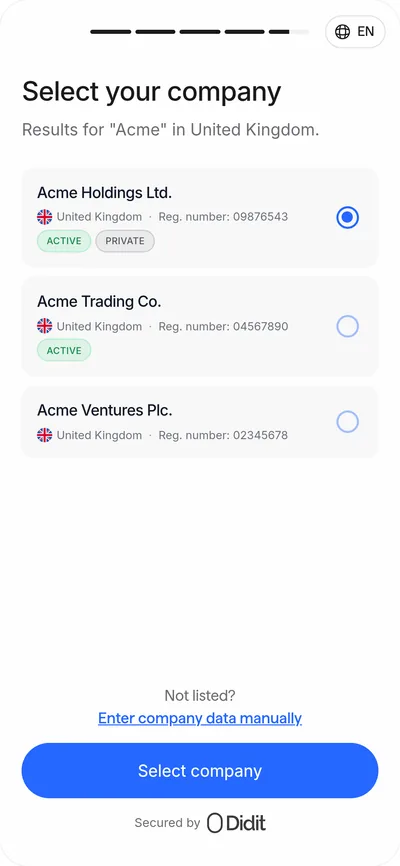
A lab cannot audit every contributor, so it audits the company that collects the data. That is the proxy: a business verification on the supplier stands in for trusting its contributor base. Didit Business Verification pulls the company from the official registry, extracts directors and owners, and links each key person to a full ID check and person AML.
KYB starts at $2.00 per company by country and data tier, plus $0.33 for each linked person's KYC and $0.20 for person AML. It runs on the same console, the same credit balance and the same API as the contributor flow, so a lab can require a KYB on a new supplier and read the result next to that supplier's contributor checks.
Sources
- Didit documentation: pricing and billing
- Didit pricing page and cost estimator
- Didit documentation: Create Session API
- Didit documentation: ID Verification
- Didit documentation: Liveness Detection
- Didit documentation: Face Search 1:N
- Didit documentation: Device and IP Analysis
- Didit documentation: AML Screening
- Didit documentation: wallet screening inside Transaction Monitoring
- Didit Business Verification
- Didit Transaction Monitoring
- Reuters, report on Google's planned split from its largest data supplier, 13 June 2025 (reuters.com, read as plain text, no link).
- Business Insider, report on scams targeting AI training platforms, 1 December 2025 (businessinsider.com, read as plain text, no link).
- AlgorithmWatch, report on a black market selling European accounts for AI training, 22 May 2025 (algorithmwatch.org, read as plain text, no link).
- Lee et al., Deduplicating Training Data Makes Language Models Better, ACL 2022 (arxiv.org, read as plain text, no link).
- Shumailov et al., AI models collapse when trained on recursively generated data, Nature, 2024 (nature.com, read as plain text, no link).
The next step is a sandbox, not a sales call: open https://business.didit.me/, create the workflow from step 2, and run one test contributor through signup, one work session and one payout before you change anything in production.
Try it
Try this in the sandbox
Run the check this guide describes, free.
The product this post is about, taken from its topic. Run it free in the sandbox.
Author
Alberto Rosas
Co-founder and CEO

Keep reading
Other guides in the same topic.
 What Is the Purpose of FICA in South Africa? 2026 Guide
FICA is South Africa's anti-money laundering law. It creates the Financial Intelligence Centre and requires accountable institutions to identify and verify clients, screen for PEP and sanctions risk and report suspicious.
Alberto RosasNov 26, 2026 Sixth Money Laundering Directive (6AMLD): What Changed and Which Rules Apply
6AMLD is Directive (EU) 2018/1673: Member States must criminalise laundering, widen predicate offences and set a four-year penalty floor. It adds no new due diligence duties for firms.
Alberto RosasNov 26, 2026 Automated Sanctions Screening: Canada, the Entity List and Embargoes
Automated sanctions screening matches people and companies against lists such as Canada's autonomous sanctions made under SEMA and JVCFOA and the OFAC SDN List, and returns candidate hits scored for identity confidence and.
Alberto RosasNov 26, 2026Questions
Frequently asked questions
How do I stop one person from running many contributor accounts?
Face search at signup compares each new selfie against every face you already approved, and device and IP analysis flags a handset that has already enrolled under another account. A duplicate face raises DUPLICATED_FACE and a match against your blocklist declines the session. A shared device goes to review rather than an automatic ban, because shared phones are normal in many of the countries this data comes from.
What does proxy KYB mean for an AI data supplier?
Proxy KYB verifies the business behind the data, not only the people recording it: the legal entity, its registry standing, its directors and its ultimate beneficial owners. On Didit that is a KYB workflow from $2.00 per company, with each owner linked to a full ID check at $0.33 and person AML at $0.20. For a lab it works as a proxy for trusting the whole supply chain, because the contract sits with the company, not with the contributor.
How much does it cost to verify one AI data contributor?
At list price a signup full ID check is $0.33, a face search is $0.05, each work session authentication is $0.10, and a payout identity re-check is $0.33 again if your policy requires it. Add $0.15 if you read the NFC chip on a passport or eID. You pay per completed check and the sandbox is free on every plan.
Can one workflow verify contributors in 220+ countries?
Yes. One workflow supports 220+ countries and 14,000+ document types. Supported methods vary by country, so check the product page and documentation for the countries you serve. Where a country has an official registry, Database Validation checks the person against it, and where it offers a supported digital ID wallet, the contributor can share that instead of a document.
What happens when a contributor uses a VPN or an emulator?
Device and IP analysis flags VPN_DETECTED, PROXY_DETECTED, TOR_DETECTED or DATACENTER_IP on the session, and the device fingerprint still recognises the handset after storage is cleared or the app is reinstalled. Nothing is declined automatically unless you set that rule; you choose decline, review, or an extra liveness step. Location mismatch with the document is usually the signal worth reviewing first.
Is a shared phone enough to ban a contributor?
No. A duplicated device is a signal for review, because sharing a handset is normal in many markets you collect data from. A definitive face blocklist hit declines; handle device blocklist signals according to your configured policy. Add confirmed devices to your lists according to your policy, then review future matches before deciding whether to decline.
Do contributors always have to upload a document?
No. Where the country has an official registry, Database Validation checks the person directly and there is no document upload. Where the country has a digital ID wallet you support, the contributor can share it. Where there is neither, the flow captures the ID and reads the NFC chip on passports and eIDs that carry one.
How long does the contributor flow take?
The hosted flow returns a result after the configured checks finish. Passive liveness means there are no gestures for honest people to perform, and inference runs at sub-2-second p99. Anything that needs human eyes lands in review instead of stalling the flow.
Does identity verification prove the data is high quality?
No. Identity checks help establish who submitted the data, while face search and device or IP signals help surface duplicate accounts. Whether each upload is a new, real take is a second layer of content checks. Identity checks establish who submitted the data, while separate content checks assess whether each submission is original and valid.
Can I check the bank account or wallet a payout goes to?
Yes. Use Transaction Monitoring for the payout-account checks your configured rules support at $0.001 per transaction beyond the plan's monthly allowance, and wallet screening is $0.15 per screening, or bring your own screening provider and run it inside Didit. One account collecting payouts for multiple verified names is a signal for review under your policy.
Compliance built in
Audited, certified and attested.
We hold the certifications and build each country's rules into your flows, so you can launch anywhere without worrying. Security and Compliance center
- Regulation encoded into your flows
Tell us what you do and where. Didit lists the rules that apply to you, with sources, and builds the checks each country needs into one workflow.
- Ready for AMLR
Every requirement of the new EU anti-money laundering rules, from checking customers to human review, is already covered by a Didit check.
- Tested in Spain's Treasury sandbox
Spain's Treasury published its supervised sandbox report on Didit's NFC plus active liveness onboarding; SEPBLAC took part and valued the added measures positively.
- Audited, not self-declared
iBeta Level 1 and Level 2. Liveness tested under ISO/IEC 30107-3.
Your obligations · 3 regions
 SOC 2 Type 2
 ISO 27001
 iBeta Level 1 and Level 2
 EU regulator attestation
 FSM youth protection
 GDPR
 EBA remote onboarding
 MiCA compatible
 FIDO Alliance member
- AMLREU AML Regulation ready
Integration · Didit MCP
Run Didit from your own AI agent
Connect Didit to Claude, Cursor, VS Code or ChatGPT and just ask in plain words. Your agent can do anything you can do in the console, with the same permissions you have.
 Add to Claude
 ChatGPT
 Cursor
- Build workflowsDescribe the checks you need. The agent creates and publishes the flow.
- Run investigationsAsk why a session was declined, review cases, search people and companies.
- Change rulesCreate payment rules, test them on past data and switch them on.
- Pull reportsAsk for numbers, exports or the audit log.
Didit Academy