How to Add Age Verification to a Website: Popup or API
Use a Didit hosted popup for web sign-up or POST a selfie to the Age Estimation API. Age Estimation costs $0.10 per check; full KYC with document proof costs $0.33.
 Alberto RosasCo-founder and CEO
Contents
In this guide
Jump to the part you need.
You can add age verification to a website with a popup that runs a hosted Didit session, or with a server-to-server API call that returns an age decision from a selfie. This fits sign-up, checkout, and content gates. Didit Age Estimation costs $0.10 per check, and a full KYC check with document proof costs $0.33. The caveat: a selfie estimate is an age gate, not legal proof of age, so borderline results need a document fallback.
Last updated: November 26, 2026. Prices checked against the live Didit price feed on November 26, 2026.
| Method | How it works | Published price | Best for |
|---|---|---|---|
| JavaScript SDK modal or InContext iframe with a hosted session | Liveness step with age estimation enabled, opened in a modal or iframe | Age Estimation $0.10 per check | Sign-up and content gates |
| Standalone Age Estimation API | One multipart POST with a selfie, returns age and passive liveness | $0.10 per completed check | Apps that already capture a selfie |
| Document fallback with full KYC | ID document, passive liveness, face match, device and IP analysis | $0.33 per full KYC check | Regulated goods and borderline ages |
Start free in the sandbox at business.didit.me, with no sales call. Developers can connect Didit to an AI assistant through the Didit MCP server. Prices and plan details are on didit.me/pricing.
Outcome and recommended method
The gate returns a decision status and warnings. Didit Age Estimation returns Approved only when the warnings array is empty, and any warning returns Declined. Document verification is your implementation choice after a borderline estimate or a decline you do not want to reject outright. The JavaScript SDK modal and the InContext iframe are the documented popup-style options, and we recommend them when the user is already on your site and you want the check inside the same page. The standalone API is the recommended method when your app already captures a selfie or runs on a kiosk. Use full KYC as the fallback when the age is close to your threshold. Whether document proof is required depends on the applicable jurisdiction or product rule.
4,000+ companies use Didit, with public list pricing. The age gate itself is one call or one workflow step. You do not need a sales call to test it.
What the age gate has to decide
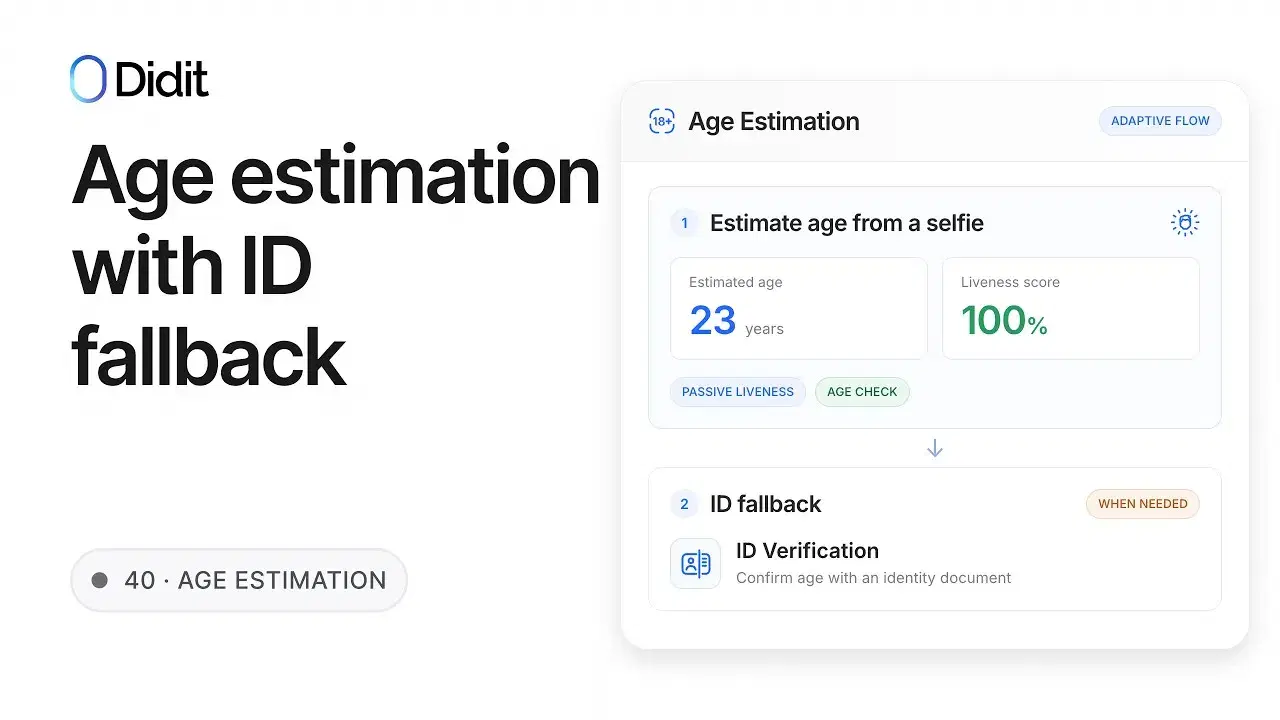
An age gate is not a full identity check. It answers one question: is this person above the age you set? Didit Age Estimation returns a model-predicted age, a passive liveness score, and a warnings array. For the standalone API, Approved requires an empty warnings array, while warning responses are Declined. Hosted workflow sessions can also use statuses such as In Review.
Didit publishes a mean absolute error of 1.1 years for ages 16 and 17 and 1.9 years for ages 18 to 20. The model correctly classifies 96% of selfies as under 18 or 18 and over. That error is why a result close to your threshold is the main reason to fall back to a document.
Keep the decision narrow. If the answer is pass, let the user continue. If the answer is decline because the person is below the threshold, stop the flow. If the answer is decline for image quality or liveness, ask for a retake or route to review. If the answer is near the threshold, use an ID document.
Choose a popup, an API, or a document fallback
Popup with a hosted Didit session
The JavaScript SDK modal and the InContext iframe keep the user on your page. In hosted flows, age estimation is embedded inside the Liveness step. There is no separate age_estimation workflow feature. Enable age estimation on the Liveness node and set age_estimation_decline_threshold, which defaults to 18. The result lives at liveness_checks[].age_estimation in the decision, not in a top-level age array.
Standalone Age Estimation API
This is one multipart POST with a selfie. It returns age and passive liveness in one call, with no ID document. Use it when you already have the image and want a server-to-server decision. The standalone API is billed per completed check: each successful 200 response consumes one Age Estimation credit. Read the Age Estimation API docs for the full schema.
Document fallback with full KYC
A full KYC check is $0.33. That is ID document verification at $0.15, passive liveness at $0.10, face match at $0.05, and device and IP analysis at $0.03. Use it for regulated goods, high-value access, or borderline ages where a selfie estimate is not enough.
Prerequisites
- A Didit organization and an API key. Sandbox testing is free and unlimited on every plan.
- An HTTPS page with camera permission for the popup, or a selfie capture path for the API.
- A workflow with the Liveness step and age estimation enabled for the popup route.
- A server endpoint that holds the API key. Do not put the key in browser code.
- A threshold decision, default 18, and a fallback rule for borderline ages.
- A retention decision: store the session for audit, or set
save_api_request=falsefor a one-off decision.
How to add a popup age gate
- Create a workflow in the Didit Business Console. Add the Liveness step, enable age estimation, and set
age_estimation_decline_thresholdto your age limit. The default is 18. - From your server, create a session with
POST /v3/session/. Sendworkflow_id,vendor_data, andcallback. The response includessession.url. See the Create Session API. - Load the JavaScript SDK,
@didit-protocol/sdk-web, or use the InContext iframe. The web SDK docs list both routes. - Open the SDK in modal mode with the session URL. The user stays on your page.
- Read the decision with
GET /v3/session/{sessionId}/decision/or the webhook. The age result lives atliveness_checks[].age_estimation. - Branch on status and warnings. Send
AGE_BELOW_MINIMUMto your underage path. SendAGE_NOT_DETECTEDorLOW_LIVENESS_SCOREto a retake. Send a borderline pass to full KYC.
The SDK call for step 4 uses the documented pattern below. Replace the example URL with the session.url from your create-session response.
import { DiditSdk } from '@didit-protocol/sdk-web';

DiditSdk.shared.onComplete = (result) => {
  switch (result.type) {
    case 'completed':
      console.log('Session ID:', result.session?.sessionId);
      console.log('Status:', result.session?.status);
      break;
    case 'cancelled':
      console.log('User cancelled verification');
      break;
    case 'failed':
      console.error('Verification failed:', result.error?.message);
      break;
  }
};

DiditSdk.shared.startVerification({
  url: 'https://verify.didit.me/session/3FaJ9wLqX2Mz'
});
How to add an API age gate
Use this route when you already capture a selfie. It is one server-to-server call. It does not require a pre-created workflow session. When save_api_request is true, Didit creates a persisted API-type session.
- Capture one front-facing selfie. Allowed types are jpg, jpeg, png, tiff, and webp, max 5 MB. PDFs are not accepted. Submit one face.
- Send the image to your server. Keep the Didit API key on the server.
- Call
POST https://verification.didit.me/v3/age-estimation/withx-api-key, the image, your threshold, and your storage choice.curl -X POST 'https://verification.didit.me/v3/age-estimation/' -H 'x-api-key: YOUR_API_KEY' -F 'user_image=@./selfie.jpg' -F 'age_estimation_decline_threshold=18' -F 'save_api_request=true' -F 'vendor_data=user-1234' - Read the response. The decision is in
age_estimation.status, the predicted age inage_estimation.age_estimation, the liveness score inage_estimation.score, and risk codes inage_estimation.warnings. - Apply the decision rule:
Approvedonly when warnings are empty;Declinedfor age below threshold, low liveness, a presentation attack, no face, or no estimable age. - Store only what you need. Set
save_api_request=falseto avoid persisting the image and session. Keep therequest_idfor correlation. - Send borderline results to full KYC.
Expected output
The API returns a request id and an age estimation object. The documented shape is below. Values are abbreviated.
{
  "request_id": "uuid",
  "age_estimation": {
    "status": "Approved or Declined",
    "method": "PASSIVE",
    "age_estimation": "float, years",
    "score": "0-100",
    "user_image": { "entities": [] },
    "warnings": []
  }
}
The standalone API is billed per completed check: each successful 200 response consumes one Age Estimation credit. A 403 with the not-enough-credits error happens before any image processing.

Inputs and outputs
| Mode | Field | Required | What it does |
|---|---|---|---|
| API | user_image | Yes | Selfie to analyze. jpg, jpeg, png, tiff, or webp up to 5 MB. No PDF. |
| API | age_estimation_decline_threshold | No | Age limit in years. Default 18. |
| API | face_liveness_score_decline_threshold | No | Passive liveness cutoff. Default 30. |
| API | save_api_request | No | Default true. Set false for a one-off decision with no stored session. |
| API | vendor_data | No | Your stable user id for correlation. |
| API | rotate_image | No | Set true when captures may be sideways or upside down. |
| Popup | workflow_id | Yes | Workflow with the Liveness step and age estimation enabled. |
| Popup | vendor_data | Recommended | Binds the session to your user entity. |
| Popup | callback | No | Return URL after the hosted flow. Must be on an allowed domain. |
| Output | request_id | Returned | Correlation id. A real session id when save_api_request=true. |
| Output | age_estimation.status | Returned | Approved or Declined for the API response. |
| Output | age_estimation.age_estimation | Returned | Predicted age in years, or null when age is not detected. |
| Output | age_estimation.score | Returned | Passive liveness score from 0 to 100. |
| Output | age_estimation.warnings | Returned | Risk codes such as AGE_BELOW_MINIMUM or LOW_LIVENESS_SCORE. |
| Output | liveness_checks[].age_estimation | Popup | Age result on the Liveness entry in the session decision. |
Failure cases and recovery
| Case | What you see | Recovery |
|---|---|---|
| 400 | Missing or oversized image, unsupported extension | Validate before send. Max 5 MB. No PDF. Retake. |
| 403 | Out of credits | Top up or upgrade. The call stops before processing. |
| Declined | AGE_BELOW_MINIMUM | Reject or send to document fallback. |
| Declined | LOW_LIVENESS_SCORE | Score is at or below threshold, default 30. Retake, then review. |
| Declined | LIVENESS_FACE_ATTACK | Presentation attack suspected. Reject and log. |
| Declined | AGE_NOT_DETECTED | Age is null. Retake in better light. |
| Declined | NO_FACE_DETECTED | No face found. Retake. |
| Declined | MULTIPLE_FACES_DETECTED | More than one face. Retake alone. |
| 429 | Shared write budget of 300 requests per minute per API key | Back off and retry. |
| 404 | Session id not found or belongs to another application | Check the session id and the application key. |
| 400 callback | Callback is not on an allowed domain | Add the origin to allowed domains. |
Privacy and data minimization
Collect the minimum needed for the gate. If a selfie estimate is enough, do not ask for an ID document. Set save_api_request=false when you only need the decision. With false, nothing is stored, request_id is a one-off correlation UUID, and you cannot look it up later.
With the default true, the call creates a persisted API-type session. It appears in the Business Console, the face crop and reference image are stored, the face embedding is added to your application face index, and a status.updated webhook is emitted. Use this when you need an audit trail or duplicate detection. An unsaved request cannot be retrieved later, so store your own decision record if you set save_api_request=false.
Retention follows your plan. Free keeps 1 year of data and a 30-day audit log. Growth keeps 5 years and a 1-year audit log. Scale keeps up to 10 years and a 3-year audit log with export. Enterprise sets custom retention. The Delete Session API removes a session and its data for erasure requests.
Biometric consent needs care. In Auto consent mode, a user_state of Illinois, Texas, or Colorado makes the flow ask for explicit biometric consent before the first face capture. If you already collected consent, pass biometric_consent with given_at and text_version. GDPR applies in the EU. See Regulation (EU) 2016/679.
Audit trail: keep therequest_idorsession_id, status, warnings, anddecision_trace. A reviewer override is recorded instatus_overrideanddecision_trace.

Worked cost example
Assume 10,000 age gates a month and a 15% fallback to full KYC for borderline ages.
- 10,000 Age Estimation checks at $0.10 = $1,000.00.
- 1,500 full KYC checks at $0.33 = $495.00.
- List price total = $1,495.00.
On Growth, every Didit price is 4% lower. Age Estimation is $0.096 and full KYC is $0.3168.
- 10,000 x $0.096 = $960.00.
- 1,500 x $0.3168 = $475.20.
- Growth total = $1,435.20. The $115 monthly credit pays the first $115, and a top-up pays $1,320.20.
On the Free plan, the $10 monthly credit buys 100 age checks at $0.10 each for eligible organizations. Sandbox testing is free and unlimited on every plan.
Paid steps and review boundaries
Age Estimation is $0.10 per check and full KYC is $0.33 per check. White label is $0.10 per check. Custom questionnaires are $0.10 per check. Age Estimation returns Approved or Declined. A workflow can still route a session to In Review when you configure manual review. A reviewer can override the status, and the decision trace records the automatic status and the actor. For regulated goods, the review boundary is the document fallback: a selfie estimate is not legal proof of age. The docs say the age is model-predicted from the face, not verified against a document.
Sources
- Didit docs: Age Estimation overview
- Didit docs: Age Estimation API
- Didit docs: Web SDKs
- Didit docs: Create Session
- Didit docs: Retrieve Session
- Didit docs: Delete Session
- Didit docs: Pricing
- Didit pricing page
- Didit Business Console sandbox
- Didit MCP server
- GDPR, Regulation (EU) 2016/679
Next step: open the sandbox at business.didit.me, create a workflow with Liveness and age estimation, and run your first test session. No sales call is required.
Try it
Try this in the sandbox
Run the check this guide describes, free.
The product this post is about, taken from its topic. Run it free in the sandbox.
Author
Alberto Rosas
Co-founder and CEO

Keep reading
Other guides in the same topic.
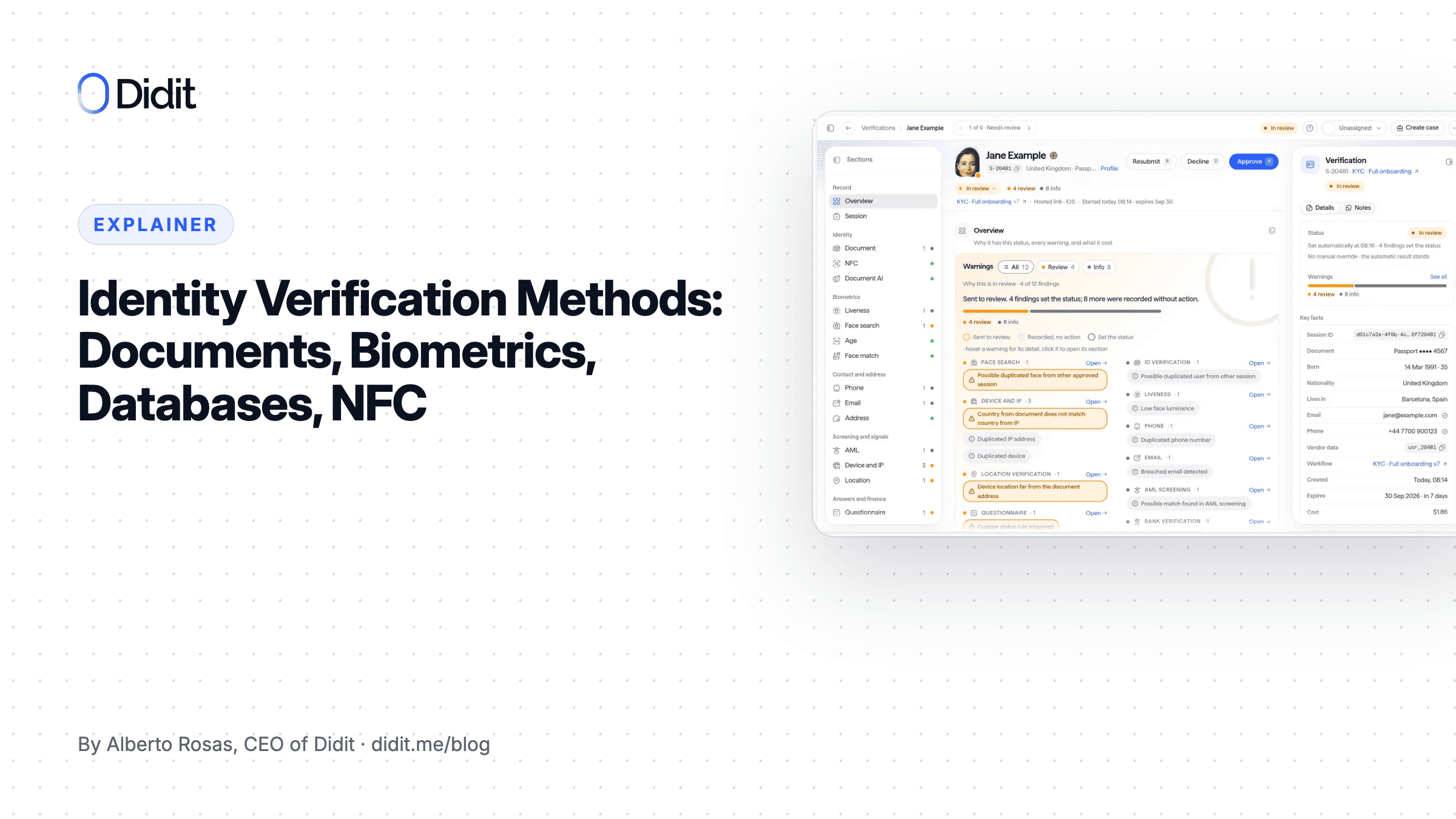 Identity Verification Methods: Documents, Biometrics, Databases, NFC
Identity verification methods are the evidence a check collects: a captured document, a biometric, an authoritative database record, an NFC chip read or a digital ID wallet sign-in.
Alberto RosasNov 26, 2026 How to Verify a Business: KYB Documents, Registries and APIs
Verify a business by joining a company registry lookup, UBO and officer extraction, corporate document cross-checks and company plus person AML on one session, then acting on that session's status.
Alberto RosasNov 26, 2026 Automated KYC Checks in 8 Steps: Cut Manual Review (2026)
Automated KYC runs document capture, liveness, face match, device and IP analysis and watchlist screening, then sends only sessions that breach your rules to a human queue.
Alberto RosasNov 26, 2026Questions
Frequently asked questions
How do I add age verification to a website with a popup?
Create a Didit workflow with the Liveness step and age estimation enabled, set age_estimation_decline_threshold, then create a session with POST /v3/session/. Open the returned session.url in the Didit JavaScript SDK modal or the InContext iframe. The user stays on your page, and the age result is read from liveness_checks[].age_estimation in the decision or from the webhook.
Can I add age verification with an API instead of a popup?
Yes. Send one selfie to POST https://verification.didit.me/v3/age-estimation/ with your API key in the x-api-key header. The call returns a predicted age, a passive liveness score, and a warnings array. The standalone API is billed per completed check, and a successful 200 response consumes one Age Estimation credit.
How accurate is Didit Age Estimation?
Didit publishes a mean absolute error of 1.1 years for ages 16 and 17, and 1.9 years for ages 18 to 20. The model correctly classifies 96% of selfies as under 18 or 18 and over. Accuracy is why a borderline result should go to document verification.
What happens when a user is close to the age threshold?
The model error grows near the limit, so do not treat a borderline estimate as a final answer. Route that user to full KYC, which adds ID document verification, passive liveness, face match, and device and IP analysis.
Does Didit store the selfie?
It depends on save_api_request. The default is true, which persists the call as a session, stores the face crop and reference image, and adds the face embedding to your application face index. Set it to false for a one-off decision with no storage. The Delete Session API removes a stored session and its data.
How much does age verification cost?
Didit Age Estimation is $0.10 per check and a full KYC check is $0.33. The Free plan includes $10 of monthly credit for eligible organizations, which buys 100 age checks at list price. Growth is $99 a month with $115 of credit and 4% off every price; Scale is $299 a month with $350 of credit and 10% off. The worked example above shows the arithmetic at volume.
Is a selfie age check legal proof of age?
No. Didit documents Age Estimation as model-predicted from the face, not verified against a document, so it fits age gates and low-friction checks, not legal proof. Use ID document verification when the product or jurisdiction requires document proof.
How do I test age verification without spending credits?
Use the Didit sandbox. Sandbox testing is free and unlimited on every plan. Sandbox API keys skip processing and billing after request validation, and return a static Approved mock payload. Malformed input still returns 400.
Which warnings should I handle?
Handle AGE_BELOW_MINIMUM, AGE_NOT_DETECTED, LOW_LIVENESS_SCORE, NO_FACE_DETECTED, LIVENESS_FACE_ATTACK, and MULTIPLE_FACES_DETECTED. Any warning makes the status Declined; Approved only happens when the warnings array is empty.
How do I audit an age check?
Keep the request_id or session_id, the status, the warnings, and the decision_trace. Audit log retention is 30 days on Free, 1 year on Growth, and 3 years on Scale with export. If you set save_api_request=false, the request id cannot be looked up later, so store your own decision record.
Does the popup work on mobile?
Yes. The JavaScript SDK and the InContext iframe work in mobile browsers, and Didit also documents a WebView route for iOS and Android when a native SDK is not available. The flow needs camera permission. Camera permission and the chosen browser or WebView configuration still need to be validated in your target device matrix.
Can I use age verification for gambling, alcohol, or adult content?
You can use it as a first gate, but check the local rule for the product. Where the rule requires document proof, use full KYC instead of a selfie estimate. Didit covers 220+ countries and 14,000+ document types, and a published price does not establish production availability for every method.
Compliance built in
Audited, certified and attested.
We hold the certifications and build each country's rules into your flows, so you can launch anywhere without worrying. Security and Compliance center
- Regulation encoded into your flows
Tell us what you do and where. Didit lists the rules that apply to you, with sources, and builds the checks each country needs into one workflow.
- Ready for AMLR
Every requirement of the new EU anti-money laundering rules, from checking customers to human review, is already covered by a Didit check.
- Tested in Spain's Treasury sandbox
Spain's Treasury published its supervised sandbox report on Didit's NFC plus active liveness onboarding; SEPBLAC took part and valued the added measures positively.
- Audited, not self-declared
iBeta Level 1 and Level 2. Liveness tested under ISO/IEC 30107-3.
Your obligations · 3 regions
 SOC 2 Type 2
 ISO 27001
 iBeta Level 1 and Level 2
 EU regulator attestation
 FSM youth protection
 GDPR
 EBA remote onboarding
 MiCA compatible
 FIDO Alliance member
- AMLREU AML Regulation ready
Integration · Didit MCP
Run Didit from your own AI agent
Connect Didit to Claude, Cursor, VS Code or ChatGPT and just ask in plain words. Your agent can do anything you can do in the console, with the same permissions you have.
 Add to Claude
 ChatGPT
 Cursor
- Build workflowsDescribe the checks you need. The agent creates and publishes the flow.
- Run investigationsAsk why a session was declined, review cases, search people and companies.
- Change rulesCreate payment rules, test them on past data and switch them on.
- Pull reportsAsk for numbers, exports or the audit log.
Didit Academy