Database Validation Match Types: Full Match, Partial Match and No Match
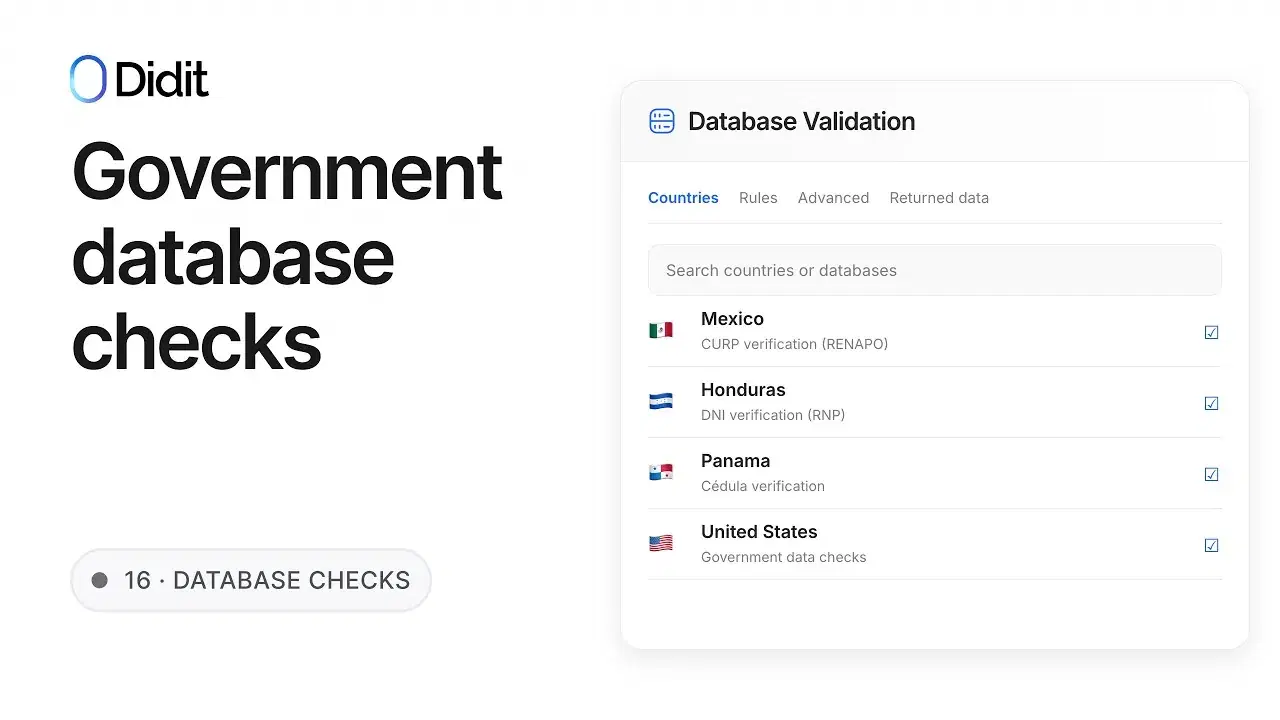
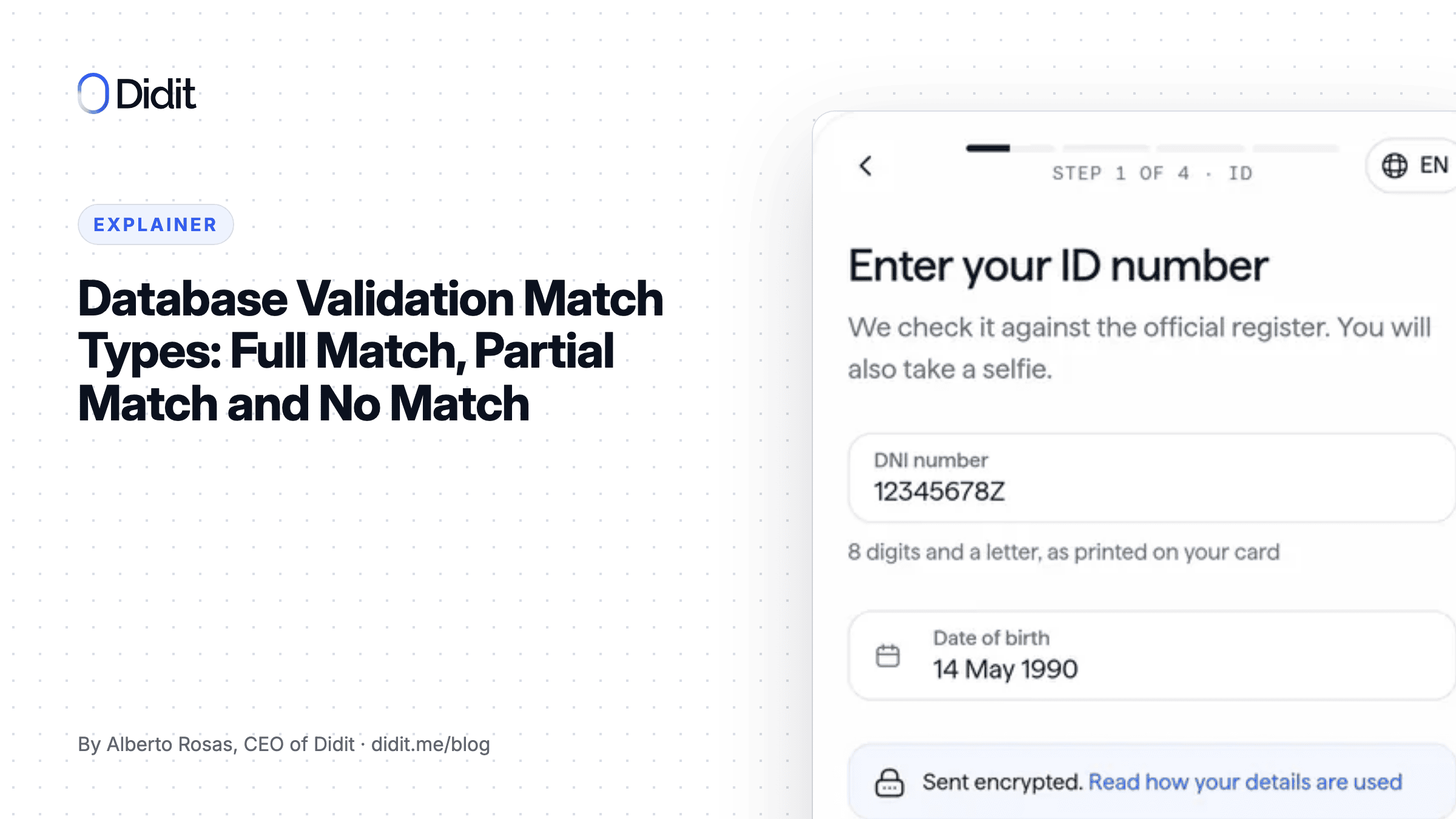
Database validation returns one of three match types: full match (the submitted details match the registry record), partial match (some fields differ, so the workflow applies its configured partial-match action) and no match.
 Alberto RosasCo-founder and CEO
Contents
In this guide
Jump to the part you need.
This page is for developers and compliance teams who route Didit Database Validation results into a decision. Every call returns one of three match types: full_match, partial_match or no_match. Database Validation starts at $0.05 per check, and the price is set per service rather than per country. The caveat: a full match can support an Approved outcome, but the partial-match and no-match actions you configure on the workflow decide how exceptions route.
Last updated: November 26, 2026. Prices checked against the live Didit price feed on November 26, 2026.
match_type | What the registry returned | Field picture | Warning raised | Usual routing |
|---|---|---|---|---|
full_match | A record exists and the submitted data matches it | Every compared field matches | No Database Validation match warning is expected | Can support an Approved outcome |
partial_match | A record exists but some submitted fields differ | Some of the identifier, name, date of birth or address fields match | DATABASE_VALIDATION_PARTIAL_MATCH | In Review, or Declined, as configured |
no_match | No record for the submitted identifier | No field evidence to compare | DATABASE_VALIDATION_NO_MATCH | Declined, or review, as configured |
Start free in the sandbox at business.didit.me with no sales call. If you are building with an AI assistant, connect Didit through the MCP server, and read every rate on the pricing page.
One case has no match type at all, and it is worth knowing before anything else. When the input a service needs is missing, the workflow skips the service rather than calling it, does not bill it, and raises a warning on the session. That is a data-collection or configuration gap, not a failed check.
What a database validation match type is
A match type is the single value Didit returns for a Database Validation call to summarise how the submitted identity data compared with the authoritative record: full_match, partial_match or no_match. It is the value you branch on, and it is not the same thing as the per-field evidence or as the session status.
You meet the match type in three documented places. The standalone server-to-server response returns it inside a database_validation object. The session decision returns it inside the database_validations[] array on GET /v3/session/{sessionId}/decision/. Webhook payloads carry the same decision object, so the match type arrives with the event instead of needing a second call.
The fields that come back with a match type
A match type on its own tells you the verdict. The rest of the object tells you why, and that is what a reviewer needs when a case goes to manual review.
| Field | Where it sits | What it tells you |
|---|---|---|
match_type | Top of the response | The aggregated outcome across every service the request used |
validation_type | Top of the response | Which kind of validation ran |
services_used | Top of the response | The services that answered, such as a national identifier service |
match_score | Top of the response | A single score for the comparison |
validations[] | Top of the response | One entry per service that ran, each with service, status, matched_fields and record_details |
matched_fields | Inside each validations[] entry | Which of identification_number, first_name, last_name, date_of_birth and the address fields matched |
record_details | Inside each validations[] entry | The underlying registry record when the service returns one |
status | Response and session | Approved, In Review or Declined, set by the partial-match and no-match actions configured on the workflow |
warnings[] | Response and session | Risk codes, including the four DATABASE_VALIDATION codes |
database_validation_not_performed_reason | Session decision | Why a configured validation produced no result when database_validations is null |
In a multi-instance workflow each report also carries a node_id that pins it to the workflow node that produced it. A workflow with two Database Validation steps therefore returns two entries, and you should read the node_id before you read the match type. The full schema is in the data models reference.
Reading each match type
full_match
A record exists at the authoritative source and the submitted data matches it. This is the strongest result the service can give: the identifier was found, and the name, date of birth and other compared fields agree with the record. A fabricated number cannot produce it, and a real identifier submitted with somebody else's name or date of birth does not match the fields the registry holds.
Worked example. A user submits issuing state BRA, identification_number 00000000191, first name Jane, last name Doe, date of birth 1990-01-15. The registry answers, the identifier is found, and every compared field matches. The response carries match_type: "full_match". A full match can support an Approved outcome, while the workflow's configured partial-match and no-match actions determine how those exceptions route. If the workflow also runs ID document verification, liveness and face match, those results stand on their own and are evaluated too.
partial_match
A record exists but some of the submitted fields differ from it. The identifier is real, so this is not a synthetic identity in the way a no_match usually is, but something in the submitted data does not line up. A married name, a truncated compound surname or a mistyped date of birth all land here. The service raises DATABASE_VALIDATION_PARTIAL_MATCH, and the partial-match action configured on the workflow decides whether the session goes to In Review or straight to Declined. In review, the reviewer opens matched_fields and sees which field disagreed.
Worked example. Same CPF, same date of birth, but the submitted surname is a married name and the registry holds the maiden name. matched_fields shows identification_number and date_of_birth, and last_name is absent. The reviewer checks the name-change evidence, not the whole identity, because the match already told them where the gap is.
no_match
No record exists for the submitted identifier. Didit's documentation is direct about the reading: treat it as a synthetic identity per your policy. A number that is not in the official database at all was either invented or belongs to nobody.
Worked example. A user submits a CPF that is one digit away from a valid check digit pattern. The service returns match_type: "no_match" with DATABASE_VALIDATION_NO_MATCH. Your policy decides whether that is an automatic Declined or a manual review before the decline, and you configure that no-match action on the workflow rather than in your application code.
Warnings and the no-result cases
Four risk codes cover the whole Database Validation surface, and two of them are not match types at all. This is where most routing bugs come from.
| Warning code | When it is raised | What to do |
|---|---|---|
DATABASE_VALIDATION_PARTIAL_MATCH | The record exists but some submitted fields differ | Read matched_fields and apply the configured partial-match action |
DATABASE_VALIDATION_NO_MATCH | No record for the submitted identifier | Apply your synthetic-identity policy |
COULD_NOT_PERFORM_DATABASE_VALIDATION | Every selected upstream service failed and no answer came back | The request is not billed. Retry later or fall back to OCR only |
DATABASE_VALIDATION_NOT_APPLICABLE | The service did not apply to this case | Do not read it as a pass or a fail. Check database_validation_not_performed_reason |
Two behaviours sit outside the match types. In the standalone API, an ineligible service for the issuing state, a missing required field or a missing consent flag returns HTTP 400, and no check runs. A provider-wide failure returns HTTP 502 with a validation_errors[] array, writes a COULD_NOT_PERFORM_DATABASE_VALIDATION log, and is not billed. The full catalogue is on the warnings page.

How to call it and route the result
There are two documented modes. Use the standalone call when you already hold the identity data and want a one-shot registry check. Use the session decision when Database Validation runs as a step in a workflow. Pick one before you write routing code.
Standalone call
curl -X POST 'https://verification.didit.me/v3/database-validation/' \
-H "x-api-key: $DIDIT_API_KEY" \
-F "issuing_state=BRA" \
-F "identification_number=00000000191" \
-F "first_name=Jane" \
-F "last_name=Doe" \
-F "date_of_birth=1990-01-15" \
-F "vendor_data=user-1234"
The response returns request_id and a database_validation object with match_type, validation_type, services_used, match_score, a validations[] array and warnings[].
Session decision
Read the decision, loop over database_validations, and branch on match_type. Do not invent a fourth branch: there are three values, and the no-result cases are handled through warnings and the null array, not through a match type.
GET https://verification.didit.me/v3/session/{session_id}/decision/
Header: x-api-key: YOUR_API_KEY
for (const dv of decision.database_validations ?? []) {
switch (dv.match_type) {
case "full_match": // continue the flow
break;
case "partial_match": // open matched_fields, send to review
break;
case "no_match": // apply the synthetic-identity policy
break;
}
}The session status is already set by the partial-match and no-match actions you configured on the workflow, and the match type stays on the decision payload for the review note. When a reviewer overrides a decision by hand, the decision object records it in status_override, and decision_trace shows whether the status was decided manually or automatically along with the warning counts that drove it. The status strings are case-sensitive and include spaces, so compare them exactly. Statuses are documented in verification statuses, the decision shape in retrieve session, and the event delivery in webhooks.
Worked cost example
Database Validation is priced per service, not per country, so the rate depends on which source answers. The lowest published rate is $0.05 per check for the Dominican Republic, the most expensive specialist sources reach $7.00, and Finland National ID is $2.10. The per-service table is in the Database Validation pricing docs.
Take 1,000 users on a workflow that runs Database Validation plus the standard KYC steps, which cost $0.33 per check: ID document verification $0.15, passive liveness $0.10, face match 1:1 $0.05 and device and IP analysis $0.03.
- Dominican Republic path: $0.05 x 1,000 = $50.00 for validation, plus $0.33 x 1,000 = $330.00 for the KYC steps. Total $380.00, or $0.38 per user.
- Finland path: $2.10 x 1,000 = $2,100.00 for validation, plus $330.00 for the KYC steps. Total $2,430.00, or $2.43 per user.
- Attempt arithmetic: two completed attempts in one flow mean two charges, so $0.05 x 2 = $0.10 on the Dominican Republic path, and when several database services answer one attempt their prices are added together.
Growth takes 4% off every Didit price and Scale takes 10%. The current rates, plans and the cost estimator are on didit.me/pricing, and every number is available as JSON at didit.me/pricing.json.
How Didit implements database validation
Database Validation checks a person's identity data against the authoritative source for that country: the national civil registry, tax authority, electoral roll, credit bureau or biometric registry that issued the document in the first place. It covers 60+ live countries and reaches 1,000+ government data sources, as one of the 25+ modules used by 4,000+ companies. The product documentation is at Database Validation API.
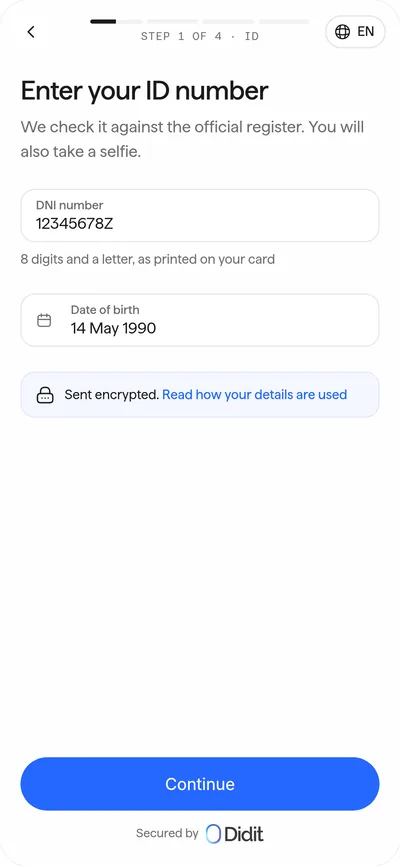
Each check returns a per-field match on identification_number, first_name, last_name, date_of_birth and the address fields when the service uses them, plus the aggregated outcome and the record details when the source returns them. You send identification_number as a universal field and Didit maps it to the CPF, RUT, CURP, DNI or equivalent for the issuing_state. Omit services to run the country's default service, or pass specific service ids to choose which services run.
Three implementation details matter when you read a match type. Argentina through RENAPER and Panama through the Tribunal Electoral SIB and SIB Plus accept an extra selfie and gender for biometric face match against the registry photo, and those biometric outcomes surface through the per-service outcome_code, for example BIOMETRIC_NO_MATCH, rather than as a fourth match type. Services flagged requires_consent=true in the catalogue need consent=true, otherwise the call returns HTTP 400. Billing follows completed attempts, so partial matches and no matches are charged and a multi-service request can produce multiple usage events.
Database Validation also runs as a step inside a workflow, where the fields are fed in automatically from the steps in front of it, including ID Verification, NFC, liveness, phone or email verification, proof of address, Document AI or a questionnaire. An ID Verification step is not required. If you want the no-document version of the same lookup, see non-document ID verification, which uses your organization's Database Validation service pricing. The integration prompt covers both modes end to end.
Common mistakes
- Treating
match_typeas the final decision. The status comes from the partial-match and no-match actions configured on the workflow, and a reviewer can still override it. - Reading the top-level
match_typeand skippingvalidations[]. Withoutmatched_fieldsthe reviewer cannot see which field failed. - Retrying blindly on HTTP 502. That is an upstream failure, it is not billed, and the documented options are to retry later or fall back to OCR only.
- Sending a service id that is not eligible for the
issuing_state, which returns HTTP 400 instead of a match type. - Forgetting
consent=truefor services flaggedrequires_consent. - Ignoring
database_validation_not_performed_reasonwhendatabase_validationsis null. A missing array is not the same as ano_match. - Grepping for a warning that means pass or fail.
DATABASE_VALIDATION_NOT_APPLICABLEmeans the service did not apply, and it should be handled separately from a failed match.
Sources
- Didit docs: Database Validation API overview
- Didit docs: Database Validation warnings
- Didit docs: Database Validation report
- Didit docs: Database Validation outcome codes
- Didit docs: Non-document ID verification
- Didit docs: Verification statuses
- Didit docs: Data models
- Didit docs: Retrieve session
- Didit docs: Workflow builder
- Didit docs: Webhooks
- Didit docs: Integration prompt
- Didit docs: Database Validation pricing
- Didit docs: Pricing and billing
- Didit pricing page and pricing as JSON
- Didit product facts for AI agents
Next step: create a free sandbox application at business.didit.me, run a Database Validation call against your own test data, and watch which match type comes back and which warning it raises. No sales call, no procurement cycle.
Try it
Try this in the sandbox
Run the check this guide describes, free.
The product this post is about, taken from its topic. Run it free in the sandbox.
Author
Alberto Rosas
Co-founder and CEO

Keep reading
Other guides in the same topic.
 KYB E-Signatures: How Company Representatives Sign in 2026
Add an E-signature step to your KYB workflow after Key People, set signature_level to aes and signature_signer to legal_representative. Each representative completes KYC, signs in the hosted flow, and Didit returns the signed.
Alberto RosasNov 26, 2026 How to Configure Didit ID Verification Methods per Country
Turn on national ID lookup for a country by enabling it under the methods key of the ID Verification feature config, keyed by ISO 3166-1 alpha-3. Omit it and the country stays document capture only.
Alberto RosasNov 26, 2026 French National ID Card 2D-Doc Verification API (2026)
Didit decodes the ANTS 2D-Doc barcode on a French national ID card, verifies its signer certificate against the ANTS trust list and cross-checks visual zone and MRZ. ID Verification is $0.15 per check.
Alberto RosasNov 26, 2026Questions
Frequently asked questions
What do full_match, partial_match and no_match mean in database validation?
They are the three values of match_type on a Didit Database Validation result. full_match means a registry record exists and the submitted data matches it, partial_match means a record exists but some fields differ, and no_match means no record exists for the submitted identifier. The per-field detail behind each value is in matched_fields.
What is the difference between match_type and the session status?
match_type describes one check: how the submitted data compared with the registry. The session status, one of Approved, In Review, Declined and the other session values, is the outcome for the whole session. Didit sets the session status from the partial-match and no-match actions you configure on the workflow, so a partial_match can resolve to In Review in one workflow and to Declined in another.
Does a no_match get billed?
Yes, when a service answered and returned no match. Billing follows completed attempts, and partial matches and no matches count as completed attempts. A provider failure that returns no answer is different: the request is not billed and a COULD_NOT_PERFORM_DATABASE_VALIDATION log is written.
Which fields does Didit compare in a database validation?
Didit compares identification_number, first_name, last_name and date_of_birth, plus address fields when the service for that country uses them. Each field that matches appears in matched_fields inside the relevant validations[] entry, alongside the record_details the source returned.
What should I do when the result is partial_match?
Open matched_fields and apply the partial-match action configured on the workflow, which routes the session to In Review or Declined. Some fields matched and others did not, which usually means a name change, a truncated surname or a mistyped date of birth rather than a fabricated identity. The warning code on the session is DATABASE_VALIDATION_PARTIAL_MATCH.
What does COULD_NOT_PERFORM_DATABASE_VALIDATION mean and am I charged?
It means every selected upstream service failed and no answer came back. The request is not billed, and Didit writes a log with that risk code. The documented options are to retry later or fall back to OCR-only verification.
Why is database_validations null on my session?
When a configured Database Validation produces no result, the session decision carries a database_validation_not_performed_reason instead of the array. Read that field before you conclude anything about the user. A null array is a tooling or configuration event, not a no_match.
What is DATABASE_VALIDATION_NOT_APPLICABLE?
It is one of the four Database Validation warning codes and it means the service did not apply to this case. It is neither a pass nor a fail, so it should not feed an approval rule. Combine it with database_validation_not_performed_reason and with the other checks on the session.
Does a full_match prove the person is real and present?
It proves the submitted identity data matches a record the authoritative source holds. Presence is a separate question, answered by biometrics. Where the registry holds an official photo, as in Argentina through RENAPER and Panama through the Tribunal Electoral, a selfie is face matched against the registry portrait inside the lookup, and biometric outcomes appear as a per-service outcome_code such as BIOMETRIC_NO_MATCH.
How much does a database validation check cost?
The price is set per service, from $0.05 per check for the Dominican Republic up to $7.00 for the most expensive specialist sources, with Finland National ID at $2.10. Database Validation is priced per service, so the rate varies with the source that answers, and plan fees are listed on the Didit pricing page. The exact rate for the service you plan to call is in the per-service pricing table in the Didit docs.
Can I query database validation results from an AI assistant?
Yes. Didit runs an MCP server at https://mcp.didit.me/mcp with OAuth sign-in, available on every plan at no extra cost, so an assistant can call Didit tools directly. The server details and setup are at didit.me/developers/mcp.
Compliance built in
Audited, certified and attested.
We hold the certifications and build each country's rules into your flows, so you can launch anywhere without worrying. Security and Compliance center
- Regulation encoded into your flows
Tell us what you do and where. Didit lists the rules that apply to you, with sources, and builds the checks each country needs into one workflow.
- Ready for AMLR
Every requirement of the new EU anti-money laundering rules, from checking customers to human review, is already covered by a Didit check.
- Tested in Spain's Treasury sandbox
Spain's Treasury published its supervised sandbox report on Didit's NFC plus active liveness onboarding; SEPBLAC took part and valued the added measures positively.
- Audited, not self-declared
iBeta Level 1 and Level 2. Liveness tested under ISO/IEC 30107-3.
Your obligations · 3 regions
 SOC 2 Type 2
 ISO 27001
 iBeta Level 1 and Level 2
 EU regulator attestation
 FSM youth protection
 GDPR
 EBA remote onboarding
 MiCA compatible
 FIDO Alliance member
- AMLREU AML Regulation ready
Integration · Didit MCP
Run Didit from your own AI agent
Connect Didit to Claude, Cursor, VS Code or ChatGPT and just ask in plain words. Your agent can do anything you can do in the console, with the same permissions you have.
 Add to Claude
 ChatGPT
 Cursor
- Build workflowsDescribe the checks you need. The agent creates and publishes the flow.
- Run investigationsAsk why a session was declined, review cases, search people and companies.
- Change rulesCreate payment rules, test them on past data and switch them on.
- Pull reportsAsk for numbers, exports or the audit log.
Didit Academy