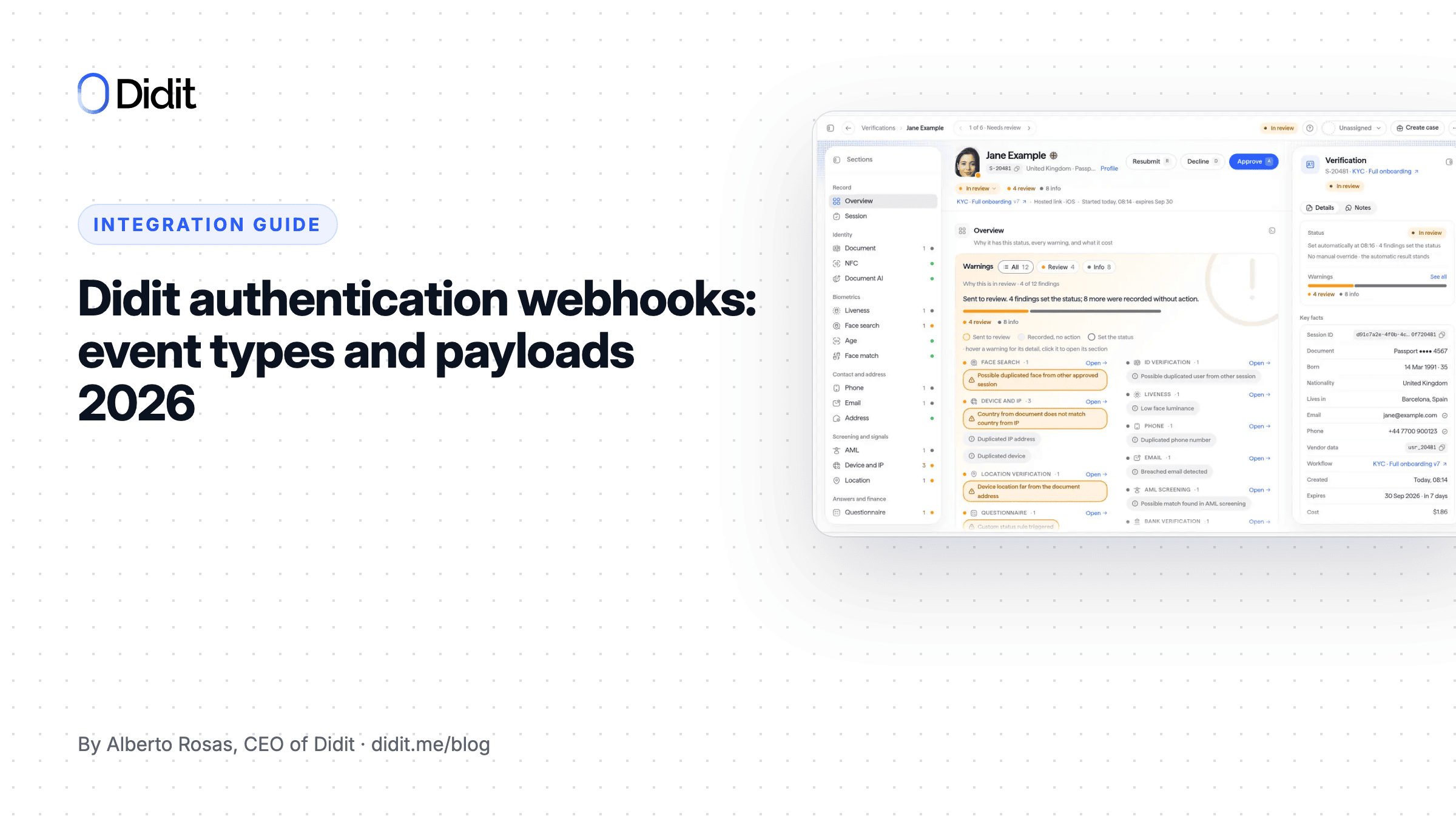
Didit authentication webhooks: event types and payloads 2026
Didit emits eight authentication webhook types, from sign-up to a new device. Each event carries method, IP address and device context; the documented auth.new_device sample also includes an authentication summary.
 Alberto RosasCo-founder and CEO
Contents
In this guide
Jump to the part you need.
Didit Authentication sends eight auth.* webhook types to the destinations you subscribe, from auth.signup to auth.new_device. It fits teams already signing people in with Didit whose backend must act on sign-ins as they happen. The first 50,000 authentication active users each month are free, then $0.02 per active user per month. Caveat: only subscribed destinations receive events, and you must not post your own auth.login.
Last updated: November 26, 2026. Prices checked against the live Didit price feed on November 26, 2026.
The eight authentication webhook types at a glance
| Webhook type | Fires when | What the payload always carries |
|---|---|---|
auth.signup | A person creates an account | method, IP, device |
auth.login | A sign-in succeeds | method, IP, device |
auth.login_failed | A sign-in attempt fails | method, reason, IP, device |
auth.new_device | A sign-in from a device that matches neither a device ID nor a fingerprint the person has used before | device fingerprint, label, persistent device ID |
auth.password_reset_requested | Someone uses forgot password | method, IP, device |
auth.password_reset_completed | A password reset finishes | method, IP, device |
auth.mfa_changed | An authenticator is added or changed | method, device, authentication.mfa_enabled |
auth.account_locked | An account is locked or blocked | reason, IP, device, authentication.status |
Start free in the sandbox at business.didit.me, no sales call. If you build with an AI assistant, connect it to the same console data through the Didit MCP server. Every price is on the pricing page, and the product documentation starts at the authentication overview.
How auth webhooks fit a Didit sign-in
A production Didit sign-in has four parts. Your app starts the flow and holds the tokens. Your sign-in origin, at https://<slug>.auth.didit.me, runs the hosted pages, the token endpoint and the keys. Your backend verifies the access token on every protected request. The Didit console holds configuration, people, sessions and events, and it dispatches the auth.* webhooks your server subscribes to.
The consequence worth knowing before you write any code: Didit Authentication sends its own activity to Didit automatically, so you do not submit sign-in events yourself. Each event lands on the person with the same vendor_data, next to their verifications and transactions, which is why an auth.new_device webhook and a KYC session point at the same person record.

Prerequisites
| Requirement | What you need | Where it is set |
|---|---|---|
| Plan | A Sandbox application. Sandbox testing is free and unlimited, it is never billed, and it includes every plan's features. Authentication bills from the 50,001st active user each month at $0.02. | Business Console application switcher |
| Client | An HTTPS endpoint that returns 2xx, plus the signing secret of the webhook destination. A web or mobile client is optional for webhooks, but you need one to create test sign-ins. | Your server, and the destination settings |
| Permissions | Reading sign-in events needs list:transactions or read:authentication. Changing Authentication settings needs the authentication permission at write. The Authentication management API needs a console session, an owner-approved management grant or an authentication-scoped API key. | Roles and permissions in the console |
| Sign-in method | At least one method turned on, for example Email code. A new application starts with every method off. | Authentication > Sign-in methods |
Setup, step by step
- Open your sandbox application. In the Business Console, use the application switcher to select your Sandbox application, then open Authentication. A Sandbox application accepts
http://localhostcallbacks and is never billed. Live applications turn Authentication on from the Products page. - Turn on a sign-in method. Open Authentication > Sign-in methods and turn on Email code. The hosted page shows only the methods you turn on, and you need one to generate test sign-ins.
- Create a webhook destination and subscribe by name. Subscribe the destination to the
auth.*types you need. Only subscribed destinations receive them, and there is no wildcard, so list every family you want. Use the exact values indestination.subscribed_events:
destination.subscribed_events: [
  "auth.signup",
  "auth.login",
  "auth.login_failed",
  "auth.new_device"
]
Do not register unlisted auth event types with the current destination API, and do not mix the auth.* names with the session, entity and transaction types from the webhook integration guide. The full field reference is on Authentication events and webhooks.
- Verify the signature before you parse. Read the raw request body, then check
X-Timestampis within 300 seconds of now, recompute the HMAC-SHA256 with your destination secret, and compare with a constant-time comparison.X-Signature-V2covers the sorted, Unicode-preserved canonical JSON and is the header we recommend. Accept a match onX-Signature-V2-Previoustoo, because it is sent for 24 hours after you rotate a destination secret. - Return 2xx fast and make the handler idempotent. Parse by
webhook_typeand key your own writes onevent_id. Retries are bounded on our side, so a handler that keeps returning an error will lose the event for that destination. - Send a sample, then generate real ones. Use Try Webhook in the console to send a sample of each subscribed type, then create real sign-ins with your hosted page. Confirm both in the person's Events tab and on Authentication > Sign-ins.
Event mapping: what fires, what is stored, what is sent
The stored event name and the webhook name are not always the same. Password resets and new-device sign-ins are stored under auth.* and security.* names but sent as auth.* webhooks. Four stored event names have no webhook.
| Sign-in activity | Stored as | Webhook |
|---|---|---|
| Sign-up | auth.signup | auth.signup |
| Sign-in | auth.login | auth.login |
| Failed sign-in | auth.login_failed | auth.login_failed |
| Sign-out, or a session revoked | auth.logout | None |
| Forgot password | auth.password_forgot | auth.password_reset_requested |
| Password reset | auth.password_reset | auth.password_reset_completed |
| Password changed | security.password_changed | None |
| Authenticator added or changed | security.mfa_changed | auth.mfa_changed |
| Sign-in from a new device | security.device_changed | auth.new_device |
| Account locked or blocked | security.account_locked | auth.account_locked |
| Agent access approved or revoked | security.agent_access_approved, security.agent_access_revoked | None |
A new device is a device that matches neither a device ID nor a fingerprint the person has signed in from before, which is why auth.new_device is stored as security.device_changed rather than as a login variant. Bot protection decisions are also stored as auth.* events, so they appear on the person's timeline next to the rest of their activity.
The new device webhook payload, field by field
This is the shape of the auth.new_device sample the console sends with Try Webhook. The envelope carries webhook_type and an event_id, the sign-in detail sits under auth_event, the device context is its own object, and the person's sign-in summary repeats as authentication.
{
  "webhook_type": "auth.new_device",
  "event_id": "0b6f2a71-3c4d-4e5f-8a9b-0c1d2e3f4a5b",
  "auth_event": {
    "event_id": "0b6f2a71-3c4d-4e5f-8a9b-0c1d2e3f4a5b",
    "event_uuid": "7d1c9e34-2a8f-4b61-9c0d-5e6f7a8b9c1d",
    "method": "password",
    "reason": null,
    "ip_address": "203.0.113.24"
  },
  "device": {
    "fingerprint": "fp_9c1d2e3f4a5b",
    "label": "Chrome on macOS",
    "persistent_device_id": "dev_5e6f7a8b9c1d"
  },
  "authentication": {
    "status": "ACTIVE",
    "methods": ["password", "passkey"],
    "mfa_enabled": true,
    "last_sign_in_at": "2026-10-14T09:12:44Z"
  }
}| Field | What it means | How to use it |
|---|---|---|
webhook_type | The exact event name you subscribed to | Route on it, never on a prefix match |
event_id, auth_event.event_id and auth_event.event_uuid | The identifiers shown in the documented sample | Key your own writes on one of them, so a retried delivery is handled once |
auth_event.method | How the person signed in, for example password or passkey | Method-level policy, adoption reporting |
auth_event.reason | Why a sign-in failed or an account locked | Support answers and lockout copy |
auth_event.ip_address | The address the sign-in came from | Your own allowlists, geo checks, alerting |
device.fingerprint | The device fingerprint | Detect one device used by several people |
device.label | A readable device name | Show it in a "was this you" message |
device.persistent_device_id | The device ID that survives visits | Remember trusted devices |
authentication.status | ACTIVE, LOCKED (by a security policy) or BLOCKED (by your team) | Gate access without a second API call |
authentication.methods | Every method the person has enrolled | Decide which step-up to offer |
authentication.mfa_enabled | Whether a second factor exists | Prompt enrollment on risky actions |
authentication.last_sign_in_at | The previous sign-in time | Spot gaps that deserve a re-check |
The same sign-in summary is returned on /v3/users/ as authentication, and it is null for a person with no sign-in identity. A person who has never set up sign-in has no summary to compare against, so treat a missing summary as "no baseline yet" rather than as a device change.
Why login events are stored twice, and why a webhook does not fire
If you also post your own auth.login events to /v3/events/ for the same sign-ins, they are stored twice: two rows in the console for one sign-in. Your copy does not update the person's sign-in summary and does not send auth.* webhooks. Stop posting them and keep the events Didit sends automatically.
If nothing fires at all, check these in order:
- The destination is subscribed to that exact type. There is no wildcard, and only subscribed destinations receive events.
- You are looking at the same application and environment you configured. Live and sandbox applications have separate settings and separate people.
- Event delivery is turned on for your application. Authentication is new and Didit turns delivery on per application, so Try Webhook is a quick way to tell a configuration problem from a delivery problem.
- Your endpoint accepted the delivery. Failed deliveries are recorded by the webhook destination failure activity API, which lists
failure_alertentries withoccurred_atandfailure_count, newest first, using limit and offset pagination. - The attempt itself exists. Open Authentication > Sign-ins and the person's Events tab: if the activity is not there, the webhook cannot be there either, and the fix is in the sign-in settings rather than in the destination.
Rules read the same fields
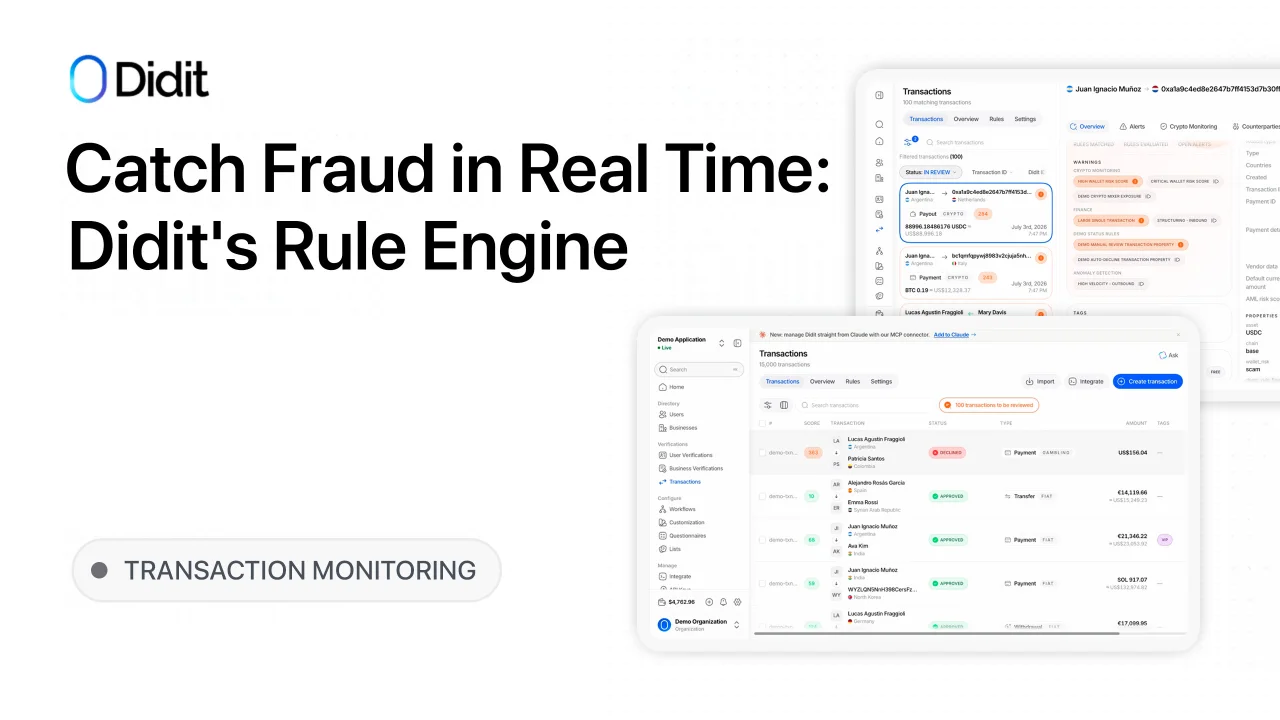
Sign-in events run through the same event rules as your other events, and the Authentication fraud bundle ships four presets: Account takeover, Credential stuffing, New device then a payout, and Impossible travel. Your own rules can read event.category, event.action_type, event.payload.method, event.payload.reason, event.security.changed_field, event.device.fingerprint, event.device.persistent_device_id, event.device.bot_score, event.ip.is_vpn_or_tor, event.ip.is_data_center, event.ip.country, event.ip.travel_distance_km and event.ip.travel_speed_kmh. Two rule actions exist only for sign-in events, sign the person out of every session and block the person from signing in. They are not active yet: until they are, a rule records the action with the status DISABLED and does not apply it. Scoring, status changes, tags, notes, lists and cases work as usual.
Test with sandbox data
Sandbox applications are free, are never billed, and accept http://localhost callbacks. A worked test sequence that exercises most of the surface:
| Action in the sandbox | Expected result | If it fails, check |
|---|---|---|
| Try Webhook on a subscribed type | A sample arrives at your endpoint and returns 2xx | Signature secret and raw body handling; the timestamp window of 300 seconds |
| First sign-in with an email that has no account, Email code on | auth.signup then auth.login | That the destination is subscribed to both types |
| Wrong password on an existing account | auth.login_failed with a reason | That password sign-in is enabled; Email code alone cannot produce this event |
| Sign in from a second browser profile or device | auth.new_device with a device fingerprint and label | That the first sign-in actually completed, since the first device becomes known |
| Forgot password, then complete the reset | auth.password_reset_requested, then auth.password_reset_completed | Word order: the stored names are auth.password_forgot and auth.password_reset |
| Add an authenticator | auth.mfa_changed and authentication.mfa_enabled true | The MFA policy on the application |
| Lock or block the person from the console | auth.account_locked and authentication.status LOCKED or BLOCKED | That the status change saved; the console action clears a temporary lockout and the failed-attempt count |
Every one of those attempts is visible in three places: Authentication > Sign-ins, the person's Events tab, and the console Events page with its fraud views. Reading them needs list:transactions or read:authentication.
What the integration costs on both ends
On the Didit side the metered line is active users, not webhook calls. The first 50,000 authentication active users each month are free, and the price book lists active users after the free allowance at $0.02 per active user per month, which is $0.0192 on Growth and $0.018 on Scale. We publish no separate per-webhook price, so building more destinations does not change the bill.
On your side the cost is the endpoint itself: compute, logs and whatever you already pay to receive HTTPS traffic. We do not quote that, because it depends on your stack and your retention, and any number we invented would be wrong.
Worked example
Take an application with 120,000 authentication active users in a month, and 10,000 of those people going through a full KYC check at sign-up.
- Billable active users: 120,000 minus the 50,000 free allowance = 70,000.
- List price: 70,000 times $0.02 = $1,400.00 for the month.
- On Growth, every Didit price is 4% off: 70,000 times $0.0192 = $1,344.00.
- On Scale, 10% off: 70,000 times $0.018 = $1,260.00.
- The KYC checks are separate and billed per completed check: 10,000 times $0.33 = $3,300.00, so the month totals $4,700.00 at list ($1,400.00 plus $3,300.00) before any plan subscription fee.

Related work
Signature headers, retries and destination rotation are shared with every other Didit webhook, and they are documented once in the webhook integration guide. If you are moving an existing sign-in stack across, start with the authentication quickstart and the switch guide, then add webhooks once token verification works on your server. The pricing page lists the active-user line and every other price we quote here.
Sources
- Didit docs: Authentication events and webhooks
- Didit docs: Webhooks, HMAC signing and retries
- Didit docs: Authentication integration guide
- Didit docs: Authentication quickstart
- Didit docs: Authentication console guide
- Didit docs: Sign-in methods
- Didit docs: Authentication overview
- Didit docs: Webhook destination failure activity API
- Didit pricing and pricing in the docs, both read November 26, 2026
- Didit MCP server setup, read November 26, 2026
Next step: open a Sandbox application at business.didit.me, subscribe one destination to auth.login and auth.new_device, and send yourself a sample with Try Webhook. Sandbox testing is free and there is no sales call.
Try it
Try this in the sandbox
Run the check this guide describes, free.
The product this post is about, taken from its topic. Run it free in the sandbox.
Author
Alberto Rosas
Co-founder and CEO

Keep reading
Other guides in the same topic.
 Screen Contractors Against World Bank, ADB and AIIB Debarment Lists
Didit screens a contractor entity and its owners and officers against the World Bank, ADB, AIIB, IDB, AfDB, EBRD, EIB and CDB debarment registers through business AML in a KYB session at $0.20 per AML check, returning hits.
Alberto RosasNov 26, 2026 Sweden Open Banking API: Read Accounts, Balances, and Transactions from 38 Banks
Create a link with country SWE and data accounts, balances, transactions, send the person to sign in at their bank, then read. 38 Swedish banks, one-time reads, $0.79 per completed sign-in plus add-ons.
Alberto RosasNov 26, 2026 Magic link sign-in that email scanners cannot consume
Didit's hosted magic link lasts 15 minutes, works once and is bound to the browser that asked for it. A scanner that opens it changes nothing; the person confirms, then your app exchanges the code with PKCE.
Alberto RosasNov 26, 2026Questions
Frequently asked questions
What are the Didit authentication webhook event types?
There are eight: auth.signup, auth.login, auth.login_failed, auth.new_device, auth.password_reset_requested, auth.password_reset_completed, auth.mfa_changed and auth.account_locked. You subscribe each one by exact name, because there is no wildcard. Sign-out, password changed and agent access changes are stored as events but send no webhook.
What does the new device webhook payload contain?
The auth.new_device payload carries webhook_type and the envelope event_id, an auth_event object with event_id, event_uuid, method, reason and ip_address, a device object with fingerprint, label and persistent_device_id, and a nested authentication object with the person's sign-in summary. The stored event behind it is security.device_changed. A new device is one that matches neither a device ID nor a fingerprint the person has signed in from before.
Why is my login event stored twice in Didit?
Because you are posting your own auth.login events to /v3/events/ for sign-ins Didit already records. Didit sends its own authentication activity automatically, so your copy is stored a second time, does not update the person's sign-in summary, and does not send auth.* webhooks. Remove your own posts and keep the automatic ones.
Why is my auth webhook not firing at all?
The usual causes are a destination that is not subscribed to that exact type, a webhook configured in the other environment, an endpoint that keeps returning an error, or delivery not yet turned on for your application. Send a sample with Try Webhook first: if the sample arrives, the problem is subscription or environment, not your endpoint. Check the attempt itself under Authentication > Sign-ins as well, because an activity that never happened sends nothing.
How do I verify a Didit auth webhook signature?
Read the raw body before parsing. Check that X-Timestamp is within 300 seconds of now, recompute an HMAC-SHA256 with your destination secret, and compare in constant time. X-Signature-V2 covers the sorted canonical JSON and is the header we recommend. Accept a match on X-Signature-V2-Previous too, since it is sent for 24 hours after a secret rotation.
Does a sign-out send a webhook?
No. A sign-out or a revoked session is stored as auth.logout with no webhook, and the same is true for security.password_changed and the agent access events. Read those through the console events instead. Everything you subscribed to keeps arriving; only these stored-only activities are console-only.
Do failed sign-ins for unknown emails carry vendor_data?
No. A failed sign-in for an unknown or unproven identifier has no vendor_data, and Didit never receives the identifier itself, only a keyed hash of it, so those attempts are never linked to a person. The fraud views still count them per account, which is how credential stuffing shows up.
How does Didit detect a new device?
A new device is a device that matches neither a persistent device ID nor a fingerprint the person has signed in from before. When that happens, Didit stores security.device_changed and sends auth.new_device, with the fingerprint, the readable label and the persistent device ID in the payload. The same event feeds the "New device, then a payout" fraud view and rule preset.
Do the sign-out and block rule actions work for sign-in events?
Not yet. Those two actions exist only for sign-in events, and Authentication is new, so a rule records them with the status DISABLED and does not apply them. Scoring, status changes, tags, notes, lists and cases work normally, so you can still route a suspicious sign-in to review.
Where in the console do I see sign-in events?
Sign-in events appear on the console Events page and on each person's Events tab, and the attempts themselves are listed under Authentication > Sign-ins with state, method, device, location and risk. Reading them needs list:transactions or read:authentication. Opening an event shows its device and network, any protection reason such as bots, stuffing, brute, vpn, travel or attack_mode, and the rules it matched.
What does Didit Authentication cost, and are webhooks billed?
The first 50,000 authentication active users each month are free, then $0.02 per active user per month at list price, with 4% off on Growth and 10% off on Scale. We publish no separate per-webhook price, so adding destinations does not add a Didit charge. Your own endpoint cost is yours to measure.
Compliance built in
Audited, certified and attested.
We hold the certifications and build each country's rules into your flows, so you can launch anywhere without worrying. Security and Compliance center
- Regulation encoded into your flows
Tell us what you do and where. Didit lists the rules that apply to you, with sources, and builds the checks each country needs into one workflow.
- Ready for AMLR
Every requirement of the new EU anti-money laundering rules, from checking customers to human review, is already covered by a Didit check.
- Tested in Spain's Treasury sandbox
Spain's Treasury published its supervised sandbox report on Didit's NFC plus active liveness onboarding; SEPBLAC took part and valued the added measures positively.
- Audited, not self-declared
iBeta Level 1 and Level 2. Liveness tested under ISO/IEC 30107-3.
Your obligations · 3 regions
 SOC 2 Type 2
 ISO 27001
 iBeta Level 1 and Level 2
 EU regulator attestation
 FSM youth protection
 GDPR
 EBA remote onboarding
 MiCA compatible
 FIDO Alliance member
- AMLREU AML Regulation ready
Integration · Didit MCP
Run Didit from your own AI agent
Connect Didit to Claude, Cursor, VS Code or ChatGPT and just ask in plain words. Your agent can do anything you can do in the console, with the same permissions you have.
 Add to Claude
 ChatGPT
 Cursor
- Build workflowsDescribe the checks you need. The agent creates and publishes the flow.
- Run investigationsAsk why a session was declined, review cases, search people and companies.
- Change rulesCreate payment rules, test them on past data and switch them on.
- Pull reportsAsk for numbers, exports or the audit log.
Didit Academy