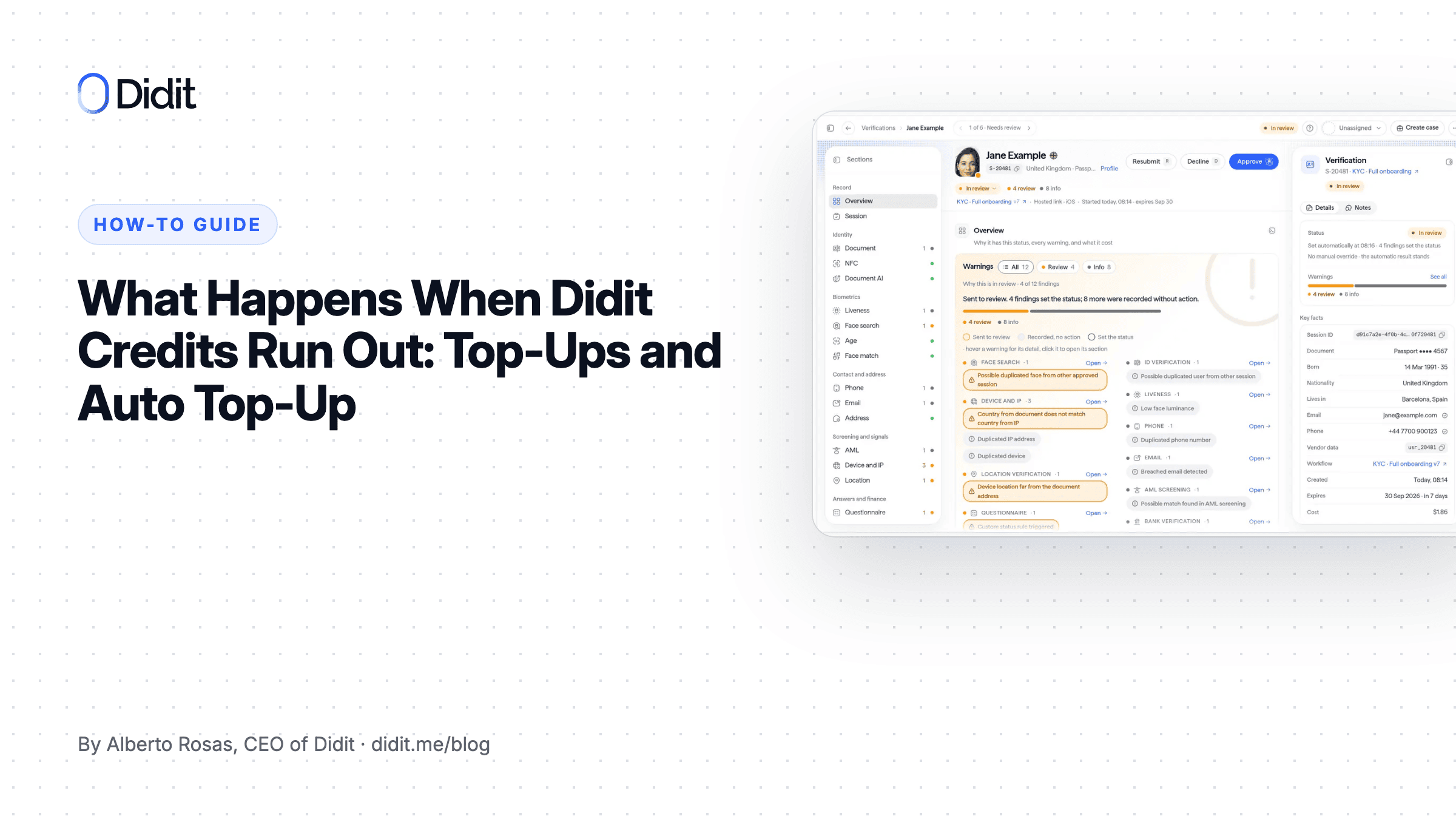
What Happens When Didit Credits Run Out: Top-Ups and Auto Top-Up
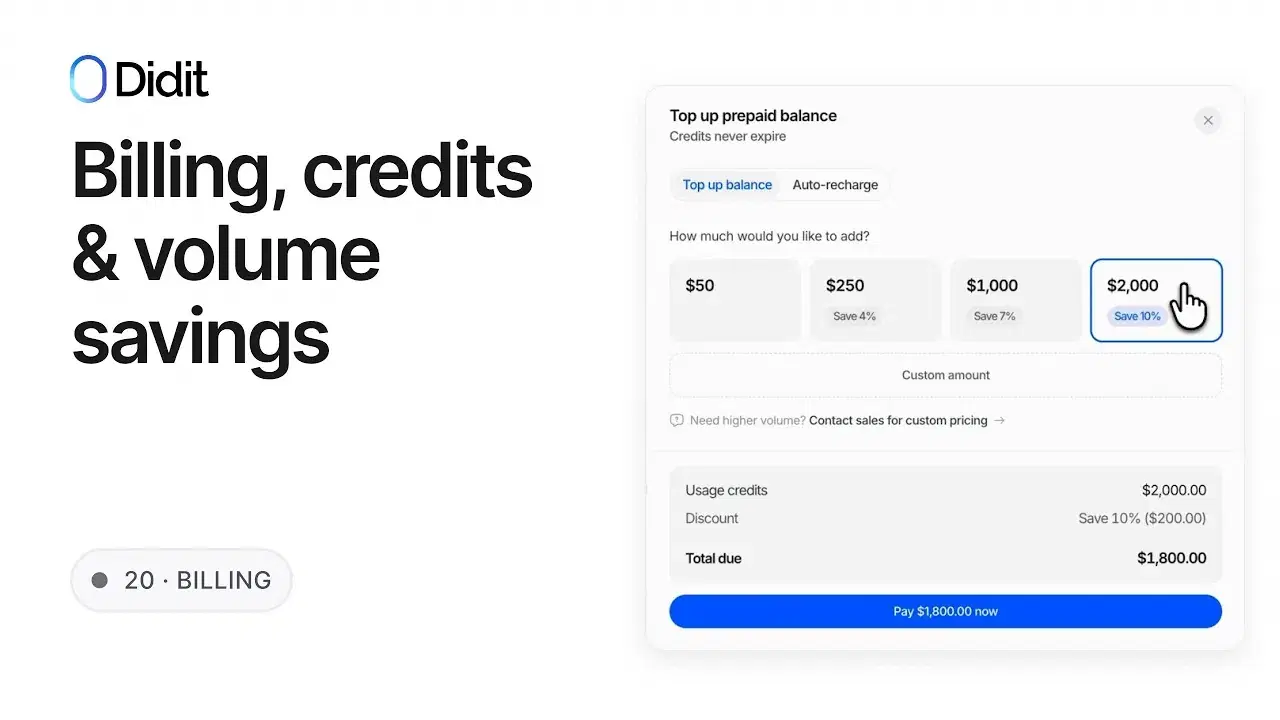
Monthly credit lands on day one and expires at month end, no rollover. Top-ups of $50 to $20,000 last 12 months and are spent oldest first. Without auto top-up, live checks stop until you top up; the sandbox keeps running.
 Alberto RosasCo-founder and CEO
Contents
In this guide
Jump to the part you need.
This page fits teams on the Free, Growth or Scale plan that pay for checks from prepaid credit: plan credit lands on day one of each plan month and expires at month end, with no rollover. Top-ups run $50 to $20,000, are added at face value, last 12 months and are spent oldest first. The main caveat: without auto top-up, live checks stop at a zero balance. The sandbox keeps working.
Last updated: November 26, 2026. Prices checked against the live Didit price feed on November 26, 2026.
| Question | Rule |
|---|---|
| When does plan credit arrive? | On the first day of each plan month, on the yearly plans too. |
| Does unused plan credit roll over? | No. It expires at the end of the plan month. |
| Does plan credit pay for every product? | Every product except Free-plan phone verification codes. |
| How much can I top up? | $50 to $20,000 per top-up, added at face value with no bonus or discount. |
| How long does a top-up last? | 12 months from the day you add it. |
| Which money is spent first? | This month's plan credit, then your oldest top-up. |
| What if the balance reaches zero? | Live checks stop until you top up. The sandbox keeps working. |
| What does auto top-up do? | Adds the amount you choose, $50 to $20,000, each time the balance falls below your threshold. There is no monthly limit. |
| Can Enterprise buy top-ups? | No. Usage beyond the committed credit is invoiced as overage. |
| Is balance bought before November 1, 2026 affected? | No. That balance never expires. |
Start free in the sandbox at business.didit.me (no sales call), and read plans and per-check prices on the Didit pricing page. Developers can connect Didit to an AI assistant through the Didit MCP server.
What happens when your balance reaches zero
When the month's plan credit and every top-up are spent, there is nothing to pay the next check with. Live checks stop. POST /v3/session/ is refused and no session is created, so no user reaches your verification flow. The documented fix is to top up and resend the request.
The sandbox is separate. Sandbox sessions are never billed and the balance check is bypassed, so a sandbox application keeps creating up to 500 sessions every 24 hours per application while your live balance sits at zero. You can keep testing a workflow change, a new document type or a consent screen while billing is sorted out.
We bill per completed check, and a check is charged when it finishes with a result. A busy hour therefore shows up in the balance after the checks complete, not before them.
Which credit error you get, by call
For insufficient-credit responses, the status varies by API family. A 403 does not always mean money: it also covers a missing key, a key without access to the resource, or a call from outside the key's IP list. Read the body, because the credit message is distinct from the permission message.
| Call | Status | Body you get |
|---|---|---|
POST /v3/session/ | 400 | detail telling you there are not enough credits and pointing to business.didit.me |
| Most standalone APIs | 403 | error with the same not-enough-credits message |
POST /v3/bank/account-check/ | 402 | detail plus code set to insufficient_credits |
| Digital ID wallet verification | 403 | error set to insufficient_credits, with a detail |
| Transactions, Travel Rule and address validation | 403 | detail plus code set to insufficient_credits |
| Session create on a contract | 403 | code set to contract_billing_suspended |
Do not retry a credit error on a timer. Top up, then resend. A 429 is different: wait for Retry-After and it resolves on its own.
Two buckets: monthly plan credit and top-up balance
- Plan credit. Lands on the first day of each plan month on Free, Growth and Scale: $10, $115 and $350. It expires at the end of that month and never rolls over. It pays for every product except Free-plan phone verification codes, and it is dollars rather than a count of checks, so you can mix an ID check, an AML check and a wallet screening in the same month.
- Top-up balance. Money you add yourself, $50 to $20,000 per top-up, at face value. A $10,000 top-up buys $10,000 of checks. It pays for every product and lasts 12 months from the day you add it.
- Spending order. Each check uses this month's plan credit first, then your oldest top-up.
- One balance per organization. The balance is shared across every application under the organization, and sandbox checks are never billed.
Phone verification is the one product the Free plan credit does not cover: those codes are paid from a top-up balance, and sending codes also needs a paid Growth or Scale plan or a first top-up. Growth and Scale credit and top-ups pay for Phone in full.

Check the balance before you create a session
Prerequisites: a Didit organization, an API key, and permission to read billing. A full-access key can read billing. A scoped key needs billing read access, and a scoped key without it answers 403 on this endpoint. The call is documented in Get credit balance.
- Copy your API key from the console. Keys belong to one application and one environment, so a Sandbox key never touches your live balance.
- Call the balance endpoint with the key in the
x-api-keyheader. - Read
balanceas a fixed-point decimal string in USD, and parse it with a decimal library, not a float. - Compare it against your operational floor, and stop opening new sessions while it is below that floor.
- Check
auto_refill_enabled,auto_refill_amountandauto_refill_thresholdin the same response, so a broken auto top-up shows up in the same check as a low balance.
curl -X GET 'https://verification.didit.me/v3/billing/balance/' \
  -H 'x-api-key: YOUR_API_KEY'
Expected response, on a Growth organization with auto top-up configured:
{
  "balance": "1234.5600",
  "auto_refill_enabled": true,
  "auto_refill_amount": "500.00",
  "auto_refill_threshold": "100.00",
  "agent_top_up": { "enabled": false }
}
Parsing the number matters. The API sends "1234.5600" as a string on purpose, because floats lose cents at scale. In Python, use Decimal; in Java, use BigDecimal.
from decimal import Decimal

payload = response.json()
balance = Decimal(payload["balance"])
floor = Decimal("100.00")
if balance < floor:
print("balance below floor, top up before creating sessions:", balance)| Direction | Field | Type | Meaning |
|---|---|---|---|
| Input | x-api-key | string, header | Your Didit API key for the application. |
| Output | balance | decimal string | Prepaid balance in USD, organization-wide. Falls as checks are billed, rises when a top-up settles. |
| Output | auto_refill_enabled | boolean | Whether auto top-up is switched on. |
| Output | auto_refill_amount | decimal string or null | Amount added on each auto top-up, $50 to $20,000. Null when it is off or unset. |
| Output | auto_refill_threshold | decimal string or null | Balance that triggers a top-up. Null when it is off or unset. |
| Output | agent_top_up.enabled | boolean | Whether connected AI agents may top up with your saved card. Off by default. |
Keep the cadence low. The docs ask for a poll every few minutes at most, because the balance only changes when usage is billed or a top-up settles. To create the session, send workflow_id. vendor_data is optional but strongly recommended for stable entity identification and duplicate detection:
curl -X POST 'https://verification.didit.me/v3/session/' \
  -H 'x-api-key: YOUR_API_KEY' \
  -H 'Content-Type: application/json' \
  -d '{"workflow_id": "YOUR_WORKFLOW_UUID", "vendor_data": "user-1234"}'
Turn on auto top-up in the console
- Open Settings > Organization > Billing and plan and stay on Overview.
- Open Auto top-up and alerts.
- Enter the balance that triggers a top-up and the amount to add. Both must be whole amounts inside the limits the dialog shows; the amount is $50 to $20,000, the same range as a manual top-up.
- Make sure a payment method is saved. Without one, auto top-up cannot be turned on. The console accepts a card, SEPA or US ACH.
- Save, then confirm with the balance endpoint:
auto_refill_enabledistrueandauto_refill_amountis a number, notnull.
From then on, each time the balance falls below your threshold, Didit charges the saved method and adds the amount you chose, at face value, with no monthly limit. You set the threshold and the amount yourself in the console, both as whole amounts within the limits the dialog shows.
If you would rather watch than automate, set a Low balance alert instead. It emails you when the balance falls below an amount you choose, and it works with auto top-up off. Both switches live on the same console page, documented in Billing and plan.

When auto top-up is on but nothing is added
auto_refill_amountis null. An organization can showauto_refill_enabled: truewith a null amount or threshold. In that state auto top-up is effectively off, or there is no eligible payment method on file. Set both values in the console and re-read the endpoint.- The last charge failed. Auto top-up pauses and the console shows a banner. Live checks keep running on whatever balance remains. Update the payment method and it turns back on.
- The key cannot read billing. A scoped key without billing read answers
403with a permission message, which is easy to mistake for a money problem. Check the body first. - An agent is waiting on a person. Agent top-ups are off by default, and only a person signed in to the console with billing permission can switch them on. When an agent cannot pay, it hands over a link that opens the top-up dialog with the amount filled in, and nothing is charged until the person pays.
Does unused credit roll over?
No. Plan credit lands on day one and expires at the end of the plan month on Free, Growth and Scale, including on the yearly plans where the credit is still added monthly. The console Overview shows the credit your plan adds and any credit that is about to expire, with the date. Top-ups are different: they last 12 months from the day you add them, so they survive a plan month end and several after it.
One exception is written into the price feed: balance you bought before November 1, 2026 never expires. If your organization has carried a balance since before that date, that balance stays.
Enterprise works on a different model. The annual commitment is the credit for the whole contract year, there are no top-ups, and usage beyond the credit is invoiced as overage. Organizations on an annual plan do not top up in the console either; the account manager adjusts the balance.
Worked example: 500 full ID checks in one month
A full ID check is $0.33 at list price: ID document verification $0.15, passive liveness $0.10, face match 1:1 $0.05 and device and IP analysis $0.03. Growth takes 4% off every Didit price, which is $0.317 per check, and Scale takes 10%, which is $0.297.
| Plan | Price per check | 500 checks | Plan credit that month | Paid from a top-up |
|---|---|---|---|---|
| Free | $0.33 | $165.00 | $10.00 | $155.00 |
| Growth | $0.317 | $158.50 | $115.00 | $43.50 |
| Scale | $0.297 | $148.50 | $350.00 | $0.00 |
The arithmetic on Growth, which is the example the Didit pricing docs use:
- 500 checks x $0.317 = $158.50 for the month.
- $158.50 minus $115.00 of plan credit = $43.50 taken from your top-up balance.
- The smallest top-up is $50, so one $50 top-up covers that month with $6.50 left, and the remainder keeps its 12-month life.
On Free the same month is 500 x $0.33 = $165.00, of which $10.00 of credit pays the first $10.00 and $155.00 comes from top-ups. On Scale the same month is 500 x $0.297 = $148.50, which the $350.00 of monthly credit covers on its own, so no top-up is needed. The same 500 checks land on three different bills because the discount, not the check, changes.
Paid steps and review boundaries
- What is billed. A check is billed when it finishes with a result. Sandbox sessions are never billed and the balance check is bypassed, so testing never touches the balance.
- What is free. The sandbox is free on every plan, at 500 session creates per application every 24 hours. A top-up is not a fee: $10,000 buys $10,000 of checks.
- What needs a person. Turning auto top-up on or off, saving a payment method and switching agent top-ups on all need a person with billing permission in the console. Automated jobs can read the balance. Agent top-ups require the connected-agent switch and a saved payment method, and billing settings still require a person with billing permission.
- Who reviews a failure. A paused auto top-up is a payment-method problem, not a verification problem. Review it in Billing and Receipts, where every top-up and plan charge shows as Paid or Failed with the reason, and a receipt downloads as PDF.
- Enterprise. No top-ups. The overage route is invoicing under the annual contract.

Sources
- Didit docs: Identity verification pricing, credit and top-ups
- Didit docs: Billing and plan in the Didit Console
- Didit docs: Get credit balance API
- Didit docs: API errors, status codes and bodies
- Didit docs: Create session API
- Didit docs: Sandbox test data and quotas
- Didit docs: Applications, live and sandbox
- Didit pricing page and pricing as JSON
- Didit business terms, credit terms
- Didit blog: what changed on November 1, 2026
- Didit MCP server
Open the sandbox at business.didit.me, create an organization with your work email, and you get the monthly plan credit and free sandbox testing with no sales call. Then set your auto top-up threshold before the balance gets close to zero, not after it reaches it. We publish these rules because Didit has 4,000+ active customer companies, and a stopped check is a support ticket nobody wants.
Try it
Try this in the sandbox
Run the check this guide describes, free.
The product this post is about, taken from its topic. Run it free in the sandbox.
Author
Alberto Rosas
Co-founder and CEO

Keep reading
Other guides in the same topic.
 How to Cut MCP Token Usage in Claude Code, Cursor and VS Code
The Didit MCP server lists every tool by default, which costs roughly 50,000 to 115,000 tokens on every request. Add toolsets=core to the URL for about 30 tools, or read_only=true for about 20.
Alberto RosasNov 26, 2026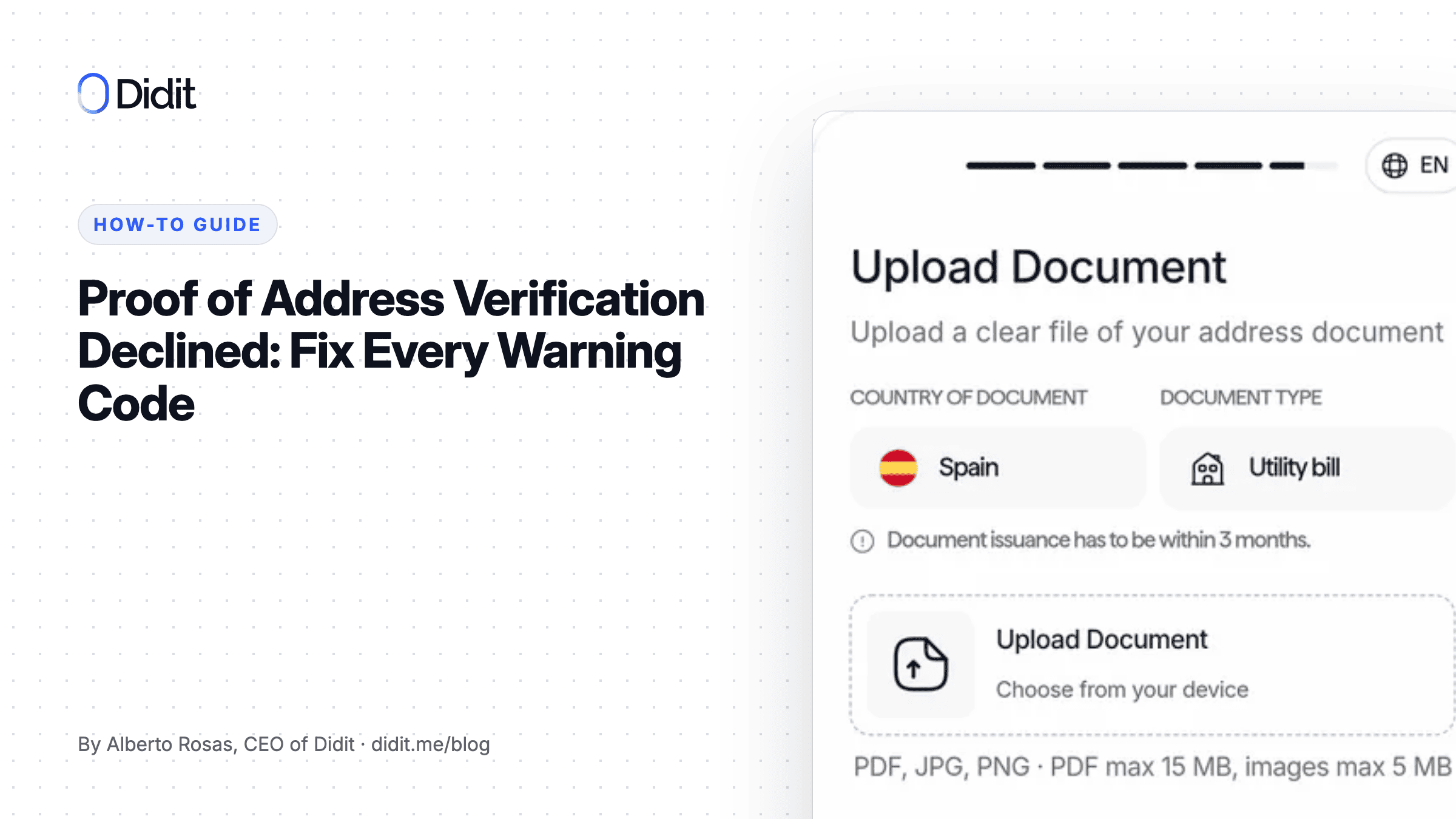 Proof of Address Verification Declined: Fix Every Warning Code
A proof of address check is Declined when at least one warning resolves to a decline. Fix the expected address and name values, the document age window and the language allowlist, correct OCR fields with update-poa-data, or.
Alberto RosasNov 26, 2026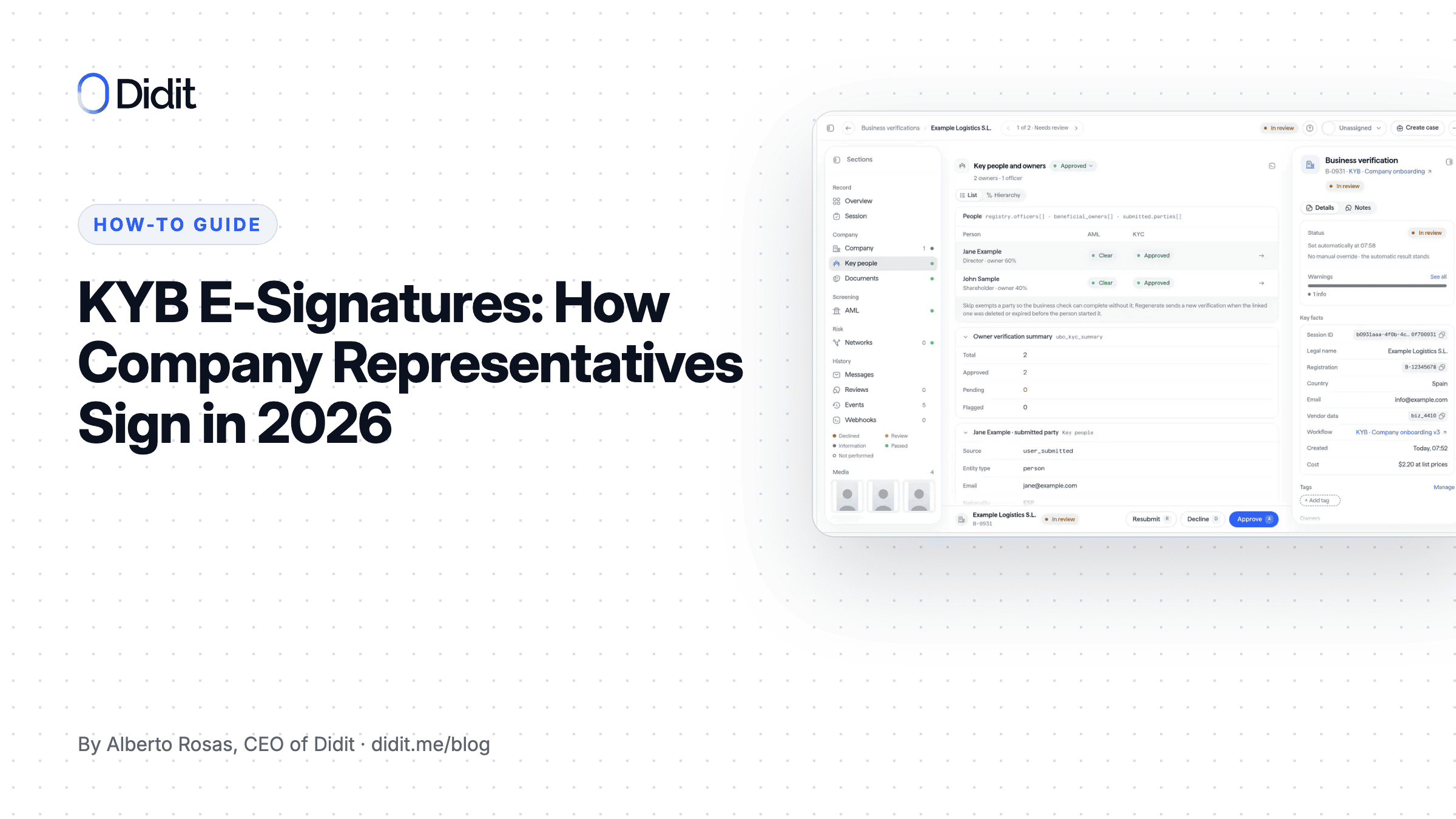 KYB E-Signatures: How Company Representatives Sign in 2026
Add an E-signature step to your KYB workflow after Key People, set signature_level to aes and signature_signer to legal_representative. Each representative completes KYC, signs in the hosted flow, and Didit returns the signed.
Alberto RosasNov 26, 2026Questions
Frequently asked questions
Does unused Didit credit roll over?
No. Plan credit is added on the first day of each plan month and expires at the end of that month on Free, Growth and Scale, including the yearly plans where the credit is still monthly. Top-ups are the exception: they last 12 months from the day you add them. Balance bought before November 1, 2026 never expires.
What happens to live checks when my credit runs out?
They stop. Session creation is refused with a credit error and no new session is created, so users cannot enter the flow until you top up. The documented fix is to top up and resend the request. The sandbox keeps working the whole time.
What is the difference between plan credit and a top-up?
Plan credit comes with your plan each month and expires at the end of that month. A top-up is money you add yourself, $50 to $20,000 at face value, and it lasts 12 months. Each check spends this month's credit first, then your oldest top-up. On Free, the $10 of credit does not cover phone verification codes; those come from a top-up balance.
How much can I top up at once, and is there a discount?
From $50 to $20,000 per top-up. It is added at face value, with no bonus and no volume discount: pay $10,000 and you get $10,000 of credit. The plan discount on Growth or Scale applies to check prices, not to the top-up itself.
Does auto top-up have a monthly limit?
No. Auto top-up adds the amount you choose, $50 to $20,000, every time your balance falls below your threshold, with no monthly cap. If a charge fails, auto top-up pauses and the console shows a banner until you update the payment method.
Which error do I get when credits are insufficient on session create?
POST /v3/session/ answers 400 with a detail telling you there are not enough credits and pointing to business.didit.me. Standalone APIs answer 403 with an error, the bank account check answers 402, and several families add a code of insufficient_credits. Do not retry before topping up.
My auto top-up is enabled but nothing is charged. Why?
Check auto_refill_amount on the balance endpoint. If it is null, auto top-up is effectively off even when auto_refill_enabled is true, usually because no eligible payment method is on file or the amount was never set. Set both the threshold and the amount in the console, then re-read the endpoint to confirm.
Do I have to parse the balance as a decimal?
Yes. The API returns balance as a fixed-point decimal string such as "1234.5600". Parse it with Python Decimal or Java BigDecimal, and compare it against a decimal floor, so cents are not lost to float rounding when you gate session creation.
Is the sandbox billed when my balance is zero?
No. Sandbox sessions are never billed and the balance check is bypassed, so a sandbox application keeps creating up to 500 sessions every 24 hours per application while your live balance is empty. You can keep testing workflows while billing is resolved.
Can an Enterprise organization buy a top-up?
No. Enterprise contracts start at $15,000 a year, the annual commitment is the credit for the contract year, and usage beyond it is invoiced as overage. Organizations on an annual plan do not top up in the console; the account manager adjusts the balance.
Can an AI agent top up my balance?
Only if a person switched it on. Agent top-ups are off by default and live under Billing, Payment methods, Agent top-ups. When the switch is on, an agent can charge your saved card and the receipt shows the agent's name. When it cannot pay, the agent hands you a link and nothing is charged until you pay.
What does the console show about expiring credit?
Billing and plan, Overview shows your current balance, the credit your plan adds each month, and any credit that is about to expire with its date. Usage breaks the month down by check with today's price per check, and Receipts lists every top-up and plan charge as Paid or Failed with the reason.
Compliance built in
Audited, certified and attested.
We hold the certifications and build each country's rules into your flows, so you can launch anywhere without worrying. Security and Compliance center
- Regulation encoded into your flows
Tell us what you do and where. Didit lists the rules that apply to you, with sources, and builds the checks each country needs into one workflow.
- Ready for AMLR
Every requirement of the new EU anti-money laundering rules, from checking customers to human review, is already covered by a Didit check.
- Tested in Spain's Treasury sandbox
Spain's Treasury published its supervised sandbox report on Didit's NFC plus active liveness onboarding; SEPBLAC took part and valued the added measures positively.
- Audited, not self-declared
iBeta Level 1 and Level 2. Liveness tested under ISO/IEC 30107-3.
Your obligations · 3 regions
 SOC 2 Type 2
 ISO 27001
 iBeta Level 1 and Level 2
 EU regulator attestation
 FSM youth protection
 GDPR
 EBA remote onboarding
 MiCA compatible
 FIDO Alliance member
- AMLREU AML Regulation ready
Integration · Didit MCP
Run Didit from your own AI agent
Connect Didit to Claude, Cursor, VS Code or ChatGPT and just ask in plain words. Your agent can do anything you can do in the console, with the same permissions you have.
 Add to Claude
 ChatGPT
 Cursor
- Build workflowsDescribe the checks you need. The agent creates and publishes the flow.
- Run investigationsAsk why a session was declined, review cases, search people and companies.
- Change rulesCreate payment rules, test them on past data and switch them on.
- Pull reportsAsk for numbers, exports or the audit log.
Didit Academy