Face Blocklist Screening API: blocklisted_or_approved (2026)
The blocklist search type restricts Face Search to blocklisted, allowlisted, approved-session and imported profile faces, ranking blocklisted first; status is Declined only on a blocklist warning.
 Alberto RosasCo-founder and CEO
Contents
In this guide
Jump to the part you need.
The Face Search API with search_type=blocklisted_or_approved is for teams that must catch a banned face at signup before it becomes a second account. It searches 1:N against your blocklist, allowlist, approved sessions and imported profile faces, ranking blocklisted hits first. Each billed call is $0.05 at list price. The caveat: only a blocklist warning sets status to Declined. Duplicate warnings never do.
Last updated: November 26, 2026. Prices checked against the live Didit price feed on November 26, 2026.
| Question | Answer |
|---|---|
| Endpoint | POST https://verification.didit.me/v3/face-search/, multipart form data, x-api-key header |
| Search type | search_type=blocklisted_or_approved (default is most_similar) |
| Who it fits | Re-registration checks, ban enforcement, fraud-ring triage where the blocklist is the reason for the call |
| Candidate pool | Blocklisted faces, allowlisted faces, faces from approved sessions, imported user-profile faces. Blocklisted entries rank first |
| Price | $0.05 per billed search ($0.048 on Growth, $0.045 on Scale). Sandbox keys are free |
| Declines? | Only on FACE_IN_BLOCKLIST or POSSIBLE_FACE_IN_BLOCKLIST. Duplicate warnings stay Approved |
| Main caveat | When save_api_request=true, the default, a face enrolled by a previous Face Search call is excluded from later Face Search results. Blocklist entries, not past searches, are the durable signal |
Start free in the sandbox at https://business.didit.me/, no sales call is required. For developers, connect Didit to an AI assistant through the MCP server.
What search_type=blocklisted_or_approved actually changes
Face Search embeds the largest face in user_image and compares it against the face index scoped to your application. The search_type field decides which candidates are eligible.
most_similar(the default) ranks every enrolled face by similarity. Use it for deduplication and fraud-ring investigation.blocklisted_or_approvednarrows the pool to blocklisted faces, allowlisted faces, faces from approved sessions and imported user-profile faces, with blocklisted entries ranked first.
That ordering is the point. When the top match is a blocklisted face, you get is_blocklisted: true on the first row instead of sorting through near-duplicates. Up to 5 matches above the similarity floor come back, each with similarity_percentage, the originating session, user_details from that session's document check, the is_blocklisted and is_allowlisted flags, and a source of session, imported, list_entry or retained_template.
The pool, the ranking and the decline rule are documented on the Face Search page in the Didit docs. The per-call price, $0.05 at list, sits on the Didit pricing page with every other module price.
One behaviour matters for ban enforcement: unlike Passive Liveness, this endpoint does not exclude earlier sessions with the same vendor_data from matching. A returning user with the same identifier is still compared against the blocklist.

Auto-decline banned users on re-registration: the method
The outcome you want is a decision at signup, before an account is created. Two documented routes get you there.
- Inside a verification session. Face Search runs automatically during the liveness check and again on the selfie taken during document capture. A blocklist match raises
FACE_IN_BLOCKLISTand the session is declined. The document-capture selfie raisesFRONT_CAMERA_FACE_IN_BLOCKLIST, orPOSSIBLE_FRONT_CAMERA_FACE_IN_BLOCKLISTfor a near match, which goes to review. This covers a person who stops before the liveness step. - As a standalone call. You send the selfie to
POST /v3/face-search/withsearch_type=blocklisted_or_approvedand read the flags yourself before you create the account. This is the route for a re-registration gate that runs ahead of your full ID check, or for accounts that never complete one.
Route 1 is session-based screening: Face Search runs inside the verification and the session carries the decision. Route 2 is the standalone API: one selfie in, one response out, and there is no separate Face Search workflow feature in the product. Route 2 is the only documented option when the person never reaches a full ID check.
Prerequisites
- A Didit application and its API key, sent as
x-api-key. The key needs access to the Face Search endpoint, and read access on sessions if you plan to pull the full decision afterwards. - A sandbox key if you want to build first. Sandbox keys skip all processing and billing.
- Credit on the account for live calls. Each billed response costs $0.05.
- A face blocklist with entries in it. Your application gets the system blocklists automatically; entries are added in the Console under Lists, or through the Lists API.
- An image format the endpoint accepts:
tiff,jpg,jpeg,pngorwebp, up to 5 MB. PDFs are not accepted, and larger files return400.
Step by step
1. Put the faces you want to catch into the face blocklist
In the Console, open a session, choose Add to blocklist and pick the faces you want, each one shown with its picture and where it was captured. Through the Lists API you can upload an image directly to a face blocklist with POST /v3/lists/{list_uuid}/entries/face-upload/, which takes a base64 face image and extracts the biometric. You can also add an entry by reference_session_id: Didit pulls the right value from that session, marks the underlying model as blocklisted and links the entry back to the session.
2. Capture a front-facing selfie in the re-registration flow
One clear face, front-facing. If the image holds several faces, the largest bounding box wins, which is rarely the person you meant to screen. Keep the upload under 5 MB; the endpoint compresses to roughly 0.5 MB before processing, so you do not need to pre-shrink a normal phone photo.
3. Choose the search type and the persistence flag
Set search_type=blocklisted_or_approved. Then decide save_api_request. It defaults to true: the call is persisted as an API-type session, visible in the Business Console, and the searched face is enrolled into your face index. Faces enrolled by Face Search calls are excluded from future Face Search results, so repeated searches never match each other. Set it to false for a one-shot call that stores nothing and enrolls nothing.
4. Make the request
curl -X POST 'https://verification.didit.me/v3/face-search/' \
  -H 'x-api-key: YOUR_API_KEY' \
  -F 'user_image=@./signup-selfie.jpg' \
  -F 'search_type=blocklisted_or_approved' \
  -F 'save_api_request=true' \
  -F 'vendor_data=user-123'
5. Read the singular response object
Expected output is one face_search object, not a plural array like the other features. Check face_search.status first, then total_matches, then the flags on each match. The payload below is an illustrative example of the shape, not a live test result.
{
  "request_id": "b3f1c8a2-...",
  "face_search": {
    "status": "Declined",
    "total_matches": 1,
    "matches": [
      {
        "session_id": "9c2a44e0-...",
        "session_number": 4112,
        "similarity_percentage": 96.4,
        "source": "list_entry",
        "vendor_data": "user-88",
        "vendor_user_id": null,
        "biometric_template_id": null,
        "verification_date": "2026-09-02T10:14:00Z",
        "user_details": { "full_name": "..." },
        "match_image_url": "https://...",
        "status": "Declined",
        "is_blocklisted": true,
        "is_allowlisted": false,
        "api_service": null
      }
    ],
    "user_image": { "entities": [] }
  }
}
The face_search.warnings array carries the risk code for that result, FACE_IN_BLOCKLIST in the example above. A near match below the hard threshold raises POSSIBLE_FACE_IN_BLOCKLIST instead. Duplicate evidence arrives as DUPLICATED_FACE or POSSIBLE_DUPLICATED_FACE, and MULTIPLE_FACES_DETECTED is a warning about the input image.
6. Branch on the status, not on the match count
status = DeclinedwithFACE_IN_BLOCKLIST: definitive blocklist hit. Reject the registration.POSSIBLE_FACE_IN_BLOCKLISTpresent: status is Declined under this endpoint. Apply your documented review policy to the borderline match.status = Approvedwith a duplicate warning: the person looks like an existing approved user. Nothing declines automatically. Apply your own dedupe policy.
7. Pull the full decision if you persisted the call
With save_api_request=true the response carries a request_id, and the call exists as an API-type session. Fetch it with GET https://verification.didit.me/v3/session/{session_id}/decision/ using the same x-api-key header, or react to the status.updated webhook. Branch on session_kind before reading feature arrays.
8. Block the account you just caught
When you decline a re-registration, add the face to the blocklist. The next attempt is caught by steps 1 to 6 again, and the entry is durable in a way a past Face Search enrollment is not.

Inputs and outputs
| Field | Type | What it means |
|---|---|---|
user_image | file, required | Front-facing face image. tiff, jpg, jpeg, png or webp, max 5 MB |
search_type | string, optional | most_similar by default, blocklisted_or_approved for blocklist screening |
save_api_request | boolean, default true | Persist the call as a session and enroll the searched face. false makes it one-shot |
vendor_data | string, optional | Your identifier for the person, returned with matches and not excluded from matching |
Idempotency-Key | header, optional | Header parameter on the endpoint for safe retries |
face_search.status | string | Approved or Declined. Declined only on a blocklist warning |
face_search.total_matches | integer | Matches above the similarity floor, up to 5 returned |
matches[].similarity_percentage | number | How close the candidate is to the searched face |
matches[].is_blocklisted | boolean | The candidate face sits on your face blocklist |
matches[].is_allowlisted | boolean | The candidate face sits on your face allowlist |
matches[].source | string | session, imported, list_entry or retained_template |
matches[].match_image_url | string | Downloadable URL, or an internal storage path when save_api_request=false |
Failure cases and recovery
| Signal | Cause | Recovery |
|---|---|---|
400 | No detectable face in user_image, unsupported format, or a file over 5 MB | Ask the user to retake the selfie in better light, or compress the upload. A malformed input returns 400 in sandbox too |
403 with insufficient balance | Out of credit. This is checked before any image processing | Top up or move to a plan with credit. Nothing was analysed, so the call can be repeated unchanged |
403 with a permission detail | Missing or invalid API key. This API never returns 401 | Reissue the key and confirm it can reach the Face Search endpoint |
429 | Shared write budget of 300 requests per minute per API key across all POST, PATCH and DELETE endpoints | Back off and retry after the window. Keep other write calls in the same budget |
status = Declined with FACE_IN_BLOCKLIST | Definitive blocklist hit | Reject and stop the flow |
POSSIBLE_FACE_IN_BLOCKLIST | Borderline match below the hard threshold. The standalone call returns Declined | Send the match to a person with match_image_url and similarity_percentage, then act under your documented review policy |
DUPLICATED_FACE | The person already verified under a different vendor_data | Nothing declines. Merge or block per your own policy |
404 on the decision fetch | The session id does not exist, or belongs to another application | Use the request_id returned by the Face Search call |
Paid steps and review boundaries
Face Search is priced per search, not per match and not per second. The live price feed lists Face Search at $0.05 per search, $0.048 on Growth and $0.045 on Scale. A 200 response consumes one credit whether it returns zero matches, one blocklist hit or five candidates. A 400 or 403 consumes nothing. Sandbox keys skip processing and billing entirely: after request validation the endpoint returns a static Approved mock payload, persists no session and uses no credit, so you can build the gate before paying for live calls.
The human boundary is narrow and worth wiring explicitly:
FACE_IN_BLOCKLISTis a machine decision. Decline.POSSIBLE_FACE_IN_BLOCKLISTalso returns Declined, but it is a borderline match. A person looks at the match image and the origin session, then you confirm or reverse the decline under your documented review policy.- Duplicate warnings are neither. They are information you act on with your own policy.
The other paid step in a typical re-registration flow is the full ID check at $0.33, which covers document, biometrics (passive liveness and face match) and device and IP analysis. Running face blocklist screening before it means you do not spend $0.33 on a face you would have declined for $0.05.

Worked cost example
Take a consumer app with 25,000 re-registration attempts a month, all screened with search_type=blocklisted_or_approved before the account is created.
- Face Search at list price: 25,000 x $0.05 = $1,250.00.
- On Growth, 4% off Didit prices: 25,000 x $0.048 = $1,200.00.
- On Scale, 10% off Didit prices: 25,000 x $0.045 = $1,125.00.
- Of the 25,000, 400 are declined at the face search step. They are still billed, because each returned a
200: 400 x $0.05 = $20.00, already inside the totals above. - The remaining 24,600 go through a full ID check at $0.33: 24,600 x $0.33 = $8,118.00.
- Total at list price for the month: $1,250.00 + $8,118.00 = $9,368.00.
Sources
- Didit docs: Face Search API reference
- Didit docs: Face Search 1:N overview
- Didit docs: Lists API, blocklists and allowlists
- Didit docs: Blocklist for faces, documents, phones and emails
- Didit docs: Retrieve session decision
- Didit docs: Verification statuses
- Didit docs: API errors, status codes and fixes
- Didit pricing page and the live price feed, read November 26, 2026
- Didit MCP server setup
Next step: create a free sandbox application at https://business.didit.me/, add two faces to the face blocklist, and send one call with search_type=blocklisted_or_approved. No sales call is required.
Try it
Try this in the sandbox
Run the check this guide describes, free.
The product this post is about, taken from its topic. Run it free in the sandbox.
Author
Alberto Rosas
Co-founder and CEO

Keep reading
Other guides in the same topic.
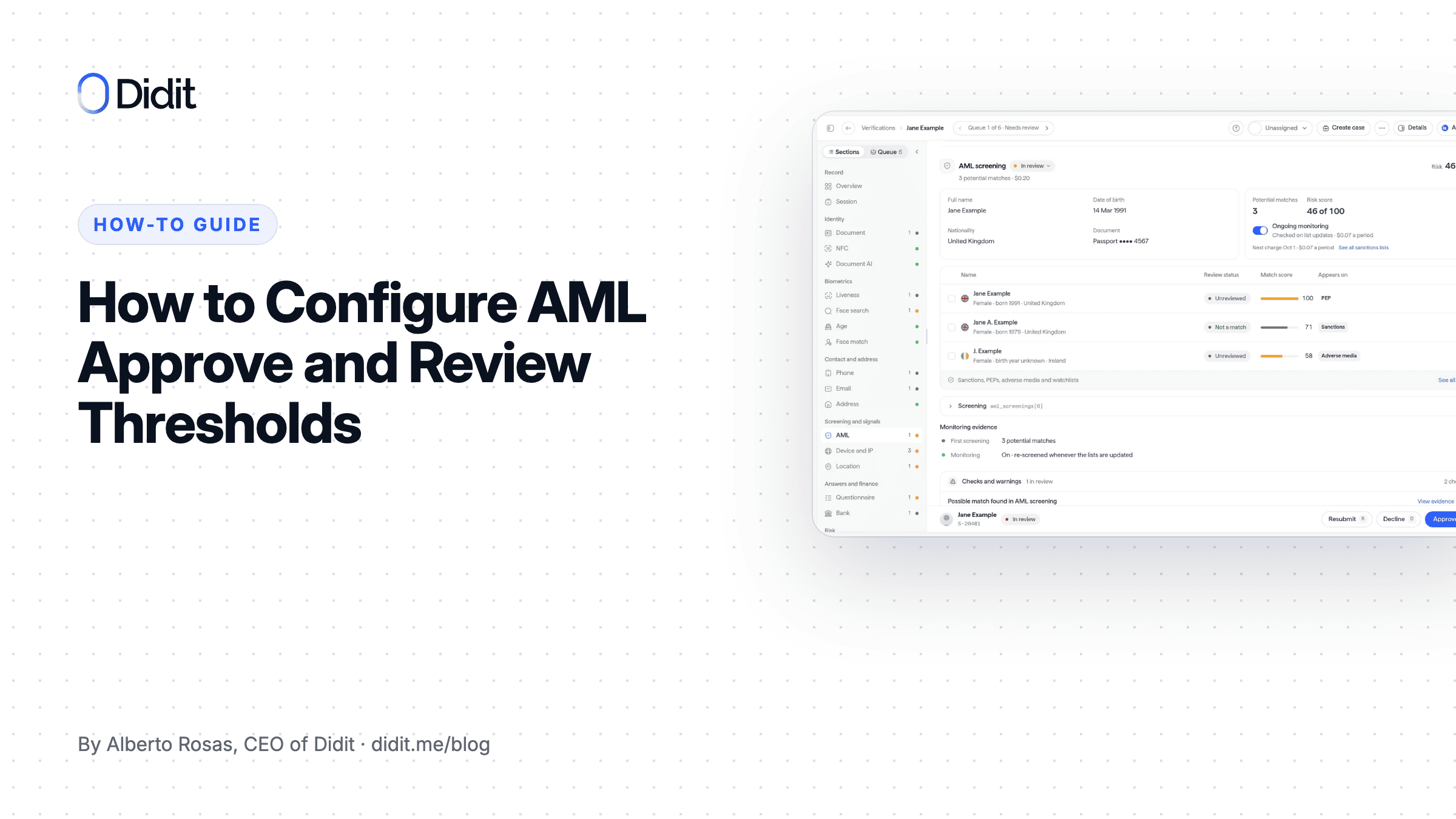 How to Configure AML Approve and Review Thresholds
Didit defaults the AML approve threshold to 80 and the review threshold to 100. A score above review is Declined, above approve is In Review, otherwise Approved, and both comparisons are strict.
Alberto RosasNov 26, 2026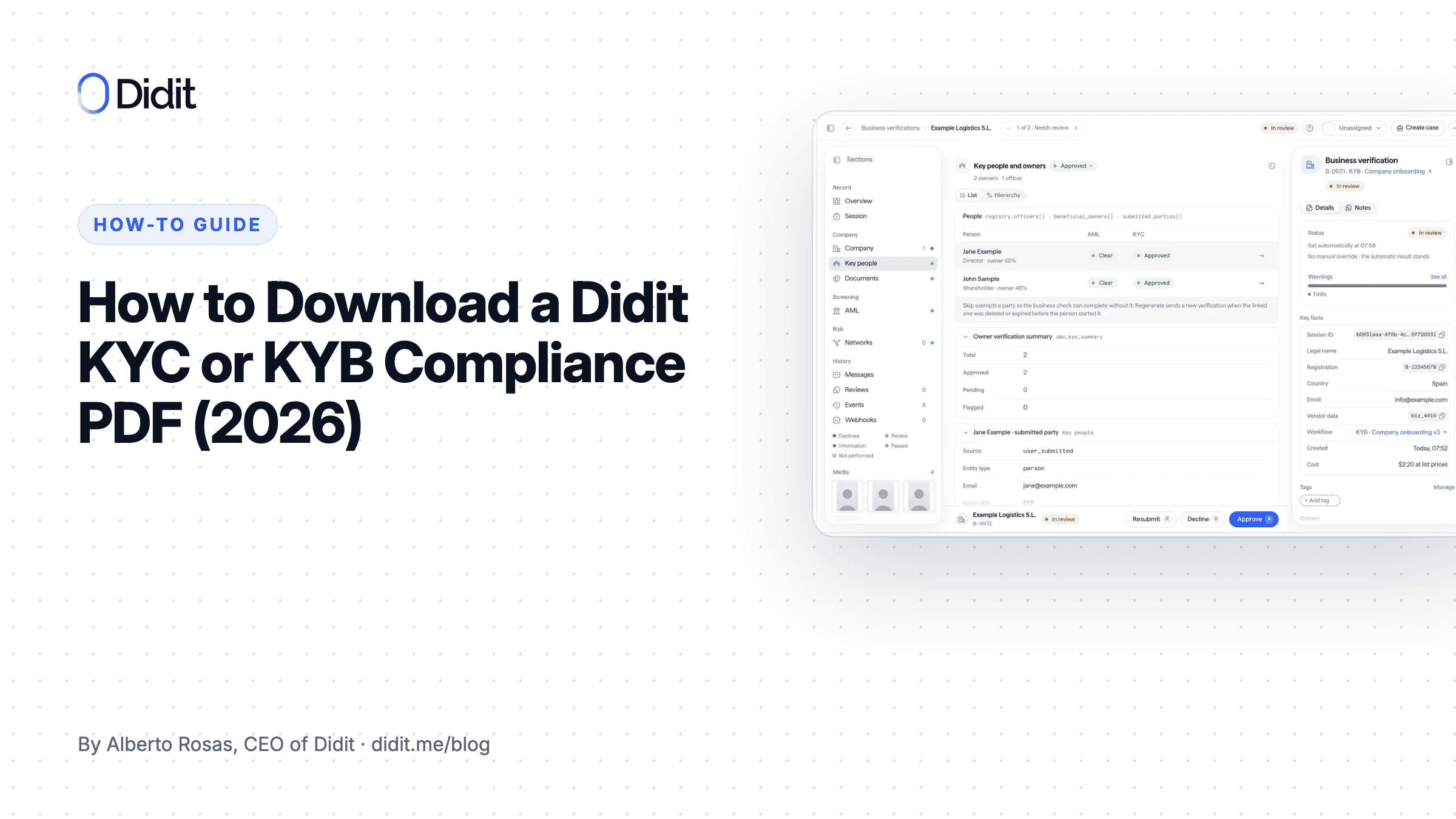 How to Download a Didit KYC or KYB Compliance PDF (2026)
Call GET /v3/session/{id}/generate-pdf/ with your x-api-key and read:sessions scope to save a binary PDF report. The same endpoint routes KYC and KYB templates automatically.
Alberto RosasNov 26, 2026 Didit Delete Session API: What Gets Deleted, What Stays
Deleting a Didit session removes the session, every verification attempt, feature records, reviews, activity log and stored files. Blocklist entries, share tokens and credits survive, no webhook fires, and the parent User or.
Alberto RosasNov 26, 2026Questions
Frequently asked questions
What does search_type=blocklisted_or_approved do?
It restricts the Face Search candidate pool to blocklisted faces, allowlisted faces, faces from approved sessions and imported user-profile faces, and it ranks blocklisted entries first. Every match still carries the is_blocklisted and is_allowlisted flags, so you can tell why a candidate surfaced. Use it when blocklist screening is the reason for the call rather than general deduplication.
Does a blocklist match automatically decline the verification?
On the standalone endpoint, status is set to Declined when a FACE_IN_BLOCKLIST or POSSIBLE_FACE_IN_BLOCKLIST warning fires. Duplicate warnings, including DUPLICATED_FACE and POSSIBLE_DUPLICATED_FACE, return Approved and you apply your own dedupe policy. Inside a verification session, a blocklist match during the liveness or document-capture selfie check declines the session automatically.
What is the difference between is_blocklisted and is_allowlisted?
is_blocklisted means the matched face is on your face blocklist and should be rejected. is_allowlisted means it is on your face allowlist, which suppresses duplicate and reuse actions for trusted people rather than overriding a blocklist. A single match can carry one flag, the other, or neither.
How much does one face blocklist screening call cost?
The live price feed lists Face Search at $0.05 per search, with $0.048 on Growth and $0.045 on Scale. A billed response is any 200 return, whether it finds zero matches or five. Calls rejected with 400 or 403 are not billed, and sandbox keys are free.
What happens when my credit balance is empty?
The API returns 403 before any image processing starts. Nothing is analysed and nothing is stored, so once the balance is topped up you can repeat the identical request. That ordering matters for retries, because a retry cannot create a half-processed session.
Can I test blocklist screening without paying?
Yes. Sandbox API keys skip all processing and billing. After request validation the endpoint returns a static Approved mock payload, with no session persisted and no credits consumed. Malformed input still returns 400, so you can test your error handling against the real status codes.
How do I add a face to the blocklist?
In the Console, open the session, choose Add to blocklist and select the faces you want, each shown with its picture and where it was captured. Through the Lists API, POST /v3/lists/{list_uuid}/entries/face-upload/ uploads a base64 face image to a face blocklist and Didit extracts the biometric, or you add an entry by reference_session_id and Didit pulls the face from that session.
Will a duplicate face be declined?
No. Duplicate evidence arrives as DUPLICATED_FACE or POSSIBLE_DUPLICATED_FACE, which are informational, and the status stays Approved. If you want a returning person blocked, put their face on the blocklist rather than relying on the duplicate flag.
What is the difference between most_similar and blocklisted_or_approved?
most_similar is the default and ranks every enrolled face by similarity, which suits deduplication and fraud-ring investigation. blocklisted_or_approved filters the pool to blocklisted, allowlisted, approved-session and imported faces and puts blocklisted entries first. Same endpoint, same price, different question answered.
Does the API return 401 for a bad API key?
No. Missing or invalid credentials return 403 with a permission detail on this endpoint, and the API never returns 401. Do not write retry logic that assumes 401 means a bad key on this route.
What happens to the face I search with?
With save_api_request=true, the default, the call is persisted as an API-type session and the searched face is enrolled into your face index. Faces enrolled by Face Search calls are excluded from future Face Search results, so repeated searches never match each other. Set the flag to false for a one-shot call that stores nothing, and note that match_image_url then returns an internal storage path instead of a downloadable URL.
How many matches come back?
Up to 5 matches above the similarity floor, ranked so that blocklisted entries come first under blocklisted_or_approved. Each carries the similarity percentage, the originating session or list entry, and the user details extracted during that session's document verification.
Compliance built in
Audited, certified and attested.
We hold the certifications and build each country's rules into your flows, so you can launch anywhere without worrying. Security and Compliance center
- Regulation encoded into your flows
Tell us what you do and where. Didit lists the rules that apply to you, with sources, and builds the checks each country needs into one workflow.
- Ready for AMLR
Every requirement of the new EU anti-money laundering rules, from checking customers to human review, is already covered by a Didit check.
- Tested in Spain's Treasury sandbox
Spain's Treasury published its supervised sandbox report on Didit's NFC plus active liveness onboarding; SEPBLAC took part and valued the added measures positively.
- Audited, not self-declared
iBeta Level 1 and Level 2. Liveness tested under ISO/IEC 30107-3.
Your obligations · 3 regions
 SOC 2 Type 2
 ISO 27001
 iBeta Level 1 and Level 2
 EU regulator attestation
 FSM youth protection
 GDPR
 EBA remote onboarding
 MiCA compatible
 FIDO Alliance member
- AMLREU AML Regulation ready
Integration · Didit MCP
Run Didit from your own AI agent
Connect Didit to Claude, Cursor, VS Code or ChatGPT and just ask in plain words. Your agent can do anything you can do in the console, with the same permissions you have.
 Add to Claude
 ChatGPT
 Cursor
- Build workflowsDescribe the checks you need. The agent creates and publishes the flow.
- Run investigationsAsk why a session was declined, review cases, search people and companies.
- Change rulesCreate payment rules, test them on past data and switch them on.
- Pull reportsAsk for numbers, exports or the audit log.
Didit Academy