India ID Verification API: Aadhaar Lookup, Driving Licence and EPIC (2026)
Didit checks Indian identity data against the source of record, UIDAI for Aadhaar, and returns a data match result with per-field matches. The India lookup rate is variable per service, so read the per-service price.
 Alberto RosasCo-founder and CEO
Contents
In this guide
Jump to the part you need.
India ID verification through an authoritative-source lookup fits Indian lenders, fintechs, gig platforms and marketplaces that need to check an Aadhaar number against UIDAI before onboarding. Our documentation names UIDAI as the published India source for non-document lookup, and RTO driving-licence and ECI electoral-roll lookup availability is not documented here. The lookup price is variable per service, so read the per-service rate. A lookup proves a data match, not that a document is genuine.
Last updated: November 26, 2026. Prices checked against the live Didit price feed on November 26, 2026.
India identity verification at a glance
| Register | Identifier the user types | What Didit documents for India | What the result proves |
|---|---|---|---|
| Aadhaar, run by UIDAI | Aadhaar number, Virtual ID or UID Token | UIDAI, through the Central Identities Data Repository (CIDR), is the published India source for non-document lookup. | Assurance tier data_match: the values matched a UIDAI record. No document was inspected. |
| Driving licence, issued through the RTO | Driving licence number | No Didit RTO lookup source is documented in this review. Confirm availability in the ID Verification step's Countries tab. | No Didit result is documented here until a named source is confirmed. |
| EPIC, the voter registration record held by the Election Commission of India | EPIC number | No Didit ECI lookup source is documented in this review. ECI documents registration-status checks through its own channels. | No Didit result is documented here until a named source is confirmed. |
Start free in the sandbox at business.didit.me, no sales call. For developers, connect Didit to an AI assistant through the MCP server. The product page is ID Verification and the rates are on didit.me/pricing.
What you must verify in India, and the legal basis
Aadhaar and UIDAI
Aadhaar authentication submits an Aadhaar number plus demographic or biometric information to UIDAI's Central Identities Data Repository, and CIDR confirms whether the submitted details are correct or not, based on the information it holds (UIDAI Aadhaar authentication page, read November 26, 2026). Didit's non-document lookup asks for an identifier and the personal details required by the named source, then checks them against that source.
The legal basis is statutory. Aadhaar runs under the Aadhaar (Targeted Delivery of Financial and Other Subsidies, Benefits and Services) Act 2016, published in a gazette notification on March 26, 2016, and a gazette notification issued by the Central Government on July 12, 2016 established UIDAI as an Authority and operationalised certain provisions of that Act (UIDAI Aadhaar Authentication API Specification, Version 2.5 Revision-1, January 2022, read November 26, 2026).
Face authentication is a 1:1 match of a captured facial image against the image stored against the Aadhaar number, and it is consent based. UIDAI sends a notification to the Aadhaar holder's registered email every time it receives a biometric or OTP-based authentication request against an Aadhaar number. Aadhaar holders can lock or restore access to their Aadhaar through the UIDAI website (same UIDAI page, read November 26, 2026).
Voter registration and the Election Commission of India
A person can vote only if their name appears in the Voter List, also known as the Electoral Roll (Election Commission of India How to Vote FAQ, read November 26, 2026). The same page lists the routes a voter uses to check registration status: electoralsearch.eci.gov.in, the Voter Helpline 1950 with the STD code, an SMS reading ECI followed by the EPIC number to 1950, and the Voter Helpline App. At the booth the second polling official inks the finger, hands over a slip, and records the signature in Form 17A, and the VVPAT slip is visible for 7 seconds before it drops into the sealed box.
Those facts describe voting, not an API. For a compliance file, the documented points are that the Electoral Roll determines who can vote and that a voter can check registration status through ECI's listed channels. This page does not claim a Didit ECI lookup or describe rejection handling. Confirm in the Countries tab whether any ECI source is available in your account.
Driving licence and the RTO
We did not have a verifiable public source card for the RTO driving licence register at the time of this review, so this page does not describe its identifier format and does not claim a Didit source for it. The same holds for ECI voter records beyond the registration-status channels above. What holds: Didit names the exact source per country, in the non-document lookup table and in the Countries tab, and that named source is the only statement of provenance to rely on. Open the Countries tab for India to see which lookup sources your account can switch on, and do not assume an RTO or ECI register we cannot point to.
The registers, their identifiers and formats
Everything in this table comes from the UIDAI specification, the UIDAI authentication page and the ECI FAQ cited below, all read on November 26, 2026. Aadhaar, Virtual ID and UID Token are UIDAI-supported identifiers; the exact fields Didit's India service accepts must be confirmed in the catalog. It does not describe RTO or ECI lookup sources because this review found no Didit documentation for them.
| Identifier | Format or behaviour | What the user supplies |
|---|---|---|
| Aadhaar number | Submitted with demographic or biometric attributes for verification at CIDR. | The number plus the requested personal details. |
| Virtual ID | A temporary, revocable 16-digit random number mapped to the Aadhaar number, usable in lieu of it for authentication or e-KYC. | The 16-digit VID. |
| UID Token | Accepted alongside the Aadhaar number and Virtual ID in the authentication request. | The token issued by UIDAI. |
| EPIC number | Used in ECI's SMS registration-status check, where the message reads ECI followed by the EPIC number, and in the other ECI channels listed above. No Didit ECI lookup source is documented here. | The EPIC number, when the user checks status through ECI. |
| Driving licence number | No RTO source card or Didit RTO lookup source is documented here. Confirm the register named in your Countries tab. | The licence number, if a named source is available. |
What Didit returns for India
The first route is the non-document lookup method inside ID Verification, which is a workflow step: the user types the identifier and a few details, and the session records the method that produced the result. The second is the standalone Database Validation API for server-to-server checks when you already hold the data. Both routes query the source named for the country in the catalog. For India, our published documentation names UIDAI. Confirm the exact source and whether each India service beyond UIDAI is available in the Countries tab before you enable it.
On the session, the provenance lands on id_lookup.source. The end user never sees the source name, the tier or the price. You and your auditors do, in the console, on the payload and in exports. That is the field to quote when a regulator asks which record you checked.
| Field | Where it appears | Notes |
|---|---|---|
id_lookup.source | Session payload, console, exports | The exact source queried. Never shown to the user. |
identification_number, first_name, last_name, date_of_birth | matched_fields | Per-field match, not one pass or fail. |
| Address fields | matched_fields | Returned when the service uses them. |
match_type | database_validation | full_match, partial_match or no_match. |
match_score | database_validation | Aggregated outcome score. |
validation_type, services_used | database_validation | Which validation ran and which services were used. |
record_details | Each entry in validations[] | Underlying record details when the source provides them. |
Assurance tier data_match | Session, console, exports | Admin-facing label: the details matched a record. No document inspected. |
warnings[] | Decision payload | DATABASE_VALIDATION_NO_MATCH, DATABASE_VALIDATION_PARTIAL_MATCH, COULD_NOT_PERFORM_DATABASE_VALIDATION. |
Prices you can quote
- Full ID check (KYC), document route: $0.33 per completed check, made of ID document verification $0.15, passive liveness $0.10, face match 1:1 $0.05 and device and IP analysis $0.03.
- ID document verification on its own: $0.15 per check.
- Non-document verification: variable, priced per lookup. There is no single India figure in the live feed, so read the rate for the exact service from the per-service table on pricing in the docs.
- Database Validation: variable per check. The published floor is $0.05 and the most expensive specialist sources reach $7.00. Billing is per successful service hit, so a multi-service request can produce more than one usage event, and some no-match lookups and retries are billable.
- Plan discounts: Growth takes 4 percent off every Didit price ($0.3168 per full check), Scale takes 10 percent ($0.297).
Didit runs these checks for 4,000+ companies. The full list of modules and rates is on didit.me/pricing.
Configure India in the Business Console
- Open Workflows, pick the workflow, and select the ID Verification node.
- Open the Countries tab and choose India. Each country row shows the methods it accepts; a method the capability catalog does not offer in that country is not shown as a choice.
- Turn on Non-doc lookup. Set the answered attempts the user gets. For a data-only source such as India's published UIDAI lookup, the skip switch is normalised off on save, so run Liveness and Face Match as their own steps if you need them.
- Set the fallback switches: what happens on partial match, on no match, and on a provider error. Each writes
id_lookup.on_partial_match,id_lookup.on_no_matchandid_lookup.on_provider_error. - Use See details on the lookup source to read the expected request and response in plain language, including which fields the user is asked for.
- Save and publish, then create a test session and inspect the completed session decision to confirm the method used.
The console and the Management API are two views of the same object. Turning every method off for a country is rejected on save with No method enabled: nobody can verify here.
Call the India lookup through the API
The methods live under the methods key on the ID Verification feature config, keyed by ISO 3166-1 alpha-3 country code. This is the documented shape with India as the country. The snippet leaves the portrait-only skip switch out because India's published source returns data, not a portrait.
{"feature": "OCR", "config": {"methods": {"IND": {"document": {"enabled": true}, "id_lookup": {"enabled": true, "max_attempts": 2, "on_partial_match": "fallback_to_document", "on_no_match": "fallback_to_document", "on_provider_error": "fallback_to_document"}}}}}}Then create a session and read the decision:
curl -X POST 'https://verification.didit.me/v3/session/' -H 'x-api-key: $DIDIT_API_KEY' -H 'Content-Type: application/json' -d '{"workflow_id":"YOUR_WORKFLOW_UUID","vendor_data":"user-1234"}'GET https://verification.didit.me/v3/session/{sessionId}/decision/The decision carries database_validations[]. You can also subscribe to session.status.updated instead of polling.
For a one-shot server-to-server check, when you already hold the data, call the Database Validation API. Confirm the India service is eligible for issuing_state=IND in your catalog first; this page does not publish an India service id.
curl -X POST 'https://verification.didit.me/v3/database-validation/' -H 'x-api-key: $DIDIT_API_KEY' -F 'issuing_state=IND' -F 'identification_number=...' -F 'first_name=Jane' -F 'last_name=Doe' -F 'date_of_birth=1990-01-15' -F 'vendor_data=user-1234'The response carries request_id and a database_validation object with match_type, validation_type, services_used, match_score, the validations[] array and warnings[]. Use identification_number as the universal field and let issuing_state decide which register is hit. Omit services to run the country's default service. A service id that is not eligible for the issuing state returns HTTP 400, so confirm the India service in the catalog before you build against this call. Services flagged as requiring consent need consent=true, otherwise HTTP 400.

Worked cost example
Take 1,000 India sessions a month. The India lookup rate is variable and published per service, so we show the arithmetic with that rate as R and use only published unit prices for the rest.
- Document-only route: 1,000 document checks at $0.15 = $150.00 a month.
- Lookup-first route: 850 users complete the lookup at the India rate R. The other 150 fall back to document capture at $0.15 per check: 150 x $0.15 = $22.50. Total is 850 x R + $22.50.
- Break-even: 850 x R + $22.50 = $150.00 gives 850 x R = $127.50, so R = $0.15. The lookup-first route is cheaper than document-only whenever the India lookup rate is below $0.15 per lookup.
- On Growth, the fallback checks are 150 x $0.144 = $21.60 and the lookup rate carries the same 4 percent discount. On Scale, 150 x $0.135 = $20.25.
Two billing details to remember: the monthly plan credit pays first and top-ups cover the rest, and a standalone Database Validation call is billed per successful service hit, so two services on one request can produce two usage events.
Fallbacks when the source is down or has no match
Three outcomes are configured per country, and they are the difference between a lost user and a re-routed one.
- No match. The record is not in the register. Treat it as a synthetic identity per your policy, or send the user to document capture. The warning is
DATABASE_VALIDATION_NO_MATCH. - Partial match. Some fields match and others do not, for example the date of birth matches and the name does not. Route to review rather than declining automatically. The warning is
DATABASE_VALIDATION_PARTIAL_MATCH. - Source error. Every selected upstream service failed, and the API answers HTTP 502 with a
validation_errors[]array. That request is not billed and aCOULD_NOT_PERFORM_DATABASE_VALIDATIONlog is written. Retry later or fall back to document capture.
One structural point. A data-only lookup leaves a later Face Match step nothing to compare against. A workflow that reaches Face Match only through methods that leave no photograph cannot be published, and the console warns you in the Countries tab before you get there. Allow document capture for India, or remove the Face Match step, or accept that those users reach review.


Sources
- Didit documentation: Non-Document ID Verification, Authoritative Source Lookup
- Didit documentation: Database Validation API
- Didit documentation: ID Verification Methods
- Didit documentation: Configure ID Verification Methods in the Console
- Didit documentation: Create Session API
- Didit documentation: Retrieve Session API
- Didit documentation: Database Validation warnings
- Didit documentation: Identity Verification Pricing and didit.me/pricing
- UIDAI, Aadhaar Authentication API Specification, Version 2.5 Revision-1, January 2022, read November 26, 2026
- UIDAI, Aadhaar authentication page, read November 26, 2026
- Election Commission of India, How to Vote FAQ, read November 26, 2026
Next step: open the console, create a workflow with India enabled, and run a sandbox session at business.didit.me. No sales call, no procurement cycle, and the free sandbox lets you read the full decision payload before you spend anything.
Try it
Try this in the sandbox
Run the check this guide describes, free.
The product this post is about, taken from its topic. Run it free in the sandbox.
Author
Alberto Rosas
Co-founder and CEO

Keep reading
Other guides in the same topic.
 How to Normalize Names and Dates of Birth Before Database Verification
Normalize names to the spelling the registry holds and send date of birth as ISO 8601 before a Didit Database Validation call. Pricing varies by service; $0.05 per check is the lowest published example.
Alberto RosasNov 26, 2026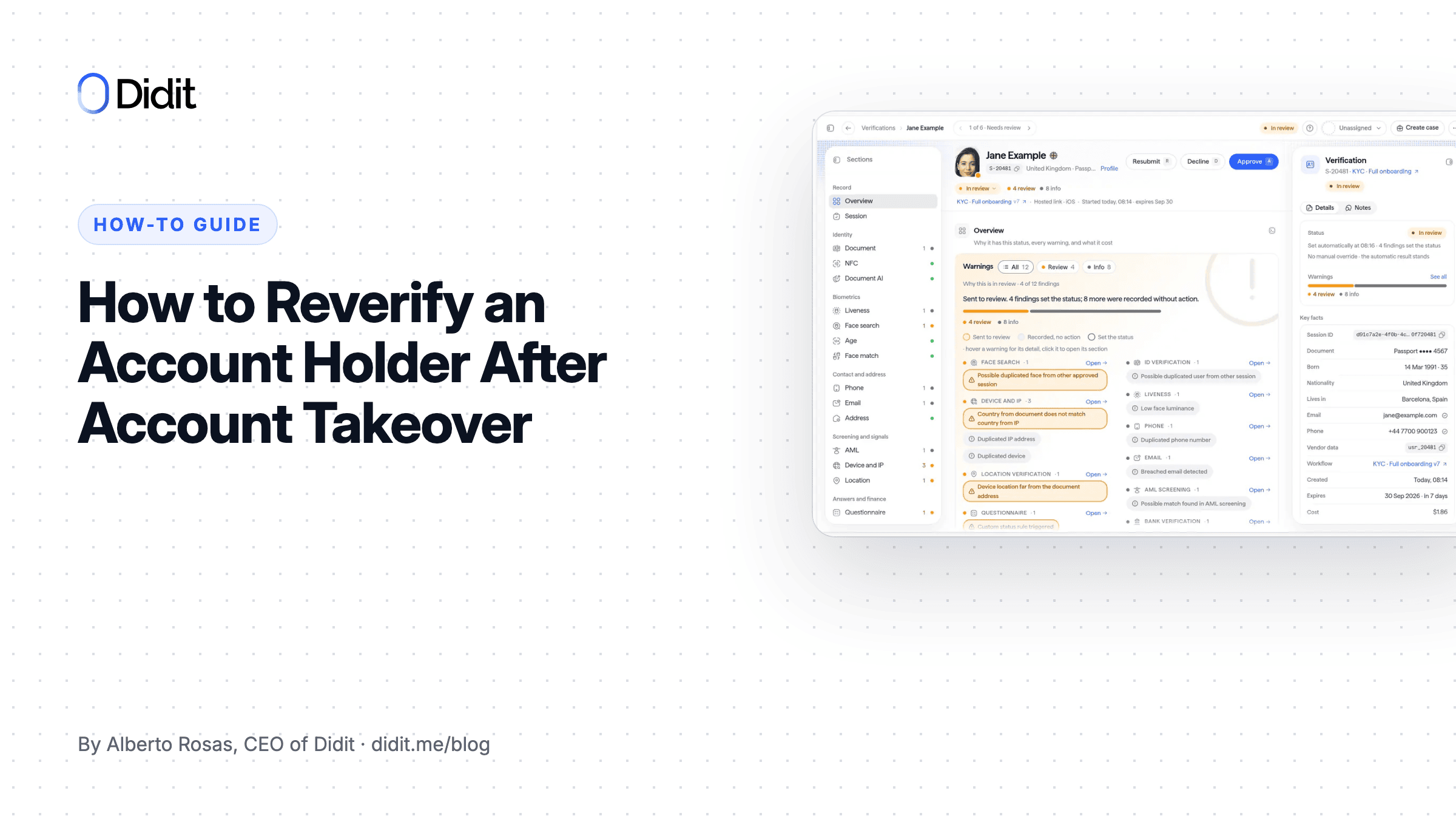 How to Reverify an Account Holder After Account Takeover
Reverify with a fresh full KYC session ($0.33) bound to the original account ID, compare the new face to the enrolled identity with Face Search ($0.05), and make the hand-back a human decision.
Alberto RosasNov 26, 2026Passkey Account Recovery After a Lost Phone (2026)Passkey account recovery after a lost phone depends on whether the platform synced the passkey. If it did not, the person signs in with another enabled method, such as an email code, then enrolls a new passkey.
Alberto RosasNov 26, 2026Questions
Frequently asked questions
How do I verify an Aadhaar number through an API without collecting a document?
Use Didit's non-document lookup method inside ID Verification. The user types the Aadhaar number and the fields the India service asks for, and Didit checks them against the source named for India, which our documentation lists as UIDAI. If your catalog exposes India in the standalone Database Validation API, confirm the service first, then call it with issuing_state=IND and the Aadhaar number in identification_number. The result carries the assurance tier data_match, which means the details matched a record, not that a document was inspected.
Does a Didit India lookup need a selfie?
No, the India lookup returns data rather than a photograph. The four sources our documentation names as returning a portrait are South Africa, Nigeria, Argentina and Panama, and for those a selfie is taken, passive liveness runs and it is face matched inside the lookup price. Where the source returns data only, run Liveness and Face Match as their own workflow steps if you need them.
What does a data_match result actually prove?
It proves that the details the user gave matched a record held by the source that was queried. It does not prove that any document is authentic, because no document was inspected. For an India Aadhaar check that source is UIDAI, and the exact source is written to id_lookup.source on the session for your auditors.
How much does an India ID lookup cost in Didit?
Non-document verification is priced per lookup and varies by service, so there is no single India figure in the public feed. Read the rate for the exact service in the per-service pricing table. The surrounding published prices are ID document verification at $0.15 and a full ID check at $0.33.
Can a user supply an Aadhaar Virtual ID or UID Token instead of the Aadhaar number?
UIDAI supports Aadhaar, Virtual ID and UID Token as identifiers in an authentication request. A Virtual ID is a temporary, revocable 16-digit number mapped to the Aadhaar number and usable for authentication or e-KYC. The exact fields Didit's India service accepts must be confirmed in the catalog, under See details in the Countries tab.
What happens if UIDAI is unreachable during a check?
The standalone API answers HTTP 502 with a validation_errors[] array, the request is not billed, and a COULD_NOT_PERFORM_DATABASE_VALIDATION warning is logged. Inside a workflow, the on_provider_error switch decides what the user sees, and falling back to document capture keeps the session moving. Retry later if you would rather not collect a document.
Does Didit verify Indian driving licences and EPIC voter records?
Our published documentation names UIDAI as the India source for non-document lookup. It does not document an RTO driving-licence source or an ECI voter-record source in this review. Open the Countries tab for India to see which lookup sources your account can switch on, and do not assume a register we cannot point to.
Is Aadhaar authentication consent based?
Yes. UIDAI describes face authentication as consent based, and UIDAI emails the Aadhaar holder every time it receives a biometric or OTP-based authentication request. On Didit, services flagged as requiring consent must be called with consent=true, otherwise the request returns HTTP 400.
Which endpoint do I call for a one-shot server-to-server India check?
POST to https://verification.didit.me/v3/database-validation/ with the x-api-key header and multipart form fields: issuing_state, identification_number, the name fields and date_of_birth. Confirm the India service is eligible for issuing_state=IND in your catalog first. The response returns request_id and a database_validation object with match_type and the per-service validations[] array.
How do I link an India check to my own user record?
Pass vendor_data, your stable identifier for the person, when you create the session or call the standalone API. It binds the session to your user entity and drives duplicate detection across sessions. Tags, metadata and expected_details can travel with it and come back in responses and webhooks.
Can I test an India lookup before paying?
Yes. The sandbox is free and unlimited on every plan. Create a workflow with India enabled, run sandbox sessions, and read the decision payload to confirm the fields your integration needs.
Compliance built in
Audited, certified and attested.
We hold the certifications and build each country's rules into your flows, so you can launch anywhere without worrying. Security and Compliance center
- Regulation encoded into your flows
Tell us what you do and where. Didit lists the rules that apply to you, with sources, and builds the checks each country needs into one workflow.
- Ready for AMLR
Every requirement of the new EU anti-money laundering rules, from checking customers to human review, is already covered by a Didit check.
- Tested in Spain's Treasury sandbox
Spain's Treasury published its supervised sandbox report on Didit's NFC plus active liveness onboarding; SEPBLAC took part and valued the added measures positively.
- Audited, not self-declared
iBeta Level 1 and Level 2. Liveness tested under ISO/IEC 30107-3.
Your obligations · 3 regions
 SOC 2 Type 2
 ISO 27001
 iBeta Level 1 and Level 2
 EU regulator attestation
 FSM youth protection
 GDPR
 EBA remote onboarding
 MiCA compatible
 FIDO Alliance member
- AMLREU AML Regulation ready
Integration · Didit MCP
Run Didit from your own AI agent
Connect Didit to Claude, Cursor, VS Code or ChatGPT and just ask in plain words. Your agent can do anything you can do in the console, with the same permissions you have.
 Add to Claude
 ChatGPT
 Cursor
- Build workflowsDescribe the checks you need. The agent creates and publishes the flow.
- Run investigationsAsk why a session was declined, review cases, search people and companies.
- Change rulesCreate payment rules, test them on past data and switch them on.
- Pull reportsAsk for numbers, exports or the audit log.
Didit Academy


