Open Source vs. Turnkey: Choosing a Commercial Component Solution
Selecting the right commercial component solution—open source or turnkey—requires careful consideration of costs, control, and long-term strategy. This guide helps businesses navigate the tradeoffs.
 Alberto RosasCo-founder and CEO
Contents
In this guide
Jump to the part you need.
Open Source vs. Turnkey: Choosing a Commercial Component Solution
In today’s fast-paced business environment, leveraging pre-built components is crucial for accelerating development and reducing costs. However, deciding between open-source and turnkey commercial component solutions isn’t always straightforward. Both approaches offer distinct advantages and disadvantages. This article explores the key differences, helping you determine the best option for your organization’s needs.
Key Takeaway 1: Open-source offers flexibility and community support, but demands in-house expertise and ongoing maintenance.
Key Takeaway 2: Turnkey solutions provide immediate functionality and reduced operational overhead, but limit customization and can lead to vendor lock-in.
Key Takeaway 3: The total cost of ownership (TCO) is a critical factor; initial price doesn't always reflect long-term expenses.
Key Takeaway 4: Strategic alignment with your business goals and technical capabilities should drive your decision.
Understanding Open Source Commercial Component Solutions
Open-source commercial component solutions are typically distributed with a license that allows users to study, change, and distribute the software for any purpose. While the software itself might be free, implementing and maintaining it often involves significant costs. These costs include:
- Development & Integration: Integrating open-source components requires skilled developers who can adapt the code to your specific requirements.
- Maintenance & Support: You're responsible for bug fixes, security updates, and ongoing maintenance. This can be handled in-house or through paid support contracts with the community or third-party vendors.
- Security Concerns: Open-source code is publicly available, potentially exposing vulnerabilities if not regularly audited and patched.
- Licensing Complexity: Understanding and complying with various open-source licenses (e.g., MIT, Apache, GPL) can be challenging.
However, open-source also offers compelling benefits:
- Flexibility & Customization: You have complete control over the code and can tailor it to your exact needs.
- Community Support: Large open-source projects often have active communities that provide support, documentation, and contributions.
- Cost Savings (potentially): The initial cost of the software is zero, but remember to factor in the TCO.
The Appeal of Turnkey Commercial Component Solutions
Turnkey commercial component solutions are pre-built, ready-to-use components typically offered by vendors with dedicated support and maintenance. These solutions provide immediate functionality without requiring extensive development or customization.
Key advantages of turnkey solutions include:
- Fast Time-to-Market: Rapid deployment and integration minimize development time.
- Reduced Operational Overhead: The vendor handles maintenance, support, and security updates.
- Predictable Costs: Subscription-based pricing models offer predictable expenses.
- Dedicated Support: Access to professional support from the vendor ensures timely resolution of issues.
However, turnkey solutions also have drawbacks:
- Limited Customization: You're restricted to the vendor's features and functionalities.
- Vendor Lock-In: Switching to a different vendor can be complex and costly.
- Potential for Hidden Costs: Additional fees for support, upgrades, or add-ons can increase the total cost.
Cost Comparison: Open Source vs. Turnkey
Let’s consider a hypothetical scenario: a company needs a document verification component.
| Component | Initial Cost | Annual Maintenance/Support | Development/Integration | Total Cost (3 years) |
|---|---|---|---|---|
| Open Source (e.g., Tesseract OCR) | $0 | $20,000 (in-house developer time) | $30,000 | $70,000 |
| Turnkey (e.g., Didit Identity) | $10,000 (setup/subscription) | $15,000 | $5,000 (minor integration) | $30,000 |
This table illustrates that while open-source might appear cheaper initially, the long-term costs can quickly escalate due to development, maintenance, and support requirements. A thoughtful TCO analysis is crucial.
How Didit Helps
Didit offers a commercial component solution that bridges the gap between open-source flexibility and turnkey convenience. We provide a fully managed identity platform with composable modules—identity verification, biometric authentication, AML screening, and more—all accessible through a single API. This means you benefit from:
- Reduced Development Costs: Quickly integrate pre-built components without extensive coding.
- Simplified Maintenance: We handle all maintenance, security updates, and compliance requirements.
- Scalability & Reliability: Our platform is designed to scale with your business needs.
- Transparent Pricing: Pay-as-you-go pricing with no hidden fees.
Didit allows you to focus on building your core product, while we handle the complexities of identity verification and compliance.
Ready to Get Started?
Choosing the right commercial component solution is a critical decision. Consider your organization’s technical capabilities, budget, and long-term goals.
Explore Didit’s platform and see how we can help you streamline your identity verification processes:
Try it
Try this in the sandbox
Run the check this guide describes, free.
The product this post is about, taken from its topic. Run it free in the sandbox.
Author
Alberto Rosas
Co-founder and CEO

Keep reading
Other guides in the same topic.
 Screen Contractors Against World Bank, ADB and AIIB Debarment Lists
Didit screens a contractor entity and its owners and officers against the World Bank, ADB, AIIB, IDB, AfDB, EBRD, EIB and CDB debarment registers through business AML in a KYB session at $0.20 per AML check, returning hits.
Alberto RosasNov 26, 2026 Sweden Open Banking API: Read Accounts, Balances, and Transactions from 38 Banks
Create a link with country SWE and data accounts, balances, transactions, send the person to sign in at their bank, then read. 38 Swedish banks, one-time reads, $0.79 per completed sign-in plus add-ons.
Alberto RosasNov 26, 2026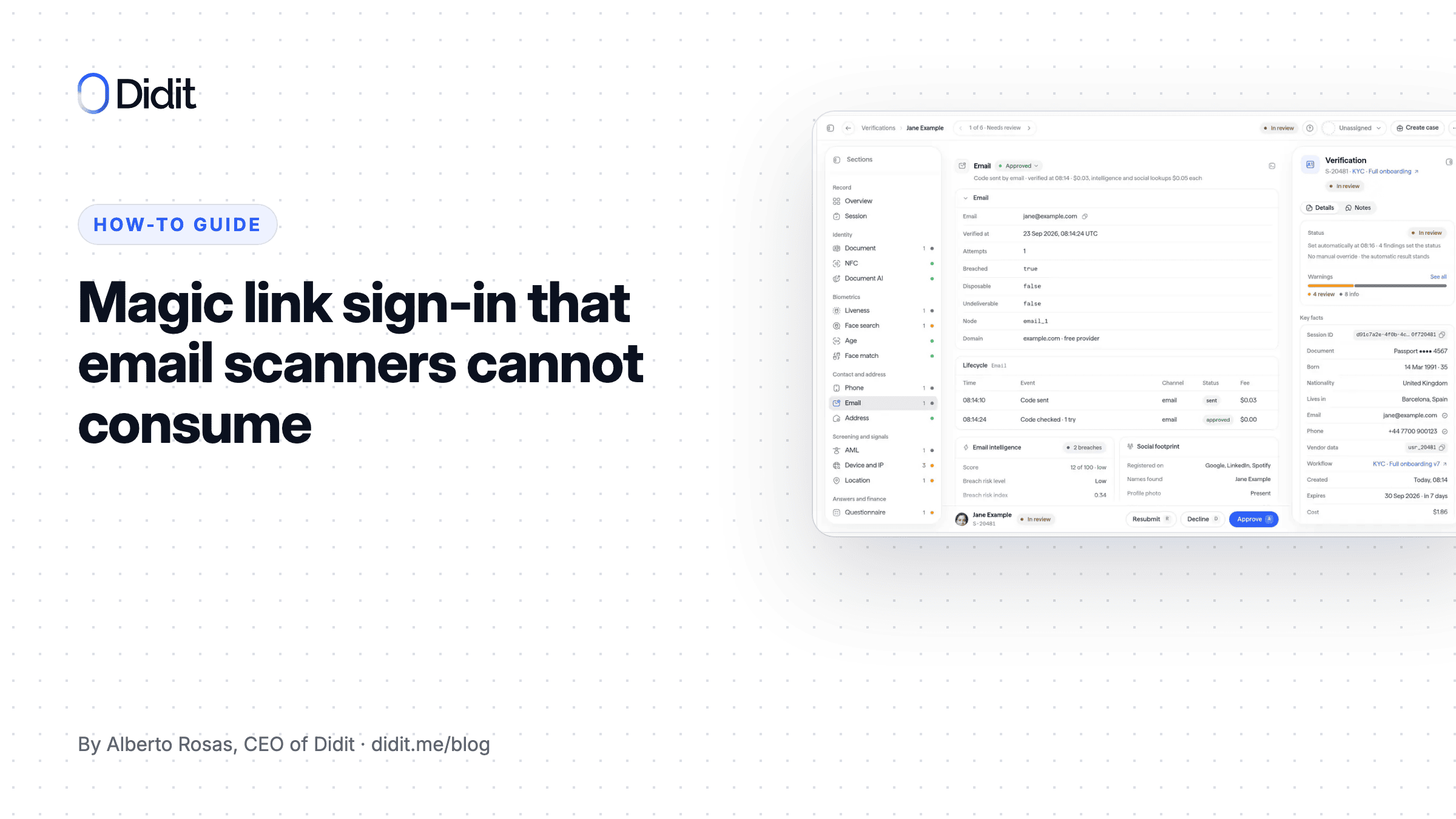 Magic link sign-in that email scanners cannot consume
Didit's hosted magic link lasts 15 minutes, works once and is bound to the browser that asked for it. A scanner that opens it changes nothing; the person confirms, then your app exchanges the code with PKCE.
Alberto RosasNov 26, 2026Questions
Blog questions
Who writes the Didit blog?
Which topics does the blog cover?
Is the blog available in my language?
Where do I find product updates?
Are these posts legal advice?
How do I find posts on one topic?
Are posts dated?
Do posts link to the docs?
Is the blog the same as the docs?
Compliance built in
Audited, certified and attested.
We hold the certifications and build each country's rules into your flows, so you can launch anywhere without worrying. Security and Compliance center
- Regulation encoded into your flows
Tell us what you do and where. Didit lists the rules that apply to you, with sources, and builds the checks each country needs into one workflow.
- Ready for AMLR
Every requirement of the new EU anti-money laundering rules, from checking customers to human review, is already covered by a Didit check.
- Tested in Spain's Treasury sandbox
Spain's Treasury published its supervised sandbox report on Didit's NFC plus active liveness onboarding; SEPBLAC took part and valued the added measures positively.
- Audited, not self-declared
iBeta Level 1 and Level 2. Liveness tested under ISO/IEC 30107-3.
Your obligations · 3 regions
 SOC 2 Type 2
 ISO 27001
 iBeta Level 1 and Level 2
 EU regulator attestation
 FSM youth protection
 GDPR
 EBA remote onboarding
 MiCA compatible
 FIDO Alliance member
- AMLREU AML Regulation ready
Integration · Didit MCP
Run Didit from your own AI agent
Connect Didit to Claude, Cursor, VS Code or ChatGPT and just ask in plain words. Your agent can do anything you can do in the console, with the same permissions you have.
 Add to Claude
 ChatGPT
 Cursor
- Build workflowsDescribe the checks you need. The agent creates and publishes the flow.
- Run investigationsAsk why a session was declined, review cases, search people and companies.
- Change rulesCreate payment rules, test them on past data and switch them on.
- Pull reportsAsk for numbers, exports or the audit log.
Didit Academy