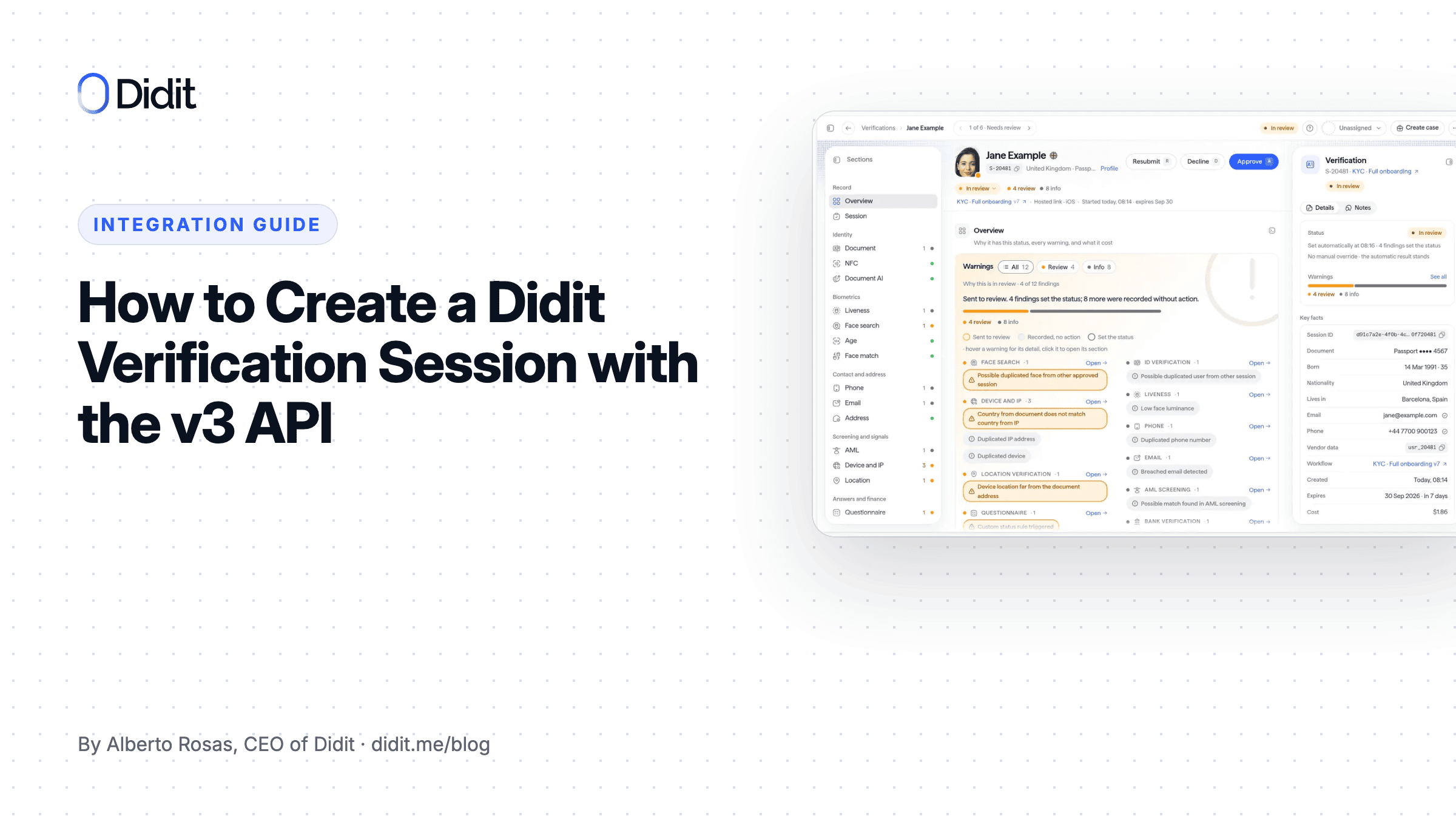
How to Create a Didit Verification Session with the v3 API
Create a verification session with POST /v3/session/ and open the returned hosted URL. The callback is optional; if your app has an allowlist, an HTTP or HTTPS callback must match an allowed origin.
 Alberto RosasCo-founder and CEO
Contents
In this guide
Jump to the part you need.
For developers building hosted KYC or KYB, send POST /v3/session/ with your server-side x-api-key and the workflow's workflow_id. Redirect the user to the returned url. Sandbox testing is free, and live billing starts with completed checks, such as $0.33 for a full ID check. If your application has an allowlist, an HTTP or HTTPS callback must match an allowed origin.
Last updated: November 26, 2026. Prices checked against the live Didit price feed on November 26, 2026.
| Item | Value |
|---|---|
| Endpoint | POST https://verification.didit.me/v3/session/ |
| Authentication | x-api-key header, server side only |
| Workflow selection | Send the stable workflow_id UUID to select a workflow explicitly. If you omit it, the application uses its default workflow when configured |
| Response fields | session_id, url, session_token; the response can also echo tags |
| Recommended route | Hosted session: redirect the user to url, or open it through the SDK or in an iframe |
| Callback | Optional. If omitted, we use the workflow default callback when one is configured and permitted. If your application has allowed domains, an HTTP or HTTPS callback must match an allowed origin |
| Redirect parameters | ?verificationSessionId={session_id}&status={status} appended to the callback |
| Decision delivery | A configured webhook destination subscribed to status.updated, plus GET /v3/session/{session_id}/decision/ |
| Cost to create a session | $0.00. Workflow Orchestrator, SDKs and MCP server are free |
| Cost per completed ID check | $0.33 (ID $0.15 + passive liveness $0.10 + face match $0.05 + device and IP $0.03) |
| Sandbox | Free and unlimited on every plan |
Start free in the sandbox at https://business.didit.me/ (no sales call). For developers, connect Didit to an AI assistant via https://didit.me/developers/mcp/. Prices are at https://didit.me/pricing/.
What the create session call does
We use one endpoint to create hosted User Verification and Business Verification sessions. The workflow type determines which session is created. A configured webhook destination subscribed to session status events can receive updates, and your server can retrieve the decision through GET /v3/session/{session_id}/decision/.
Two setup checks matter. The primary key has full access to its application. Scoped keys have limited access. Keep both server-side, never in a browser or mobile bundle. The callback must match an allowed origin only when your application has allowed domains configured. Custom URL schemes such as app deep links are always accepted.
Prerequisites
| Requirement | Detail | Where |
|---|---|---|
| Plan | The Free plan gives $10 in monthly credit to the first organization created with an eligible work email for a company domain. Phone verification codes are excluded. Sandbox testing is free on every plan | didit.me/pricing |
| Application | API keys are scoped to one Application inside your account. Pick the application from the dropdown at the top of the console | Business Console |
| API key | Open Developers, then API keys. The Primary key has full access; scoped keys have limited access. New keys use sk_live_ or sk_test_, and legacy keys may have no prefix. Keep the key server-side | API authentication docs |
| Workflow | A published workflow gives you the workflow_id the session call can use. If omitted, the application uses its default workflow when configured | Workflow builder docs |
| HTTP client | curl, an SDK or any server-side HTTP client. The verification host uses x-api-key, never an OAuth bearer token | Quick start |
| Webhook destination | Optional for the first call, required to receive decisions in real time | Webhooks docs |
| Callback origin | Only needed if your application has allowed domains. An HTTP or HTTPS callback must then match an allowed origin | Create Session API |
Step by step: create a verification session
Step 1: Get an API key for the right application
Open the Business Console, select your Application from the dropdown at the top, go to Developers then API keys, and copy the Primary key or create a new one. Keep it in a server-side environment variable such as DIDIT_API_KEY. The primary key has full access to its application. Scoped keys have limited access. Keep both server-side. The verification host verification.didit.me takes this key on the x-api-key header. The account host apx.didit.me takes a JWT on an Authorization header, and the two are never mixed.
Step 2: Find the workflow_id
Open Workflows in the sidebar and copy the ID of the workflow you want to run. In code, list them through the Management API:
curl -X GET 'https://verification.didit.me/v3/workflows/?limit=50&offset=0' -H "x-api-key: $DIDIT_API_KEY"Results come newest first in a {count, next, previous, results} envelope with a default page size of 50. Follow next until it is null to read every record. Each row is one version of a workflow group: workflow_id is the stable identifier shared by every version, version is the integer version number, and status is draft or published. New sessions use the latest published version. The row with is_default true is used when you create a session without a workflow_id. settings_uuid identifies one workflow version and is used for the workflow detail, update and delete endpoints at /v3/workflows/{settings_uuid}/. It is not the value the session call expects.
Step 3: Create the session
Replace WORKFLOW_UUID with the actual workflow UUID before running the example.
curl -X POST https://verification.didit.me/v3/session/ -H "x-api-key: $DIDIT_API_KEY" -H "Content-Type: application/json" -d '{"workflow_id": "WORKFLOW_UUID", "vendor_data": "user-42", "callback": "https://myapp.com/kyc/return"}'{
"session_id": "<session UUID>",
"url": "<hosted verification URL>",
"session_token": "<session token>"
}The response gives you three working fields. Store session_id next to your own user or business record, because it keys the decision endpoint and every webhook for that session. Send the user to url. This hosted redirect example uses url to open the flow and session_id to track the outcome. Persist vendor_data as something stable, since it binds the session to an entity and is used for duplicate detection across sessions.
Step 4: Send the user to the hosted url
Redirect the user to url, or open it through the SDK or in an iframe. If you passed a callback, we append ?verificationSessionId={session_id}&status={status} when the person finishes. A return page can read the session ID from that query string:
https://myapp.com/kyc/return?verificationSessionId=<session UUID>&status=ApprovedMatch the callback's verificationSessionId to the session_id your server stored for this user or business. Confirm the status for that session with a verified webhook or a server-side decision lookup before updating the record.

Step 5: Register a webhook destination and get the decision
curl -X POST https://verification.didit.me/v3/webhook/destinations/ -H "x-api-key: $DIDIT_API_KEY" -H "Content-Type: application/json" -d '{"label": "Production", "url": "https://myapp.com/api/webhooks/didit", "subscribed_events": ["status.updated", "data.updated"], "webhook_version": "v3"}'label and url are required. Save the returned secret_shared_key as DIDIT_WEBHOOK_SECRET; GET /v3/webhook/destinations/{destination_uuid}/ returns it again if you lose it. Verify X-Signature-V2 using HMAC-SHA256 over sorted, Unicode-preserved canonical JSON and the destination's secret_shared_key. Check that X-Timestamp is within 300 seconds and compare signatures in constant time. X-Signature signs the exact raw bytes. X-Signature-Simple is deprecated, authenticates only the envelope, and a handler that uses it must fetch the decision instead of trusting the payload. De-duplicate on event_id, answer 2xx within 5 seconds, and apply the decision by status. There is no wildcard in subscribed_events, so list every event family you want.
{
  "event_id": "uuid",
  "session_id": "uuid",
  "status": "Approved",
  "webhook_type": "status.updated",
  "created_at": 1627680000,
  "timestamp": 1627680000,
  "application_id": "uuid",
  "environment": "live",
  "workflow_id": "uuid",
  "workflow_version": 1,
  "vendor_data": "your-internal-user-id",
  "metadata": { "user_type": "premium" },
  "decision": { }
}
Status values are exact and case-sensitive: Approved, Declined, In Review, In Progress, Not Started, Abandoned, Expired, Kyc Expired, Resubmitted, Awaiting User. The decision object appears only on Approved, Declined, In Review and Abandoned.
Step 6: Fall back to the decision endpoint
curl -X GET https://verification.didit.me/v3/session/$SESSION_ID/decision/ -H "x-api-key: $DIDIT_API_KEY"This is the reconciliation path when a webhook is missed. If your handler verified only X-Signature-Simple, which is deprecated and authenticates only the envelope, fetch this decision instead of trusting the payload. V3 returns plural arrays such as id_verifications[], liveness_checks[], face_matches[] and aml_screenings[], because a workflow can run the same feature more than once. Never assume singular V2 fields.

session_id without calling the decision endpoint.Callback, allowed domains and callback_method
callback is optional. It is where the hosted flow redirects the user when finished. When omitted, we use the workflow default callback when one is configured and permitted. When the application has allowed domains set with allowed_domains on PATCH /v3/webhook/, an HTTP or HTTPS callback must share the same scheme, host and port as one of those origins. Otherwise creation fails with a 400 on callback: callback must be on one of the application's allowed domains: https://app.example.com. Custom URL schemes such as app deep links (myapp://) are always accepted. A workflow-default callback that sits outside the allowed domains is not used for the redirect.
callback_method defaults to initiator and accepts initiator, completer or both. Use both when the callback sometimes fails to fire.
Field mapping: request and response
| Field | Type | What it does |
|---|---|---|
Workflow selection: workflow_id | string, UUID, optional when a default workflow is configured | Send the stable workflow_id UUID to select a workflow explicitly. If you omit it, the application uses its default workflow when configured |
vendor_data | string, optional, strongly recommended | Your stable identifier for the person or business. Binds the session to an entity and drives duplicate detection |
callback | string, URL, optional | Redirect target when the hosted flow ends. If omitted, the workflow default applies when configured and permitted. An HTTP or HTTPS callback must match an allowed origin when the application has allowed domains |
callback_method | string, optional, default initiator | initiator, completer or both |
session_expiration_time | integer seconds, optional | 3600 to 2419200, overrides the workflow expiry for this session only |
sandbox_scenario | string, sandbox only | Scenario slug from GET /v1/sandbox/scenarios/ |
For the other request fields, including metadata, tags, language, contact_details, expected_details, portrait_image, multi_account_segment, user_state and sign, use the Create Session API reference.
| Field | Where | What it gives you |
|---|---|---|
session_id | create response, webhook, decision endpoint | The session key. Store it against your entity record |
url | create response | Hosted verification link to redirect the user to |
session_token | create response | Token for the session |
tags | create response | Tags added at creation, echoed in the response |
status | webhook and decision endpoint | Final or intermediate state of the session |
decision | Webhook envelope, when present | Per-feature results in plural arrays |
The decision endpoint returns the decision data itself, with per-feature results in plural arrays, so read id_verifications[], liveness_checks[], face_matches[] and aml_screenings[] from it.
Test with sandbox data
Sandbox applications are free and every check is mocked, so you can build the full loop before spending credit. Pass sandbox_scenario at creation with a scenario slug from GET /v1/sandbox/scenarios/, or arm it while the session is still Not Started with POST /v3/session/{session_id}/sandbox/arm/, then open the hosted link. The scenario expands its bundled magic values onto contact_details and expected_details so the session reproduces that result. A scenario sent to a live application is rejected with 400.
Expected success looks like three things. The create call answers with session_id, url and session_token. The hosted url from the sample request opens the flow. The webhook arrives with environment set to sandbox and the armed slug echoed in sandbox_scenario, so you can assert on it in tests. The scenario catalog is in sandbox testing.

id_verifications[].Error cases and fixes
| Symptom | Cause | Fix |
|---|---|---|
400 on workflow_id | The UUID is wrong, from another application, or a settings_uuid was used instead | List /v3/workflows/ and take workflow_id from the row you want |
400 on callback: must be on one of the application's allowed domains | The callback's scheme, host or port is not in allowed_domains when the application has an allowlist | Register the origin on PATCH /v3/webhook/, or use an app deep link with a custom scheme |
400 on session_expiration_time | Value outside 3600 to 2419200, or not a whole number | Send whole seconds inside the range, or omit the field |
400 on user_state | Value not recognized | Send an ISO 3166-2 code or a US state code or name |
| 401 | Key wrong, malformed, revoked or expired | Re-fetch the key from Developers, then API keys |
| 403 with the canonical detail envelope | No key header, or a scoped key without access to this resource or action | Use a key that has that access, or a full-access key |
| 429 | Rate limited | Back off using the wait the response reports, then retry |
| No webhook, or a duplicate | Your handler answered slower than 5 seconds, or with 5xx or 404 | We retry twice, after roughly 1 and 4 minutes, then drop the delivery. Resend from the destination delivery log and de-duplicate on event_id |
The full status map, including the stable error codes and which failures are safe to retry, is in API errors.
What a verification session costs
Session creation is not a billed line. The Workflow Orchestrator, the SDKs and the MCP server are free, and sandbox testing is free and unlimited. Creating a session does not create a check charge. Completed billable checks can still use credit if the user leaves before finishing the workflow.
Worked example. A product team creates 10,000 sessions in a month. Of those sessions, 8,000 each completed ID document verification, passive liveness, face match, and device and IP analysis. The other 2,000 completed no billable checks. At list price:
- ID document verification $0.15 × 8,000 = $1,200.00
- Passive liveness $0.10 × 8,000 = $800.00
- Face Match 1:1 $0.05 × 8,000 = $400.00
- Device and IP analysis $0.03 × 8,000 = $240.00
- Total $1,200.00 + $800.00 + $400.00 + $240.00 = $2,640.00, the same as $0.33 × 8,000
This AML add-on example assumes one completed AML screening for each of the 8,000 sessions: $0.20 × 8,000 = $1,600.00, so $2,640.00 + $1,600.00 = $4,240.00. That is the combined list price per session that completes both the full ID check and AML screening: $0.53.
On Growth, discounted usage before plan fees and credits: $0.3168 × 8,000 = $2,534.40 and $0.192 × 8,000 = $1,536.00, total $4,070.40, against a $99 monthly fee and $115 monthly credit. On Scale, discounted usage before plan fees and credits: $0.297 × 8,000 = $2,376.00 and $0.18 × 8,000 = $1,440.00, total $3,816.00, against a $299 monthly fee and $350 monthly credit. Check the current numbers at didit.me/pricing or the machine-readable price feed before you commit a budget.
Build it with an AI assistant
The official MCP server is free and hosted at https://mcp.didit.me/mcp with OAuth sign-in. For setup, use the MCP setup page and the integration prompt. The integration prompt carries the end-to-end recipe for a coding agent.

Sources
- Create Session API: endpoint, request fields, callback and allowed domains, sandbox scenario, expiration
- User Verification product page: KYC sessions, checks and list prices
- Business Verification product page: KYB sessions, registry data and list prices
- Quick start: workflow creation, the create session call, webhook destination registration, failure modes
- List Workflows API: pagination envelope, workflow and settings identifiers, default workflow
- Workflow builder: drafting, publishing and session versioning
- API authentication: host map, key format, 401 and 403 behavior
- Webhooks: signature headers, event types, envelope, retries
- API errors: status codes, bodies and retry guidance
- Sandbox testing: scenario catalog and arming a scenario
- Integration prompt: end-to-end recipe for a coding agent
- Didit pricing and pricing.json: live list prices read November 26, 2026
- Didit MCP server and integration prompt
Next step: create a free organization at https://business.didit.me/ (sandbox, no sales call). Grab a sandbox key and run the create session call against a sandbox workflow. Then subscribe a destination to status.updated and read the decision through the webhook or GET /v3/session/{session_id}/decision/.
Try it
Try this in the sandbox
Run the check this guide describes, free.
The product this post is about, taken from its topic. Run it free in the sandbox.
Author
Alberto Rosas
Co-founder and CEO

Keep reading
Other guides in the same topic.
 Digital ID Wallet Verification: Coverage and Pricing for 5 Providers (2026)
Didit lists eight production wallets at $0.10 to $0.95 per completed check. BankID Norway High and Personalausweis Profile 2 are Coming soon in production guidance. Check your environment’s catalog.
Alberto RosasNov 26, 2026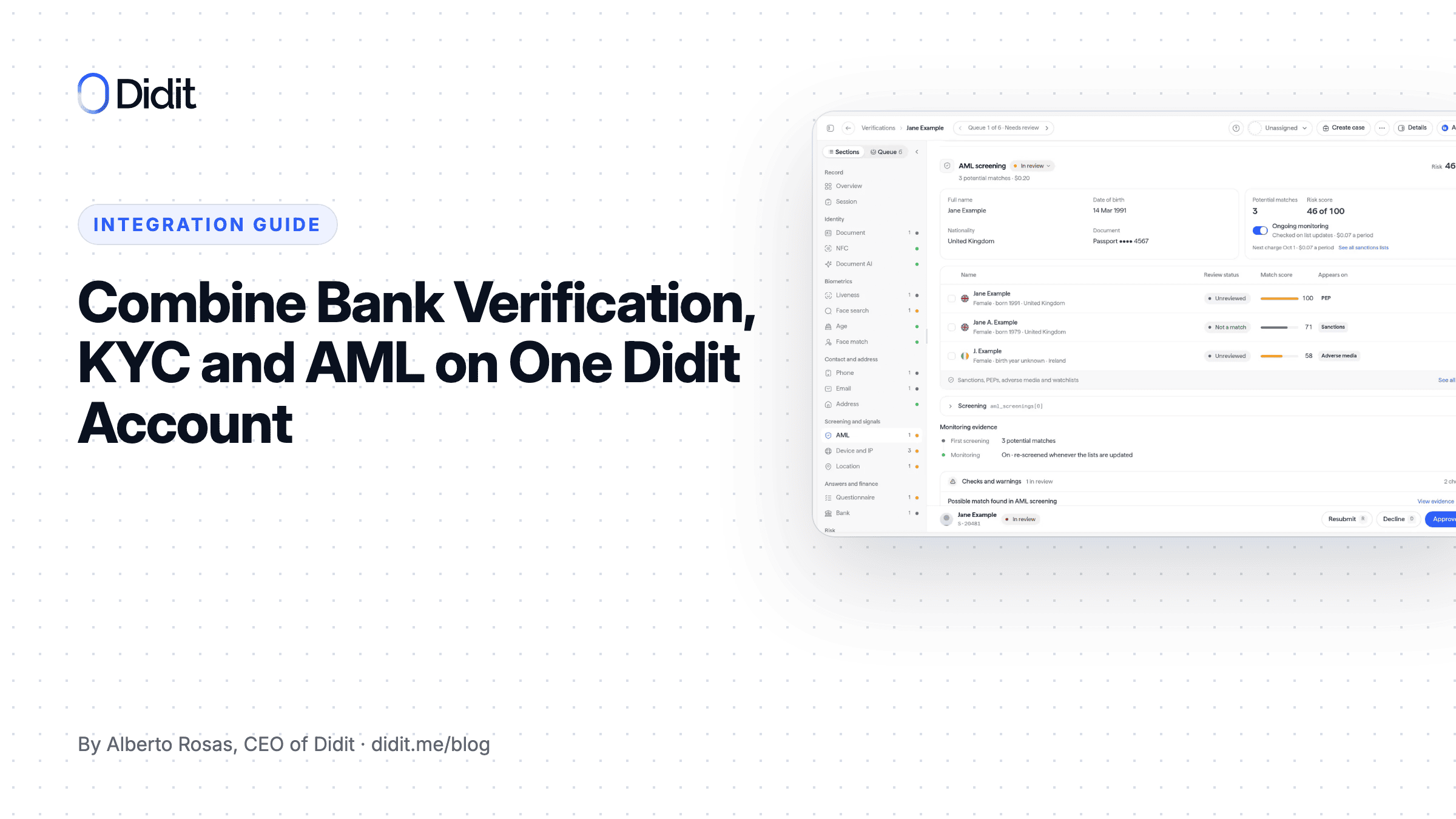 Combine Bank Verification, KYC and AML on One Didit Account
Run bank sign-in or account checks with KYC and AML in one Didit workflow. Sign-in starts at $0.45 per completion, account checks at $0.45 per answer, full KYC costs $0.33, and AML costs $0.20. Uncompleted bank links are free.
Alberto RosasNov 26, 2026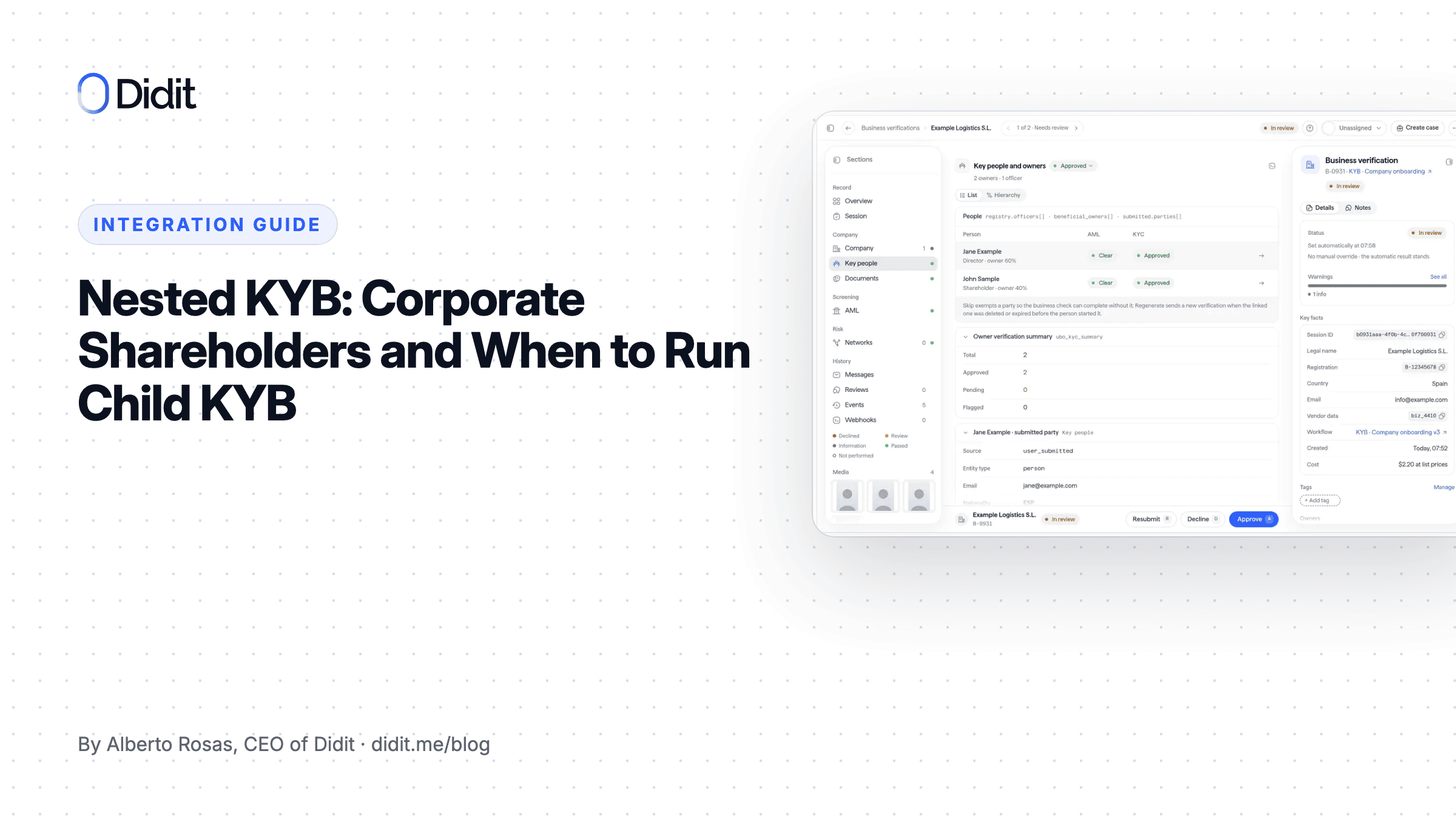 Nested KYB: Corporate Shareholders and When to Run Child KYB
Nested KYB is off by default. Enabled per workflow, we start a child Business Verification (KYB) sub-session for each qualifying corporate UBO, and the child's result feeds the parent.
Alberto RosasNov 26, 2026Questions
Frequently asked questions
What is the endpoint to create a Didit verification session?
Send a POST to https://verification.didit.me/v3/session/ with your API key on the x-api-key header and a JSON body containing workflow_id. The response returns session_id, url and session_token. One endpoint covers both KYC and KYB; the workflow's type decides which session kind is created.
Where do I find the workflow_id?
Copy it from Workflows in the Business Console, or call GET https://verification.didit.me/v3/workflows/ with your API key. Results come newest first in a {count, next, previous, results} envelope and you follow next until it is null. Use the workflow_id from the row. settings_uuid identifies one workflow version and is used for the workflow detail, update and delete endpoints.
Does creating a verification session cost anything?
No. Session creation is not a billed line, and the Workflow Orchestrator, the SDKs and the MCP server are free. We bill per completed check from prepaid credit: $0.33 for a full ID check, $0.20 for AML screening, from $2.00 per company for KYB. The Free plan gives $10 in monthly credit to the first organization created with an eligible work email for a company domain.
What does the Didit create session response contain?
The create response includes session_id for tracking, url for the hosted flow and session_token for the session. The response can also echo tags. Store session_id beside your own entity record, because it keys the decision endpoint and every webhook for that session.
Why do I get 400 callback must be on one of the application's allowed domains?
Your application has allowed domains set, and the HTTP or HTTPS callback you sent does not match one of those origins on scheme, host and port. Register the origin with allowed_domains on PATCH /v3/webhook/, or send a custom scheme such as an app deep link, which is always accepted. A workflow-default callback outside the allowed domains is not used for the redirect.
How do I get the webhook decision for a Didit session?
Register a destination for status.updated. Verify X-Signature-V2 using HMAC-SHA256 over sorted, Unicode-preserved canonical JSON and the destination's secret_shared_key. Check that X-Timestamp is within 300 seconds and compare signatures in constant time. The envelope carries session_id, status, vendor_data and, on Approved, Declined, In Review and Abandoned, the full decision object.
What is the difference between workflow_id and settings_uuid?
workflow_id is the stable identifier shared by every version of a workflow group, and it is what POST /v3/session/ expects. settings_uuid identifies one workflow version and is used for the workflow detail, update and delete endpoints at /v3/workflows/{settings_uuid}/. Passing a settings_uuid as workflow_id returns a 400.
Can I use POST /v3/session/ for both KYC and KYB?
Yes. There is no separate KYB endpoint. A KYC workflow creates a User Verification session and a KYB workflow creates a Business Verification session. For KYB, pass business fields such as company_name, registry_country and registration_number in expected_details to pre-fill the registry search; person-level fields are ignored on KYB sessions.
How do I test session creation without spending credit?
Use the API key for your sandbox application. Newly issued sandbox keys start with sk_test_, and older keys have no prefix. Sandbox testing is free and unlimited and every check is mocked. Drive outcomes with sandbox_scenario using a slug from GET /v1/sandbox/scenarios/, and assert that the webhook returns environment set to sandbox. A scenario sent to a live application is rejected with 400.
How long is a hosted verification link valid?
The link follows the workflow's session expiration setting. You can override it per session with session_expiration_time in seconds, anywhere from 3600 (1 hour) to 2419200 (4 weeks). A value outside that range, or one that is not a whole number, returns a 400.
Is the hosted callback required, and how is it different from a webhook?
No. The hosted callback is optional; if you omit it, we use the workflow default callback when one is configured and permitted. A webhook is a server-to-server event delivery to a destination you register, and it is the reliable route for decisions. The callback redirects the user to your website or app when the hosted flow finishes.
Compliance built in
Audited, certified and attested.
We hold the certifications and build each country's rules into your flows, so you can launch anywhere without worrying. Security and Compliance center
- Regulation encoded into your flows
Tell us what you do and where. Didit lists the rules that apply to you, with sources, and builds the checks each country needs into one workflow.
- Ready for AMLR
Every requirement of the new EU anti-money laundering rules, from checking customers to human review, is already covered by a Didit check.
- Tested in Spain's Treasury sandbox
Spain's Treasury published its supervised sandbox report on Didit's NFC plus active liveness onboarding; SEPBLAC took part and valued the added measures positively.
- Audited, not self-declared
iBeta Level 1 and Level 2. Liveness tested under ISO/IEC 30107-3.
Your obligations · 3 regions
 SOC 2 Type 2
 ISO 27001
 iBeta Level 1 and Level 2
 EU regulator attestation
 FSM youth protection
 GDPR
 EBA remote onboarding
 MiCA compatible
 FIDO Alliance member
- AMLREU AML Regulation ready
Integration · Didit MCP
Run Didit from your own AI agent
Connect Didit to Claude, Cursor, VS Code or ChatGPT and just ask in plain words. Your agent can do anything you can do in the console, with the same permissions you have.
 Add to Claude
 ChatGPT
 Cursor
- Build workflowsDescribe the checks you need. The agent creates and publishes the flow.
- Run investigationsAsk why a session was declined, review cases, search people and companies.
- Change rulesCreate payment rules, test them on past data and switch them on.
- Pull reportsAsk for numbers, exports or the audit log.
Didit Academy