Didit Audit Log Retention and Export by Plan (2026)
Didit keeps audit logs 30 days on Free, 1 year on Growth, 3 years on Scale and per contract on Enterprise. Export is available on Scale and Enterprise only; other plans return a 403 plan-gate error.
 Alberto RosasCo-founder and CEO
Contents
In this guide
Jump to the part you need.
This page is for the compliance lead who has to hand an auditor a dated record of API activity and the evidence behind identity decisions. Didit keeps audit logs 30 days on Free, 1 year on Growth, 3 years on Scale and per contract on Enterprise. Export is on Scale and Enterprise only. On any other plan an export answers 403 with plan_limit_exceeded. Plan fees are $0, $99 and $299 a month, with Enterprise from $15,000 a year.
Last updated: November 26, 2026. Prices checked against the live Didit price feed on November 26, 2026.
| Plan | Price | Audit log lookback | Export |
|---|---|---|---|
| Free | $0 a month; $10 of monthly credit for eligible organizations that sign up with a work email. API-created organizations start at $0 credit. | 30 days | No |
| Growth | $99 a month, or $1,128 a year paid up front | 1 year | No |
| Scale | $299 a month, or $3,408 a year paid up front | 3 years | Yes |
| Enterprise | From $15,000 a year, annual contract | Set by your contract | Yes |
Start free in the sandbox at https://business.didit.me/. There is no sales call. Published plan prices are at https://didit.me/pricing/. Developers who want an assistant to read plans, sessions and account state can connect Didit through https://didit.me/developers/mcp/.
What the audit log is for
The audit log is a searchable record of all API activity in your organization. Every request made to the Didit platform, whether from the Console, your integration or a team member, is logged automatically. The documentation lists five uses: regulatory compliance requirements, security incident investigation, debugging integration issues, team accountability, and usage monitoring.
This page describes what Didit logs and retains. It does not decide who is subject to a law, where it applies or from when. Legal retention and access duties depend on the law that applies to you and need qualified advice.
Two retention windows, and they are not the same setting
Didit has a retention window for verification data and a separate lookback for the audit log. Buyers confuse them, so keep them apart.
- Audit log lookback is fixed by your plan: 30 days on Free, 1 year on Growth, 3 years on Scale, your contract on Enterprise. You cannot extend it in settings.
- Verification data retention is a setting. In the Business Console, open App Settings, then Data retention, and pick a window from 1 month to 10 years. Unlimited and custom periods are Enterprise. A new application starts at the longest window its plan includes: 1 year on Free, 5 years on Growth, 10 years on Scale and unlimited on Enterprise. The policy applies to verification inputs and outputs, derived results and operational metadata, and it covers future and existing sessions.
So a Scale customer can keep verification data for 10 years while the audit log reaches back 3 years. If your audit period is older than the log, you need your own copy, or an Enterprise contract. The retention controls are documented at https://docs.didit.me/console/data-retention.
How far back each plan reaches today
Retention is expressed in days and years, but an auditor asks about a fixed period. Here is the arithmetic from November 26, 2026.
| Plan | Lookback | Oldest log you can open today | Can you export it |
|---|---|---|---|
| Free | 30 days | 27 October 2026 | No |
| Growth | 1 year | 26 November 2025 | No |
| Scale | 3 years | 26 November 2023 | Yes |
| Enterprise | Contract | As your contract sets | Yes |
Run that arithmetic before you pick a plan. A period running from 1 January 2024 to 31 December 2024 is inside Scale today, because 26 November 2023 is earlier than 1 January 2024. The same period is outside Growth, which stops at 26 November 2025. A period beginning before November 26, 2023 is not fully covered by Scale. For example, January 1 to December 31, 2023 is only partially covered. For a period that old you need an Enterprise contract that sets the lookback, or an archive you kept yourself.
Audit evidence needs against Didit capability
| What an auditor may ask for | Didit capability | What stays with you |
|---|---|---|
| A dated record of API activity | Audit log entries record timestamp, user, method, path, status code, IP address and application for every request to the Didit platform | Choosing the period and explaining why it matches the audit scope |
| Who could view the log | Only roles with audit-logs read and list permissions can view the log. The Reader, Compliance Officer, Developer, Admin and Owner roles have them, and a custom role gets them by selecting Audit log | Your access review cadence and the decision about which staff get which role |
| The verification record behind a decision | Session detail pages, session PDF reports and bulk CSV reports give the verification record behind the request log | Your written procedures and the policy document that references them |
| Evidence for a failed call | Redacted JSON request and response bodies for API key writes and errors, cut at 4,096 characters | Tying the failure to a ticket and a change record |
| A longer history than the plan lookback | Export on Scale and Enterprise; Enterprise sets the window in the contract | Archiving exports on a schedule if you need a longer record |
Running the compliance audit export, step by step
Open Settings, then Organization, then Audit log in the Didit Console. Every request is logged automatically, whether it came from the Console, your integration or a team member. The procedure below matches the documented filters and export workflow.
- Match the date range to the audit period first. Use the Date Range filter and set a custom range equal to the period under review, not the last 7 days preset.
- Narrow to the application. The Application filter selects one application, which is what an auditor tracing a product line usually wants.
- Narrow to the person or the key. The Members and API keys filter selects a specific API key of the chosen application. The smart search bar also takes an exact email, an exact IP, an exact path or a wildcard such as
/v1/*/analytics/*. - Add the machine actors. Set Actor to The Investigator to see decisions the agent took on its own, then run the same range with the actor cleared to see people and keys.
- Export if your plan allows it, otherwise capture the screen. On Scale and Enterprise use export. On Free and Growth, set the date range, filter, and take screenshots that show the range and the filters in frame, because the log entry itself scrolls out of reach as the lookback window rolls forward.
- Pull the verification record alongside the log. Open any session and use Download PDF, or request a CSV export from the Reports page. A report moves from Pending to Processing to Ready, or to Failed.
Audit-log export and verification-data export are separate features. The audit log exports request history. The PDF and CSV exports cover verification data for sessions.

The Reports page lists every export your organization has requested. Members with reader access can view and download ready reports, but creating a new export needs an admin. A ready verification export can still contain failures: inspect failed_item_ids and failed_count before you treat it as complete, because deleted sessions are excluded and cannot be re-exported. To retry a subset, send item_ids with 1 to 1000 UUIDs from that report's failure list to the retry endpoint described at https://docs.didit.me/console/export-pdf-csv. Only the original requester can retry, and an API key without that matching user identity receives a 403.
{"item_ids": ["00000000-0000-4000-8000-000000000001"]}For one person's history, the Console offers Actions, then Download PDF on the user detail page, and the API offers GET /v3/users/{vendor_data}/generate-pdf/:
curl --request GET --url https://verification.didit.me/v3/users/{vendor_data}/generate-pdf/ --header 'x-api-key: YOUR_API_KEY'That report bundles a cover page with the full report of every completed session sharing the same vendor_data, in chronological order, limited to reportable statuses (Approved, Declined, In Review, Kyc Expired) and capped at the 20 most recent sessions. The cover page states when older sessions were left out.
Fixing the 403 with code plan_limit_exceeded
That error is a plan gate, not a permission bug and not a bad key. It means the organization asked for an audit log export on a plan that does not include export. The response looks like this.
HTTP/1.1 403 Forbidden
{"code": "plan_limit_exceeded"}
Check the code before you change anything. A 403 from the Didit API has several other causes, and none of them is fixed by a plan change.
| Situation | Status | Body points to |
|---|---|---|
| Audit log export on Free or Growth | 403 | plan_limit_exceeded |
No x-api-key header sent | 403 | No permission to perform this action |
| Key used from outside its IP list | 403 | This API key cannot be used from this IP address |
| Scoped key without access to the endpoint | 403 | This API key has no access to this endpoint |
| Balance cannot cover the call | 403 | Not enough credits, or insufficient_credits |
| Application just deleted | 403 | application_deleted |
Those rows are consistent with the error reference at https://docs.didit.me/integration/api-errors, where you can also confirm that a wrongly formed or revoked key answers 401, not 403.
Four ways forward, in order of cost
- Capture the screen instead of exporting. Set the custom date range, filter to the application and the user, and screenshot the result. This works on every plan, and it is the honest option when the audit period is still inside your lookback. A screenshot may be harder to process than an exported file, so log who took the screenshot and when.
- Use the verification export, which is a different feature. The PDF session report and the CSV report from the Reports page are documented as verification-data exports. They do not reproduce API request history, the IP address or the actor. Read the page at https://docs.didit.me/console/export-pdf-csv before relying on it.
- Move to Scale. Scale is $299 a month, or $3,408 a year paid up front. It brings a 3-year audit log with export, and it is the smallest self-serve plan that answers the question directly.
- Go to Enterprise if the period begins before November 26, 2023 or the auditor demands more. Enterprise contracts start at $15,000 a year, and the contract sets the audit log window and the data retention window. Talk to sales through https://didit.me/contact.

Why request and response bodies are redacted in Didit audit logs
Redaction exists so the log stays useful for debugging without becoming a second copy of the personal data you were hired to protect. For a call made with an API key, the log keeps a redacted copy of the JSON request body of a write, and of the response to a write or to an error, so you can see why a call failed. The response to a successful read is not kept.
The rule is default deny. Structure survives: field names, nesting, value types, array lengths and string lengths. A value survives only when it is one of Didit's own identifiers, statuses, codes, counts or timestamps, in a field Didit defines, with the shape that field expects. A boolean survives only in a field Didit defines. Everything else becomes a marker naming its type and length, such as [redacted:string:12], [redacted:number:5] or [redacted:boolean], and null stays null. A field name that is not a plain identifier, such as an email address or a phone number used as a key, becomes [redacted:key:23]. A body that is not JSON, such as a form or a file upload, is replaced by a note saying what it was. What remains is cut at 4,096 characters.
Query parameters go through the same redaction. Only standard headers such as content-type, user-agent and the rate-limit headers are kept. A value your own system sends, for example in metadata or vendor_data, is never kept, even when its field is named like one of Didit's. Authentication tokens, credentials, passwords, secrets and personal data from verification sessions are excluded outright.
Why an audit log entry shows The Investigator as the user
The Investigator is our decision agent. Each decision it takes on its own is recorded under The Investigator, not under a member or an API key: approving or declining a session, requesting a resubmission, setting a transaction's status, and resolving a case, escalating it or requesting information on it. The entry links to the Investigator report behind the decision.
When a person accepts or overrides an Investigator recommendation, the entry is recorded under that person. That split is deliberate. It shows a reviewer where the machine acted alone and where a human took responsibility. The Actor filter has a value for The Investigator, which is the fastest way to produce a list of autonomous decisions for a given date range. The agent itself is documented at https://docs.didit.me/console/investigator.md.

Worked cost example
A compliance team at a payments firm has a 2024 audit period, 1 January 2024 to 31 December 2024, and runs 5,000 full ID checks a year. The auditor wants the request log for that period, exportable.
- Growth is not enough. Growth is $99 a month, so $99 x 12 = $1,188 a year. Its log reaches back 1 year, to 26 November 2025 as of today, so the 2024 period is out of reach, and Growth has no export.
- Scale clears both gates. Scale is $299 a month: $299 x 12 = $3,588 billed monthly, or $3,408 paid yearly up front, which saves $3,588 minus $3,408 = $180. Its log reaches back 3 years, to 26 November 2023, which is before 1 January 2024.
- The checks are covered by plan credit. At the Scale price of $0.297 per full ID check, 5,000 checks cost 5,000 x $0.297 = $1,485.00 a year. Spread evenly, that is 5,000 / 12 = 416.67 checks a month, or 416.67 x $0.297 = $123.75 a month, inside the $350 of monthly credit Scale adds. Treat the credit as a monthly ceiling, not a bank: unused credit expires at the end of the plan month and does not roll over.
- Enterprise is the step up only if you need a lookback longer than 3 years. At the $15,000 a year floor, that is $15,000 minus $3,408 = $11,592 a year more than Scale paid yearly. If your audit period begins before November 26, 2023, that is the published route to a longer window, because no self-serve plan reaches past 3 years.
Estimates for other volumes are at https://didit.me/pricing/, and the billing rules behind them are at https://docs.didit.me/getting-started/pricing.
Exceptions and open questions
- Deleted sessions do not come back through an export. The export documentation states that deleted sessions are excluded and cannot be re-exported. If you delete early for privacy reasons, expect a gap and document it.
- A session export is not an audit log export. The PDF and CSV features export verification data. They do not reproduce the request history, the IP address or the actor. Only the audit log does that.
- An export is a point-in-time file. Treat it as a file you capture at a point in time; it is not a live feed. If your auditor can return next year, schedule exports rather than relying on one file.
- An audit log entry does not prove a decision was correct. It proves a request was made, by whom, from where and with what status. Correctness comes from the session record and, for automated decisions, the Investigator report.
- Retention settings and audit lookback move independently. Changing the Data retention window does not extend the audit log, and the plan lookback does not extend stored session data.
- Open question, outside our product. Legal retention and access duties depend on the law that applies to you and need qualified advice. We publish what we retain. We do not tell you what your regulator requires.
Implementation checklist
- Write down the oldest date your next audit will ask about, then compare it with your plan's lookback using the arithmetic table above.
- Set your verification data retention in App Settings, then Data retention, separately from the audit log question. Do not assume one covers the other.
- Confirm which staff hold a role with
audit-logsread and list permissions, and whether a custom role is a better fit than Admin. - Rehearse the query: custom date range first, then Application, then Members and API keys, then Actor set to The Investigator.
- If you are on Scale or Enterprise, run one export end to end and check that the report reaches Ready.
- If you are on Free or Growth, take a dated screenshot with the range and filters visible, and record who took it.
- Inspect
failed_item_idsandfailed_counton every verification export, and retry a subset withitem_idsbefore you file the report. - Add one paragraph to your audit memo explaining the redaction markers and the Investigator actor, so a reviewer reads them as design and not as missing data.
- Decide now whether to archive exports on a schedule, because the lookback window rolls forward every day.
Sources
- Didit docs, Audit Logs: API Activity Tracking and Compliance
- Didit docs, Data Retention and Deletion
- Didit docs, Export Verification Data: PDF Reports and CSV
- Didit docs, API Errors: Status Codes, Bodies and Fixes
- Didit docs, Roles and Permissions
- Didit docs, Billing and plan in the Didit Console
- Didit docs, Investigator
- Didit docs, Identity Verification Pricing
- Didit pricing page and cost estimator
- Didit MCP server
- Didit Business Console and free sandbox
Next step: open the sandbox at https://business.didit.me/, go to Settings, Organization, Audit log, and check that the entries you need for your audit period are inside your plan's lookback. No sales call is required to start. Choose the plan that covers your audit period and export requirement.
Try it
Try this in the sandbox
Run the check this guide describes, free.
The product this post is about, taken from its topic. Run it free in the sandbox.
Author
Alberto Rosas
Co-founder and CEO

Keep reading
Other guides in the same topic.
 How to Cut MCP Token Usage in Claude Code, Cursor and VS Code
The Didit MCP server lists every tool by default, which costs roughly 50,000 to 115,000 tokens on every request. Add toolsets=core to the URL for about 30 tools, or read_only=true for about 20.
Alberto RosasNov 26, 2026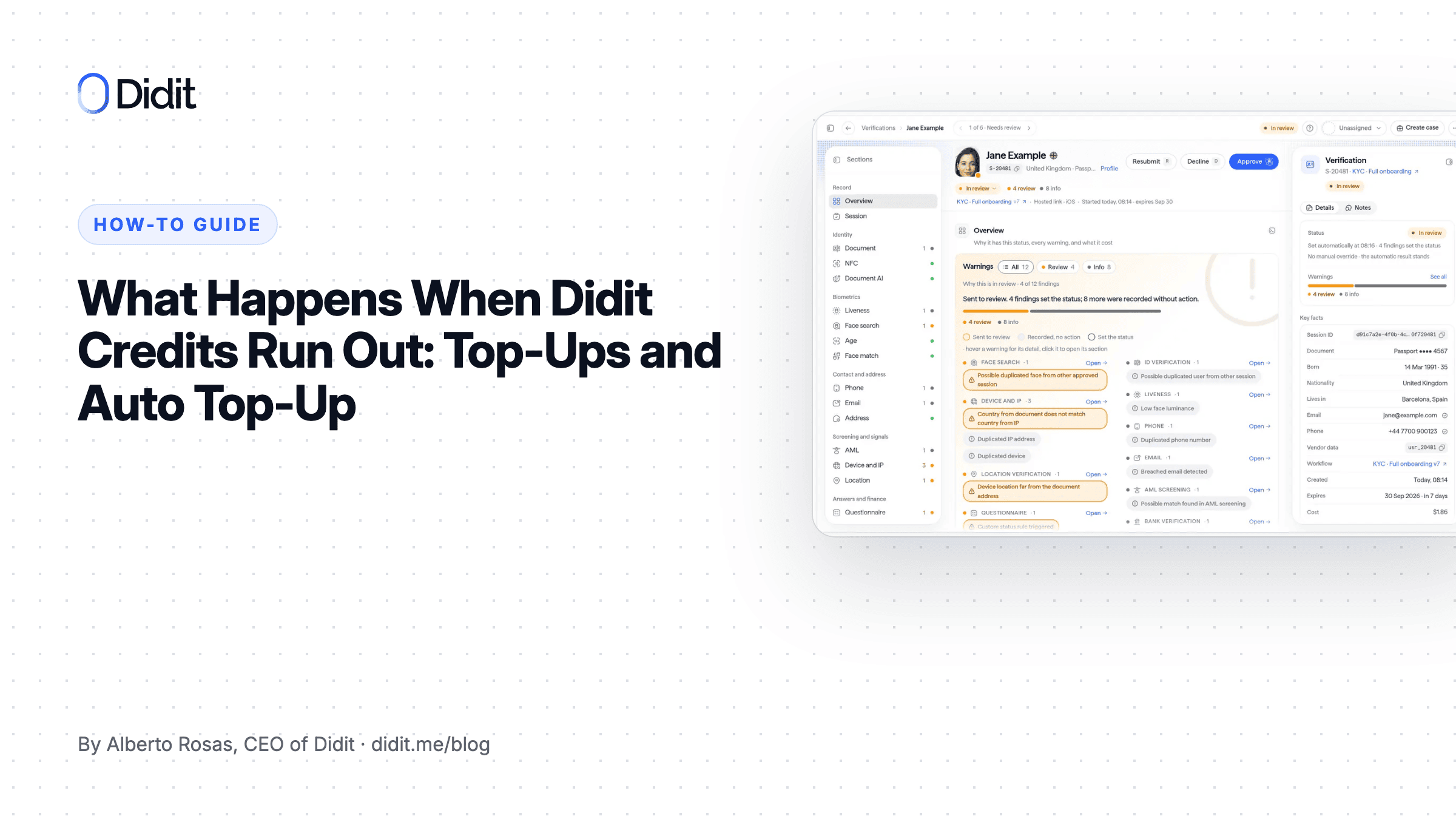 What Happens When Didit Credits Run Out: Top-Ups and Auto Top-Up
Monthly credit lands on day one and expires at month end, no rollover. Top-ups of $50 to $20,000 last 12 months and are spent oldest first. Without auto top-up, live checks stop until you top up; the sandbox keeps running.
Alberto RosasNov 26, 2026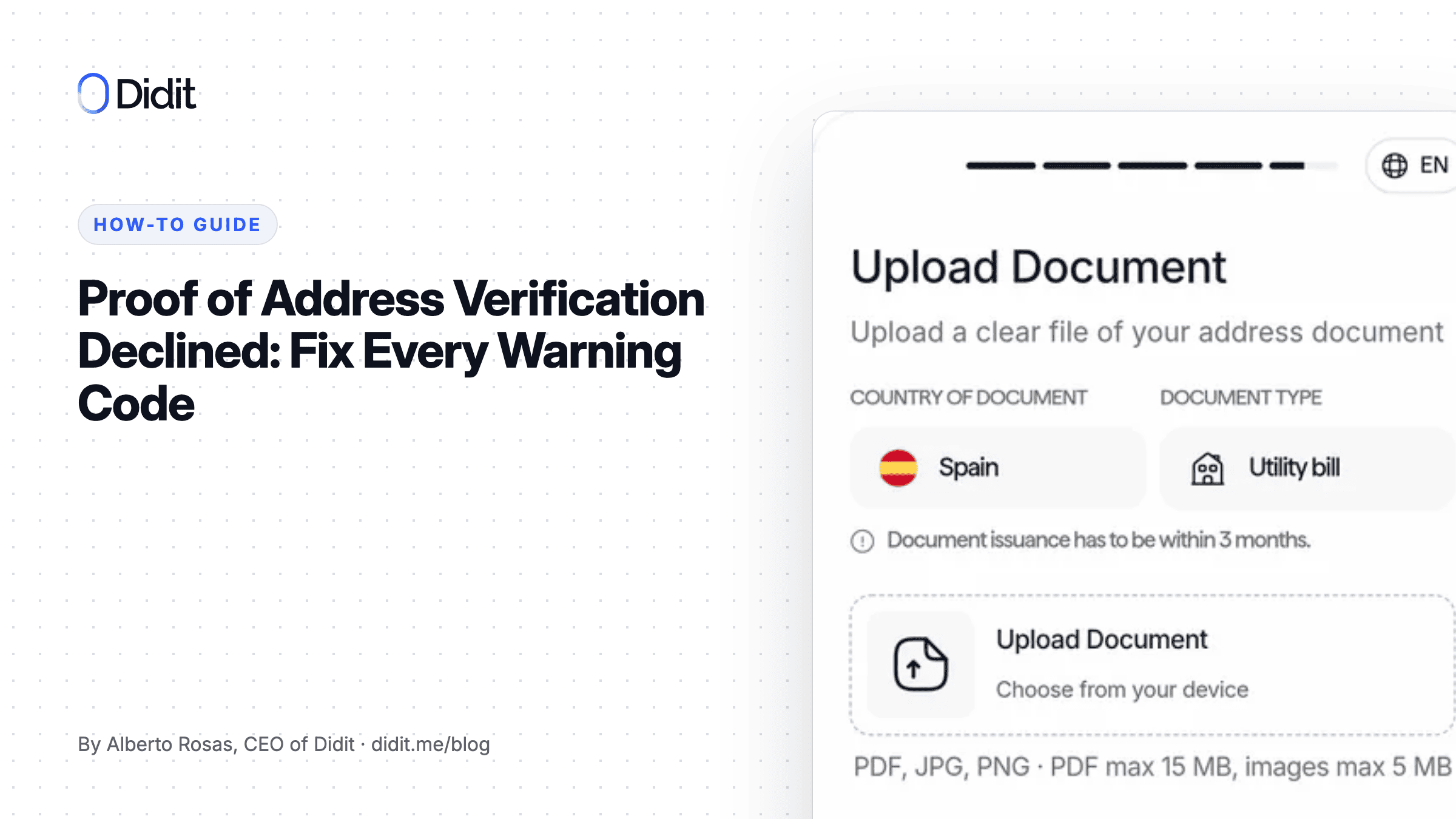 Proof of Address Verification Declined: Fix Every Warning Code
A proof of address check is Declined when at least one warning resolves to a decline. Fix the expected address and name values, the document age window and the language allowlist, correct OCR fields with update-poa-data, or.
Alberto RosasNov 26, 2026Questions
Frequently asked questions
How far back does Didit keep audit logs?
Didit keeps audit logs 30 days on Free, 1 year on Growth, 3 years on Scale, and for the period your contract sets on Enterprise. From November 26, 2026, that means Free reaches 27 October 2026, Growth reaches 26 November 2025 and Scale reaches 26 November 2023. The lookback is fixed by plan and cannot be extended in settings.
Can I export Didit audit logs for a compliance audit?
Yes, on Scale and Enterprise. On Free and Growth the log is readable in the Console but export is not included. On those plans, set a custom date range, filter to the application and user, and capture the screen, or export verification data as a session PDF or CSV, which is a different dataset.
Why do I get a 403 with code plan_limit_exceeded when I export the audit log?
Because the organization is on a plan that does not include audit log export, which is Free or Growth. The response is a 403 whose body carries plan_limit_exceeded. It is a plan gate, so changing your API key or your role will not clear it. Moving to Scale or Enterprise does.
Does upgrading to Growth fix the export error?
No. Growth is $99 a month and extends the audit log from 30 days to 1 year, but export stays off. Scale, at $299 a month or $3,408 a year paid up front, is the first self-serve plan with both a 3-year log and export.
Why are request and response bodies redacted in Didit audit logs?
The rule is default deny, so the log can show why a call failed without keeping a second copy of personal data. Field names, nesting, value types and lengths stay, and any value that is not one of Didit's own identifiers, statuses, codes, counts or timestamps is replaced by a marker such as [redacted:string:12]. Bodies are cut at 4,096 characters, and values your system sends in metadata or vendor_data are never kept.
Why does my Didit audit log show The Investigator as the user?
The Investigator is our decision agent, and each decision it takes on its own is recorded under its own name rather than under a team member or an API key. That covers approving or declining a session, requesting a resubmission, setting a transaction status, and resolving, escalating or requesting information on a case. When a person accepts or overrides a recommendation, the entry is recorded under that person.
Is the audit log retention the same as Didit's data retention setting?
No. Audit log lookback is set by your plan at 30 days, 1 year, 3 years or by contract. The Data retention setting in App Settings controls how long verification inputs, outputs and operational metadata are stored, from 1 month to 10 years, with unlimited on Enterprise. A new application starts at 1 year on Free, 5 years on Growth, 10 years on Scale and unlimited on Enterprise.
Who can see the audit log in the Didit Console?
Anyone in the organization with the audit-logs read and list permissions. The Reader, Compliance Officer, Developer, Admin and Owner roles all have them, and a custom role gets them when Audit log is selected. The log lives under Settings, then Organization, then Audit log.
Do Didit audit logs contain personal data from verification sessions?
No. Authentication tokens, credentials, passwords, secrets and personal data from verification sessions are excluded. The log keeps request metadata: timestamp and duration, the user email or API key name, path and query parameters in redacted form, status code, client IP and user agent, plus redacted bodies for API key writes and errors.
How do I keep audit history longer than my plan lookback?
Export on Scale or Enterprise and archive the files on a schedule, or set a longer window in an Enterprise contract. Scale includes a 3-year audit log with export; Enterprise sets the window in the contract. A session PDF or CSV is verification data, not API request history.
How do I match an export to my audit period?
Set the Date Range filter to a custom range equal to the period under review, then filter by Application, then by Members and API keys or by Actor set to The Investigator. Export if your plan includes it, otherwise capture the screen with the range and filters visible. Confirm that the period start is inside your lookback before you start, using the dated table on this page.
Compliance built in
Audited, certified and attested.
We hold the certifications and build each country's rules into your flows, so you can launch anywhere without worrying. Security and Compliance center
- Regulation encoded into your flows
Tell us what you do and where. Didit lists the rules that apply to you, with sources, and builds the checks each country needs into one workflow.
- Ready for AMLR
Every requirement of the new EU anti-money laundering rules, from checking customers to human review, is already covered by a Didit check.
- Tested in Spain's Treasury sandbox
Spain's Treasury published its supervised sandbox report on Didit's NFC plus active liveness onboarding; SEPBLAC took part and valued the added measures positively.
- Audited, not self-declared
iBeta Level 1 and Level 2. Liveness tested under ISO/IEC 30107-3.
Your obligations · 3 regions
 SOC 2 Type 2
 ISO 27001
 iBeta Level 1 and Level 2
 EU regulator attestation
 FSM youth protection
 GDPR
 EBA remote onboarding
 MiCA compatible
 FIDO Alliance member
- AMLREU AML Regulation ready
Integration · Didit MCP
Run Didit from your own AI agent
Connect Didit to Claude, Cursor, VS Code or ChatGPT and just ask in plain words. Your agent can do anything you can do in the console, with the same permissions you have.
 Add to Claude
 ChatGPT
 Cursor
- Build workflowsDescribe the checks you need. The agent creates and publishes the flow.
- Run investigationsAsk why a session was declined, review cases, search people and companies.
- Change rulesCreate payment rules, test them on past data and switch them on.
- Pull reportsAsk for numbers, exports or the audit log.
Didit Academy