Didit Refresh Token Reuse, Revocation and JWKS Kid Rotation
Reusing a refresh token revokes the whole Didit session, so the next access token fails GET /session/. A successful refresh returns a new refresh token while the session remains subject to the documented session checks.
 Alberto RosasCo-founder and CEO
Contents
In this guide
Jump to the part you need.
Developers whose Didit Authentication access token stops working after a refresh land here. The short answer: a refresh token works once, a successful refresh rotates it in place, and reusing a spent one revokes the whole session, so every access token from that session then fails GET /session/. Authentication is free for the first 50,000 active users each month, then $0.02 per user. The caveat: a stale signing-key cache and a new custom domain produce the same 401.
Last updated: November 26, 2026. Prices checked against the live Didit price feed on November 26, 2026.
| What you see | What caused it | Fix |
|---|---|---|
The token endpoint answers 400 with invalid_grant | The refresh token was already used, so Didit revoked the session | Exchange each refresh token once; send the person back to /sign-in |
The access token verifies, then GET /session/ answers 401 | The session is revoked, idle past your timeout, blocked, or otherwise no longer valid | Treat the person as signed out; stop retrying that token |
Signature check fails with kid not found | A new signing key after the 30-day rotation, or a revoked key | Refetch the JWKS once, at most once a minute, then reject |
| Tokens minted before a custom domain went live now 401 | The issuer changed, so iss no longer matches | Update DIDIT_AUTH_ISSUER, or accept both issuers for up to 5 minutes |
Start free in the sandbox at business.didit.me, no sales call needed. If you want an assistant to drive the setup, connect Didit to an AI assistant through the Didit MCP server. Every module price is published on didit.me/pricing, and the sign-in product itself is described in the Authentication overview.
Why an access token dies right after a refresh
Didit Authentication returns three tokens at the end of a sign-in: a short-lived access token, an ID token, and a refresh token that rotates on every use. The distinction that matters is between the two things people call a refresh. A successful refresh exchanges the current refresh token for a new pair, and the old string stops working. Sending a refresh token that was already spent is a replay, and Didit answers a replay by revoking the session instead of issuing tokens.
Two things then go wrong at once, and they are easy to confuse. The replay answers 400 with {"error": "invalid_grant"}. An access token the same session issued a minute earlier still carries a valid ES256 signature until it expires, because access tokens last at most 5 minutes (expires_in is 299 in the code exchange response). Offline verification therefore passes while GET /session/ fails at once. A backend that only checks signatures keeps accepting a bearer token for a session that no longer exists.
Reuse in practice
Two tabs wake up on the same stored refresh token. One refreshes and rotates it, the other sends the spent string, and the session is revoked for both. The documented rules are what prevent it: exchange each code and each refresh token exactly once, replace the stored string with the new one on every successful refresh, and never retry a refresh that answered invalid_grant. The SDKs handle the refresh for you, which is why auth.getToken() needs no extra code in the quickstart.
Revocation ends the session, not one string
GET {issuer}/session/ fails at once when the session was revoked, went idle or expired, when the person was blocked, or when the session no longer meets your MFA policy. Nothing in the token payload warns you. That is why the integration guide puts the signature check on every request and the session check in front of sensitive actions. Refresh token reuse is one route to revocation. Turning off multiple sessions makes this sharper still: the code exchange ends the person's other sessions immediately.
A missing kid is a different failure entirely
Every access token names its signing key in the kid header, and new key IDs start with k_. Didit rotates signing keys every 30 days, publishes the next key one day before it starts signing, and keeps the previous key published for one day after it stops. A JWKS cached for 5 minutes, which is what Cache-Control: public, max-age=300 allows, rides through a rotation without a single verification failure. A cache kept longer than that window meets a kid it does not hold and rejects a perfectly valid token.

Prerequisites
- A Didit account with a Sandbox application. Sandbox applications have Authentication on from the start, accept
http://localhostcallbacks, and are never billed. A Live application turns Authentication on from the Products page of the console. - A registered redirect URL and allowed origin under Authentication, Security and sessions. Didit returns a person only to a redirect URL you registered, character by character.
- Your publishable key,
pk_test_...in a sandbox application. It is public and encodes the issuer after the prefix in unpadded base64url. DIDIT_AUTH_ISSUERset to your sign-in origin without a trailing slash, andDIDIT_APPLICATION_IDset to the application ID that tokens carry asaud.- Node.js 20 or later for the server SDK path, and a backend that can reach your issuer.
Fix it in seven steps
-
Pin the issuer and read discovery. Live and sandbox are separate issuers with separate keys, and an active custom domain replaces the default host. Call
GET {issuer}/.well-known/openid-configurationand check thatissuermatches your configured value exactly, thattoken_endpointandjwks_urisit on the same host, and that the supported grant types includeauthorization_codeandrefresh_token. -
Exchange the code once, within 60 seconds. Each code works once. The body can be JSON or form-encoded.
curl --fail-with-body "${DIDIT_AUTH_ISSUER}/token/" \
  -H 'Content-Type: application/json' \
  -d '{
    "grant_type": "authorization_code",
    "code": "CODE_FROM_CALLBACK",
    "code_verifier": "YOUR_PKCE_VERIFIER",
    "redirect_uri": "https://app.example.com/auth/callback"
  }'
Store the refresh token where the page cannot read it: an HttpOnly cookie set by your server on Next.js, the Keychain on iOS, storage protected by the Android Keystore on Android. A single-page app keeps tokens in memory or web storage with a strict Content Security Policy.
-
Refresh once per refresh token. The token endpoint supports two grant types,
authorization_codeandrefresh_token, and the code exchange already hands you the refresh token. Exchange it once, store the new string that comes back, and discard the old one. Never retry a refresh that answeredinvalid_grant: the session is gone, and a retry only confirms it. The SDKs wrap the refresh for you. -
Verify the access token on the server, every request. Check the ES256 signature against your issuer's JWKS, then
iss,aud,expandtyp: at+jwt, and reject a token whoseactis notnullunless the route accepts AI agents. The server SDK does all of it:import { verifyToken } from "@didit-protocol/auth/server"; export async function authenticate(request: Request) { const header = request.headers.get("authorization") ?? ""; const token = header.startsWith("Bearer ") ? header.slice(7) : ""; try { const claims = await verifyToken(token, { publishableKey: process.env.DIDIT_PUBLISHABLE_KEY }); return { personId: claims.sub, vendorData: claims.vendor_data }; } catch { return null; } } -
Cache keys by kid and refetch once when a kid is missing. Both discovery and JWKS answer
Cache-Control: public, max-age=300, so keep them for 5 minutes. When a token names akidyou do not hold, fetch{issuer}/.well-known/jwks.jsonagain, at most once a minute, and reject the token if the key is still missing. The endpoint allows 1,200 requests a minute and 12,000 an hour per IP address, which is generous precisely because many backend instances share one address. -
Check the live session before a sensitive action. The signature check says who signed the token. It does not say the session is still alive.
curl --fail-with-body "${DIDIT_AUTH_ISSUER}/session/" \
  -H "Authorization: Bearer ${ACCESS_TOKEN}"
Run this before a payout, a bank account change, or an email or phone change, and act on the answer your own backend read.
-
Handle the two key events. On a rotation, a missing
kidresolves with one refetch because the next key is published a day early. On a compromised key, Didit removes the key from the JWKS at once andGET /session/rejects every token it signed, while the replacement key starts signing immediately with no day of advance publication. A JWKS cached up to 5 minutes earlier still accepts the revoked key and does not know the replacement, so new tokens can fail offline verification until the cache refreshes. Force a JWKS fetch and a token refresh on that signal, and expect a short window of mismatch across instances.
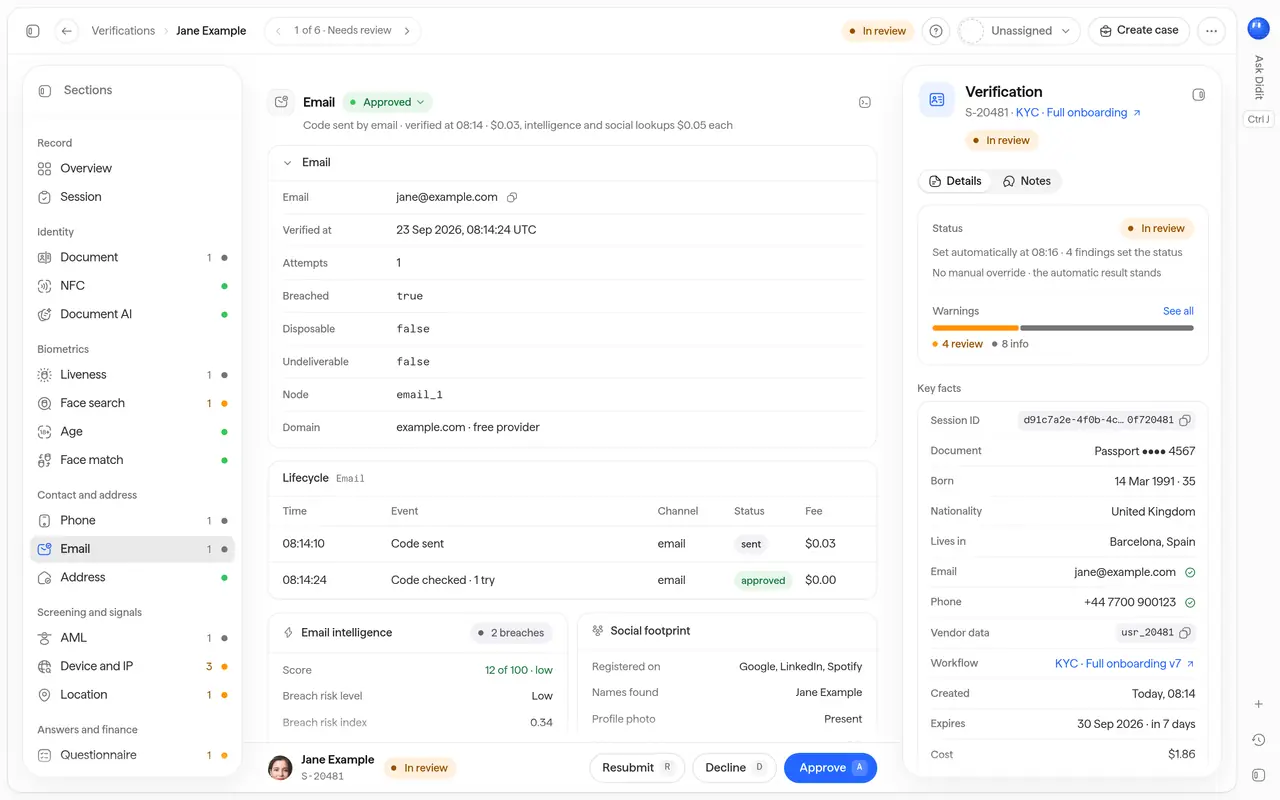
GET /session/ answer 401 for a token that still verifies.Expected output
A healthy exchange or refresh returns a new access token, a new refresh token, and the same session:
{
  "access_token": "eyJhbGciOiJFUzI1NiIs...",
  "id_token": "eyJhbGciOiJFUzI1NiIs...",
  "refresh_token": "N4yZTl6y24YKYq77X_SO...",
  "token_type": "Bearer",
  "expires_in": 299,
  "session_id": "c9abf6cc-2d64-4bf2-b31e-a4d09a070ab1"
}
Read it like this. expires_in counts the seconds the access token has left, so plan the next refresh before 299 seconds pass. Every successful refresh returns a new refresh_token string and the previous one stops working; that is the rotation, and it is not a revocation. GET /session/ answers 200 while the session is live and fails when it is revoked, idle, blocked or otherwise no longer valid. Reusing a refresh token revokes the session, and calling the session endpoint is the only way to know which state you are in.
Failure cases and recovery
| Response | Meaning | Recovery |
|---|---|---|
400 {"error": "invalid_grant"} on the token endpoint | The code or refresh token is unknown, used or expired; the verifier or redirect URI does not match; the person is blocked or their email is no longer verified; or the sign-in method was turned off | Stop refreshing. Send the person to {issuer}/sign-in for a new session |
400 {"error": "invalid_client"} | client_id is not your application ID | Send the application ID; clients are public, so there is no secret to add |
400 {"error": "mfa_required"} | The sign-in did not meet your MFA policy | Hand off to the hosted page so Didit runs the second factor |
401 from GET /session/ with a token that verifies | The session is not live | Clear the stored tokens and sign the person in again; do not retry the same token |
Signature check fails: kid not found | The token names a key your cache does not hold | Refetch the JWKS once, at most once a minute, then reject |
| New tokens fail verification after a key revocation | Your JWKS cache still holds the revoked key and lacks its replacement | Force a JWKS fetch and a refresh; expect up to 5 minutes of mismatch on cached instances |
401 on tokens minted before a custom domain went live | Issuer and publishable key changed with the domain | Update DIDIT_AUTH_ISSUER, or accept both issuers until the older tokens expire, within 5 minutes |
Inputs and outputs
| Name | Direction | Notes |
|---|---|---|
DIDIT_AUTH_ISSUER | Input | Live https://<name>.auth.didit.me or sandbox https://<name>.sandbox.auth.didit.me, no trailing slash |
DIDIT_APPLICATION_ID | Input | Becomes aud in every token and client_id in requests |
code and code_verifier | Input | PKCE S256 only; the challenge is exactly 43 base64url characters, the code works once and expires in 60 seconds |
| Refresh token | Input | One use. Reusing a spent one revokes the session |
| Access token | Input | Sent as Authorization: Bearer to your backend and to GET /session/ |
kid | Input | Named in the token header; the key to look up in the JWKS |
access_token | Output | ES256, typ: at+jwt, at most 5 minutes of life |
id_token | Output | Carries the nonce you sent, so you can bind it to one sign-in |
refresh_token | Output | A new string on every successful refresh |
session_id | Output | Included in the token response; use the documented response value |
GET /session/ | Output | 200 for a live session, 401 for a dead one |
{issuer}/.well-known/jwks.json | Output | {"keys": [...]}, the ES256 P-256 public keys |
What this costs
Didit Authentication is free for the first 50,000 active users each month. Past that allowance the public price book lists active users at $0.02 per active user per month. The pricing page has the estimator and every other line of the price book.
Worked example at 62,000 monthly active users. Billable active users: 62,000 minus 50,000 free = 12,000. At list price, 12,000 times $0.02 = $240.00 a month. On Growth the 4% discount gives 12,000 times $0.0192 = $230.40. On Scale the 10% discount gives 12,000 times $0.018 = $216.00.
Any applicable step-up verification, such as a selfie before a payout, is billed according to the verification method you select and its published price. That is another reason to keep step-ups in front of risky actions rather than in front of every token refresh.

Review boundaries before go-live
- Session policy. Your idle timeout and whether multiple sessions are allowed decide how often people meet a 401 they cannot fix by refreshing.
- MFA policy.
GET /session/also fails when a session no longer meets your MFA policy, so changing the policy signs people out on their next sensitive action. - Custom domain cutover. The person who owns DNS should choose the minute, because the issuer and the publishable key both change and older access tokens fail until they are refreshed, within 5 minutes.
- Secrets. The publishable key can ship to browsers and phones. The secret key never can, and no Didit API key belongs in the sign-in flow at all.
- Spend. A Live application with active users past the free allowance and any step-up verification you configure are billable. Sandbox is free and unlimited, so rehearse there first.
Sources
- Didit docs: Tokens and JWKS, for the token contract, key rotation, caching and revocation behaviour.
- Didit docs: Authentication integration guide, for the architecture and the backend checks.
- Didit docs: Authentication quickstart, for the code exchange and the
verifyTokenexample. - Didit docs: Authentication overview, for issuers, the publishable key and the flow.
- Didit Authentication API reference, generated from the OpenAPI contract.
- Didit docs: Server SDKs.
- Didit docs: API errors, for status codes and retry rules.
- Didit pricing and the pricing docs, read November 26, 2026.
Next step: create a Sandbox application at business.didit.me, run the code exchange, then revoke the session in the console and watch GET /session/ turn from 200 into 401 with the same access token. No sales call is needed to start and the sandbox is free.
Try it
Try this in the sandbox
Run the check this guide describes, free.
The product this post is about, taken from its topic. Run it free in the sandbox.
Author
Alberto Rosas
Co-founder and CEO

Keep reading
Other guides in the same topic.
 Add a Missing Counterparty VASP to Your Travel Rule Directory
POST /v3/travel-rule/vasps/ with name and email adds the counterparty privately and returns its id. Use it as the beneficiary VASP on a transfer.
Alberto RosasNov 26, 2026 Why KYB Sessions Merge Into One Didit Business Record
Didit assembles one Business from every KYB session that carries the same vendor identifier string. That string is free-form, not a UUID, and may be null when the originating session did not supply one.
Alberto RosasNov 26, 2026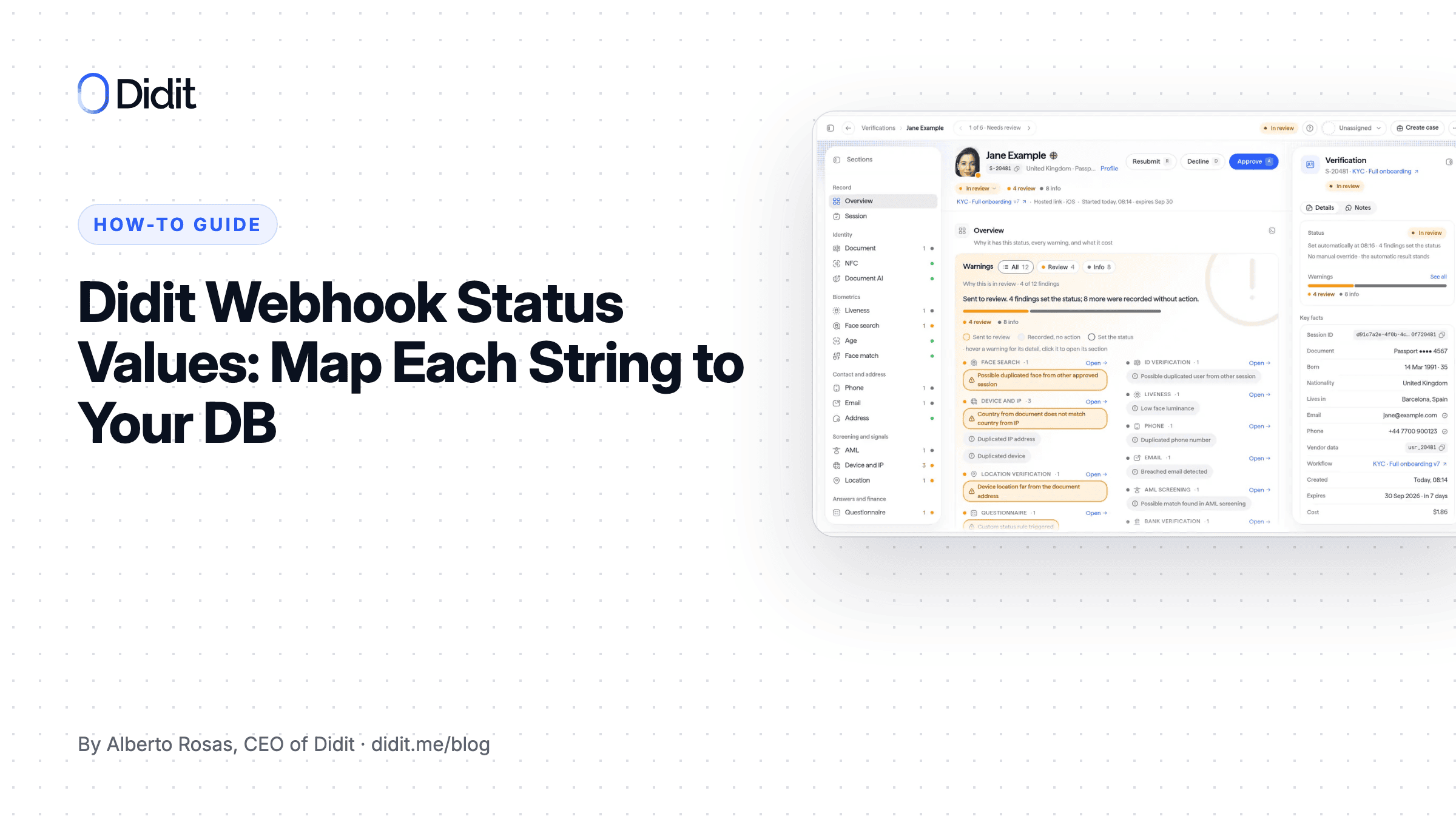 Didit Webhook Status Values: Map Each String to Your DB
Didit statuses are case-sensitive strings. Approved maps to verified, Declined to rejected, In Review to a pending review state, Resubmitted to reopened nodes, Awaiting User to a waiting KYB parent, and Expired and Kyc Expired.
Alberto RosasNov 26, 2026Questions
Frequently asked questions
Why is my Didit access token invalid right after a refresh token rotation?
Because the refresh was replayed rather than rotated. A successful refresh returns a new refresh token while the session remains subject to the documented session checks. A second exchange with the same, already spent token revokes the whole session, and every access token from that session then fails GET /session/ at once, even though its signature still verifies until it expires, within 5 minutes.
What does invalid_grant mean on the Didit token endpoint?
It means the exchange failed on a grant that Didit will not honour: the code or refresh token is unknown, already used or expired, the PKCE verifier or redirect URI does not match, the person is blocked or no longer has a verified email, or you turned off the sign-in method they used. With a refresh token specifically, the usual cause is reuse after rotation.
Is reusing a refresh token enough to revoke the session?
Yes. Didit treats reuse as a replay and revokes the session, so the tab that refreshed first and anyone else holding the old string are both signed out. The recovery is a new sign-in at {issuer}/sign-in, not a retry with the same string.
Why does GET /session/ return 401 when the JWT signature still verifies?
Signature verification only proves Didit signed the token, not that the session behind it is alive. GET /session/ fails at once when the session was revoked, went idle or expired, when the person was blocked, or when the session no longer meets your MFA policy. Call it before sensitive actions and treat a 401 as signed out.
What should I do when the JWKS has no key for the token's kid?
Fetch {issuer}/.well-known/jwks.json again, at most once a minute, and reject the token if the kid is still missing. Keys rotate every 30 days, Didit publishes the next key a day before it signs with it, and the previous key stays published a day after. A cache that follows the 5-minute max-age never sees a gap.
How long can I cache the Didit JWKS and discovery documents?
Both answer Cache-Control: public, max-age=300, so 5 minutes is the documented cache window. Cache the keys by kid rather than by position, and keep the rate limits in mind: 1,200 requests a minute and 12,000 an hour per IP address.
Didit getToken returns a token but my API answers 401 after a refresh. What is wrong?
Two candidates. The token may come from a session that was revoked, so a server that checks the live session rejects it while a signature-only check does not. Or your server holds a JWKS that is older than the documented window and cannot find the token's kid. Check GET /session/ with the token first, then force a JWKS refetch, then sign the person in again if the session is dead.
Does activating a custom domain break access tokens that already exist?
It can. The custom domain replaces the default host as issuer, new tokens name it in iss, discovery points jwks_uri at it, and your publishable key changes. Access tokens issued under the default host then fail GET /session/ until they are refreshed, within 5 minutes. Update DIDIT_AUTH_ISSUER at cutover or accept both issuers during the window.
What happens to verification when Didit revokes a signing key?
Didit removes the key from the JWKS at once, GET /session/ rejects every token it signed, and a replacement key starts signing immediately without the day of advance publication. A JWKS cached up to 5 minutes earlier still accepts the revoked key and does not know the replacement, so new tokens can fail offline verification until that cache refreshes.
Can I verify Didit access tokens without calling Didit on every request?
Yes. Fetch the JWKS, cache it by kid for 5 minutes, and verify the ES256 signature plus iss, aud, exp and typ: at+jwt locally. Keep the GET /session/ call for sensitive actions, because only the issuer knows whether the session is still live.
Compliance built in
Audited, certified and attested.
We hold the certifications and build each country's rules into your flows, so you can launch anywhere without worrying. Security and Compliance center
- Regulation encoded into your flows
Tell us what you do and where. Didit lists the rules that apply to you, with sources, and builds the checks each country needs into one workflow.
- Ready for AMLR
Every requirement of the new EU anti-money laundering rules, from checking customers to human review, is already covered by a Didit check.
- Tested in Spain's Treasury sandbox
Spain's Treasury published its supervised sandbox report on Didit's NFC plus active liveness onboarding; SEPBLAC took part and valued the added measures positively.
- Audited, not self-declared
iBeta Level 1 and Level 2. Liveness tested under ISO/IEC 30107-3.
Your obligations · 3 regions
 SOC 2 Type 2
 ISO 27001
 iBeta Level 1 and Level 2
 EU regulator attestation
 FSM youth protection
 GDPR
 EBA remote onboarding
 MiCA compatible
 FIDO Alliance member
- AMLREU AML Regulation ready
Integration · Didit MCP
Run Didit from your own AI agent
Connect Didit to Claude, Cursor, VS Code or ChatGPT and just ask in plain words. Your agent can do anything you can do in the console, with the same permissions you have.
 Add to Claude
 ChatGPT
 Cursor
- Build workflowsDescribe the checks you need. The agent creates and publishes the flow.
- Run investigationsAsk why a session was declined, review cases, search people and companies.
- Change rulesCreate payment rules, test them on past data and switch them on.
- Pull reportsAsk for numbers, exports or the audit log.
Didit Academy


