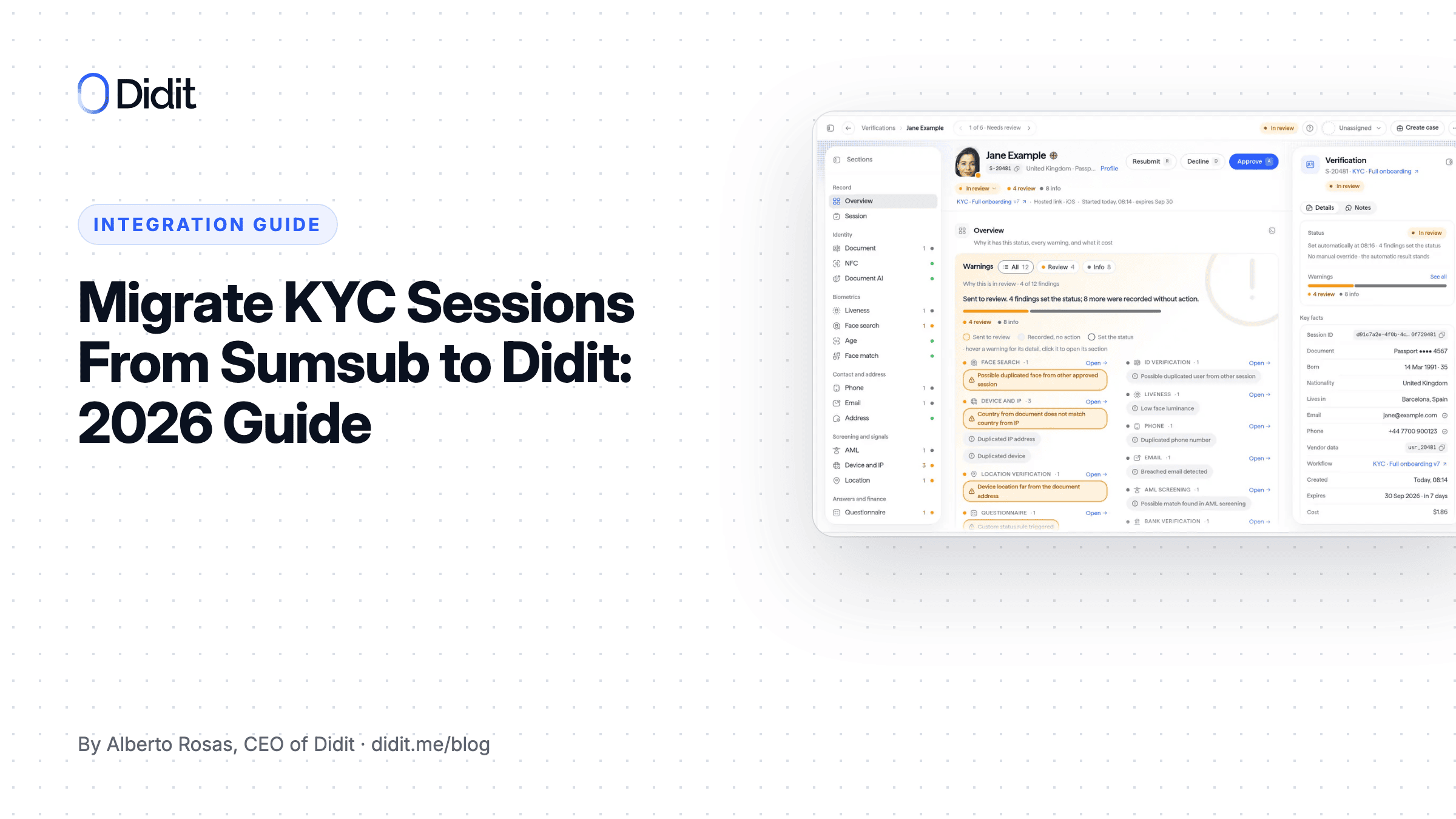
Migrate KYC Sessions From Sumsub to Didit: 2026 Guide
Didit imports completed Sumsub KYC records with POST /v3/session/imports/ and import_type=user_verification, keeping applicant id, status, document fields, images, rejection labels, tags and raw provider metadata.
 Alberto RosasCo-founder and CEO
Contents
In this guide
Jump to the part you need.
You are moving completed KYC work from Sumsub into Didit and you need the old decisions, document fields and images to read as compliance history. This guide fits teams leaving Sumsub with thousands of finished applicants. The import endpoint recreates the exported historical records: POST /v3/session/imports/ with import_type=user_verification. A fresh full KYC costs $0.33. The caveat is that an import is history, not a new check, and it carries only what you can export.
Last updated: November 26, 2026. Prices checked against the live Didit price feed on November 26, 2026.
| Item | Answer |
|---|---|
| Endpoint | POST /v3/session/imports/ |
| Import type | import_type=user_verification |
| Record created | A Session with session_type set to MIGRATED |
| What arrives | Applicant id, vendor user id, decision status, document fields, document images, selfie and liveness image, rejection labels, tags, raw provider metadata |
| What does not happen | No end-user email, no hosted-flow redirect, no re-run of the original verification |
| Authentication | x-api-key header, sandbox key first, live key for the real backfill |
| Where you check it | Session lists in the Didit Business Console and GET /v3/session/{session_id}/decision/ |
| Didit price for a fresh KYC | $0.33 per completed check |
Start free in the sandbox at https://business.didit.me/, no sales call. For developers, connect Didit to an AI assistant at https://didit.me/developers/mcp/. Every published list price sits on https://didit.me/pricing/.
What the import does, and what it does not do
The import endpoint recreates finished verification work so Didit shows your old provider history next to new checks. Verification imports create historical records with session_type set to MIGRATED for KYC and KYB. They do not send end-user emails, they do not redirect users into the hosted flow, and they do not re-run the original verification. The imported records appear in session lists, entity profiles, transaction views, and GET /v3/session/{session_id}/decision/.
Decide which job you have before you write any code. If you need a profile that future checks can recognise, create a User or a Business entity with POST /v3/users/create/ or POST /v3/businesses/create/, or load the roster with a Console CSV import. If you need the old provider's decision, document fields, warnings or evidence to stand as compliance history, import a verification session with POST /v3/session/imports/. Those two jobs create different records, and running the wrong one distorts your record count.
Imports are self-serve. The documentation says any live application can import within a monthly limit, and that a finished import can be undone. Our switching page at https://didit.me/switch/ collects the same reasoning for KYC, KYB and transaction history if you are still deciding how much to move.
Prerequisites
| Requirement | Detail |
|---|---|
| Plan | A Didit application. The sandbox is free on every plan, so build and test the import there first. The first organization created with an eligible work email for a company domain receives $10 of monthly credit on the Free plan. |
| Client | Any HTTP client. We show curl. No SDK, no queue and no worker is required by the documented route. |
| Permissions | An API key from Developers, then API keys in the Console. Reading decisions needs the read:sessions privilege. Treat the key as a server-side secret. |
| Data | One record per applicant: applicant id, vendor user id, decision status, document fields, document images, selfie or liveness image, rejection labels, tags, and the raw provider payload. |
| Format | Didit accepts a canonical CSV or NDJSON file, so the import contract is always Didit's schema, whatever the source. |
How the migration runs
MCP server, for planning and checking
If you want an assistant in the loop while you plan and check a backfill, use our hosted MCP server at https://mcp.didit.me/mcp with OAuth sign-in. It is free on every plan. We keep the current tool list on the MCP page, so check that page before you rely on a specific tool in your runbook. The assistant helps you plan the work; the import itself is the REST call below.

API recipe, for the backfill
The supplied documentation describes the import API and does not document a Sumsub-specific connector. The documented route is therefore: export from Sumsub on your side, transform to Didit's canonical schema, and POST the records to POST /v3/session/imports/ with import_type=user_verification. Everything below is that route, because it is the one the documentation supports end to end.
Step by step: a Sumsub backfill into Didit
-
Create the application and copy the sandbox key. Log in at https://business.didit.me/, pick the Application in the top dropdown, then open Developers, then API keys. The Primary key is the Application's own secret. Create a separate key if a partner or service only needs limited access. Keys start with
sk_live_orsk_test_followed by 43 URL-safe characters, and keys created before that format still work.# Or get both keys programmatically, no console UI needed curl -X POST https://apx.didit.me/auth/v2/programmatic/register/ \ -H "Content-Type: application/json" \ -d '{"email": "you@yourdomain.com", "password": "StrongP@ss1"}' curl -X POST https://apx.didit.me/auth/v2/programmatic/verify-email/ \ -H "Content-Type: application/json" \ -d '{"email": "you@yourdomain.com", "code": "A3K9F2"}' # 200 returns application.api_key and sandbox_application.api_keyStore
sandbox_application.api_keyasDIDIT_API_KEYand the live key asDIDIT_LIVE_API_KEY. Never ship either to a browser or a mobile bundle. -
Build one record per applicant from your Sumsub data. For each applicant you want to keep, collect the applicant id, the vendor user id, the decision status, the document fields, the document images, the selfie or liveness image, the rejection labels, the tags, and the raw payload you received. Keep the raw payload even if you do not import it as a queryable field. It is your evidence if a reviewer asks what the old provider said.
-
Transform to Didit's canonical schema. Map statuses with the table below, map fields with the table after it, and write the output as canonical CSV or NDJSON. Do not invent keys. The endpoint validates the record schema. A guessed field name can produce a 400 validation error; use the documented canonical schema.
-
Import into the sandbox. Send the canonical record with the sandbox key so nothing reaches production while you are still checking the shape of the data.
# Abbreviated body: import_type plus the canonical record fields.
# Copy the field contract from the import reference; do not guess keys.
curl -X POST https://verification.didit.me/v3/session/imports/ \
  -H "x-api-key: $DIDIT_API_KEY" \
  -H "Content-Type: application/json" \
  -d '{"import_type": "user_verification"}'
The field contract is on the import reference. Read it before your first call, and read it again before you widen the batch.
-
Read the record back. Confirm what landed instead of trusting the write response.
curl https://verification.didit.me/v3/session/{session_id}/decision/ \
  -H "x-api-key: $DIDIT_API_KEY"
Branch on
session_kind, which is always present. Check the status string, the document fields underid_verifications, the media fields, and the warnings array. Media fields are presigned URLs with a limited validity window, so download anything you must retain right away instead of storing the URL. -
Repeat on the live application with the live key. Same call, same schema, different key. Live imports count against the monthly import limit for the application. If some of these people come back for a fresh check, create a normal session for them so the new work is a real verification and not history.
curl -X POST https://verification.didit.me/v3/session/ \ -H "x-api-key: $DIDIT_LIVE_API_KEY" \ -H "Content-Type: application/json" \ -d '{"workflow_id":"","vendor_data":"user-42","callback":"https://myapp.com/return"}' -
Undo anything that landed wrong, then close the loop. A finished import can be undone, so a bad batch is recoverable. Once the numbers match your source export, revoke the temporary key you used for the backfill in Developers, then API keys, and keep the transform script under version control so the next batch is the same code.
Field and status mapping
These are Didit's destination fields. Your export names will differ, and that is expected, because the import contract is Didit's schema rather than any provider's.
| Record you have | Where it lands in Didit | How to check it |
|---|---|---|
| Applicant id and vendor user id | Applicant ID and vendor user ID are listed as migratable fields. Confirm their destination and query behavior in the import contract. | Session list, decision response |
| Decision status | Session status, using the exact string from the table below | status in the decision response |
| Document fields: type, number, expiry, personal number, MRZ data | id_verifications array, with document_type, document_number and related fields | Decision response and the Console session detail |
| Document images, front, back, portrait | Media fields such as front_image, portrait_image and document_file, returned as presigned URLs | Download promptly, the URL expires |
| Selfie and liveness image | liveness_checks and the portrait media for the session | Decision response, Console liveness panel |
| Rejection labels and rejection reasons | Rejection labels are a field the import documentation lists as migratable. The documentation does not describe a Sumsub-specific mapping into Didit warning structures, so treat the label text as carried data and read it back on the record | Decision response for the imported session |
| Tags | Session tags | Session list filters |
| Raw provider payload | Raw provider metadata is a field the import documentation lists as migratable. The documentation does not name which storage field is guaranteed, so read the record back before you rely on it for queries | Decision response |
Statuses are exact strings and they are case sensitive, spaces included. Match them with strict equality in your transform, not with a fuzzy case-insensitive comparison. The table below is an illustrative mapping, not a contract; confirm the accepted status values in the import contract.
| Old decision you are carrying over | Didit status string | What it means downstream |
|---|---|---|
| Approved, identity confirmed | Approved | The person counts as verified. It moves to Kyc Expired when the verified document passes its expiry date, unless the country and document type use the Allow expired mode. |
| Rejected, checks failed | Declined | The decision object carries the warnings that explain the failure. |
| Waiting on a human reviewer | In Review | Automated checks flagged warnings. A reviewer approves, declines or asks for a resubmission. |
| Resubmission requested | Resubmitted | The person has to redo specific steps. |
| Started but never finished | Abandoned | Started, did not finish in time. |
| Link sent, never opened | Not Started or Expired | Expired means the TTL ran out before the user opened the link. |
Test in the sandbox: expected success, errors and fixes
Test with a handful of real exports, not synthetic rows. Real exports expose the messy cases that break a transform: an applicant with two document attempts, a name with an apostrophe, a missing selfie.
When the import works, you should see all of the following:
- The record appears as a session with
session_typeset to MIGRATED. - The status matches the mapping you chose, as an exact string.
- Document fields appear under
id_verificationsin the decision response. - Media fields return presigned URLs you can open right away.
- Rejection labels arrive with the record as a migratable field.
- No email is sent to the end user and no hosted-flow redirect happens.
| Status | What it means | Fix |
|---|---|---|
| 400 | A field failed validation, or an image or document could not be read | Read the field named in the body and fix that field. Do not retry unchanged. |
| 401 | The key is wrong, malformed, revoked or expired | Recheck DIDIT_API_KEY, or create a new key in Developers, then API keys. |
| 403 | No key sent, the key has no access to this resource, the call came from outside the key's IP list, or the balance cannot cover the call | Read the detail string and fix the specific cause. Top up if the balance is the reason. |
| 404 | The resource does not exist, or a session sits outside the key's workflow or status limits | Check the id and the key limits. Do not retry. |
| 409 | The request conflicts with the current state, for example a reused Idempotency-Key | Read code, reload the state, then decide. |
| 429 | A rate limit or quota was reached | Wait for Retry-After, then retry. |
| 500, 502, 503 | An error on our side or in a service we depend on | Retry with backoff. Contact support if it continues. |
The full error contract, including body shapes and which failures are safe to retry, is on the API errors page. The status enum that every decision read and webhook returns is documented on Verification Statuses, and the per-field report schema is on Data Models.
Worked cost example
This is a scenario, not a quote. Take 12,000 completed KYC records moving across, assume 40% of those people come back for a fresh check within a year, and assume 1,200 of them also need AML screening. A full KYC is one check in three parts: the ID document, biometrics (passive liveness plus face match), and device and IP analysis. The published lines are ID document $0.15 plus passive liveness $0.10 plus face match 1:1 $0.05 plus device and IP $0.03, which is $0.33.
- 12,000 records imported, 40% returning as fresh checks: 12,000 x 0.40 = 4,800 new checks
- 4,800 fresh checks at list: 4,800 x $0.33 = $1,584.00
- 1,200 of those people also need AML screening: 1,200 x $0.20 = $240.00
- List total for the year: $1,584.00 + $240.00 = $1,824.00
On the Scale plan the same work carries a 10% discount, with a $299 monthly fee (or $3,408 a year paid up front) and $350 of credit each month:
- 4,800 x $0.297 = $1,425.60
- 1,200 x $0.18 = $216.00
- Checks subtotal: $1,425.60 + $216.00 = $1,641.60, set against $299 x 12 = $3,588.00 in monthly fees and $350 x 12 = $4,200.00 of monthly credit across the year
The arithmetic matters less than the shape: the migration itself is a data move, and the money is spent when a person is verified again. The supplied import documentation describes the import path and the monthly import limit, and the billing rules live on the pricing docs page. Read it before a large backfill, because plan credit resets every month and does not roll over.
What the Sumsub side costs
This guide does not provide a Sumsub pricing comparison. No Sumsub price is quoted here, because none was verified for this edition. If you need one, ask the vendor for a written quote in the same units Didit publishes: the fee per completed applicant check, the fee for a second attempt, the fee for ongoing monitoring, and what applies to data you leave behind after termination. Then set that quote beside the Didit lines you can read on https://didit.me/pricing/, which is public and machine-readable at https://didit.me/pricing.json.
Undo, stop, and clean up
- Undo a batch. A finished import can be undone, so a wrong status mapping across 12,000 records does not have to become a support ticket.
- Stop importing. Remove the key you used for the backfill in Developers, then API keys. A revoked key returns 401 on the next call, which is exactly what you want once the run is done.
- Keep the evidence. Retain your source export and the transform script under your own retention policy.
For the assistant route, the current setup for every client is on the Didit MCP page.
Sources
- Didit docs: Import Data from Another Provider
- Didit docs: Verification Statuses
- Didit docs: Data Models
- Didit docs: Retrieve Session API
- Didit docs: API Authentication
- Didit docs: API Errors
- Didit docs: Pricing
- Didit pricing page and pricing feed as JSON, read November 26, 2026
- Didit MCP server and Didit switching page
- Sumsub: no vendor page was available to cite for this edition, so we name Sumsub only in the migration context and make no claims about its pricing, exports or features.
The fastest next step is a sandbox import of ten records. Sign up at https://business.didit.me/, copy the sandbox key, and run one batch before you plan the rest. No sales call, and the sandbox stays free while you decide.
Try it
Try this in the sandbox
Run the check this guide describes, free.
The product this post is about, taken from its topic. Run it free in the sandbox.
Author
Alberto Rosas
Co-founder and CEO

Keep reading
Other guides in the same topic.
 Travel Rule networks compared 2026: GTR, TRP, TRUST, VerifyVASP, Sygna
Connect the network your counterparties answer on. TRUST is send-only, so a transfer expires unless a readable rail sits underneath it. Didit routes seven rails in priority order at $0.02 per outbound exchange, and Notabene.
Alberto RosasNov 26, 2026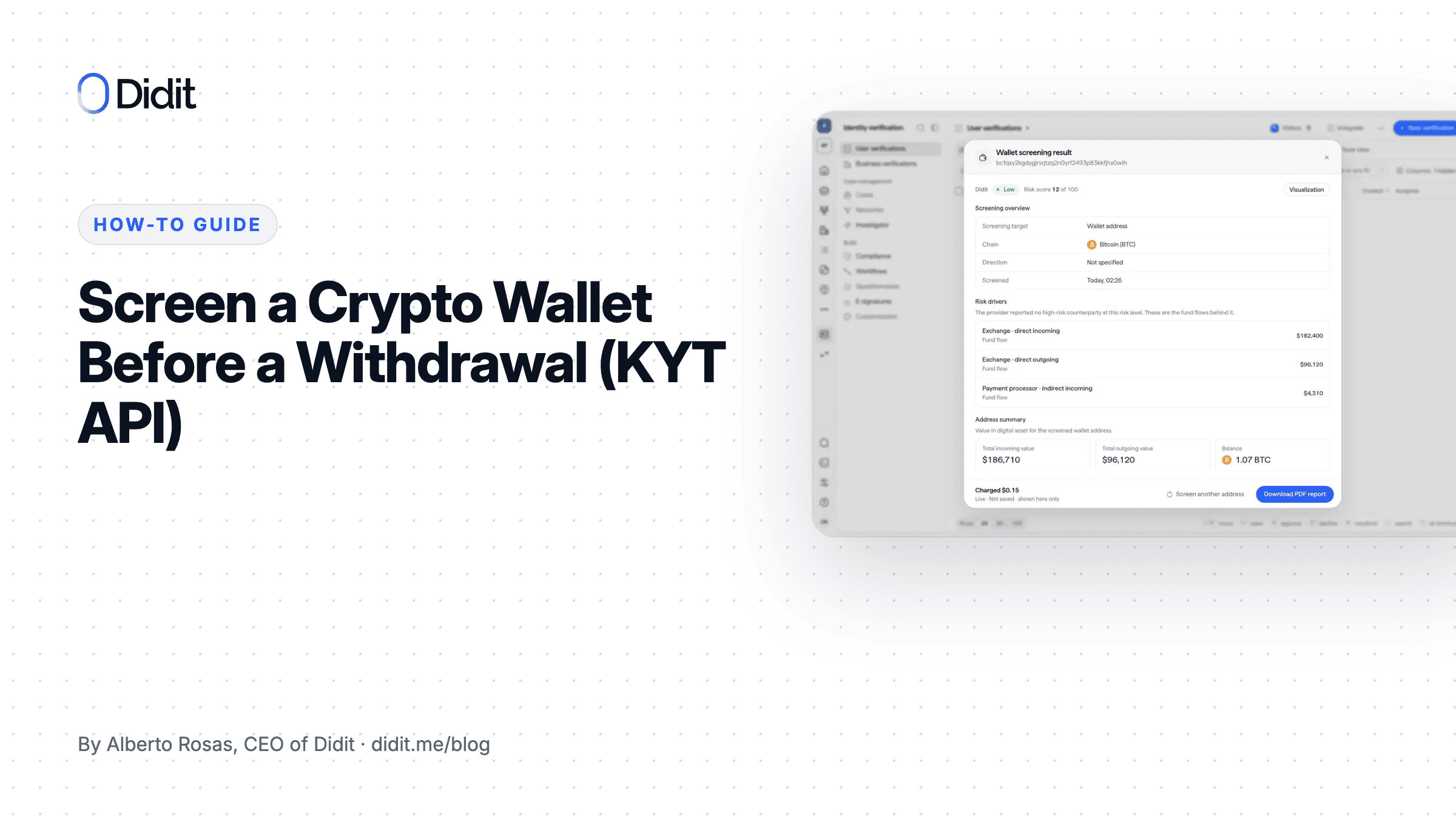 Screen a Crypto Wallet Before a Withdrawal (KYT API)
Submit an outbound crypto transaction with the destination wallet in the counterparty payment method and no payment reference. Didit returns a risk score, exposure and sanctions hits for $0.15 per screening.
Alberto RosasNov 26, 2026 Send OTP via WhatsApp With Automatic SMS Fallback
Didit sends OTPs via WhatsApp by default and falls back to SMS when WhatsApp is unavailable. The list price is $0.02 plus the carrier rate per code. Codes expire 5 minutes after the first send by default.
Alberto RosasNov 26, 2026Questions
Frequently asked questions
Can I move my Sumsub KYC history into Didit?
Yes. Didit accepts a canonical CSV or NDJSON file, so you can migrate from Sumsub once you export the records and transform them to Didit's schema. You send them to POST /v3/session/imports/ with import_type=user_verification, and each one becomes a historical session with session_type set to MIGRATED.
What exactly migrates from Sumsub?
Applicant id, vendor user id, decision status, document fields, document images, the selfie or liveness image, rejection labels, tags and the raw provider metadata. If your export cannot carry images, import the structured fields and leave the image fields empty. The rest of the decision still reads correctly.
Does Didit re-run the verification when I import?
No. Imports create historical records. They do not re-run the original verification, they do not send the person an email, and they do not redirect anyone into the hosted flow. If you want a fresh check, create a new session with POST /v3/session/ and pass your own vendor_data so you can match it to the old record.
Which endpoint and import type do I use for KYC records?
Use POST /v3/session/imports/ with import_type=user_verification. Use business_verification for KYB history, transactions for transaction monitoring history, and status_rules for workflow policy rules. All four live on the same endpoint, and the type decides which record schema is validated.
Will my users get an email or a verification link from the import?
No. Imported records do not trigger end-user emails and do not produce a hosted flow redirect. They appear in session lists, in entity profiles and in the decision endpoint for your reviewers, and nothing is sent to the person.
How do I carry over a rejection reason from Sumsub?
The import documentation lists rejection labels as a migratable field, so send the label text with the record. It does not describe a Sumsub-specific mapping into Didit warning structures, so do not assume a destination shape. Read the record back after the import and confirm how the label is stored before your reviewers depend on it.
What does the migration cost on the Didit side?
The supplied import documentation describes the import path and a monthly import limit, and it does not describe a separate import charge. What you pay is the list price when someone is verified again: $0.33 for a full KYC, $0.20 for AML screening, $0.15 for wallet screening. Confirm current billing rules on the pricing docs before a large backfill.
How do I test the import without touching production?
Use the sandbox application key. Sandbox testing is free and unlimited on every plan, and every check is mocked, so you can run the transform against real exports and read the records back with GET /v3/session/{session_id}/decision/ before you swap in the live key.
Can I undo an import if the mapping was wrong?
Yes. A finished import can be undone, which is why we recommend running one small batch first. Fix the transform, undo the bad batch, then rerun it, rather than trying to patch records one by one in the Console.
How do I read an imported session after it lands?
Call GET /v3/session/{session_id}/decision/ with the x-api-key header. Branch on session_kind, which tells you whether it is a user or business session. Media fields come back as presigned URLs with a limited validity window, so download what you need to keep instead of storing the URL.
Can an AI assistant help with the migration?
Yes, for reading and planning. Connect Didit to your assistant through our hosted MCP server at https://mcp.didit.me/mcp, which signs in with OAuth and is free. The MCP page carries the current tool list, so check it before you hand a backfill to an assistant, and keep the actual import call under your own review.
Why does Didit tell me not to import some records at all?
Because the import endpoint is for history. If you only need a profile so future checks can recognize the person, create a User or Business entity instead, or upload trusted profile faces. Importing a session you do not need inflates your record count and confuses reviewers later.
Compliance built in
Audited, certified and attested.
We hold the certifications and build each country's rules into your flows, so you can launch anywhere without worrying. Security and Compliance center
- Regulation encoded into your flows
Tell us what you do and where. Didit lists the rules that apply to you, with sources, and builds the checks each country needs into one workflow.
- Ready for AMLR
Every requirement of the new EU anti-money laundering rules, from checking customers to human review, is already covered by a Didit check.
- Tested in Spain's Treasury sandbox
Spain's Treasury published its supervised sandbox report on Didit's NFC plus active liveness onboarding; SEPBLAC took part and valued the added measures positively.
- Audited, not self-declared
iBeta Level 1 and Level 2. Liveness tested under ISO/IEC 30107-3.
Your obligations · 3 regions
 SOC 2 Type 2
 ISO 27001
 iBeta Level 1 and Level 2
 EU regulator attestation
 FSM youth protection
 GDPR
 EBA remote onboarding
 MiCA compatible
 FIDO Alliance member
- AMLREU AML Regulation ready
Integration · Didit MCP
Run Didit from your own AI agent
Connect Didit to Claude, Cursor, VS Code or ChatGPT and just ask in plain words. Your agent can do anything you can do in the console, with the same permissions you have.
 Add to Claude
 ChatGPT
 Cursor
- Build workflowsDescribe the checks you need. The agent creates and publishes the flow.
- Run investigationsAsk why a session was declined, review cases, search people and companies.
- Change rulesCreate payment rules, test them on past data and switch them on.
- Pull reportsAsk for numbers, exports or the audit log.
Didit Academy