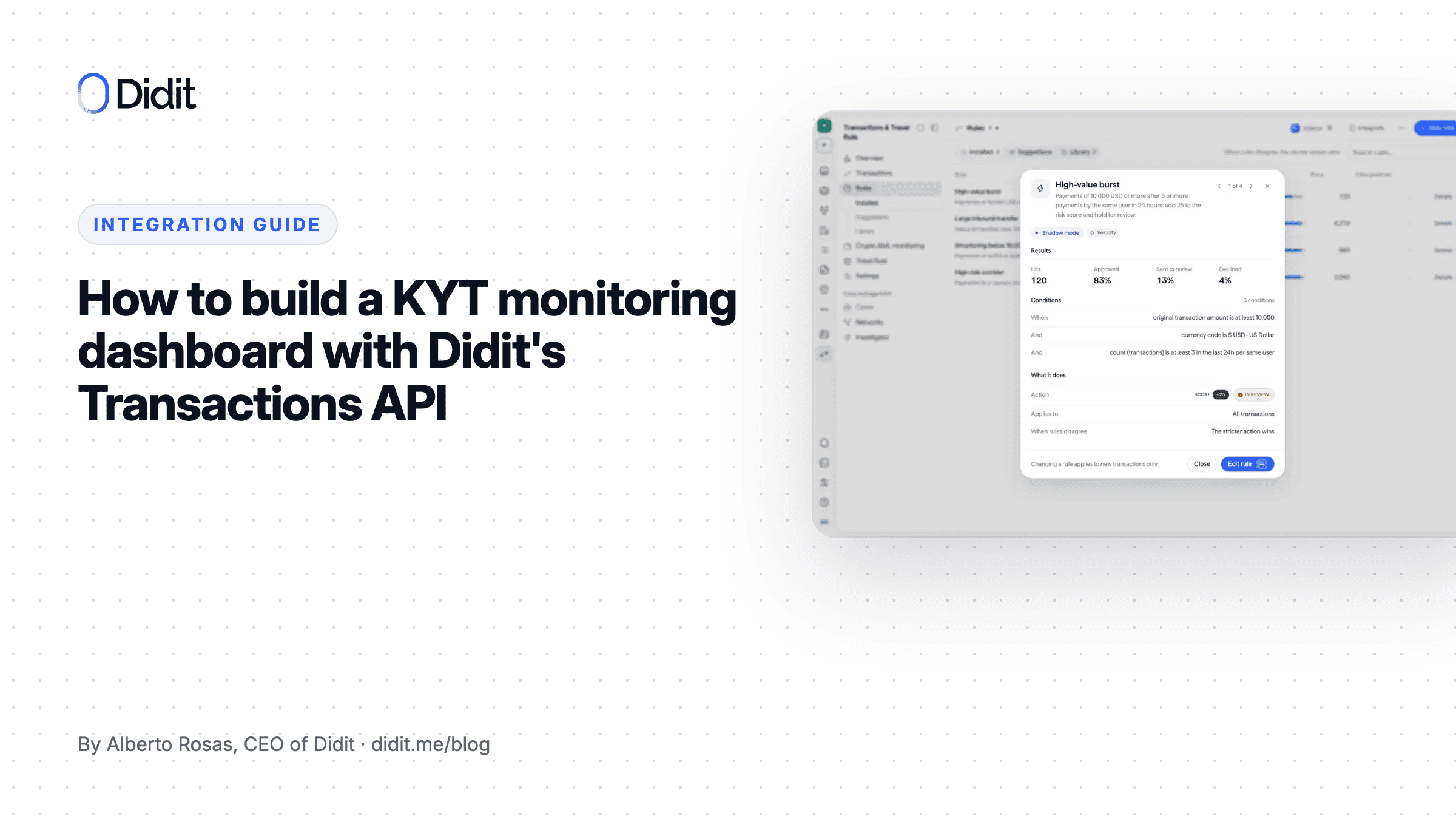
How to build a KYT monitoring dashboard with Didit's Transactions API
Didit's Transactions API lists monitored transactions newest first with score, status, parties, tags and Travel Rule state. Page with limit and offset, and take the true row count from the dedicated total field rather than the.
 Alberto RosasCo-founder and CEO
Contents
In this guide
Jump to the part you need.
This guide is for developers and compliance engineers who need a back-office KYT queue built on Didit. You read monitored transactions from GET https://verification.didit.me/v3/transactions/, render score, status, parties, tags and Travel Rule state, and page newest first. Monitoring is billed per transaction: 1,000 a month included on Free, 10,000 on Growth, then $0.001 each. The caveat: this endpoint filters only by Travel Rule status and assignee, so every other view is yours to build.
Last updated: November 26, 2026. Prices checked against the live Didit price feed on November 26, 2026.
| Item | Detail |
|---|---|
| Endpoint | GET https://verification.didit.me/v3/transactions/ |
| Authentication | x-api-key header, the same keys used for sessions and entities |
| Ordering | txn_date descending, with created_at as tie-breaker |
| Query parameters | limit (default 50), offset, travel_rule_status, assignee |
| True row count | total_transactions; count is exact only up to 100 and capped above |
| Side effects | None. This is a pure read |
| Price | The list call itself is not charged. Transaction Monitoring is $0.001 per transaction beyond the plan allowance; wallet screening $0.15; Travel Rule $0.02 per outbound exchange |
| Sandbox | Free and unlimited on every plan |
Start free in the sandbox at https://business.didit.me/, no sales call. For developers who work with an AI assistant, connect Didit to one through the free MCP server: setup for every client is at https://didit.me/developers/mcp/. The per-transaction rate and the plan allowances are on https://didit.me/pricing/.
What the list returns, and what it does not
Every row is a transaction summary, not the full record. You get status, score, decision_reason_code and decision_reason_label, the raw direction, amount and currency, denormalized subject and counterparty fields, console tags, the assigned_to_name reviewer, and the Travel Rule state through travel_rule_status plus a travel_rule summary object. Read one transaction by id when you need rule-level detail.
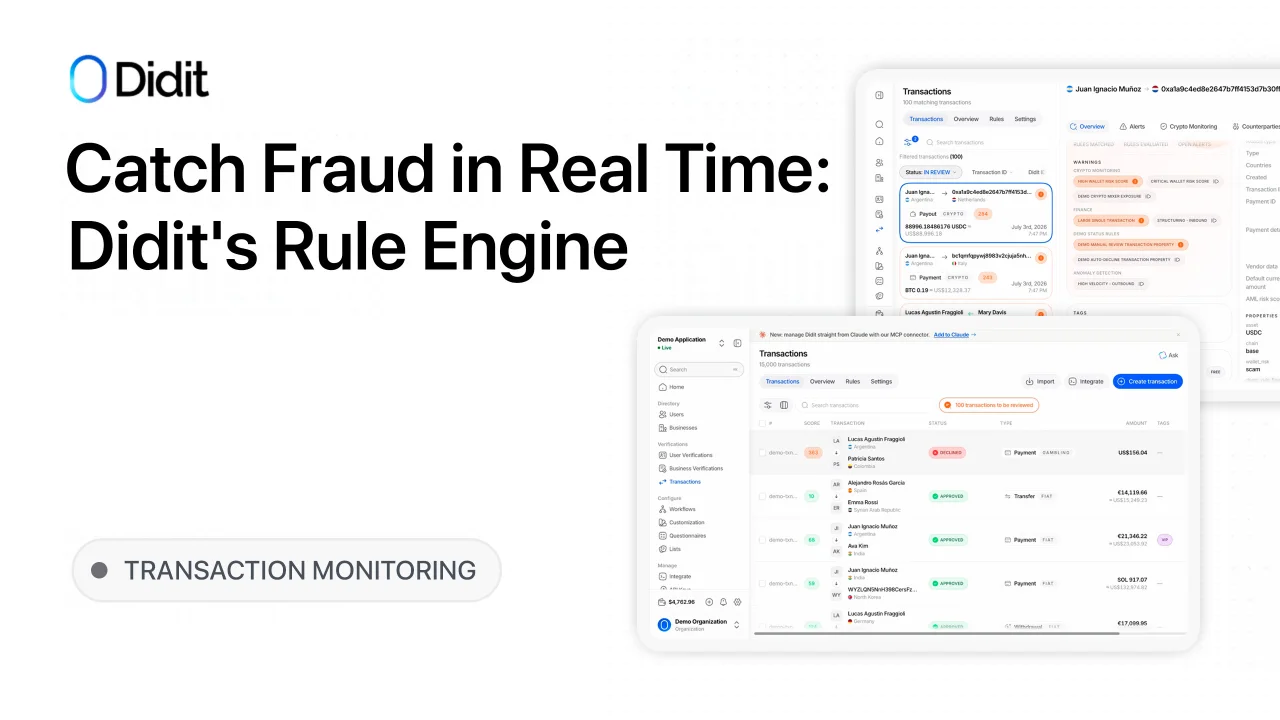
Alerts are not a separate object. A transaction in IN_REVIEW or AWAITING_USER is an open alert, so your review queue is a status view over the same list. The alerts array on transaction detail is always empty today, so read status instead and do not build a second table for it.
The endpoint takes limit, offset, travel_rule_status and assignee, and nothing else. Party, status, severity and date-range views are not query parameters here: build them in the Console, or filter the rows you already hold on your side. Plan the table around that split so nobody waits for a server-side filter that does not exist.
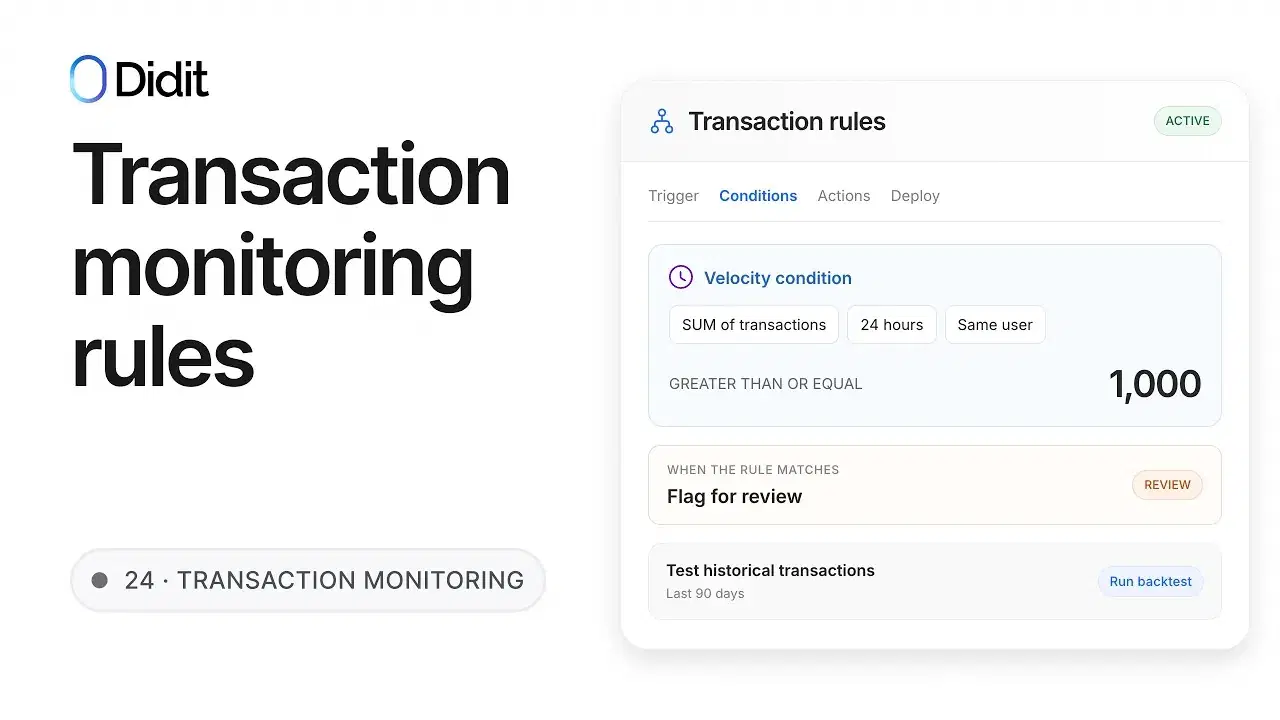
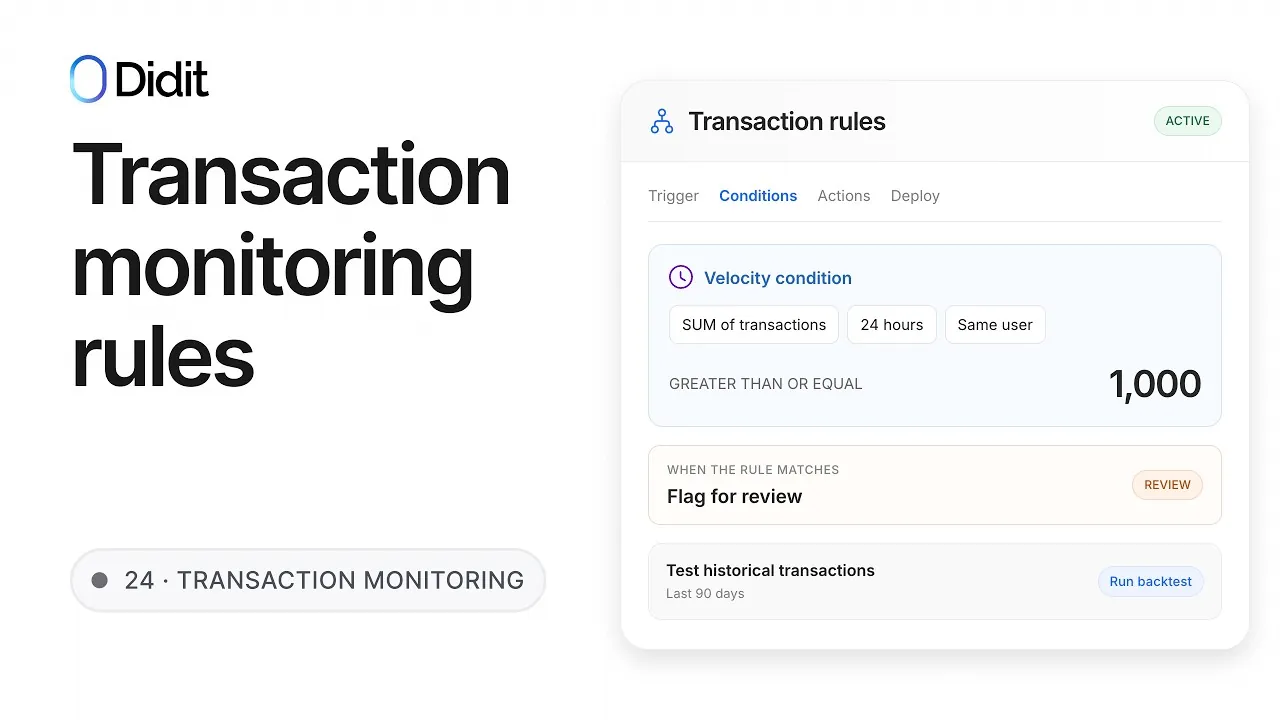
Use score as the risk column. Rules add a score_delta, typically 25 to 35, to a score that starts at 0, and the thresholds decide the status. With the defaults, 75 or more goes to IN_REVIEW and the decline threshold sits at its maximum of 500, which means nothing is declined by score until you lower it. severity is nullable and legacy: new rule evaluations do not set it.
Result and install route
The result is a table you own: one row per monitored transaction, newest first, with the columns your analysts sort on and a link into the detail. Didit supplies the read API and the decision data. Three routes get you there.
Route 1: the API recipe, for a dashboard you host
Call the list endpoint from your backend with the x-api-key header, page with limit and offset, and render the fields mapped below. This is the route the rest of this page documents, and the one to pick when the queue has to live inside your own tooling.
Route 2: the hosted MCP server
Didit provides a hosted MCP server at https://mcp.didit.me/mcp with OAuth sign-in. Setup is documented at https://didit.me/developers/mcp/.
Route 3: the Didit Business Console, no build
Transactions in the Business Console already give you the queue, filters by party, status, severity and date range, assignment, notes, approve and decline, cases and PDF reports. Use it when a build is not justified. Use the API when the queue must appear inside your own systems.
Prerequisites
| Requirement | What you need |
|---|---|
| Plan | Free, Growth or Scale. Sandbox testing is free and unlimited on every plan. Included monitored transactions are 1,000 (Free), 10,000 (Growth) and 100,000 (Scale) a month |
| Application | A Didit application with Transaction Monitoring in use and at least one submitted transaction |
| Client | Any HTTP client, or one of the Didit SDKs. The examples here use curl |
| Credential | An API key sent as x-api-key, the documented authentication for this API |
| Permission | The key must have access to this action. A key without it answers 403 |
| User token | Only needed if you filter with assignee=me, because me resolves to the calling reviewer |
Build it in seven steps
- Submit a transaction so the list has content. Post the documented minimal payload. Rules evaluate synchronously and the response carries the resulting status.
Generate the transaction id on your side before you submit:curl -X POST "https://verification.didit.me/v3/transactions/" \ -H "x-api-key: YOUR_API_KEY" \ -H "Content-Type: application/json" \ -d '{ "transaction_id": "tx-0001", "transaction_category": "finance", "transaction_details": {"direction": "outbound", "amount": "500.00", "currency": "EUR"}, "subject": {"entity_type": "person", "vendor_data": "user-42", "full_name": "John Doe"}, "counterparty": {"entity_type": "company", "full_name": "Acme Corp"} }'txn_idis unique per application, a reused one returns 400 and a racing duplicate returns 409, and neither response returns the existing transaction. - Create the API key. Create a key in your Didit organization and store it as
DIDIT_API_KEY. The documented authentication is thex-api-keyheader, and the same keys work across sessions, entities and transactions. See API authentication. - Make the first list call. Nothing else is required to see data.
The first row is the most recent transaction bycurl -X GET "https://verification.didit.me/v3/transactions/?limit=50" \ -H "x-api-key: YOUR_API_KEY"txn_date. - Page with
limitandoffset.limitdefaults to 50 andoffsetis zero-based. Prefer following the next URL from the previous page where your client shows one.countis a bounded counter, exact up to 100 and capped above, so showtotal_transactionsin the pagination footer for the true row count. - Add the two filters you have.
travel_rule_statustakes an exact Travel Rule status and returns only transactions whose transfer is in it.assigneetakes a comma-separated list where any value matches:unassigned,rules,meor a member email.
For party, status, severity and date-range views, use the console filters or filter the rows in your own store.curl -X GET "https://verification.didit.me/v3/transactions/?travel_rule_status=ON_HOLD&limit=50" \ -H "x-api-key: YOUR_API_KEY" curl -X GET "https://verification.didit.me/v3/transactions/?assignee=unassigned&limit=50" \ -H "x-api-key: YOUR_API_KEY" - Open one transaction for the rule breakdown. Use the row's
uuidas{transaction_id}onGET /v3/transactions/{transaction_id}/. The detail response carriesscoreand arule_runs[]array with one entry per matched rule. - Keep the table fresh. Subscribe to the
transaction.createdandtransaction.status.updatedwebhooks described in the integration guide, and re-read the row on each event. The list call has no side effects, so a retry after a failed webhook is always safe.
Field mapping: API to dashboard column
| Dashboard column | API field | Notes |
|---|---|---|
| Row key | uuid | Stable Didit transaction id, used as the detail id |
| Console number | transaction_number | Sequential within the application |
| Your reference | txn_id | The identifier you supplied, max 128 characters, unique per application |
| Status | status | APPROVED, IN_REVIEW, DECLINED or AWAITING_USER |
| Risk score | score | Integer sum of matched rule deltas. Sort on this |
| Severity | severity | Nullable and legacy. Keep the column only for old records |
| Decision | decision_reason_code, decision_reason_label | Show the label, store the code |
| Direction, amount, currency | direction, amount, currency | amount is a decimal string, so format it, do not parse to float for display |
| Subject | subject_name, subject_vendor_data, subject_country | Denormalized APPLICANT party fields |
| Counterparty | counterparty_name, counterparty_vendor_data, counterparty_country | May be null |
| Tags | tags | Array of uuid, name and color from the console |
| Owner | assigned_to_name | The console reviewer who holds the transaction |
| Travel Rule badge | travel_rule_status | For example COMPLETED, or null when there is no transfer |
| Travel Rule panel | travel_rule | Summary only: status, direction, rail, counterparty_vasp, delivery, discovery, reason, next_actions, or null |
Event mapping: what changes a row
| Event | What it means for the dashboard |
|---|---|
transaction.created | Insert a row. If the transaction is held on creation, it arrives with IN_REVIEW or AWAITING_USER |
transaction.status.updated | Update status, and re-read the row so score and decision_reason_code are current |
Rule match with add_score | Raises score, which can move status to IN_REVIEW on the next evaluation |
Rule action add_tags | Adds entries to tags, which is what your tag filters read |
| Analyst assignment | Changes assigned_to_name and is recorded on the transaction timeline |
| Travel Rule progress | Moves travel_rule_status and the travel_rule summary. Read reason and next_actions to see why a transfer is stuck |
Pagination, audit export and the true row count
Newest first is the contract, so an export that walks forward while new transactions arrive will see shifts. Walk backwards in time instead: read the newest page, keep the oldest txn_date you have, then request the next page and discard anything at or after that timestamp. Store uuid as the primary key so a row seen twice is one row.
Use total_transactions for the audit header and for reconciliation. It always counts every transaction in the application, while count follows your filters and is capped above 100. That difference is useful: if count and your filtered row total drift apart and no new transaction arrived during the walk, suspect a filter bug before a lost record. Transactions arriving mid-walk, or a capped count, explain the rest.
Transactions deleted in the console are not returned, so an export is a picture of the live set, not an immutable ledger. Snapshot the rows you need on a schedule if the audit has to survive deletion.
Test in the sandbox
Send the minimal payload from step 1 against a sandbox application, then read it back. Expected success: the create call returns the transaction record with its resulting status, and the list call returns that transaction as the first row with a total_transactions of at least 1. A clean transaction comes back APPROVED with a score of 0. To exercise the review path, add an ACTIVE rule in the sandbox that pushes the score past your review threshold, because a rule left in TEST mode is evaluated without contributing to score or status. Threshold changes apply to new transactions only, so existing rows keep the status they were evaluated with.
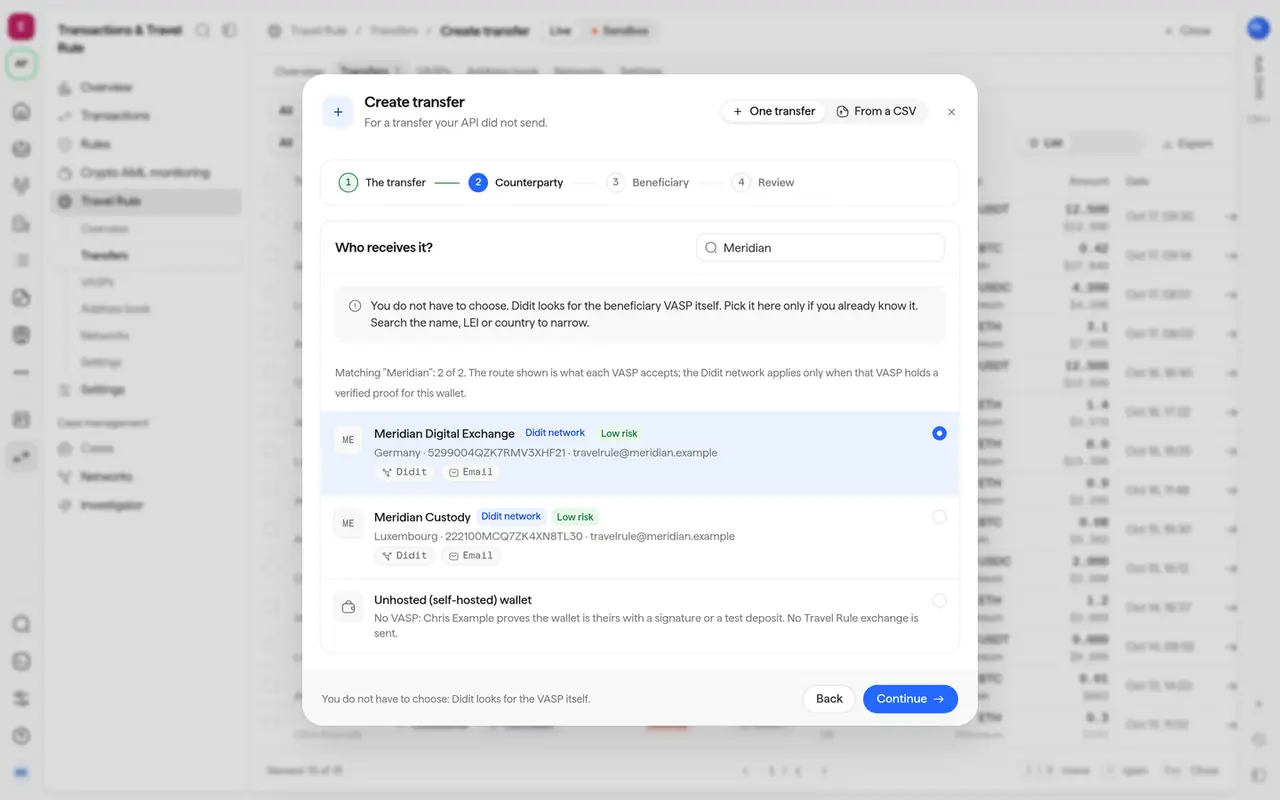
travel_rule summary for the rail, the status and the reason before you touch a rule.| Status | What it means | Fix |
|---|---|---|
| 401 | The key is wrong, malformed, revoked or expired | Check DIDIT_API_KEY, then create a new key |
| 403 | No x-api-key was sent, the key has no permission for this action, or the request came from outside the key's IP list | Send the header, then read the {"detail": "..."} body and grant the permission or fix the IP list |
| 429 | Rate limit or quota reached | Wait for Retry-After, then retry with backoff. Paginate with a sane limit instead of very wide pages in a tight loop |
The full status table, including 5xx and when a retry is safe, is in Didit API errors.
Disconnecting
To retire the dashboard, revoke the API key and remove the Didit connector from your AI client if you added it there. The list endpoint has no side effects. Transactions deleted in the Console are not returned by the list endpoint.
Cost of both ends
Didit prices the monitoring, not the dashboard. The list call has no separate per-call charge: it runs no check, changes nothing and returns rows you already paid to monitor. What you pay for is what you submit. Transaction Monitoring is $0.001 per transaction beyond the plan allowance, with 1,000 a month included on Free, 10,000 on Growth and 100,000 on Scale. Wallet screening is $0.15 per screening and a Travel Rule exchange is $0.02 per outbound exchange, each billed as its own line. On your side, the work is the table, the newest-first paging walk and the webhook handlers that re-read a row when its status changes.
Worked example at Growth prices for a month with 60,000 monitored transactions, of which 20,000 are crypto transfers screened once each and 5,000 are outbound Travel Rule exchanges:
- Billable transactions: 60,000 minus 10,000 included = 50,000 x $0.001 = $50.00
- Wallet screening at the 4% Growth discount: 20,000 x $0.144 = $2,880.00
- Travel Rule at the 4% Growth discount: 5,000 x $0.0192 = $96.00
- Usage total: $50.00 + $2,880.00 + $96.00 = $3,026.00
- Less the $115.00 Growth plan credit: $3,026.00 - $115.00 = $2,911.00
- Plan fee: $99.00 a month
- Total for the month: $2,911.00 + $99.00 = $3,010.00
On Scale the same month includes 100,000 transactions, so the transaction line is $0.00. At the 10% discount, 20,000 x $0.135 = $2,700.00 and 5,000 x $0.018 = $90.00, which is $2,790.00 of usage. Less the $350.00 Scale credit: $2,790.00 - $350.00 = $2,440.00. Plus the $299.00 plan fee: $2,739.00 for the month. The $0.001 transaction price does not change on any plan. Growth includes $115 of monthly credit and Scale $350, applied to usage before top-ups, and unused plan credit expires at the end of the plan month. If you bring your own screening provider and run it inside Didit, model that line on your own agreement with that provider.
Sources
- Didit docs: List Transactions API
- Didit docs: Submit transactions payload and data model
- Didit docs: Transaction risk scoring, formula and thresholds
- Didit docs: KYT alerts, held transactions and triage
- Didit docs: Travel Rule API
- Didit docs: Transaction monitoring integration guide
- Didit docs: API errors, status codes and fixes
- Didit docs: API authentication
- Didit pricing and pricing as JSON, read November 26, 2026
- Didit MCP server setup
- FATF Recommendation 16 and the travel rule context
- EUR-Lex for the EU Transfer of Funds Regulation text
Next step: open the sandbox at https://business.didit.me/, submit one transaction and read it back from the list API. No sales call, and the sandbox is free on every plan.
Try it
Try this in the sandbox
Run the check this guide describes, free.
The product this post is about, taken from its topic. Run it free in the sandbox.
Author
Alberto Rosas
Co-founder and CEO

Keep reading
Other guides in the same topic.
 Didit Signed PDF Download API for KYC and KYB E-Signatures
The signed PDF is one GET on the Sessions API, using the signature step ID and the document ID that the decision already carries. It needs read:sessions, and it answers 409 when the stored file no longer matches the signed hash.
Alberto RosasNov 26, 2026 How to Monitor Didit Webhook Destination Failures (2026)
The Didit Destination Activity API returns webhook failure alerts newest first with occurrence timestamps and failure counts. Page with limit and offset, follow next until null, and alert on each destination's health status.
Alberto RosasNov 26, 2026 Build a KYB Analyst Review Queue with the Businesses API
Call GET https://verification.didit.me/v3/businesses/?status=FLAGGED with a key whose role grants list:businesses, follow next to page, then rank the queue in your own code by last_activity_at and in_review_count.
Alberto RosasNov 26, 2026Questions
Frequently asked questions
What does the Didit transactions API return?
It returns a paginated list of monitored transactions, newest first by txn_date. Each row carries score, severity, status, the decision reason code and label, direction, amount, currency, denormalized subject and counterparty fields, tags, the assigned reviewer name, and the Travel Rule status plus a Travel Rule summary. It is a summary list, so open a single transaction by id for the rule-level detail.
Can I trust the count field for pagination?
Only up to a point. count is a bounded counter, exact up to 100 and capped above, and it follows the Travel Rule status and assignee filters you pass. total_transactions is the unfiltered application-wide total: it counts every transaction in the application even when a filter is applied, so it is not the filtered result count.
How do I page through transactions without missing rows?
Use limit with offset, or follow the next URL from the previous page. Because results are ordered by txn_date descending with created_at as tie-breaker, new transactions arriving mid-export shift the offsets. Walk from newest to oldest, keep the oldest timestamp you have, and drop duplicates by uuid.
Can I filter the transactions list by status, party or date range?
Not through the API. The list endpoint accepts travel_rule_status and assignee as filters, plus limit and offset for paging, and nothing else. For party, status, severity and date-range views, use the filters in the Didit Business Console or filter the rows in your own store after you fetch them.
How do I list only transactions stuck in Travel Rule?
Pass travel_rule_status with the exact status you want, for example ON_HOLD. The endpoint then returns only transactions whose Travel Rule transfer is in that status, and count follows the filter. To see why a transfer is stuck, read the reason and next_actions fields inside the travel_rule summary on the row.
How do I show only the reviews assigned to me?
Pass assignee=me with a reviewer user token, because me resolves to the calling reviewer. With a plain API key, use unassigned for the shared queue, rules for transactions decided by the rules alone with no reviewer involved, or a specific member email. The parameter accepts a comma-separated list and any matching value returns the row.
Should a KYT dashboard sort risk by score or severity?
Sort by score. Every matched rule adds its score_delta to a score that starts at 0, and the thresholds turn that number into APPROVED, IN_REVIEW or DECLINED. The severity field is nullable and legacy, and new rule evaluations do not set it, so a severity column will be empty on current data.
Is there a separate alerts endpoint?
No. There is no separate alert record and no alert endpoint. A transaction in IN_REVIEW or AWAITING_USER is an open alert, so you list held transactions with the same GET /v3/transactions/ call and read status. The alerts array on transaction detail is always empty today.
What do I do with a 403 or 429 from the transactions endpoint?
A 403 means no x-api-key was sent, the key lacks permission for this action, or the request came from outside the key's IP list, so read the detail body and fix the key. A 401 means the key is wrong, revoked or expired. A 429 means a rate limit or quota was reached, so wait for Retry-After and retry with backoff.
How do I export transactions for an audit?
Loop the list endpoint with limit and offset from newest to oldest and store each row by uuid. Put total_transactions at the top of the export as the reconciliation figure. Because transactions deleted in the console are not returned, schedule the export if the file has to survive deletions.
Does calling the list endpoint change anything or cost extra?
No. The list endpoint is a pure read with no side effects, so it creates nothing, changes no status and does not re-run rules, and it carries no separate per-call charge. You pay for the monitored transactions you submit, for wallet screening at $0.15 per screening and for Travel Rule at $0.02 per outbound exchange. A pure read also makes a retry safe after a network error, which matters when a webhook handler re-reads a row.
Does Didit provide an MCP server for AI assistant access?
Yes. Didit provides a hosted MCP server at https://mcp.didit.me/mcp with OAuth sign-in. Setup is documented at https://didit.me/developers/mcp/.
Compliance built in
Audited, certified and attested.
We hold the certifications and build each country's rules into your flows, so you can launch anywhere without worrying. Security and Compliance center
- Regulation encoded into your flows
Tell us what you do and where. Didit lists the rules that apply to you, with sources, and builds the checks each country needs into one workflow.
- Ready for AMLR
Every requirement of the new EU anti-money laundering rules, from checking customers to human review, is already covered by a Didit check.
- Tested in Spain's Treasury sandbox
Spain's Treasury published its supervised sandbox report on Didit's NFC plus active liveness onboarding; SEPBLAC took part and valued the added measures positively.
- Audited, not self-declared
iBeta Level 1 and Level 2. Liveness tested under ISO/IEC 30107-3.
Your obligations · 3 regions
 SOC 2 Type 2
 ISO 27001
 iBeta Level 1 and Level 2
 EU regulator attestation
 FSM youth protection
 GDPR
 EBA remote onboarding
 MiCA compatible
 FIDO Alliance member
- AMLREU AML Regulation ready
Integration · Didit MCP
Run Didit from your own AI agent
Connect Didit to Claude, Cursor, VS Code or ChatGPT and just ask in plain words. Your agent can do anything you can do in the console, with the same permissions you have.
 Add to Claude
 ChatGPT
 Cursor
- Build workflowsDescribe the checks you need. The agent creates and publishes the flow.
- Run investigationsAsk why a session was declined, review cases, search people and companies.
- Change rulesCreate payment rules, test them on past data and switch them on.
- Pull reportsAsk for numbers, exports or the audit log.
Didit Academy