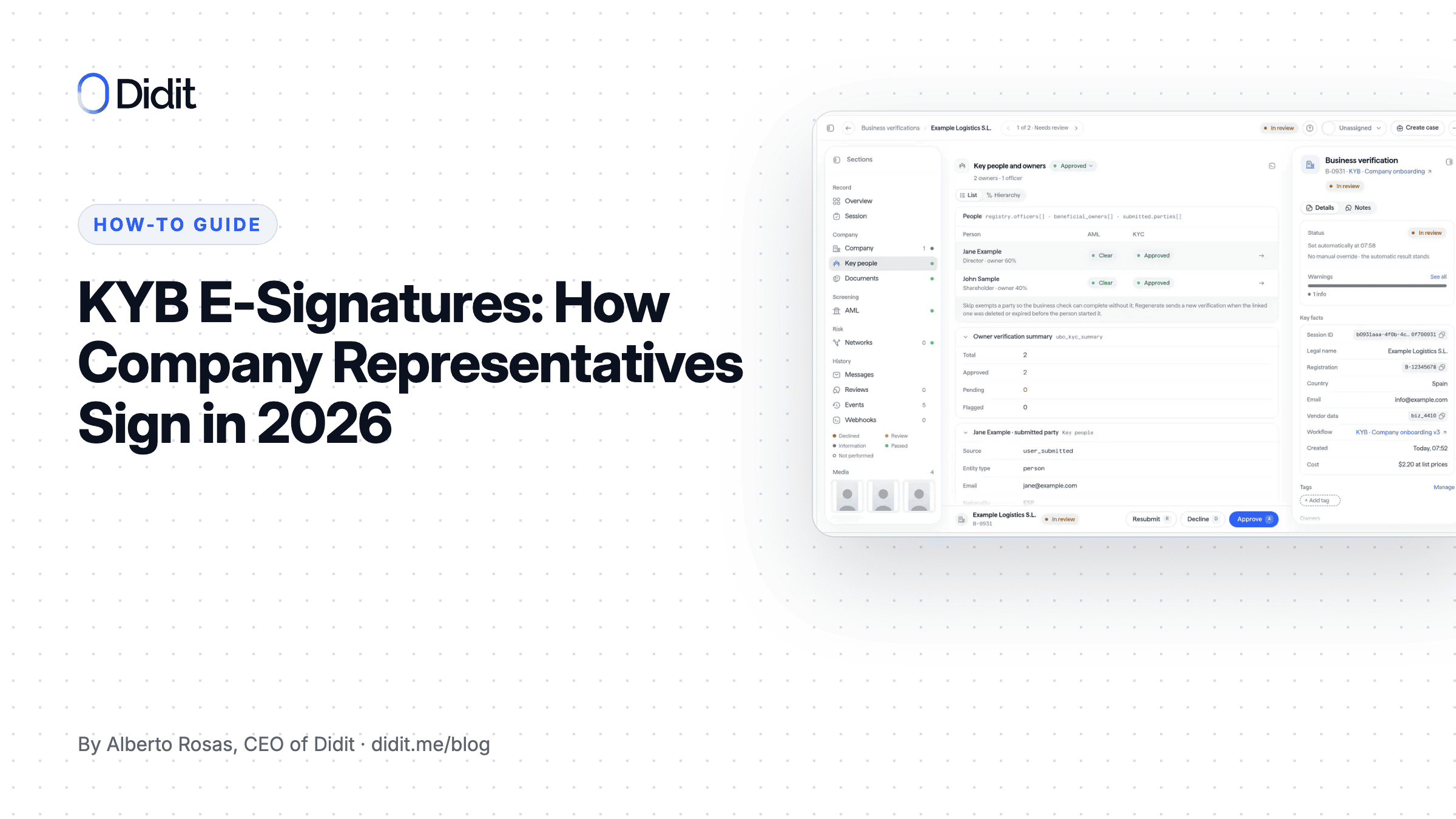
KYB E-Signatures: How Company Representatives Sign in 2026
Add an E-signature step to your KYB workflow after Key People, set signature_level to aes and signature_signer to legal_representative. Each representative completes KYC, signs in the hosted flow, and Didit returns the signed.
 Alberto RosasCo-founder and CEO
Contents
In this guide
Jump to the part you need.
This guide is for teams that verify a business with Didit and then need the company's legal representatives to sign a contract, mandate or account agreement without leaving the verification flow. KYB starts at $2.00 per company, and the E-signature docs we cite do not publish a separate price for the signing step. The main caveat: KYB signers must use the Advanced (AES) level, because Didit refuses the Simple level for a company signer.
Last updated: November 26, 2026. Prices checked against the live Didit price feed on November 26, 2026.
| Item | What you set |
|---|---|
| Who signs | signature_signer: legal_representative picks representative and authorized_signatory, falling back to director, non_executive_director, chairman or company_officer when the company names no representative. key_people picks every eligible key person, 1 to 20 signers. |
| Signature level | signature_level: aes. Required for KYB signers. simple is refused. |
| Signing order | signer_sequence: single, ordered or parallel. |
| Where documents come from | Workflow documents uploaded in the console, or signature_documents_source set to session or both for per-session documents. |
| Prerequisites | A Key People step whose people complete their own KYC: approved ID verification, verified email or phone, and approved liveness if the workflow has it. |
| Price | No separate E-signature price is published in the sources we cite, so confirm it on the pricing page. KYB registry retrieval from $2.00 per company. Linked KYC $0.33 per person. Key People extraction is free. |
| Where the result lands | signatures[] in the KYB decision, one item per signer and signature step, plus an evidence PDF per signature. |
Start free in the sandbox at business.didit.me, with no sales call. Developers who want an AI assistant to drive the setup can connect Didit through the MCP server. The product page is Business Verification and every unit price is on didit.me/pricing.
The outcome and the method we recommend
The outcome is a company that passes KYB, where each legal representative completes their own identity check and then signs your PDF or Word documents inside the same hosted flow. You receive the signed files, a hash pair for the original and signed document, and an evidence PDF that records who signed and how.
We recommend one KYB workflow with three parts in order: a company registry lookup, a Key People step, and an E-signature step configured at the AES level. E-signature is a workflow step, not a standalone signing API. The person signs inside the hosted Didit flow, the Web SDK or a native SDK, and your backend collects the result from the decision.
Two design choices cause most support tickets. The first is leaving the signature step at the default Simple level, which cannot be saved on a KYB workflow. The second is expecting the company admin to sign on everyone's behalf. In Didit each signer is a natural person with their own approved identity check, so the company admin submits the people and each eligible signer signs the configured document inside the hosted flow.
Prerequisites
- A Didit application with KYB enabled, and an API key from Developer Settings, API Keys. Create the application at business.didit.me if you do not have one.
- A KYB workflow (
workflow_typeiskyb) with company registry lookup enabled, because the fallback roles for a signature depend on the officers the registry returns. - A Key People step with the roles you intend to collect enabled, and KYC required for
representativeandauthorized_signatory. Without this step the AES prerequisites cannot be met. - Email Verification (email codes, the default) or Phone Verification (SMS codes) in the workflow, so the one-time code reaches a contact the person already verified.
- If the workflow includes Liveness, that check must also be approved before the signature can be completed.
- Your documents as PDF or Word, and a webhook endpoint reachable from the internet to receive
status.updated.
Steps to collect representative signatures
Open the Business Console, go to Workflows, create a workflow and choose Business Verification as the type. Enable Company registry lookup, Key People and the E-signature step. Save and copy the
workflow_id.Configure the Key People step. Enable the governance and representation roles you collect:
representative,authorized_signatory,director,non_executive_director,chairman,company_officer. Mark the representative roles as required for KYC so they cannot be skipped. Every role can be individually enabled or disabled, required or optional, and mapped to a specific KYC workflow.Configure the E-signature step. There is a console form for this, or the same call against your KYB workflow:
curl -X POST 'https://verification.didit.me/v3/workflows/' \ -H 'x-api-key: YOUR_API_KEY' \ -H 'Content-Type: application/json' \ -d '{ "feature": "SIGNATURE", "config": { "signature_level": "aes", "signature_signer": "legal_representative", "signer_sequence": "parallel", "signature_documents_source": "session" } }'signature_signerdecides who is asked to sign.legal_representativepicks key people with the rolerepresentativeorauthorized_signatory, or, when the company names neither, the people who run it:director,non_executive_director,chairmanorcompany_officer.key_peoplepicks every eligible key person, from 1 to 20 signers.signer_sequenceofsingleselects one representative,orderedrequires representatives to sign before the others, andparallellets the selected key people sign independently. Keepsignature_levelataes: a KYB signature step set tosimpleis refused withsignature_simple_requires_verified_personand the workflow cannot be saved.Add the documents. Upload them in the console, or set
signature_documents_sourcetosessionorbothto send them per session. Place fields on each document:signature,initials,full_name,date_signed,text,checkbox,emailand read-only data. Workflow documents get their fields in the console template editor. Session documents carry them insign.documents[].fields, placed by page and position or by anchor text. Any field can take its value from the session: give it a prefill ofapi.<key>and send that value insign.field_values.Create the session. This is the runnable example from our docs, with one agreement and two fields:
curl -X POST 'https://verification.didit.me/v3/session/' \
  -H 'x-api-key: YOUR_API_KEY' \
  -H 'Content-Type: application/json' \
  -d '{
  "workflow_id": "YOUR_WORKFLOW_ID",
  "vendor_data": "user-1234",
  "sign": {
    "documents": [
      {
        "title": "Account agreement",
        "file_name": "agreement.pdf",
        "content_base64": "<base64 of the PDF>",
        "fields": [
          { "key": "signature", "type": "signature", "page": 3, "x": 0.09, "y": 0.62, "width": 0.36, "height": 0.085 },
          { "key": "credit_limit", "type": "data", "page": 1, "x": 0.34, "y": 0.31, "width": 0.3, "height": 0.03, "prefill": "api.credit_limit" }
        ]
      }
    ],
    "field_values": { "credit_limit": "3,000 EUR" }
  }
}'
Pass your KYB
workflow_id, so Didit creates a business session. For a per-session document the signer signs this exact copy, and Didit storessha256_originalandsha256_signedso you can prove the file did not change between upload and signature.Deliver
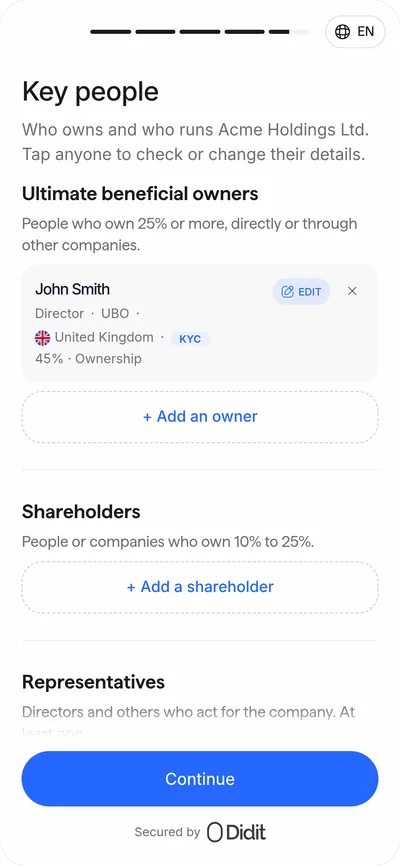
session.urlto the business contact, or open it with the Web SDK or a native SDK. The contact confirms the company data and adds the key people; the Key People step then spawns a child KYC session for each person whose role requires verification, and each of them completes their own check before signing. Documents with fields need a native SDK release that supports fields; the hosted page and the Web SDK always do.Wait for the
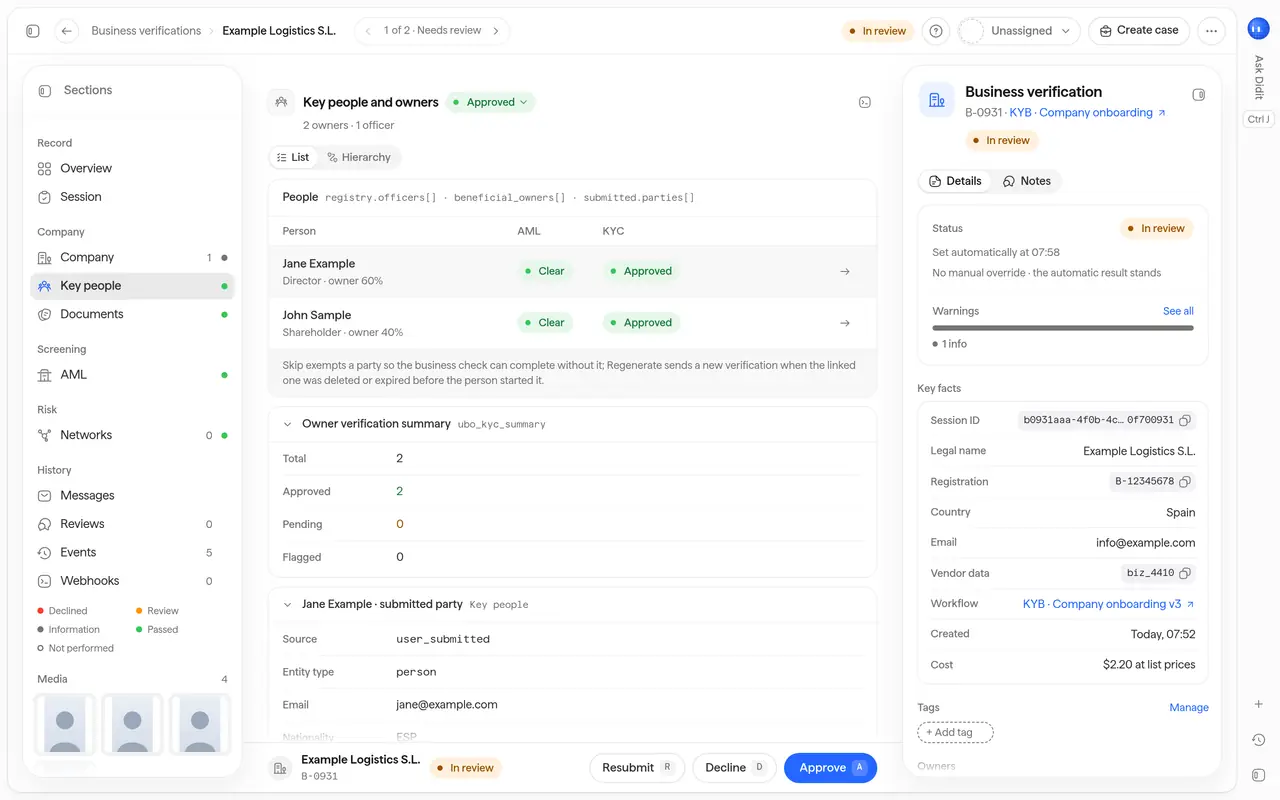
status.updatedwebhook withsession_kindset tobusiness, then callGET /v3/session/{session_id}/decision/. Readsignatures[]next tokey_people_checks[]. While any required child verification is still running, the Key People status isAwaiting Userand the signature step cannot be completed.Download the signed file, the evidence PDF and, if you need it, the applied signature image. Then validate the stored signatures once more before you file them.
GET /v3/session/{session_id}/signatures/{node_id}/documents/{document_id}/file/
GET /v3/session/{session_id}/signatures/{node_id}/evidence/?signature_id={id}
GET /v3/session/{session_id}/signatures/{node_id}/fields/{field_id}/image/
POST /v3/session/{session_id}/signatures/{node_id}/validate/
All four accept the same
x-api-key.
Expected output
The session create call returns session_id, session_number and url. The url is the hosted link the representatives use. When everything is finished, the decision contains signatures[] with one item per signer and signature step. Each item carries:
status: the signing stage, one ofintro,review,code,signing,signedordeclined.verdict:Not Finished,Approved,In RevieworDeclined.level(aesfor a company signer),format(padesfor AES and QES) andprofile, which isPAdES-B-LTonce an AES or QES step is signed.signer,identity_used,confirmation,certificate,timestamp,adopted_signatureandelectronic_signature_consent_at.documents[]withsha256_original,sha256_signed,status,signed_file,source_formatandfields[].evidence_fileandwarnings[]as{code, node_id}pairs.
Failure cases and recovery
| What you see | Why | Recovery |
|---|---|---|
signature_simple_requires_verified_person when saving the workflow | The KYB signature step is set to simple | Set signature_level to aes and save again |
SIGNATURE_IDENTITY_NOT_VERIFIED | The signer's own identity check is not approved | Resubmit that person's child KYC session. When the session or the feature is resubmitted, re-deliver the existing session url. Regenerate the party only if the child session was deleted or its link expired before the person started |
SIGNATURE_OTP_FAILED or SIGNATURE_OTP_NOT_CONFIRMED | The one-time code was not entered or not confirmed | Record the warning and route it through your review process. Re-deliver the existing session url only when the session or the feature is resubmitted |
SIGNATURE_NAME_MISMATCH | The name entered for the signature does not match the verified identity | Check the party data in Key People, correct it, then record the warning and route it through your review process |
SIGNATURE_DECLINED (defaults to REVIEW) | The signer declined | Record the reason and the warning, then route the session through your review process |
SIGNATURE_DOCUMENT_CHANGED (defaults to DECLINE) | The document hash no longer matches the uploaded original | Treat as declined and investigate before re-issuing a new document |
Session stays Awaiting User | A required child KYC session is still in progress | Nothing to fix: nudge the person, or regenerate an expired party link |
400 Bad Request on session create | An invalid workflow_id, or another field that failed validation | Send a published KYB workflow id and read the error body to see which field failed |
| A session that runs KYC steps instead of KYB | The workflow_id belongs to a KYC workflow. No error is raised: the session is created and runs KYC steps | Verify the workflow's workflow_type is kyb before creating the session, then create a new one |
400 reporting that you do not have enough credits on session create | The prepaid balance cannot cover the check | Top up at business.didit.me, then retry |
502 with code: kyb_registry_provider_unavailable | The registry provider is down during company search | Not billed. Retry, or let the business use manual company entry in the hosted flow |
429 | Rate limit or quota reached | Wait for the Retry-After header and retry |
Key People and the registry check cannot be resubmitted directly. To re-verify one person, resubmit that person's child KYC session; the parent Key People feature returns to Awaiting User and re-aggregates when the child finishes. A party whose session was deleted, or whose link expired before the person started, is reissued with POST /v3/session/{session_id}/kyb/parties/{party_uuid}/regenerate/.
Inputs and outputs
| Direction | Field or object | Notes |
|---|---|---|
| Input | workflow_id | Must reference a published KYB workflow with the signature step at AES level |
| Input | vendor_data | Your business id, binds the session to the Business entity |
| Input | sign.documents[] | Title, file name, base64 content and fields, only when documents come per session |
| Input | sign.field_values | Values for fields that use the api.<key> prefill |
| Output | session_id, url | The id you poll or read into, and the hosted link you deliver |
| Output | signatures[] | One item per signer and signature step, with verdict, level and documents |
| Output | signed_file, evidence_file | Download paths for the signed PDF and the evidence PDF |
| Output | warnings[] | {code, node_id} pairs that tell you why a signature is in review or declined |
Paid steps and review boundaries
Every paid item below is charged per completed check from prepaid credit. Plan credit is added monthly and does not roll over; top-ups last 12 months.
- KYB registry retrieval: from $2.00 per company, priced by country and data tier.
- Company AML screening: $0.20 per check. Person AML: $0.20 per UBO or officer.
- Linked KYC for each key person: $0.33 for the full check (ID document $0.15, passive liveness $0.10, face match 1:1 $0.05, device and IP $0.03).
- KYB document collection step: $0.20 per step, whatever the number of uploads inside it.
- E-signature step: no separate price is published in our sources, so confirm it on the pricing page before you budget.
- Email verification: $0.02 per check. Phone verification: from $0.02 per check plus the carrier price for the country and channel.
- Key People extraction: no separate fee. Reusable KYC, the workflow orchestrator and the MCP server are free.
- Sandbox testing: free and unlimited.
Review boundaries matter here. A signature warning such as SIGNATURE_DECLINED defaults to REVIEW, so the session sits in In Review and waits for an analyst rather than being auto-approved. SIGNATURE_DOCUMENT_CHANGED defaults to DECLINE. When a reviewer edits registry data or Key People in the console, Didit sends a data.updated event with session_kind set to business, so your system sees the change instead of assuming the original submission stands. Your own onboarding logic should branch on decision.status: Approved to onboard, Declined to reject and log the warnings, In Review to wait for the next webhook, and Resubmitted to notify the business.
Worked cost example
One company, three representatives who each complete a linked KYC with email codes and sign the same agreement, in a workflow that collects one document step, at list prices:
- KYB registry retrieval from $2.00 per company, at the lowest country and data tier: $2.00
- Company AML screening: $0.20
- Linked KYC for three people: 3 x $0.33 = $0.99
- Person AML for three people: 3 x $0.20 = $0.60
- KYB document collection step: $0.20 (one step)
- Email verification for three signers: 3 x $0.02 = $0.06
Total per company, excluding E-signature because no price is published in our sources: $2.00 + $0.20 + $0.99 + $0.60 + $0.20 + $0.06 = $4.05. On the Growth plan the Didit prices carry a 4% discount, so $4.05 x 0.96 = $3.888, about $3.89. Registry retrieval varies by country and data tier (Lite, Shareholders, UBOs), so read the exact figure on didit.me/pricing before you quote it internally.
Sources
- Didit docs: E-signature API, sign documents after KYC
- Didit docs: KYB Key People, UBOs and officers
- Didit docs: KYB integration guide
- Didit docs: KYB quickstart
- Didit docs: Create Session API
- Didit docs: Workflow builder
- Didit docs: API errors, status codes and fixes
- Didit pricing page and live price feed, read November 26, 2026
- Didit pricing as JSON, read November 26, 2026
- Didit public price book, every line price, read November 26, 2026
- Didit Business Verification product page
- Didit MCP server setup
Next step: create a free application at business.didit.me, build the KYB workflow with Key People and the AES signature step in the sandbox, and test the whole flow before you touch production. Sandbox testing is free and there is no sales call.
Try it
Try this in the sandbox
Run the check this guide describes, free.
The product this post is about, taken from its topic. Run it free in the sandbox.
Author
Alberto Rosas
Co-founder and CEO

Keep reading
Other guides in the same topic.
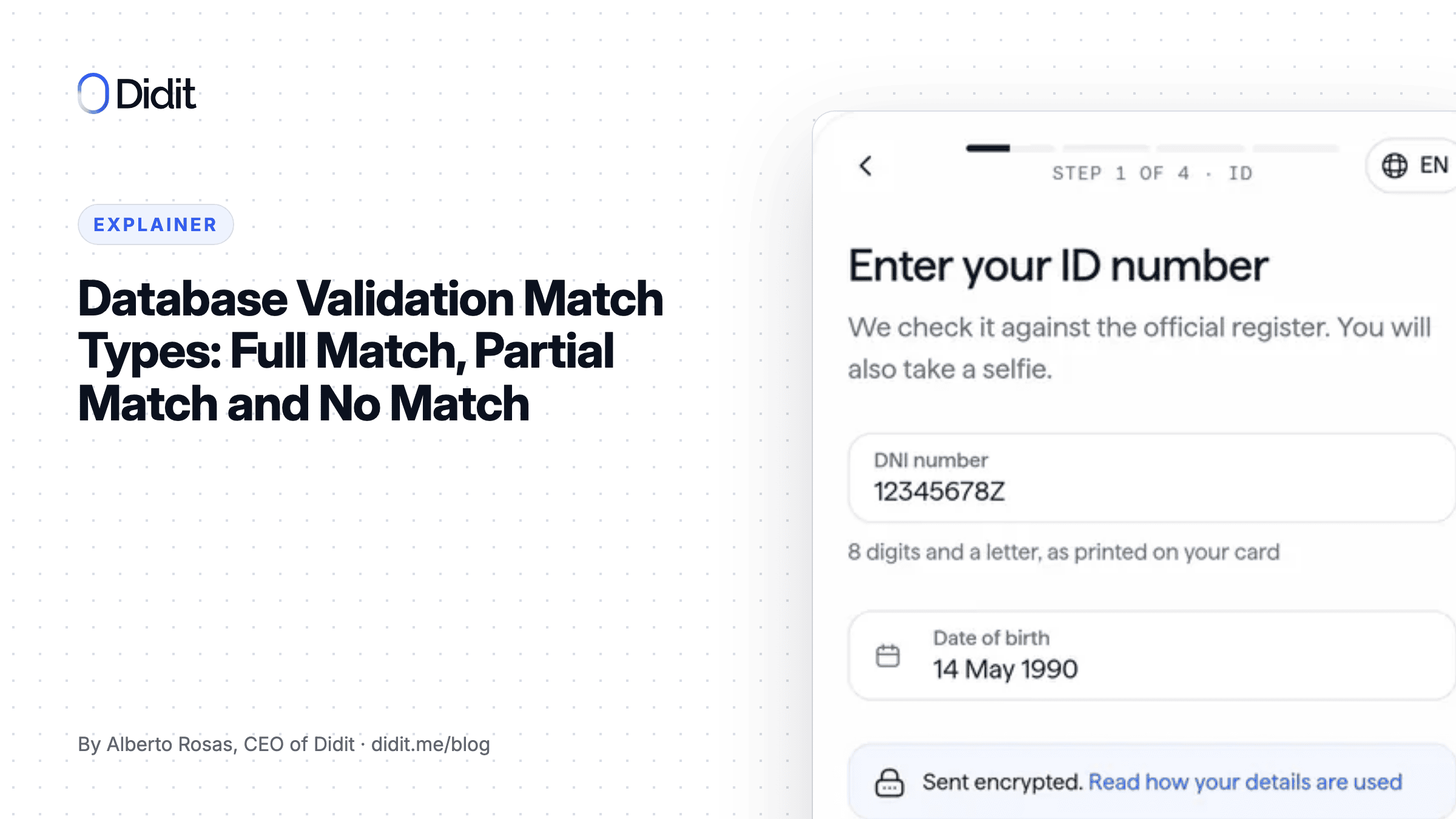 Database Validation Match Types: Full Match, Partial Match and No Match
Database validation returns one of three match types: full match (the submitted details match the registry record), partial match (some fields differ, so the workflow applies its configured partial-match action) and no match.
Alberto RosasNov 26, 2026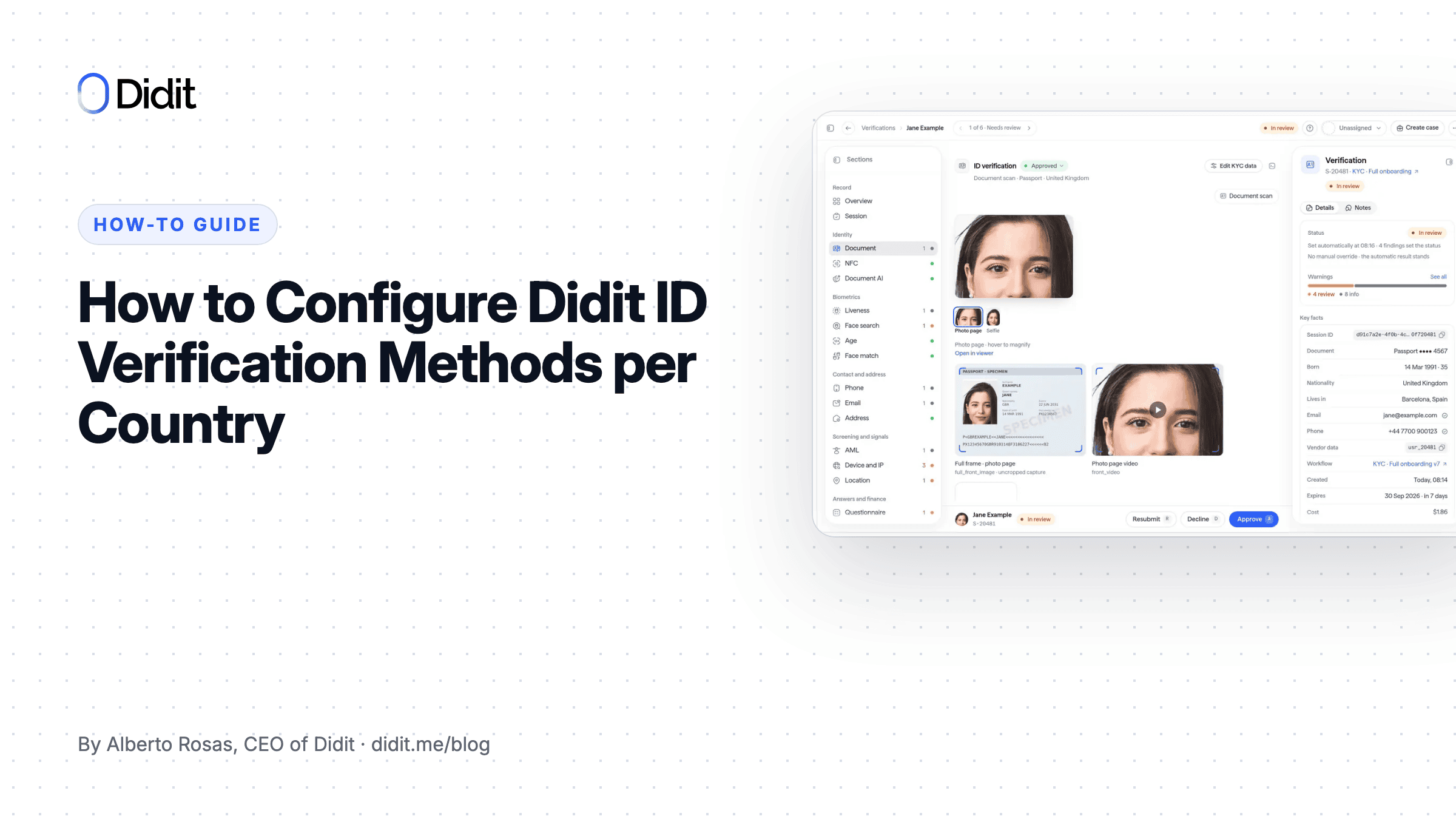 How to Configure Didit ID Verification Methods per Country
Turn on national ID lookup for a country by enabling it under the methods key of the ID Verification feature config, keyed by ISO 3166-1 alpha-3. Omit it and the country stays document capture only.
Alberto RosasNov 26, 2026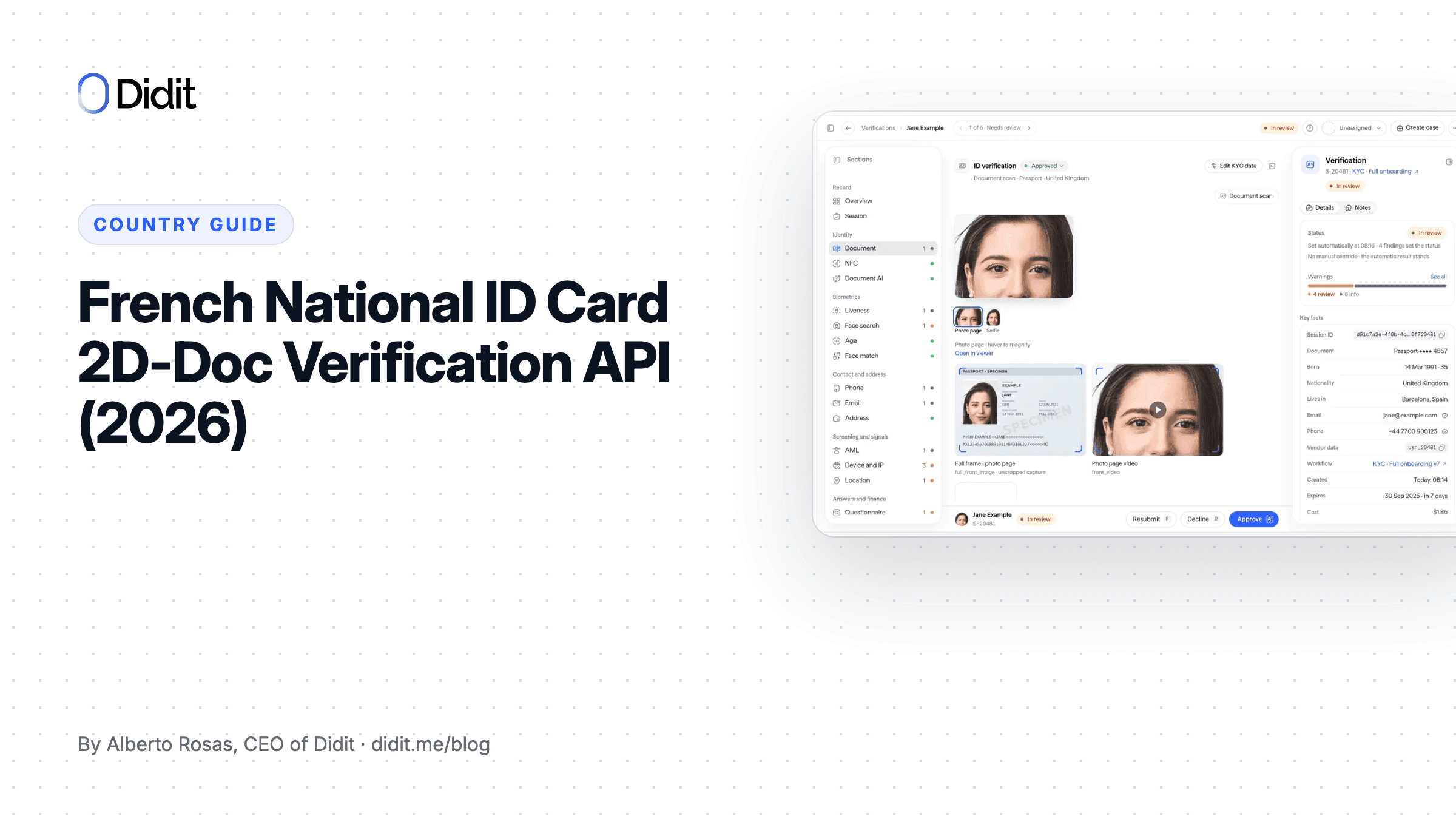 French National ID Card 2D-Doc Verification API (2026)
Didit decodes the ANTS 2D-Doc barcode on a French national ID card, verifies its signer certificate against the ANTS trust list and cross-checks visual zone and MRZ. ID Verification is $0.15 per check.
Alberto RosasNov 26, 2026Questions
Frequently asked questions
How do legal representatives sign documents in a Didit KYB workflow?
Add an E-signature step to the KYB workflow after a Key People step, set signature_level to aes and signature_signer to legal_representative. Each representative completes their own KYC inside the Key People step, then signs inside the hosted flow and confirms with a one-time code sent to the email or phone they verified. Didit returns the signed PDF and an evidence PDF.
Why is the Simple signature level refused for KYB signers?
Simple needs no identity check, so it cannot prove that the person signing is the company's representative. When a KYB workflow carries a signature step with signature_level set to simple, Didit rejects it with signature_simple_requires_verified_person and the workflow cannot be saved. Set the level to aes.
Who counts as a legal representative when the company names none?
With signature_signer set to legal_representative, Didit picks the key people whose role is representative or authorized_signatory. When the company names neither, it falls back to the people who run the company: director, non_executive_director, chairman or company_officer. That fallback depends on the Key People step and the registry data behind it.
How many signers can one KYB signature step collect?
From 1 to 20 when signature_signer is key_people, because that setting picks every eligible key person. With legal_representative the set is limited to representatives, authorized signatories and the documented fallback roles. A signer_sequence of single reduces the set to one representative.
What do single, ordered and parallel signer sequences mean?
A console signer_sequence of single selects one representative to sign. ordered requires representatives to sign first before the other selected people sign. parallel lets the selected key people sign independently, which is the usual choice when three directors must all sign the same agreement.
Do representatives need to finish KYC before they can sign?
Yes. The AES prerequisites for a KYB signer are a Key People step whose people complete their own KYC: an approved ID verification, a verified email or phone for the one-time code, and an approved liveness check if the workflow has Liveness. While a required child session is still running, the Key People status stays Awaiting User.
What does the decision return for each signature?
signatures[] holds one item per signer and signature step. Read status (intro, review, code, signing, signed, declined), verdict (Not Finished, Approved, In Review, Declined), level, format, profile (PAdES-B-LT once an AES step is signed), the signer, confirmation, documents[] with sha256_original and sha256_signed, and evidence_file.
What happens when the one-time code fails or the name does not match?
SIGNATURE_OTP_FAILED and SIGNATURE_OTP_NOT_CONFIRMED record that the code step did not complete, and SIGNATURE_NAME_MISMATCH records a mismatch between the signature name and the verified identity. SIGNATURE_IDENTITY_NOT_VERIFIED appears when the person's own check is not approved. Each warning maps to a default review or decline outcome, so you can route the session to an analyst instead of deciding yourself.
What does the E-signature step cost inside a KYB workflow?
Our sources do not publish a separate price for the E-signature step, so confirm it on didit.me/pricing before you budget. The published prices around it are KYB registry retrieval from $2.00 per company and a linked KYC at $0.33 per person, and Key People extraction has no separate fee. A company signer must use the Advanced (AES) level, so the Simple level is not an option in a KYB workflow.
Can signers sign documents I send per session instead of documents uploaded to the workflow?
Yes. Set signature_documents_source to session or both and send sign.documents with base64 content and fields on the session create call. Workflow documents are uploaded in the console and get their fields in the template editor. Documents with fields need a native SDK release that supports fields; the hosted page and the Web SDK always do.
What happens if a representative declines to sign?
The signature status becomes declined and a SIGNATURE_DECLINED warning is raised, which defaults to REVIEW. Record the warning and route the session through your review process; when the session or the feature is resubmitted, re-deliver the existing session url. If the document itself changed, SIGNATURE_DOCUMENT_CHANGED defaults to DECLINE instead.
Compliance built in
Audited, certified and attested.
We hold the certifications and build each country's rules into your flows, so you can launch anywhere without worrying. Security and Compliance center
- Regulation encoded into your flows
Tell us what you do and where. Didit lists the rules that apply to you, with sources, and builds the checks each country needs into one workflow.
- Ready for AMLR
Every requirement of the new EU anti-money laundering rules, from checking customers to human review, is already covered by a Didit check.
- Tested in Spain's Treasury sandbox
Spain's Treasury published its supervised sandbox report on Didit's NFC plus active liveness onboarding; SEPBLAC took part and valued the added measures positively.
- Audited, not self-declared
iBeta Level 1 and Level 2. Liveness tested under ISO/IEC 30107-3.
Your obligations · 3 regions
 SOC 2 Type 2
 ISO 27001
 iBeta Level 1 and Level 2
 EU regulator attestation
 FSM youth protection
 GDPR
 EBA remote onboarding
 MiCA compatible
 FIDO Alliance member
- AMLREU AML Regulation ready
Integration · Didit MCP
Run Didit from your own AI agent
Connect Didit to Claude, Cursor, VS Code or ChatGPT and just ask in plain words. Your agent can do anything you can do in the console, with the same permissions you have.
 Add to Claude
 ChatGPT
 Cursor
- Build workflowsDescribe the checks you need. The agent creates and publishes the flow.
- Run investigationsAsk why a session was declined, review cases, search people and companies.
- Change rulesCreate payment rules, test them on past data and switch them on.
- Pull reportsAsk for numbers, exports or the audit log.
Didit Academy